
Extractpics
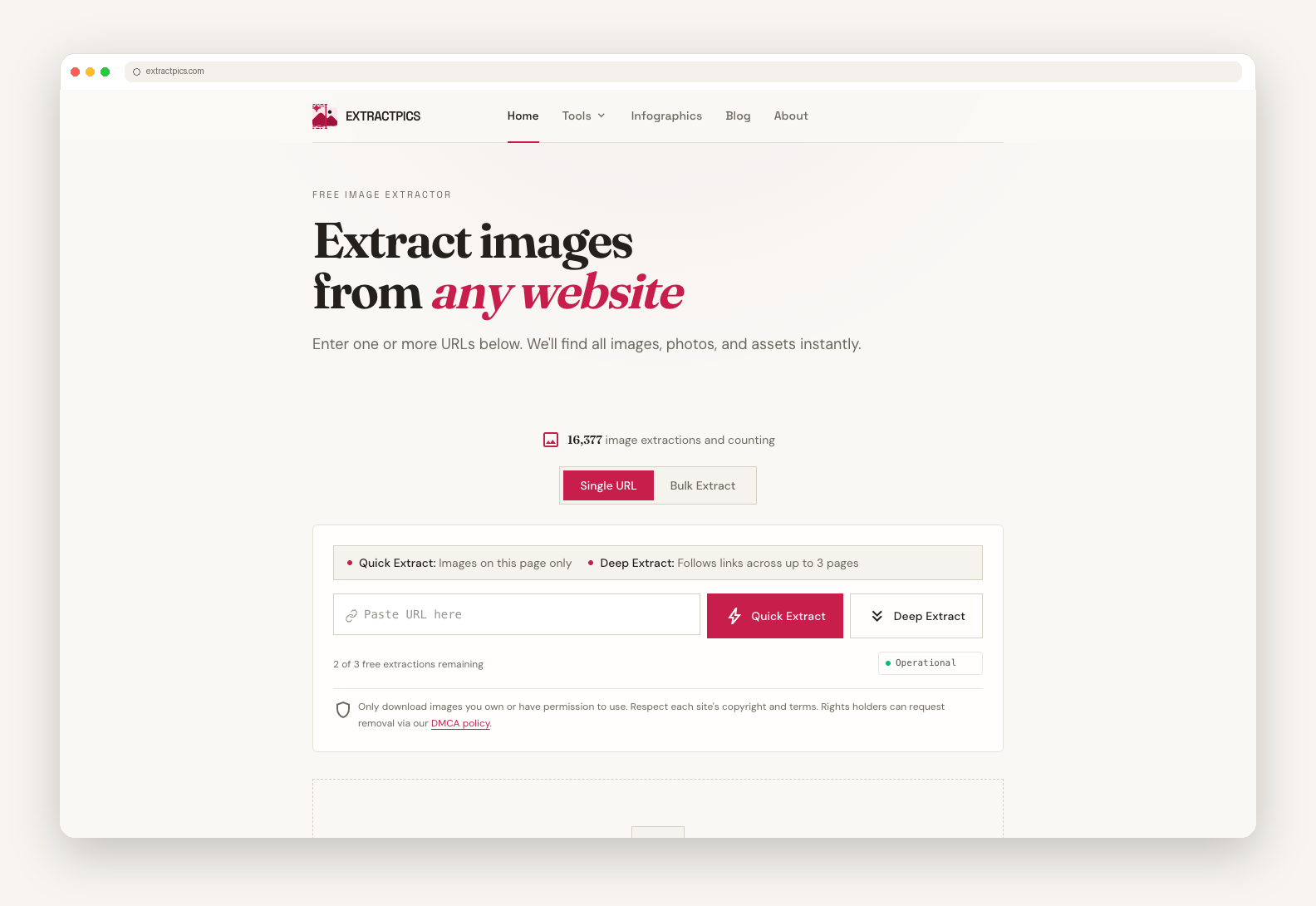
Extract and download every image from any URL instantly.
Extracting assets for site redesigns, competitive analysis, or moodboards usually means digging through DevTools or installing sketchy browser extensions.
ExtractPics makes image scraping clean, fast, and completely hassle-free:
1. Paste any link: Drop in a product page, blog post, or infinite-scroll feed.
2. Automated extraction: A real browser engine renders the site, handles lazy loading, and fetches the highest-resolution versions of every image asset available.
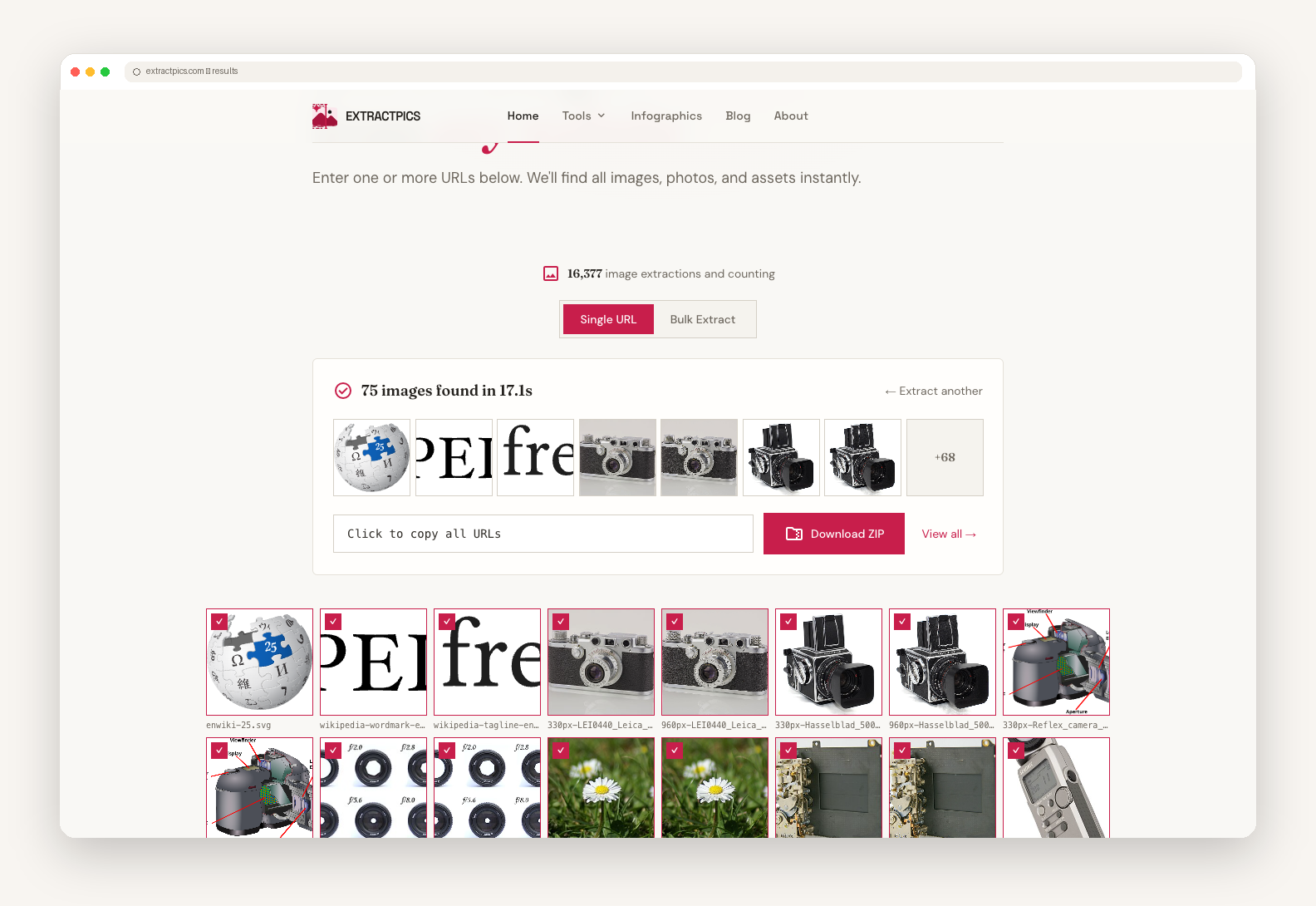
3. Download or copy: Filter by format/size, copy image URLs to your clipboard, or export everything in a structured ZIP file.
Who is it for?
- Designers: Quickly gather moodboard inspiration and visual references.
- Developers: Extract assets for site migrations and offline web projects.
- Marketers: Compile competitor ad creatives, social preview graphics, and product imagery.
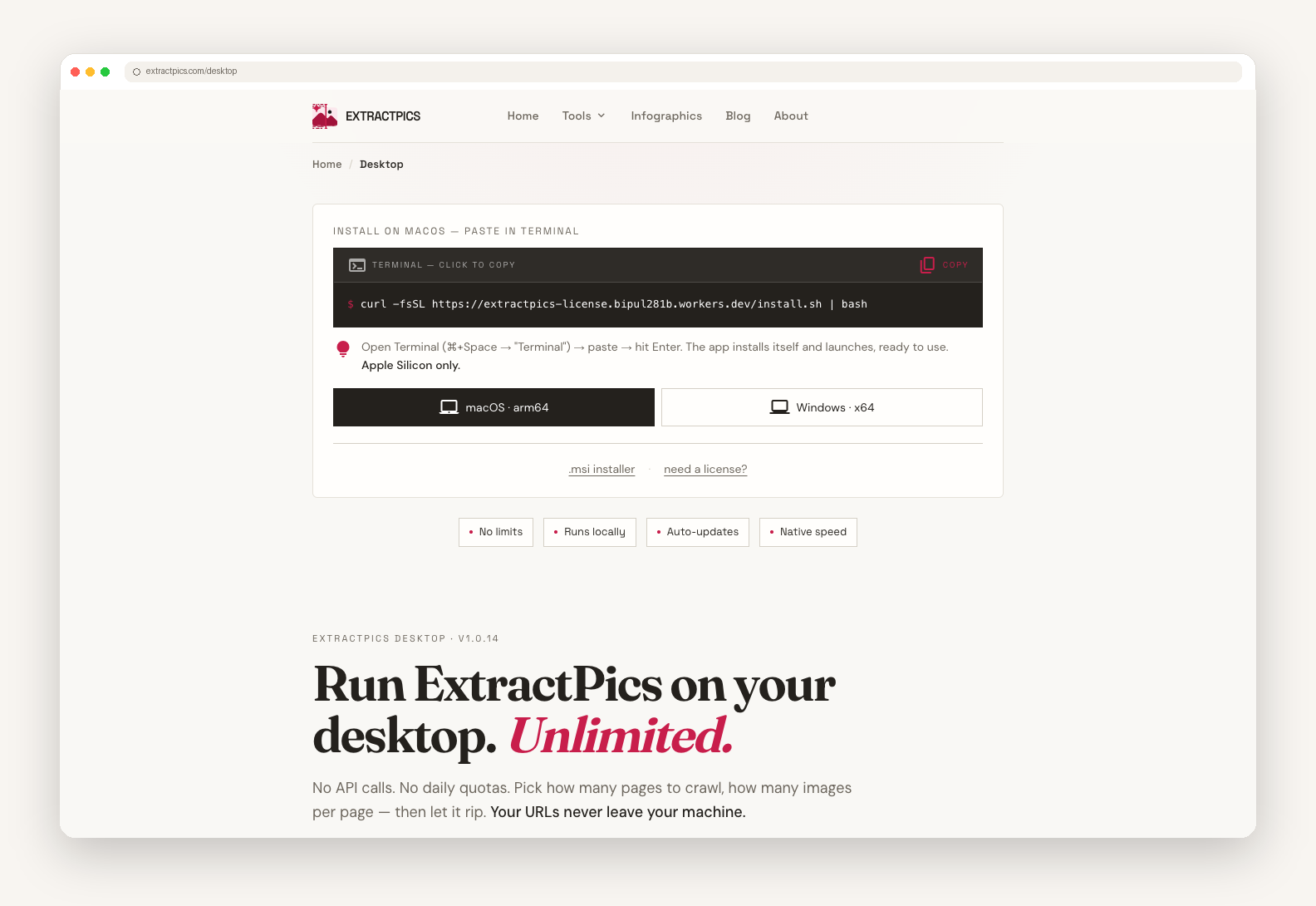
Try it out directly in your browser—no signups or downloads required!
Features
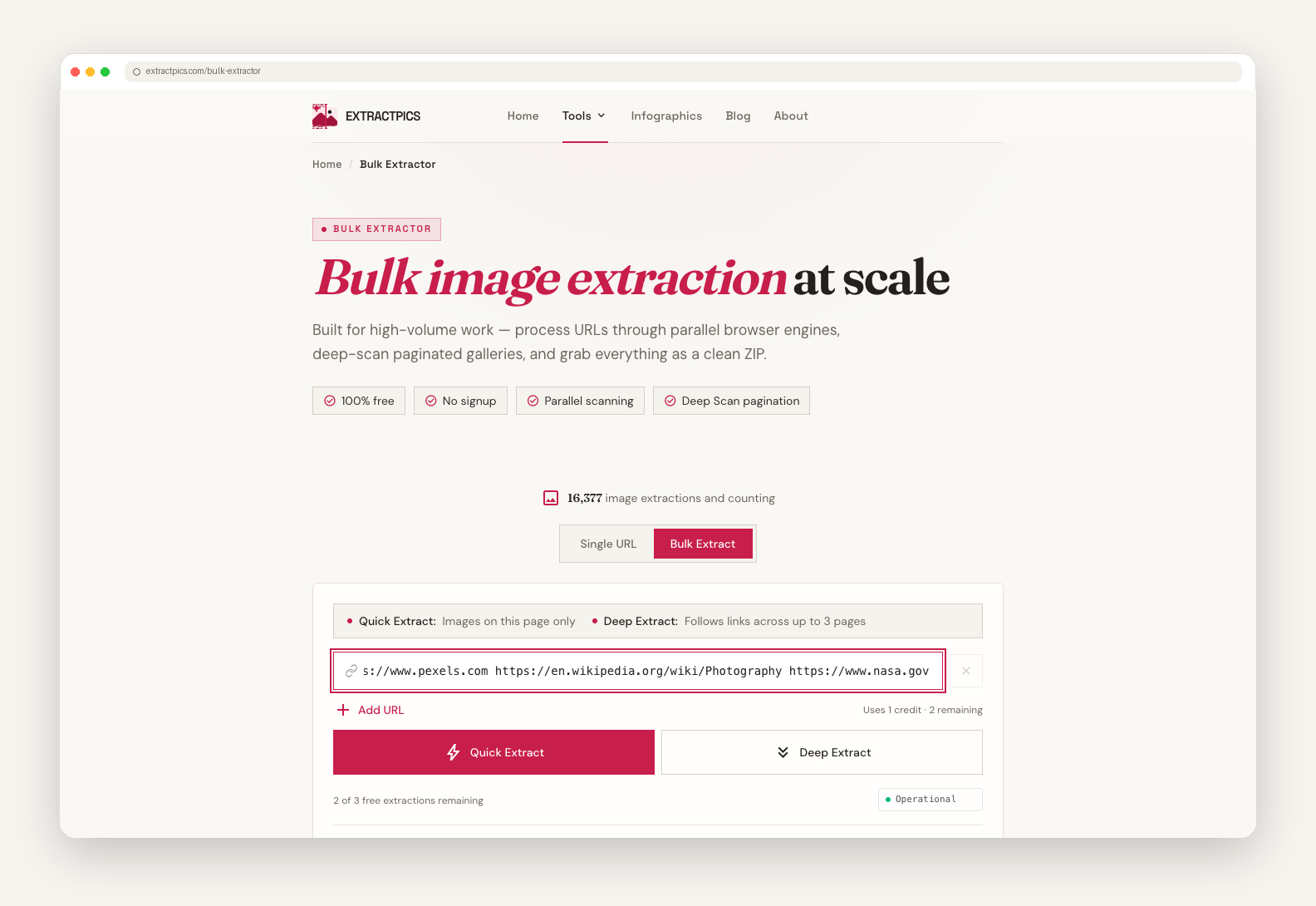
- Smart Extraction: Grab images from a single URL or perform a deep extract across up to 3 connected pages. - Modern Web Engine: Renders dynamic pages, auto-scrolls, handles lazy-loaded content, and deduplicates identical images. - Universal Format Support: Pulls JPG, PNG, WebP, SVG, GIF, AVIF, ICO, BMP, inline SVGs, and CSS background images. - Flexible Exports: Bulk-download extracted assets into a clean ZIP file or copy direct image URLs straight to your clipboard. - Image-to-URL Hosting: Upload local files to generate instant live URLs.
Use Cases
- Designers: Quickly gather moodboard inspiration and visual references. - Developers: Extract assets for site migrations and offline web projects. - Marketers: Compile competitor ad creatives, social preview graphics, and product imagery.

Comments


Really like that this solves a genuine pain point, digging through DevTools for assets is tedious, and most scraping tools require sketchy extensions or setup. Quick question: how does it handle sites with heavy lazy-loading or infinite scroll, does it auto-scroll to capture everything, or is there a manual trigger needed? Also love that there's no signup required, that's a great way to let people try it before committing. Nice work!

I tried Quick Extract on our homepage. It reported 41 images found in 17 seconds, but the results showed six selectable items and several SVGs displayed 0 B. Could the summary distinguish discovered assets from the images actually available to download? That would make it easier to tell whether filtering, deduplication or a failed fetch explains the difference.

The browser-engine approach is a smart way to handle lazy-loaded pages and capture the highest-resolution assets without making users dig through DevTools. Filtering by format and size plus a structured ZIP export sounds ideal for redesign research; an option to preserve source-page context alongside each image would make the archive even easier to revisit.

The deep extract option (following links up to 3 pages) is a nice touch, most tools like this only grab images from the main page you paste. Curious how it handles sites with infinite scroll or lazy-loaded galleries (e.g. Pinterest-style feeds), does the browser engine wait for all assets to load before extracting, or is there a scroll/wait step needed on the user's end?
Premium Products


















































Sponsors
Buy
Makers

Makers
Comments
Really like that this solves a genuine pain point, digging through DevTools for assets is tedious, and most scraping tools require sketchy extensions or setup. Quick question: how does it handle sites with heavy lazy-loading or infinite scroll, does it auto-scroll to capture everything, or is there a manual trigger needed? Also love that there's no signup required, that's a great way to let people try it before committing. Nice work!
I tried Quick Extract on our homepage. It reported 41 images found in 17 seconds, but the results showed six selectable items and several SVGs displayed 0 B. Could the summary distinguish discovered assets from the images actually available to download? That would make it easier to tell whether filtering, deduplication or a failed fetch explains the difference.
The browser-engine approach is a smart way to handle lazy-loaded pages and capture the highest-resolution assets without making users dig through DevTools. Filtering by format and size plus a structured ZIP export sounds ideal for redesign research; an option to preserve source-page context alongside each image would make the archive even easier to revisit.
The deep extract option (following links up to 3 pages) is a nice touch, most tools like this only grab images from the main page you paste. Curious how it handles sites with infinite scroll or lazy-loaded galleries (e.g. Pinterest-style feeds), does the browser engine wait for all assets to load before extracting, or is there a scroll/wait step needed on the user's end?
Premium Products
New to Fazier?

Find your next favorite product or submit your own. Made by @FalakDigital.
Copyright ©2026. All Rights Reserved