
ExportMyDocs
Export Google Docs & Word with comments and images
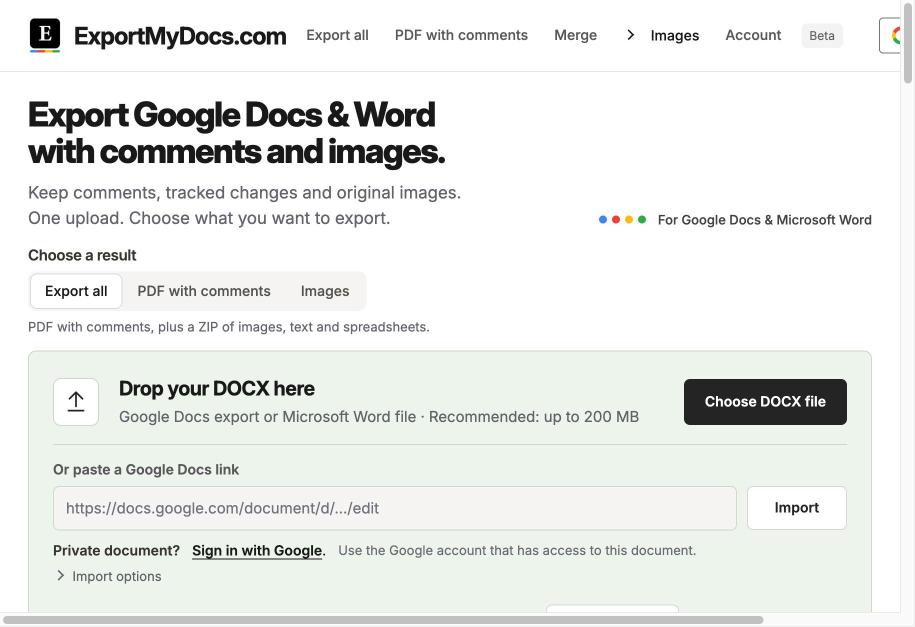
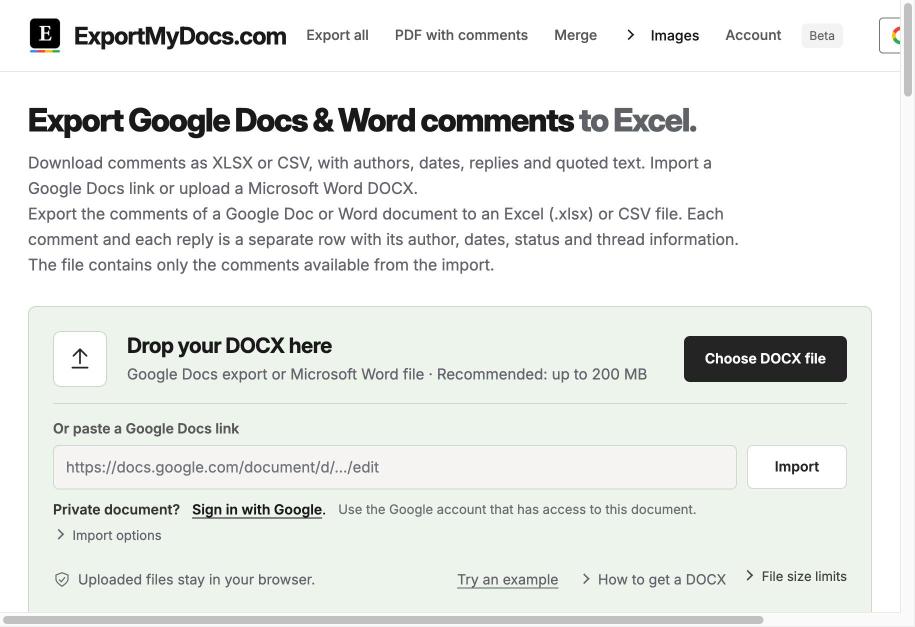
ExportMyDocs turns a Google Docs or Word (DOCX) file into the files you actually need: a PDF with comments in the margin, comments with authors, dates and replies in Excel or CSV, every original image in a ZIP, tables as XLSX, and text as Markdown or HTML. Files are processed in your browser, and your first document is free.
Features
PDF with comments in the margin. Comments to Excel/CSV with authors, dates and replies. Download all original images as ZIP. Merge documents into one PDF or DOCX. Compress embedded images. Captions and numbering for figures and tables. Extract text from images (OCR). Remove images.
Use Cases
Share a reviewed draft with clients as a PDF that keeps all comments. Track editor feedback in a spreadsheet. Pull every image out of a long report. Combine chapters into one document. Archive Google Docs in reusable formats.

Comments


Hi Fazier! I built ExportMyDocs because sharing a reviewed Google Doc or Word file always lost something: comments disappeared in the PDF, images got compressed, and feedback was hard to track. Now you upload a DOCX or paste a Google Docs link and get a PDF with comments, comments in Excel, all original images and more. Your first document is free. I'd love your feedback on what to add next!
Premium Products























































Sponsors
Buy

Comments
Hi Fazier! I built ExportMyDocs because sharing a reviewed Google Doc or Word file always lost something: comments disappeared in the PDF, images got compressed, and feedback was hard to track. Now you upload a DOCX or paste a Google Docs link and get a PDF with comments, comments in Excel, all original images and more. Your first document is free. I'd love your feedback on what to add next!
Premium Products
New to Fazier?

Find your next favorite product or submit your own. Made by @FalakDigital.
Copyright ©2026. All Rights Reserved