
ExcelifyXML
Edit XML in Excel, then rebuild the original XML
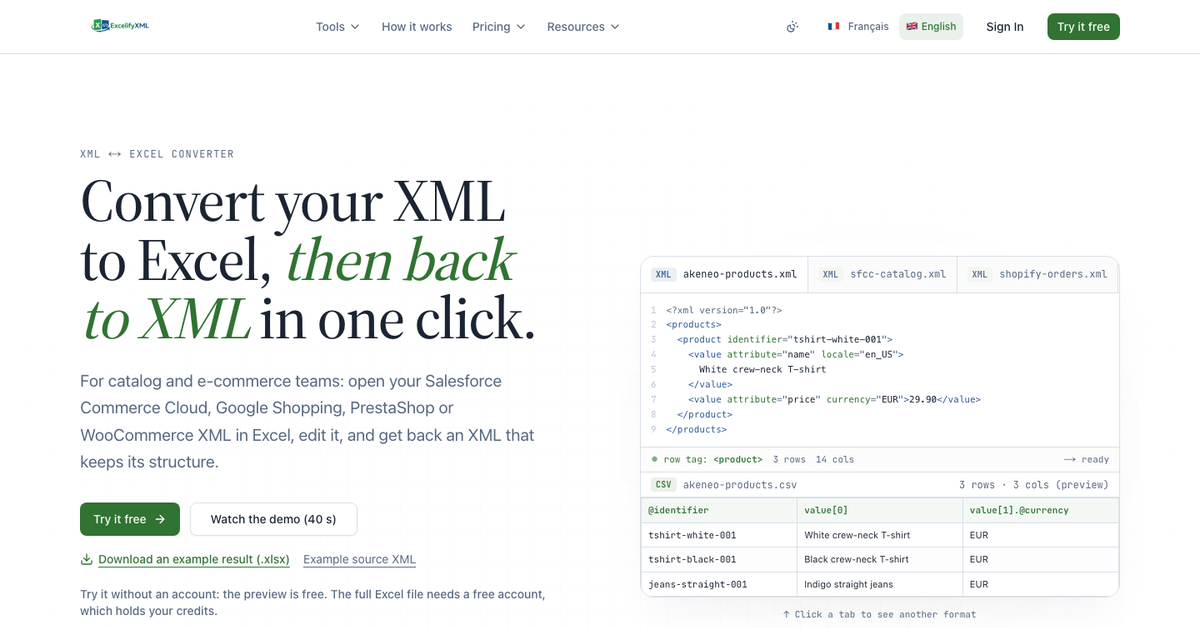
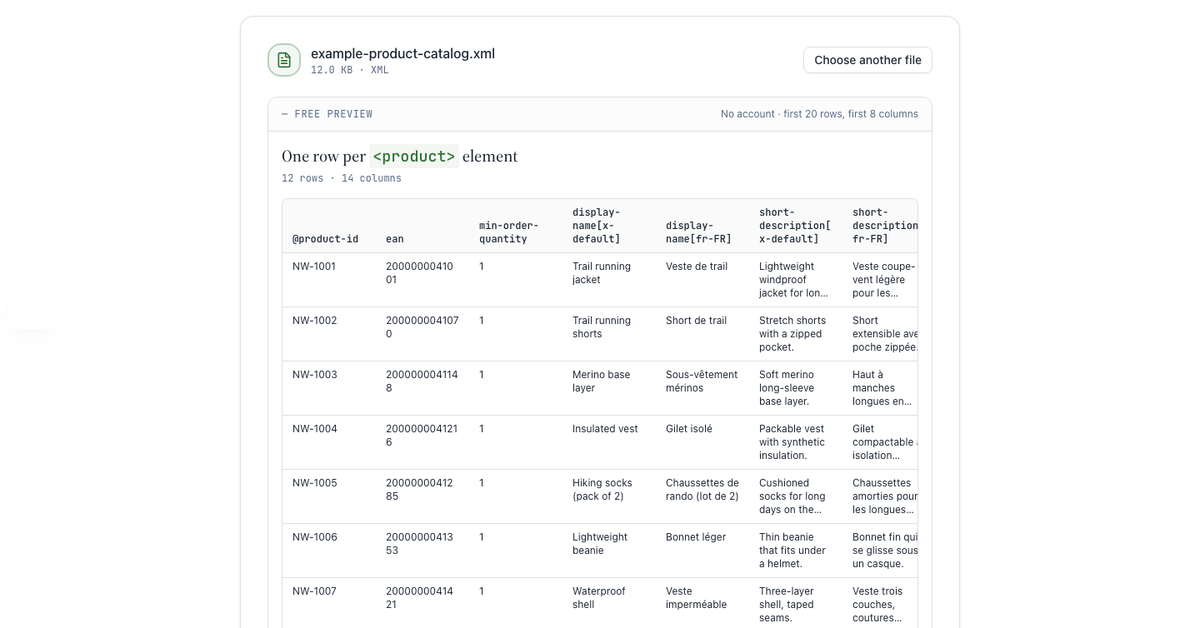
ExcelifyXML is a web tool for editing XML files in Excel. Drop an XML file on the free preview page, with no account, and see the Excel table it becomes: the element detected as a row, the number of rows and columns and the first 20 rows. With a free account you download the full file as an Excel file (.xlsx) or a CSV, edit it in Excel, Google Sheets, LibreOffice or Numbers, then drop it back to rebuild the original XML with your changes. Rebuilding is free and needs no account. Built for e-commerce and catalog teams who work with product feeds and catalog exports: Salesforce Commerce Cloud, Akeneo, Magento, PrestaShop, Google Shopping feeds and sitemaps. Files are processed in memory on servers in the European Union and are not stored.
Features
- Free XML preview with no account (first 20 rows)
- XML to Excel (.xlsx) or CSV, one row per product
- Free rebuild of the original XML from the edited file
- Automatic structure detection: nesting, namespaces, values per language
- Safeguards against spreadsheet damage (barcodes, leading zeros, dates)
Use Cases
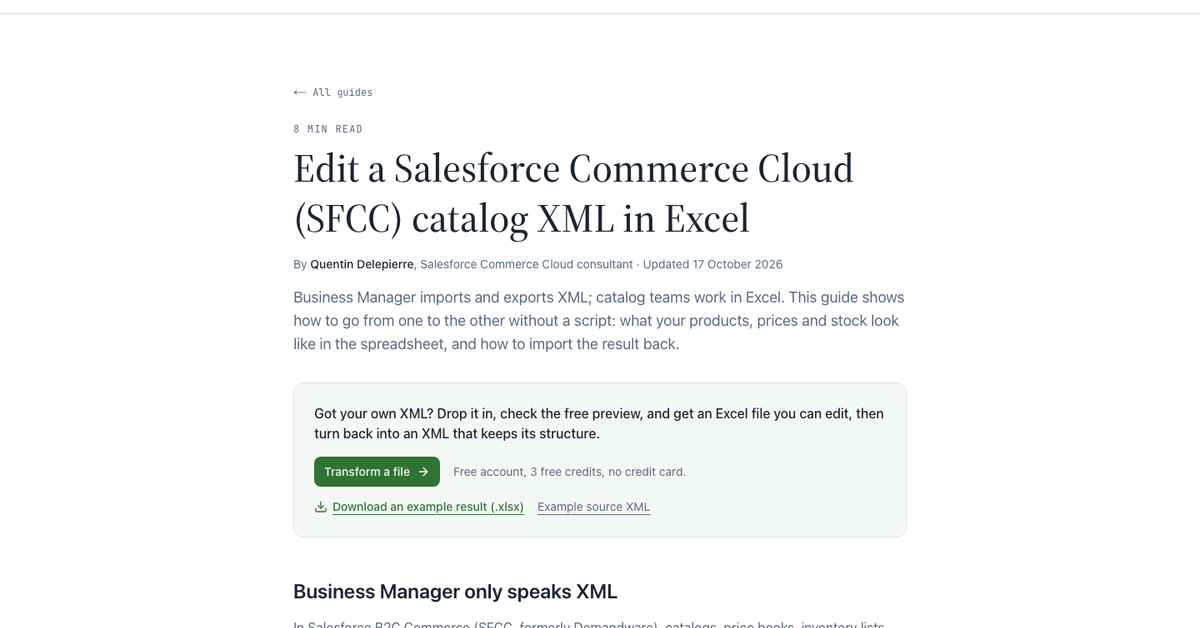
- Bulk-edit a Salesforce Commerce Cloud catalog in Excel, then re-import it
- Fix prices or titles in a Google Shopping XML feed
- Translate product catalogs (xml:lang) in a spreadsheet
- Edit a PrestaShop, WooCommerce or Magento XML export, or a sitemap

Comments


Hi Fazier! I’m Quentin, a Salesforce Commerce Cloud consultant from Lille, France. For years I watched catalog teams receive product data as XML while they work in Excel, and every change meant asking a developer or editing the XML by hand. ExcelifyXML turns the XML into an Excel table, lets you edit it in any spreadsheet, then rebuilds the original XML with the same structure. You can try it without an account: drop an XML file on the quick preview page and you’ll see the table right away. I’d love your feedback, especially on files that don’t come out the way you expect.
Premium Products









































Sponsors
Buy
Makers
Makers
Comments
Hi Fazier! I’m Quentin, a Salesforce Commerce Cloud consultant from Lille, France. For years I watched catalog teams receive product data as XML while they work in Excel, and every change meant asking a developer or editing the XML by hand. ExcelifyXML turns the XML into an Excel table, lets you edit it in any spreadsheet, then rebuilds the original XML with the same structure. You can try it without an account: drop an XML file on the quick preview page and you’ll see the table right away. I’d love your feedback, especially on files that don’t come out the way you expect.
Premium Products
New to Fazier?

Find your next favorite product or submit your own. Made by @FalakDigital.
Copyright ©2026. All Rights Reserved