
EddiesPDF
Free PDF tools that work offline: no sign-up, no watermark
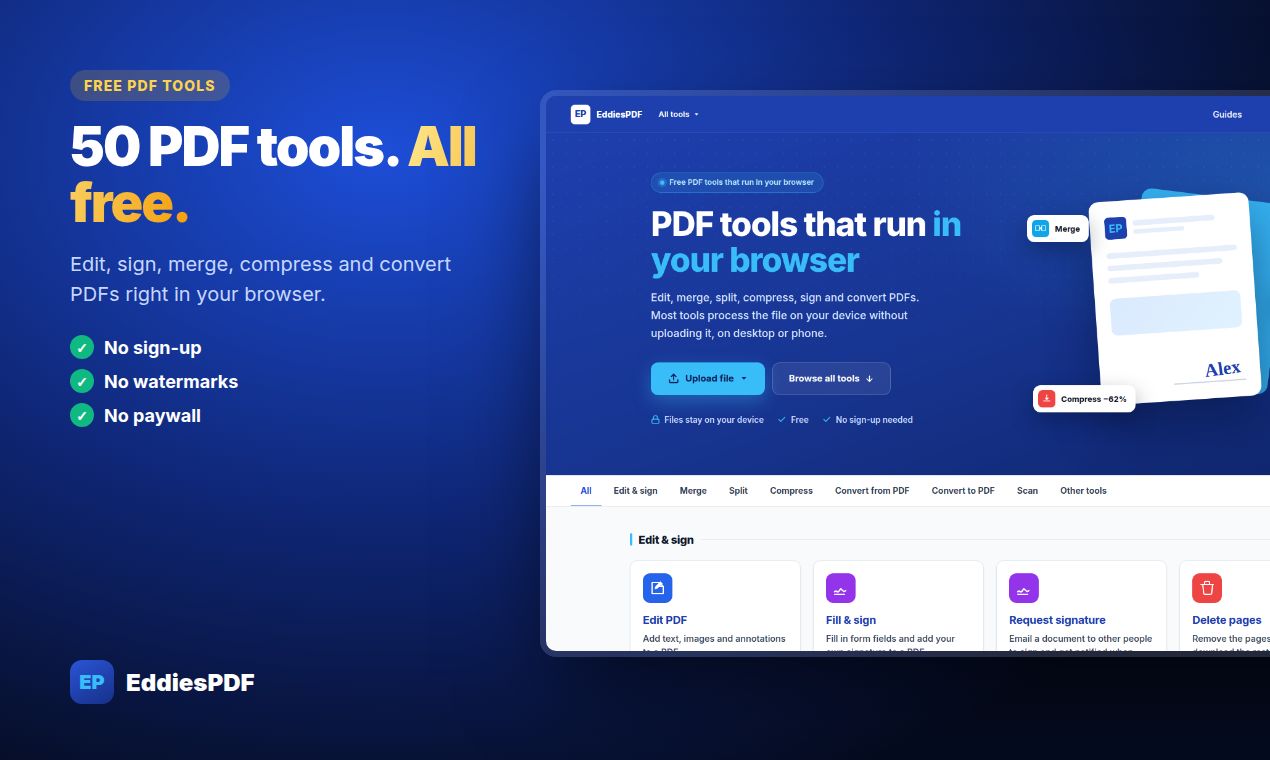
EddiesPDF is a free set of PDF tools that runs in your browser. Most tools work on your own device, so your files aren't uploaded. Once the site has loaded, those tools also work offline. You don't need an account, there's no watermark, and there's nothing to install. You can add it to your home screen or desktop like an app if you want.
Features
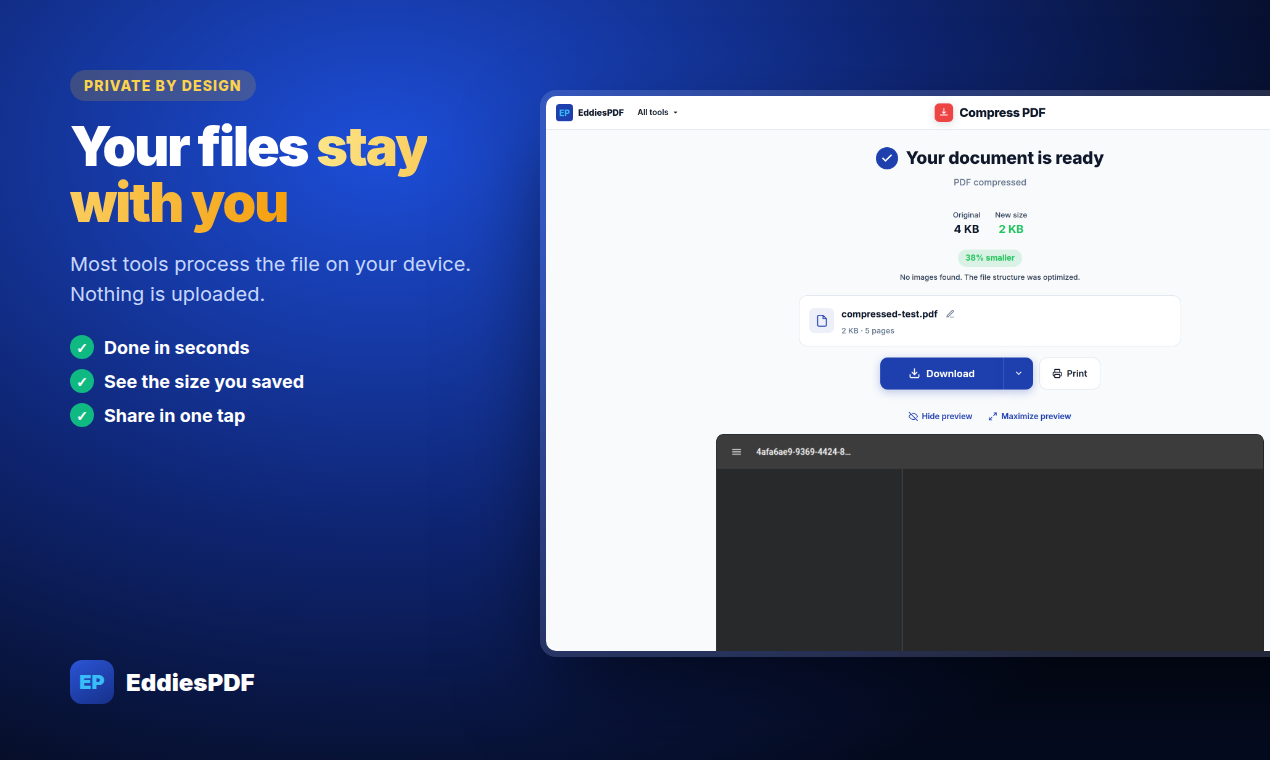
- Most tools process files on your device, so nothing is uploaded
- Works offline after the first visit and installs like an app
- No account, no watermark, no installation
- Merge, split, compress, rotate and organize pages
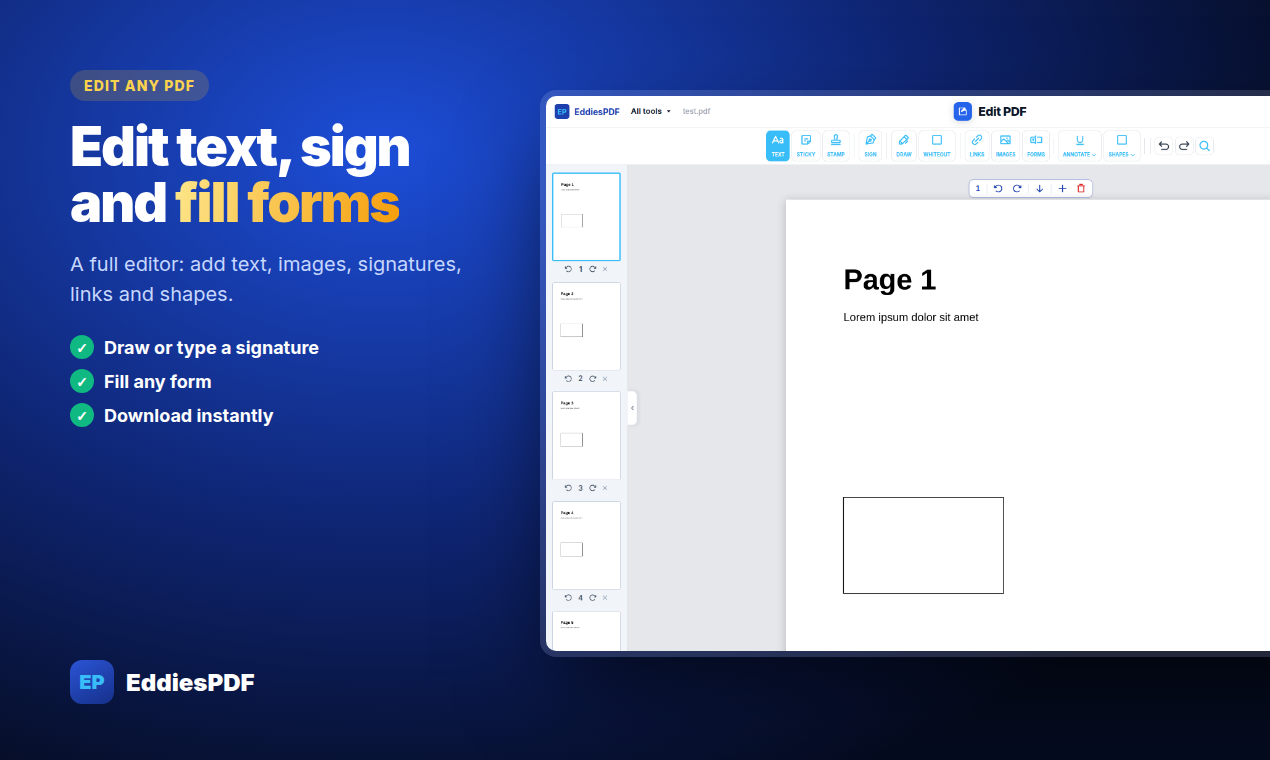
- Edit text, add images, fill forms and sign PDFs
- OCR to turn scans into searchable, copyable text
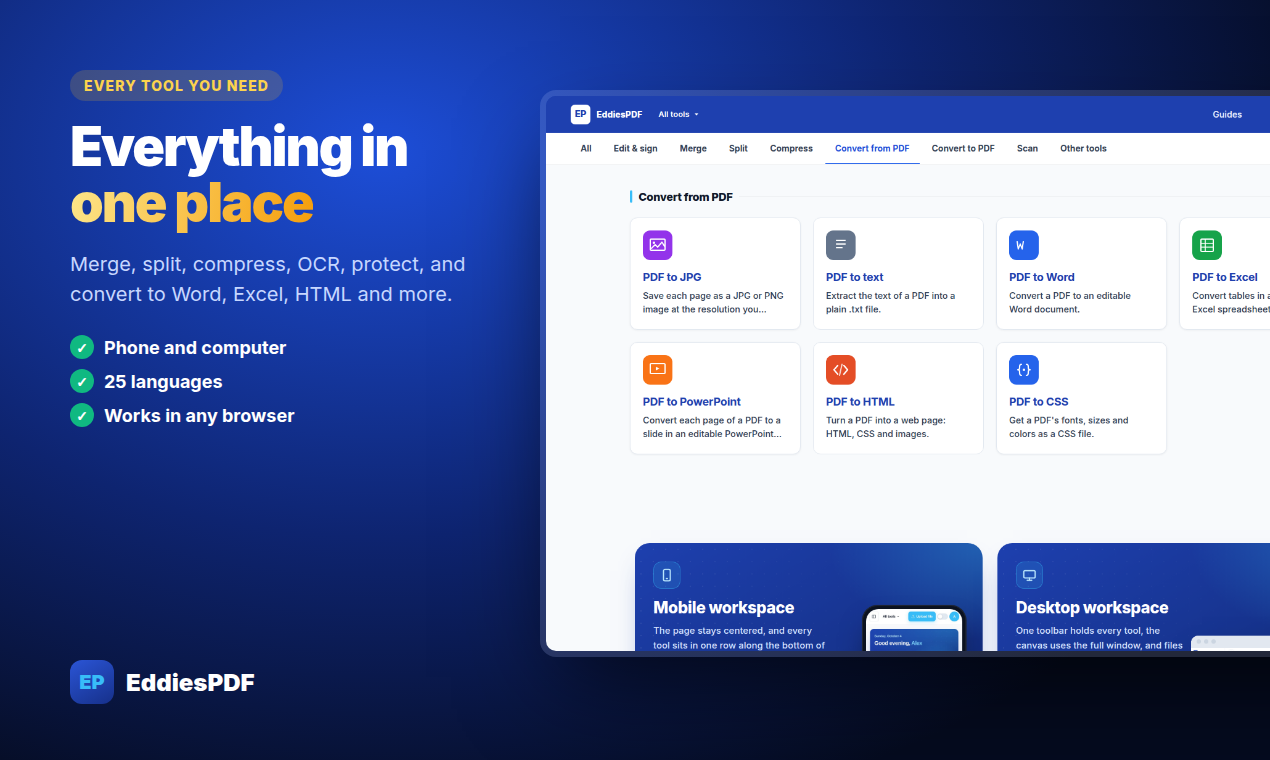
- Convert PDFs to and from Word, Excel, PowerPoint, images and more
- Send PDFs for signature and create fillable forms
- 25 languages, with a step-by-step guide for every tool
Use Cases
- Sign a contract on your phone without printing it
- Compress a large PDF so it fits in an email
- Merge scanned pages into one document
- Fill in a form and send it back in minutes
- Turn a PDF into an editable Word or Excel file
- Edit or sign PDFs offline while travelling
- Handle private documents (IDs, bank statements) without uploading them

Comments


Hi Fazier I made EddiesPDF because every time I needed to do something simple with a PDF, like sign a form, merge a few scans or shrink a file for email, the free sites either added a watermark, asked me to sign up, limited me to a couple of files a day, or uploaded my documents to their servers. So I built the opposite: 50 free PDF tools that run in your browser. Most of them process the file right on your device, so it isn't uploaded anywhere, and once the site has loaded they keep working offline. No account, no watermark, no daily limit. You can also install it like an app on your phone or computer. What's inside: edit, fill & sign, merge, split, compress, OCR, protect/unlock, and converters to and from Word, Excel, PowerPoint, images, and now HTML and CSS. A couple of tools need the internet (sending a document for signature, and OCR downloads its reading engine the first time), and the site tells you that on the upload area so there are no surprises. It's available in 25 languages, and every tool has a step-by-step guide. I'd really love your feedback: what's missing, what's confusing, or which tool you'd want next. Thanks for checking it out!
Premium Products



















































Sponsors
Buy

Makers
Makers
Comments
Hi Fazier I made EddiesPDF because every time I needed to do something simple with a PDF, like sign a form, merge a few scans or shrink a file for email, the free sites either added a watermark, asked me to sign up, limited me to a couple of files a day, or uploaded my documents to their servers. So I built the opposite: 50 free PDF tools that run in your browser. Most of them process the file right on your device, so it isn't uploaded anywhere, and once the site has loaded they keep working offline. No account, no watermark, no daily limit. You can also install it like an app on your phone or computer. What's inside: edit, fill & sign, merge, split, compress, OCR, protect/unlock, and converters to and from Word, Excel, PowerPoint, images, and now HTML and CSS. A couple of tools need the internet (sending a document for signature, and OCR downloads its reading engine the first time), and the site tells you that on the upload area so there are no surprises. It's available in 25 languages, and every tool has a step-by-step guide. I'd really love your feedback: what's missing, what's confusing, or which tool you'd want next. Thanks for checking it out!
Premium Products
New to Fazier?

Find your next favorite product or submit your own. Made by @FalakDigital.
Copyright ©2026. All Rights Reserved