
EasyRemove
AI tools to remove image backgrounds and watermarks
EasyRemove is a free online toolkit for editing images and audio in the browser. Remove photo backgrounds, clean watermarks, separate vocals from music, or merge audio files — no install required, with free credits to start.
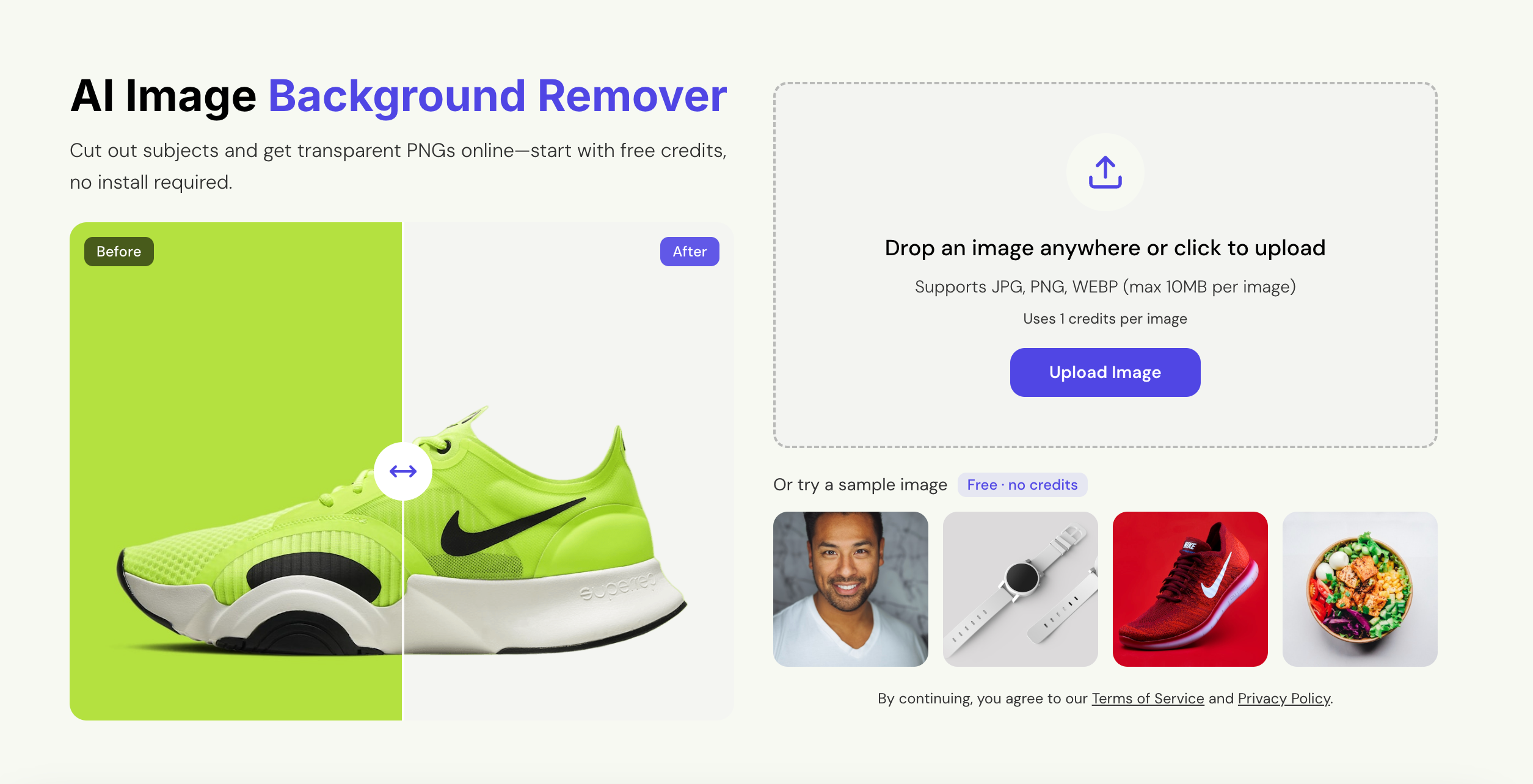
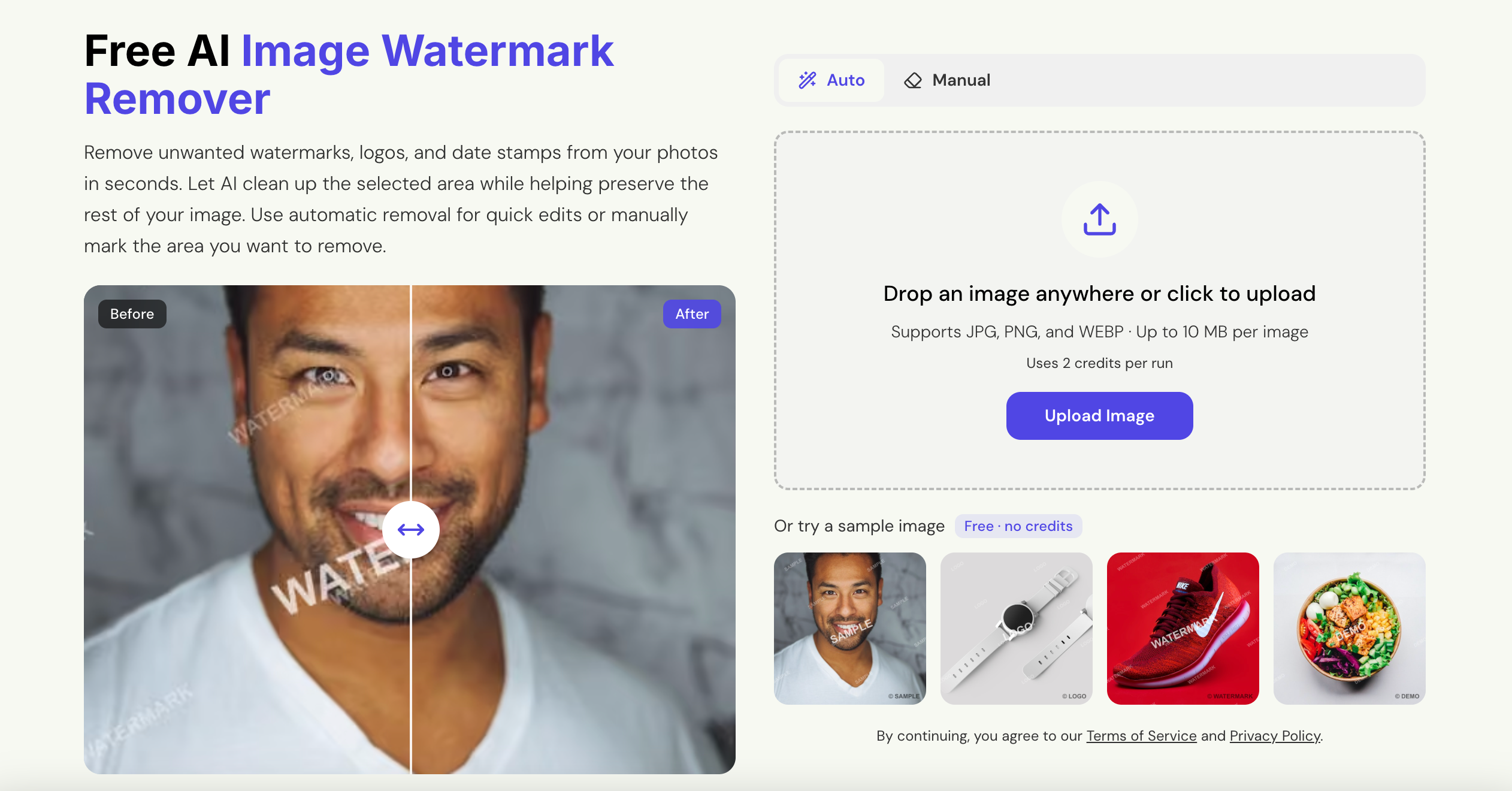
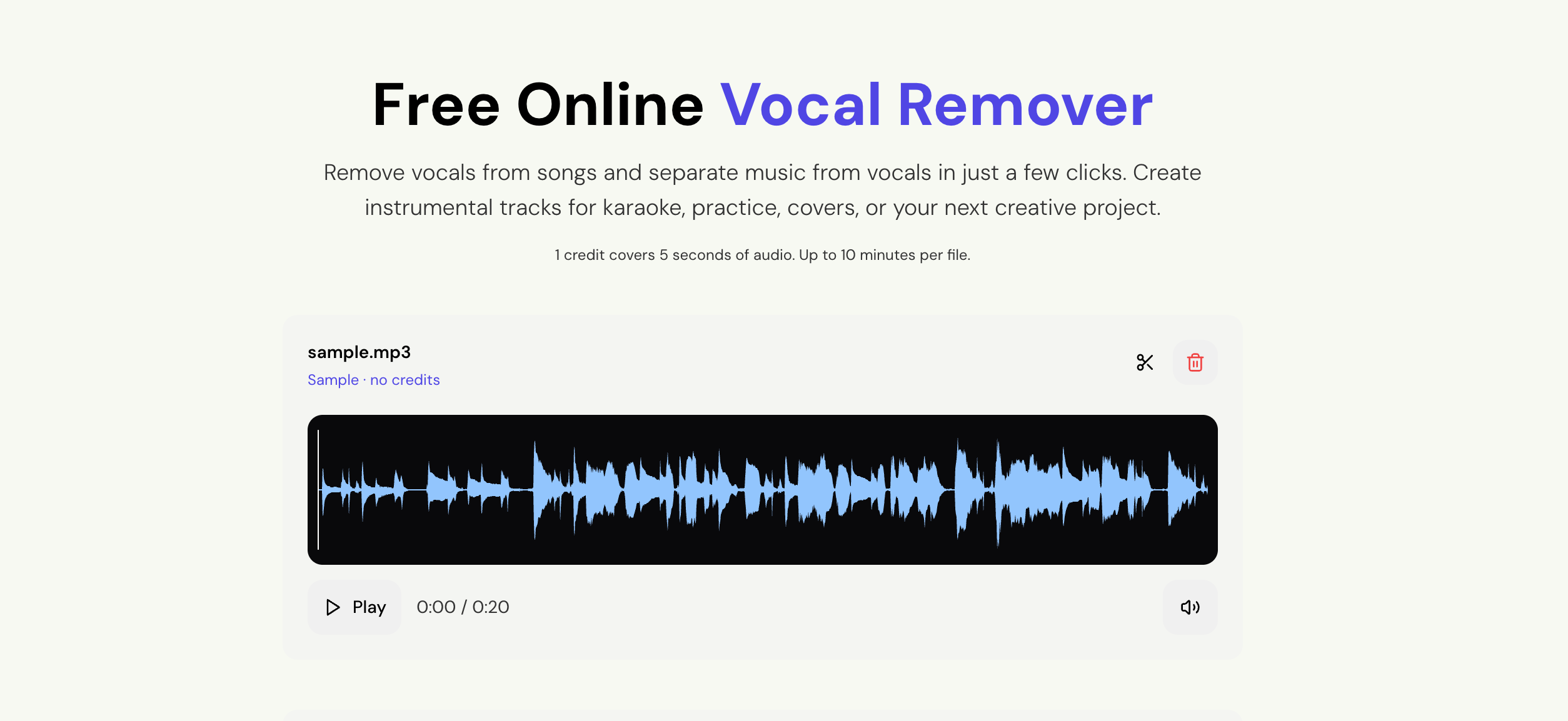
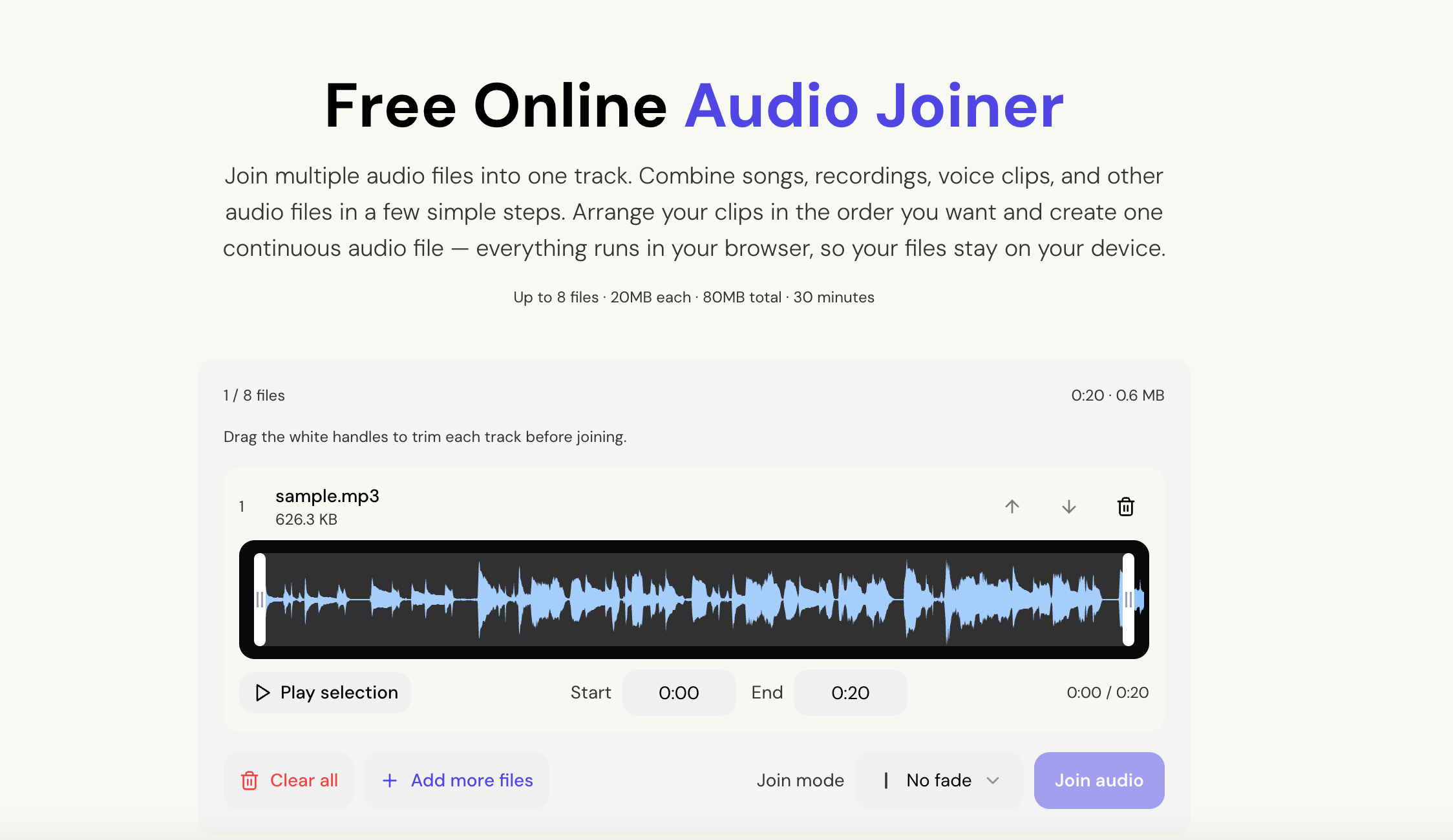
Features
- AI image background remover with transparent PNG or solid-color download
- AI watermark remover for logos, text, and date stamps (auto or manual selection)
- Vocal remover that splits a song into vocal and instrumental tracks
- Audio joiner that merges clips in the browser so files stay on your device
- Free credits to try, no software install
- Works in the browser on desktop and mobile
Use Cases
- Create white-background product photos for stores and marketplaces
- Make transparent cutouts for posters, slides, thumbnails, and social posts
- Clean watermarks, logos, or date stamps from photos you need to reuse
- Produce karaoke tracks, practice backing tracks, or cover instrumentals
- Combine voice notes, clips, or songs into one continuous audio file
- Quick personal photo edits without opening desktop software

Comments


EasyRemove started because I needed to remove a photo background and a watermark without Photoshop. I built it in the browser so anyone can try it in a few clicks — background removal, watermark cleanup, vocal separation, and audio joining, with free credits to start. If you use it, tell me which tool you open first and what you’d add next.
Premium Products












































Sponsors
Buy

Makers
Makers
Comments
EasyRemove started because I needed to remove a photo background and a watermark without Photoshop. I built it in the browser so anyone can try it in a few clicks — background removal, watermark cleanup, vocal separation, and audio joining, with free credits to start. If you use it, tell me which tool you open first and what you’d add next.
Premium Products
New to Fazier?

Find your next favorite product or submit your own. Made by @FalakDigital.
Copyright ©2026. All Rights Reserved