
EasyFilesConverter
100+ free file tools that never upload your files
EasyFilesConverter is a free collection of 100+ file tools that run entirely in your browser. Nothing is uploaded to a server, so bank statements, IDs and contracts stay private on your device. No sign-up, no watermark, no limits.
Features
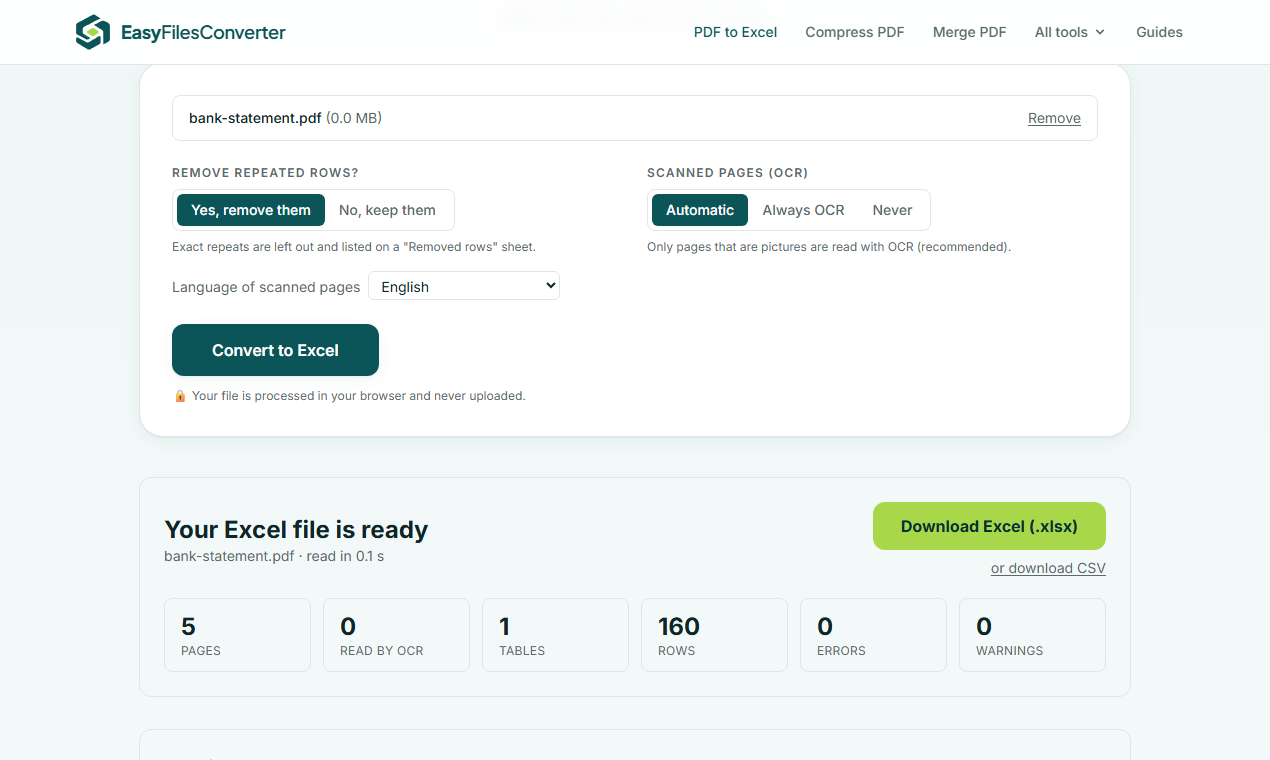
PDF to Excel with real tables and OCR in 45 languages
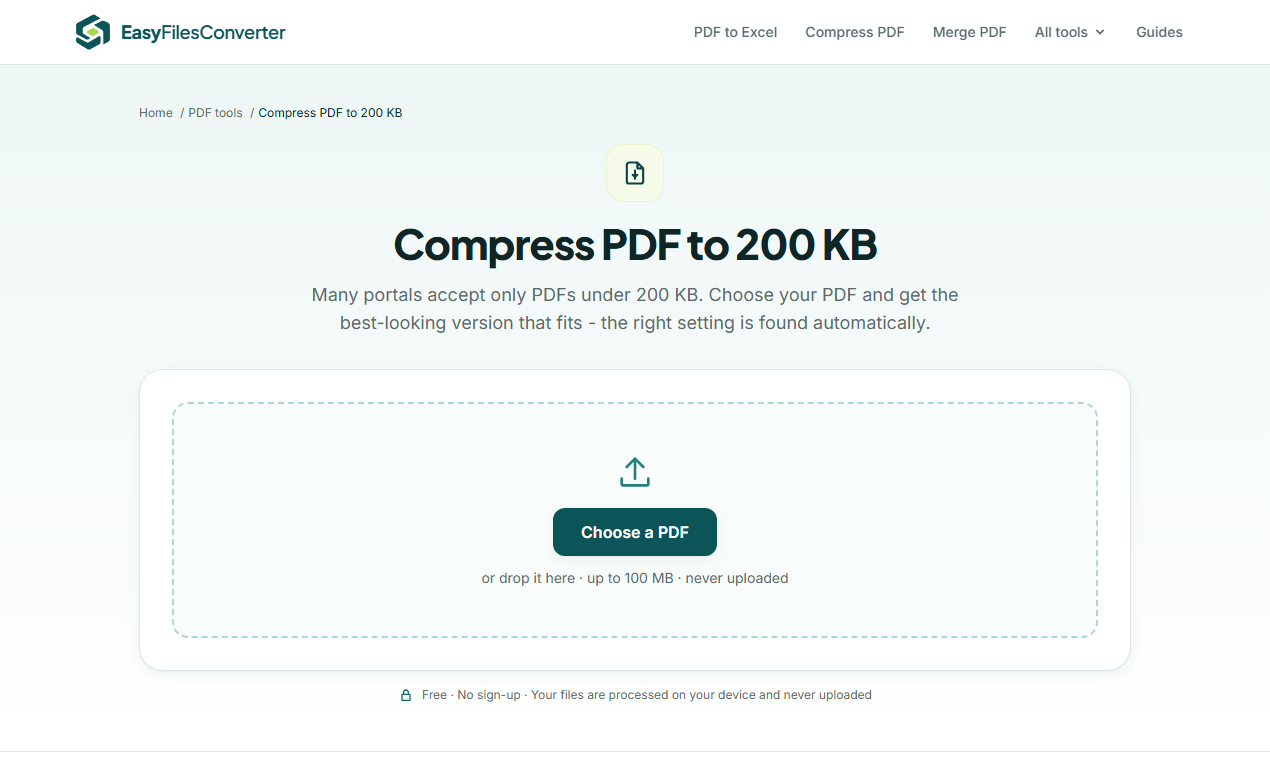
Compress PDFs and images to an exact size (e.g. 200 KB, 50 KB)
Merge, split, sign, redact, unlock and protect PDFs
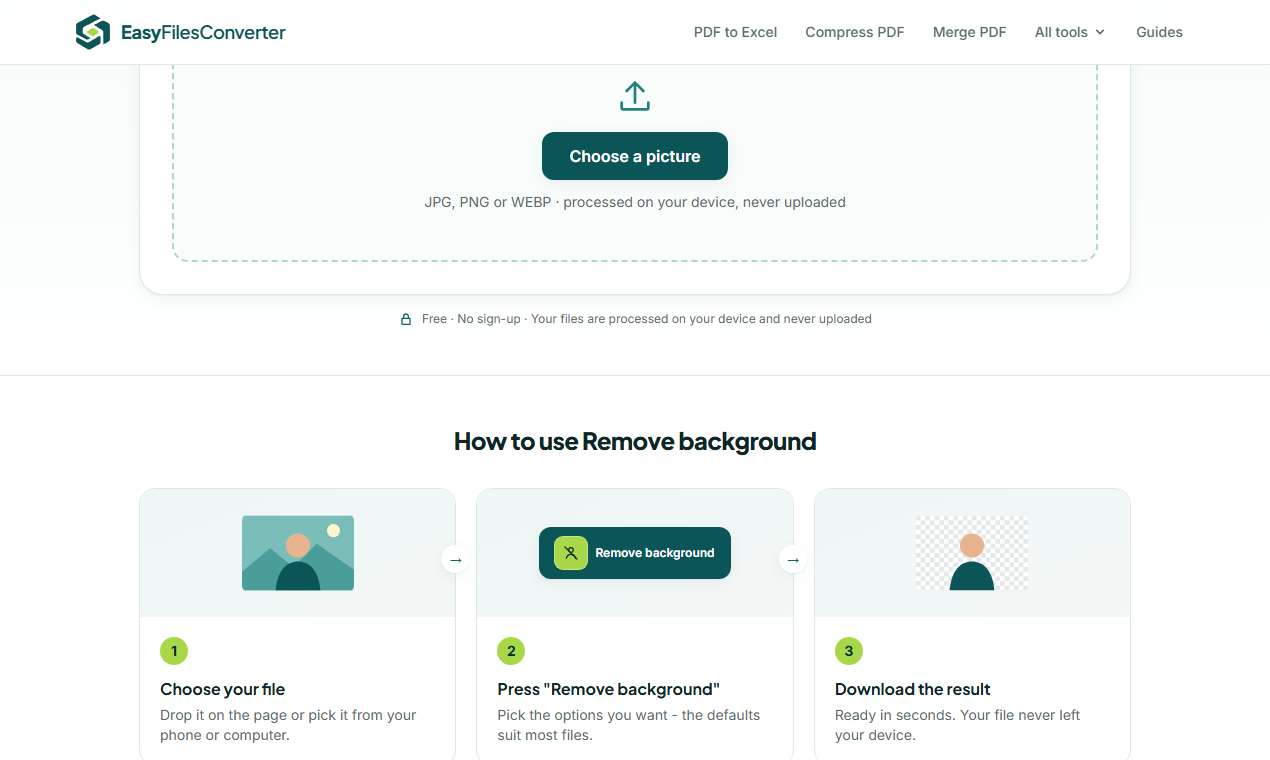
AI background remover and photo upscaler on your device
Developer tools: JSON, Base64, JWT, regex, QR codes
Calculators and converters: loan, SIP, BMI, protein, height, land area
Use Cases
Turn a bank statement PDF into an Excel sheet
Shrink a photo or PDF to fit an online form's size limit
Sign and merge documents without uploading them anywhere
Convert cm to feet or acres to cents in seconds

Comments


Hi Fazier! I'm Adarsh, a student developer. Most "free" converters upload your bank statements, IDs and contracts to their servers. I wanted tools that are free AND private, so EasyFilesConverter does all the work inside your browser - nothing is uploaded. What's inside: PDF to Excel with OCR, compress PDFs and photos to an exact KB size, merge/split/sign PDFs, AI background remover, developer tools, and calculators like protein, height and land area converters. I'd love your feedback - which tool should I build next?

To your question about what to build next: PDF to clean plain text or Markdown that keeps paragraph breaks and drops page numbers, headers and footers. I copy text out of PDFs into other apps often, and that cleanup is always manual. And since privacy is the main promise, a short note on how a user can check that nothing is uploaded, for example whether a tool still works with the network switched off after the page has loaded, would make it easy to trust.

The privacy angle is what makes this stand out — most converters ask you to upload a bank statement or ID, and here nothing leaves the device. PDF to Excel with real tables and OCR in 45 languages is the feature I would use first, and compressing a PDF or image to an exact size like 200 KB solves a very common form-upload headache. I also like that the developer tools and everyday converters (loan, BMI, land area) sit in the same place instead of needing ten separate sites. One question: does the OCR keep table layout for scanned statements, or does it work best on digital PDFs? No sign-up and no watermark make it easy to recommend.
The local-processing angle is the whole pitch and it's a strong one — most 'free' converters quietly upload bank statements and IDs to a server. Compressing a PDF to an exact size like 200 KB is the kind of concrete feature people search for when a form rejects their file. One suggestion: a 'compress to exactly X KB' preset per use case (exam forms, job portals) would make that feature even more discoverable. Congrats on the launch!
Premium Products







































Sponsors
Buy
Makers
Makers
Comments
Hi Fazier! I'm Adarsh, a student developer. Most "free" converters upload your bank statements, IDs and contracts to their servers. I wanted tools that are free AND private, so EasyFilesConverter does all the work inside your browser - nothing is uploaded. What's inside: PDF to Excel with OCR, compress PDFs and photos to an exact KB size, merge/split/sign PDFs, AI background remover, developer tools, and calculators like protein, height and land area converters. I'd love your feedback - which tool should I build next?
To your question about what to build next: PDF to clean plain text or Markdown that keeps paragraph breaks and drops page numbers, headers and footers. I copy text out of PDFs into other apps often, and that cleanup is always manual. And since privacy is the main promise, a short note on how a user can check that nothing is uploaded, for example whether a tool still works with the network switched off after the page has loaded, would make it easy to trust.
The privacy angle is what makes this stand out — most converters ask you to upload a bank statement or ID, and here nothing leaves the device. PDF to Excel with real tables and OCR in 45 languages is the feature I would use first, and compressing a PDF or image to an exact size like 200 KB solves a very common form-upload headache. I also like that the developer tools and everyday converters (loan, BMI, land area) sit in the same place instead of needing ten separate sites. One question: does the OCR keep table layout for scanned statements, or does it work best on digital PDFs? No sign-up and no watermark make it easy to recommend.
The local-processing angle is the whole pitch and it's a strong one — most 'free' converters quietly upload bank statements and IDs to a server. Compressing a PDF to an exact size like 200 KB is the kind of concrete feature people search for when a form rejects their file. One suggestion: a 'compress to exactly X KB' preset per use case (exam forms, job portals) would make that feature even more discoverable. Congrats on the launch!
Premium Products
New to Fazier?

Find your next favorite product or submit your own. Made by @FalakDigital.
Copyright ©2026. All Rights Reserved