
DrawPic Edit Text in Image
Box any text in an image and replace it
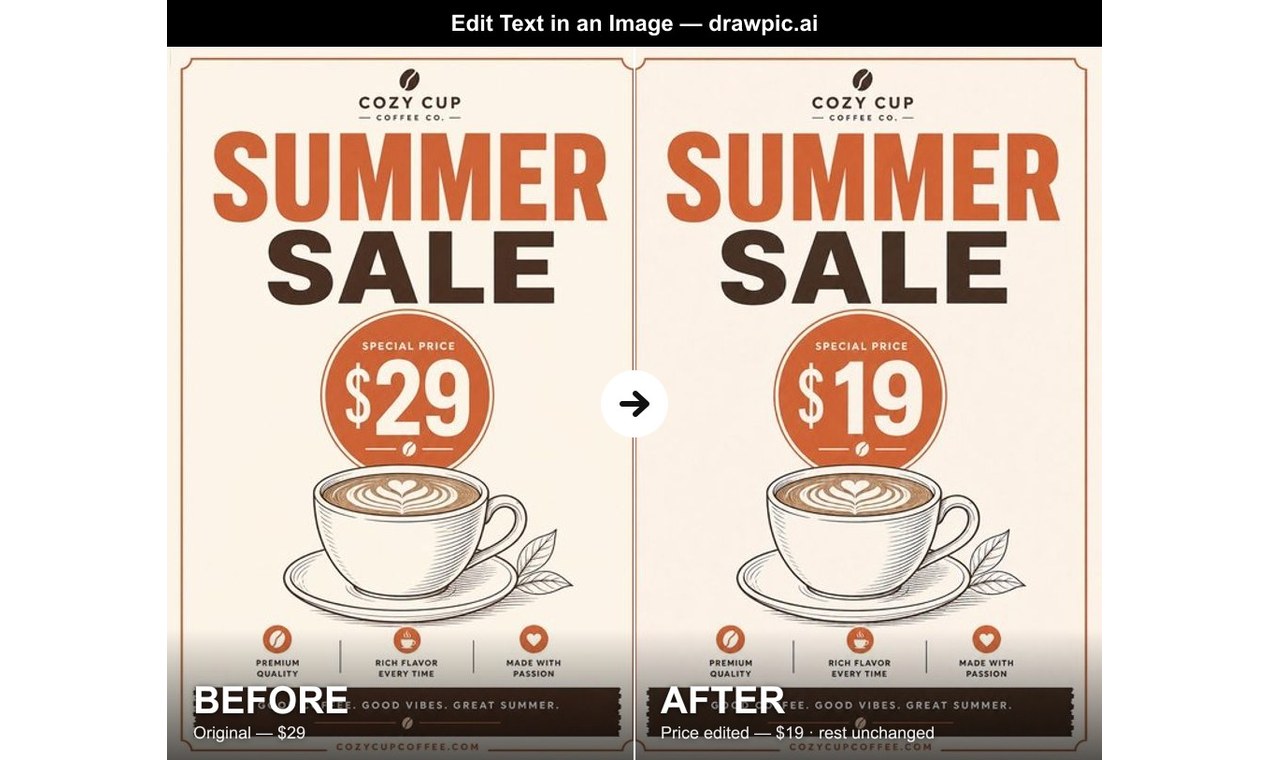
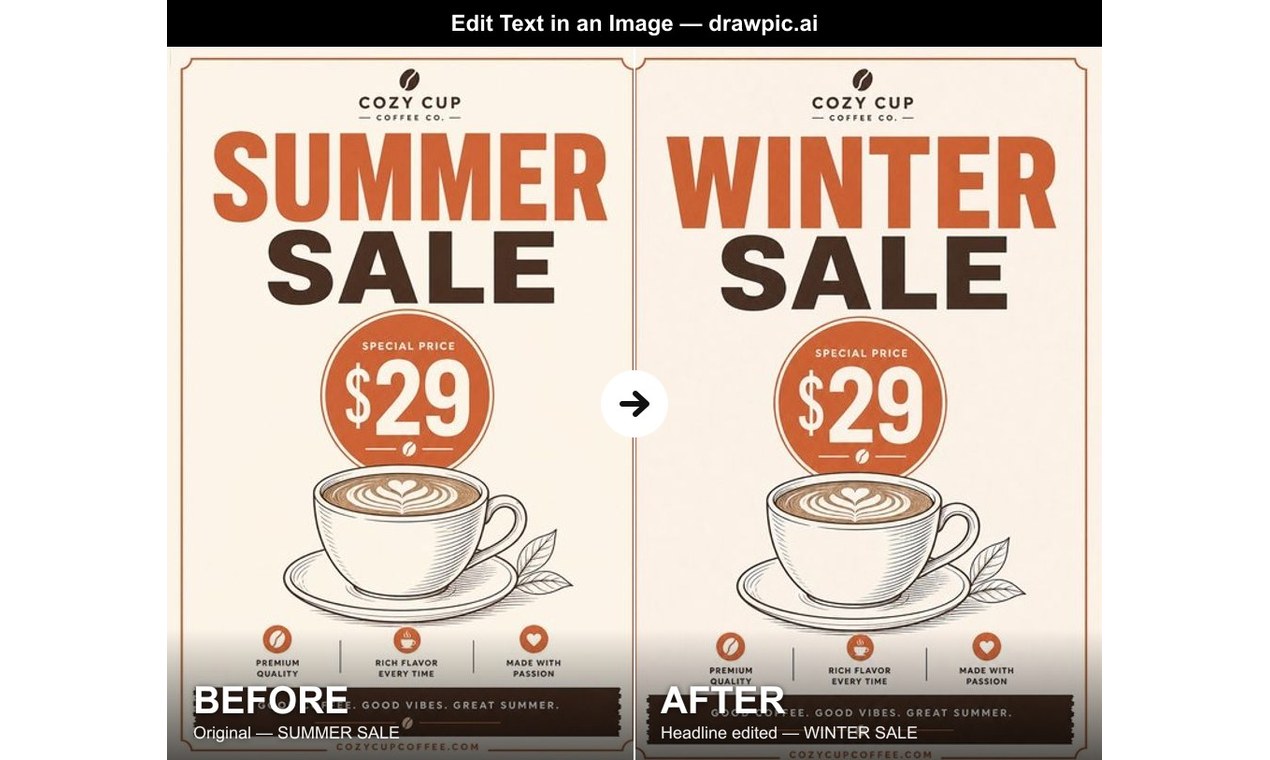
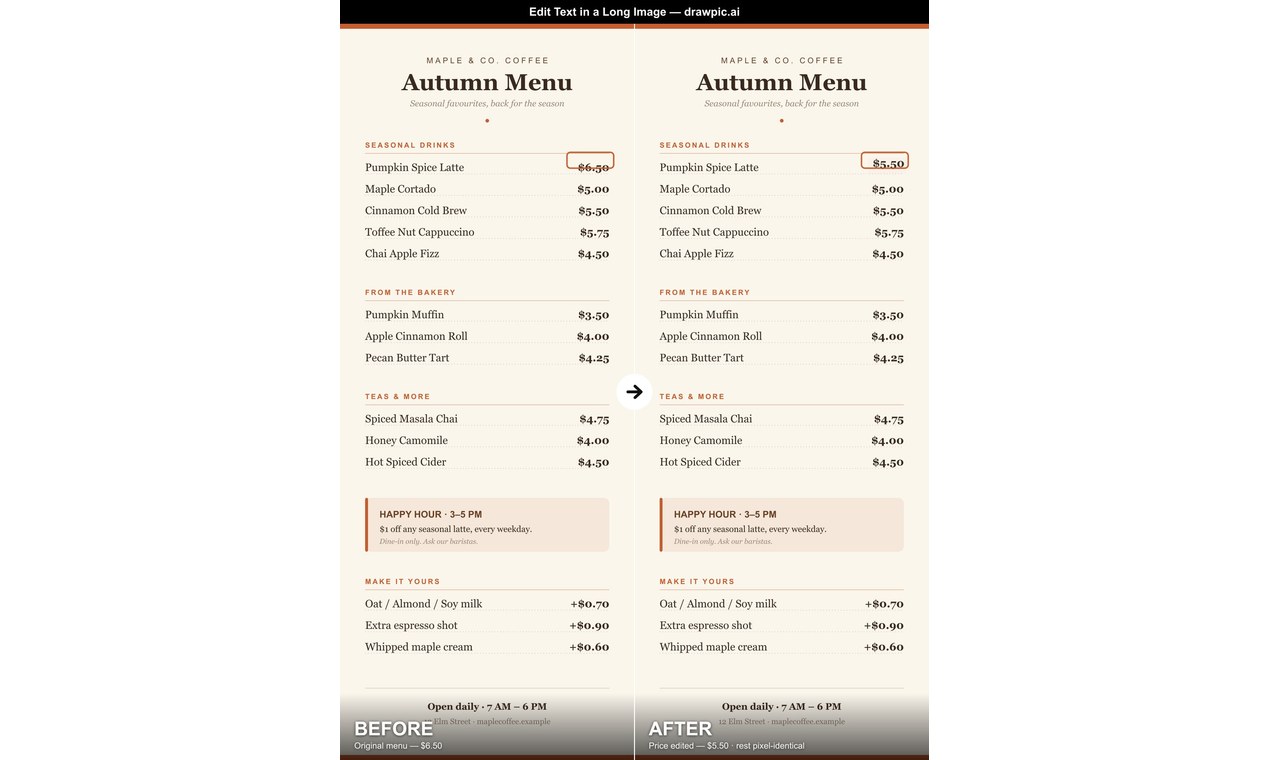
DrawPic Edit Text in Image lets you change words, prices, dates or numbers inside an existing image without redrawing the whole picture. Upload an image or screenshot, draw a box around the text you want to change, type the new text, and get the edited image back. Everything outside the box stays the same, and the new text matches the original font and color as closely as possible. Free to try, no subscription.

Features
Box-select the exact text to change, up to four areas at once. Everything outside the box stays untouched. New text matches the original font, color and layout. Works on posters, menus, ads, charts and long screenshots.
Use Cases
Update prices and dates on menus, flyers and posters. Fix a typo on an ad or social media graphic. Change numbers in your own charts and report images. Edit text on long screenshots and product mockups.

Comments


Hi Fazier! I built this because changing one price or date on a finished poster meant either reopening the design file or asking a chat AI that redraws the whole image. Here you just box the text, type the new words, and only that spot changes. Would love feedback on how well it matches unusual fonts.
Premium Products



















































Sponsors
Buy

Makers
Makers
Comments
Hi Fazier! I built this because changing one price or date on a finished poster meant either reopening the design file or asking a chat AI that redraws the whole image. Here you just box the text, type the new words, and only that spot changes. Would love feedback on how well it matches unusual fonts.
Premium Products
New to Fazier?

Find your next favorite product or submit your own. Made by @FalakDigital.
Copyright ©2026. All Rights Reserved