DoubleTick
Free WhatsApp tools — fresh status, names, fonts, QR & emoji
DoubleTick is a free browser-based toolkit for WhatsApp. No signup, no login, no app install — just open a tool and use it.
Features
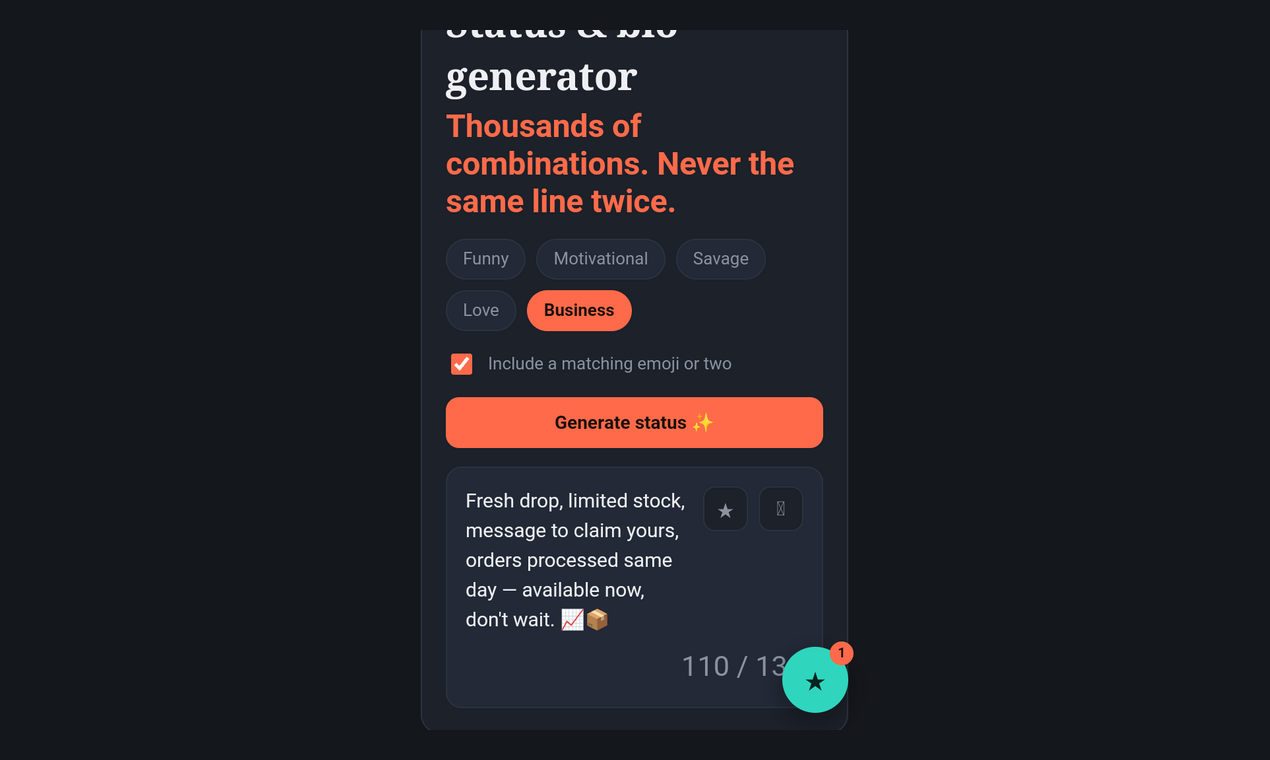
Status & bio generator with five moods: ➡️funny, motivational, savage, love, business
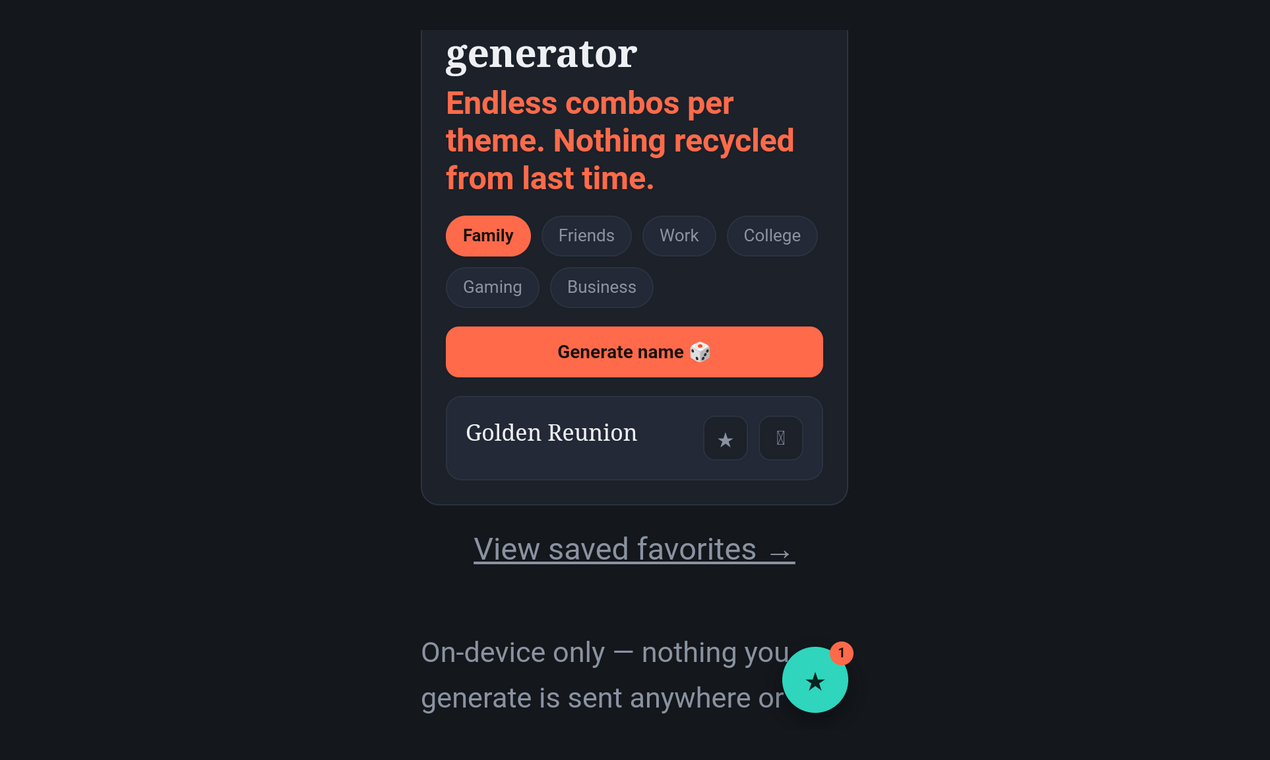
➡️Group name generator sorted by theme: family, friends, work, college, gaming, business
➡️Font converter with 20 Unicode text styles, ➡️one-tap copy
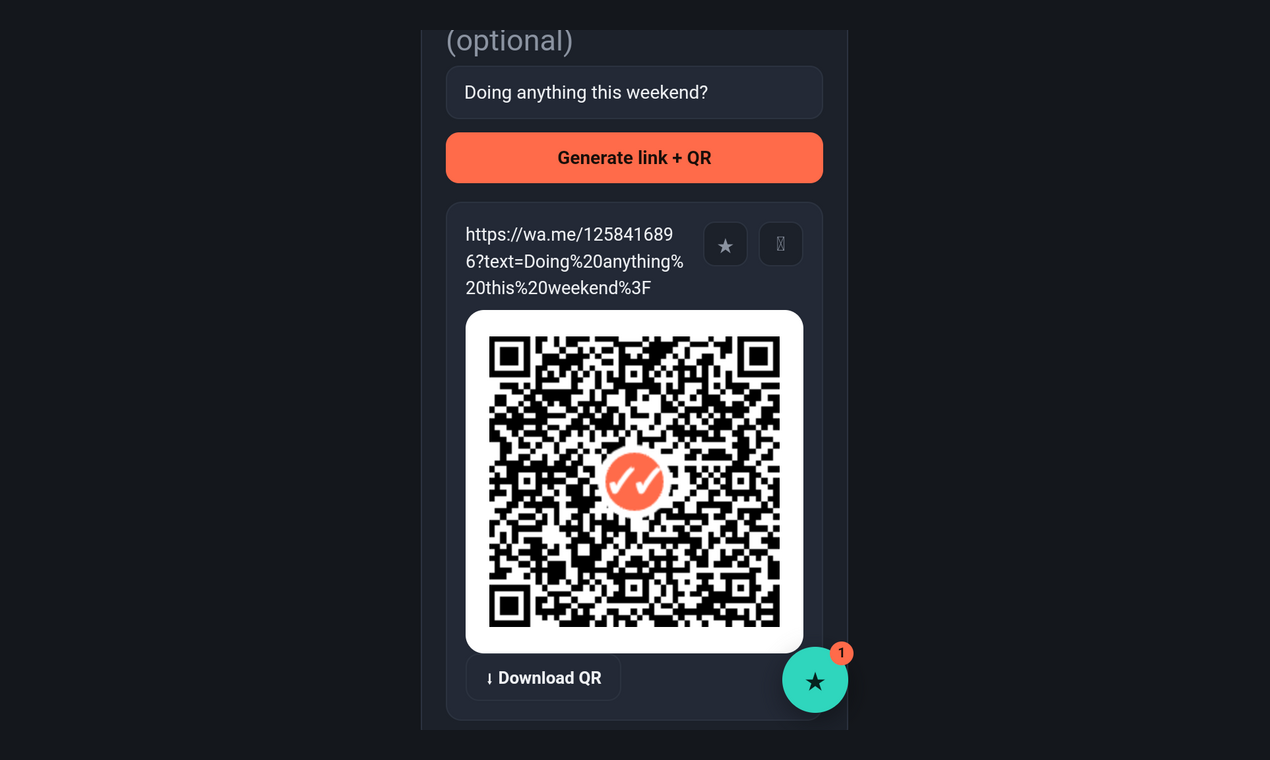
Click-to-chat link generator with a scannable QR code
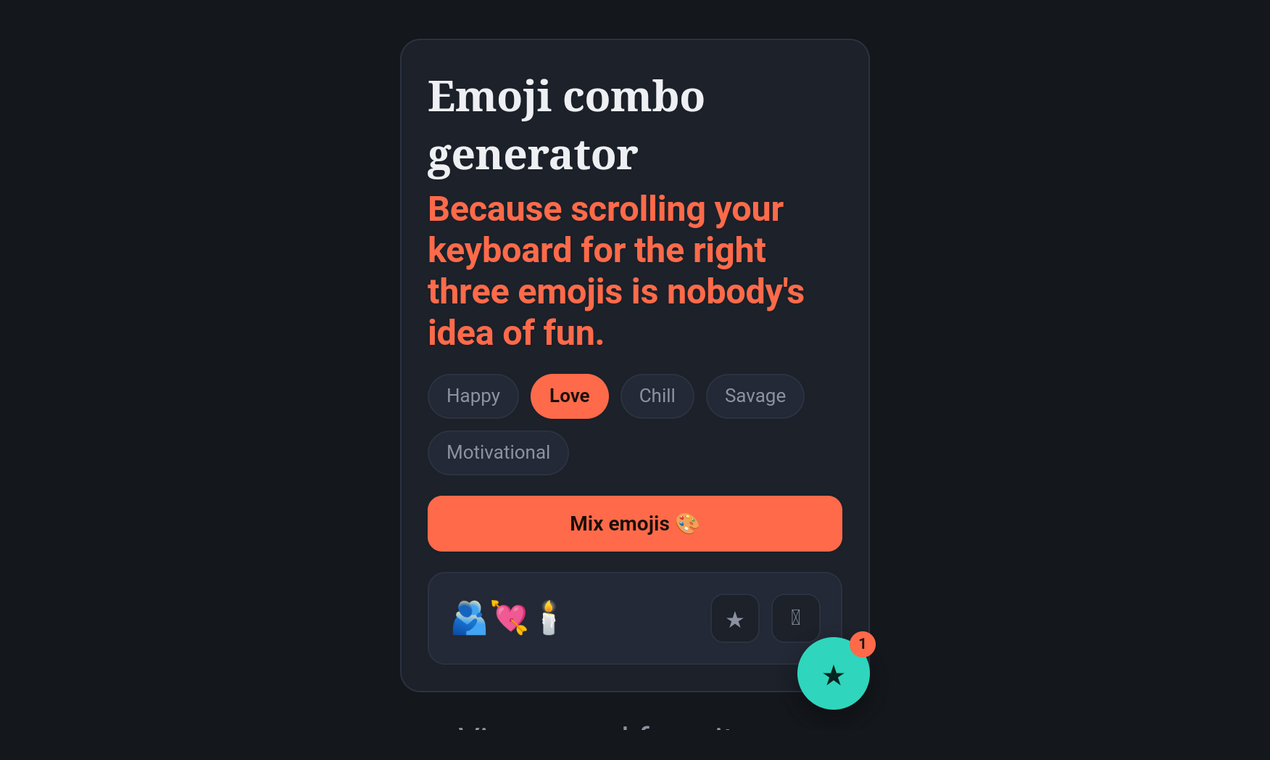
➡️Emoji combo generator for statuses and chats
➡️Shared favorites drawer across all five tools, saved locally on your device
Use Cases
➡️Refreshing your WhatsApp status without repeating old lines
➡️Naming a new family, friend, or work group chat
➡️Making your bio or messages stand out with fancy fonts
➡️Sharing a click-to-chat link on a business card, menu, or flyer
➡️Quickly finding the right emoji combo for a mood

Comments


Hey, I'm Ninefold 👋 I built DoubleTick because every WhatsApp status/font/group-name tool I found either wanted an account, buried the result behind ads, or gave me the same 40 recycled lines everyone else already used. So I made one place with five tools instead — status and bio generator, group names, fancy fonts, click-to-chat links with QR codes, and emoji combos. No signup, nothing saved on a server, just open it and use it.


The "no account, no app, just open and use" choice is the right one for tools like this, and the shared favorites drawer across all five tools is a good touch. I run a free tools site too and the thing that moved the needle for us was giving each tool its own page with a plain-English explanation underneath, so the pages can rank on their own. Worth doing for the font converter in particular.
DoubleTick as a free in-browser WhatsApp toolkit — status and bio lines in five moods (funny, motivational, savage, love, business), plus group names, fonts, QR and emoji — is practical only if nothing asks you to log into WhatsApp. The maker note says nothing is saved on a server and there is no signup, which is the important boundary versus an extension. The listing should also say whether a click-to-chat QR can set an international phone prefix and a prefilled message.
The shared favorites drawer saved locally is the standout design decision — an account system for one-tap font copies would be overkill, and local storage keeps everything instant. Covering five moods for status generation shows you understand that a work contact and a college friend get very different statuses. One suggestion: let users star their favorites and shuffle within them, so the 'fresh status every day' promise becomes one tap instead of browsing.
The font converter is the real workhorse here — one practical note for users: styled Unicode text renders fine in most messaging apps, but screen readers and search treat it as symbols rather than letters, so it is worth keeping the original plain text for anything important like business contact info. The locally-saved shared favorites drawer is the right privacy call for a WhatsApp-adjacent tool. Question for the maker: does the click-to-chat generator support wa.me links with a pre-filled text parameter, or just the number? That small addition would make it much more useful for sellers sharing product inquiries.
Premium Products













































Sponsors
Buy

Makers
Makers
Comments
Hey, I'm Ninefold 👋 I built DoubleTick because every WhatsApp status/font/group-name tool I found either wanted an account, buried the result behind ads, or gave me the same 40 recycled lines everyone else already used. So I made one place with five tools instead — status and bio generator, group names, fancy fonts, click-to-chat links with QR codes, and emoji combos. No signup, nothing saved on a server, just open it and use it.
The "no account, no app, just open and use" choice is the right one for tools like this, and the shared favorites drawer across all five tools is a good touch. I run a free tools site too and the thing that moved the needle for us was giving each tool its own page with a plain-English explanation underneath, so the pages can rank on their own. Worth doing for the font converter in particular.
DoubleTick as a free in-browser WhatsApp toolkit — status and bio lines in five moods (funny, motivational, savage, love, business), plus group names, fonts, QR and emoji — is practical only if nothing asks you to log into WhatsApp. The maker note says nothing is saved on a server and there is no signup, which is the important boundary versus an extension. The listing should also say whether a click-to-chat QR can set an international phone prefix and a prefilled message.
The shared favorites drawer saved locally is the standout design decision — an account system for one-tap font copies would be overkill, and local storage keeps everything instant. Covering five moods for status generation shows you understand that a work contact and a college friend get very different statuses. One suggestion: let users star their favorites and shuffle within them, so the 'fresh status every day' promise becomes one tap instead of browsing.
The font converter is the real workhorse here — one practical note for users: styled Unicode text renders fine in most messaging apps, but screen readers and search treat it as symbols rather than letters, so it is worth keeping the original plain text for anything important like business contact info. The locally-saved shared favorites drawer is the right privacy call for a WhatsApp-adjacent tool. Question for the maker: does the click-to-chat generator support wa.me links with a pre-filled text parameter, or just the number? That small addition would make it much more useful for sellers sharing product inquiries.
Premium Products
New to Fazier?

Find your next favorite product or submit your own. Made by @FalakDigital.
Copyright ©2026. All Rights Reserved