
Dokie AI
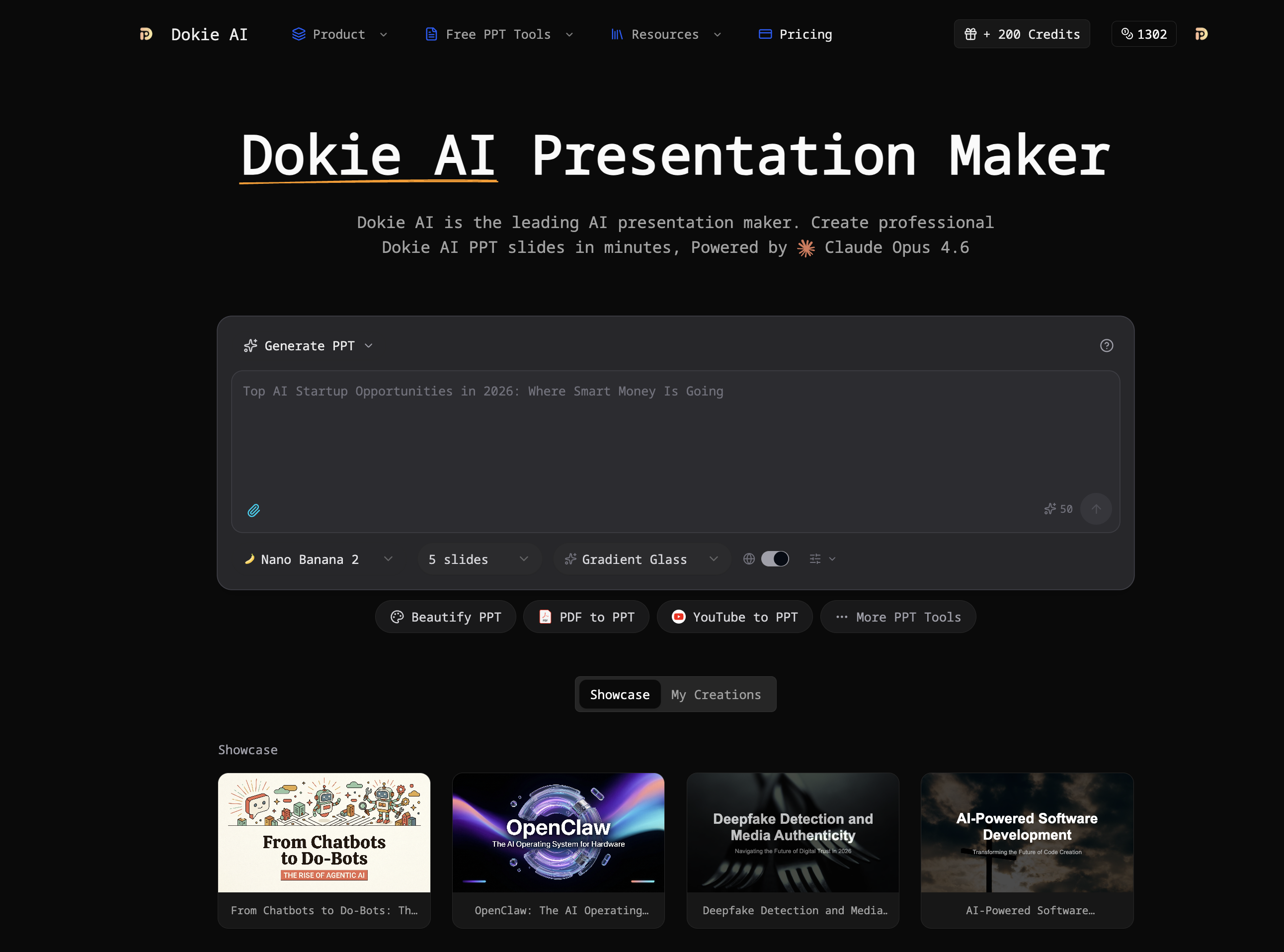
Dokie AI is an AI-powered presentation generator
Dokie AI helps business professionals, educators, marketers, and startup founders create polished presentations without design skills. Unlike template-based tools, Dokie AI uses true AI generation powered by Claude Opus 4.6 to handle content structure, layout selection, typography, and visual design automatically. It supports multiple modes including Generate (create from scratch), Beautify (enhance existing slides), Speech (add speaker notes), and document-to-PPT conversions.
Features
## AI PPT Generation Tools
- [AI Generate PPT](https://dokieai.com/ai-generate-ppt): Describe your topic in plain text and get a complete slide deck with professional layouts, charts, and compelling content
- [AI Beautify PPT](https://dokieai.com/ai-beautify-ppt): Upload an existing presentation and let AI enhance the design, fix layouts, and apply professional styling while preserving your content
- [AI Speech Notes from PPT](https://dokieai.com/ai-speech-notes-from-ppt): Automatically generate detailed speaker notes and talking points for each slide
- [AI PDF to PPT](https://dokieai.com/ai-pdf-to-ppt): Convert PDF documents into editable PowerPoint presentations with AI-powered layout analysis
## Document-to-PPT Converters
- [YouTube to PPT](https://dokieai.com/youtube-to-ppt): Transform YouTube videos into professional presentations by extracting key points
- [Word to PPT](https://dokieai.com/word-to-ppt): Convert Word documents into polished presentations
- [Excel to PPT](https://dokieai.com/excel-to-ppt): Convert Excel spreadsheets into data-driven presentations
- [Markdown to PPT](https://dokieai.com/markdown-to-ppt): Convert Markdown files into professional presentations
- [Text to PPT](https://dokieai.com/text-to-ppt): Transform plain text into structured slide decks
- [HTML to PPT](https://dokieai.com/html-to-ppt): Convert web pages into PowerPoint presentations
## Free PPT Tools
- [PPT Reverse Prompt](https://dokieai.com/ppt-reverse-prompt): Upload a PPTX file and extract detailed design style specifications (colors, typography, layouts) as reusable AI prompts
- [PPT to PDF](https://dokieai.com/ppt-to-pdf): Convert PowerPoint presentations to high-quality PDF files instantly
- [Generate Speech from PPT](https://dokieai.com/generate-speech-from-ppt): Generate professional speaker notes from any PowerPoint file
- [Compress PPTX](https://dokieai.com/compress-pptx): Reduce PowerPoint file size by 50-90%
- [Merge PPT](https://dokieai.com/merge-ppt): Combine multiple PowerPoint files into one
- [PPT to JPG](https://dokieai.com/ppt-to-jpg): Convert PowerPoint slides to high-quality JPG images
- [PPT to Word](https://dokieai.com/ppt-to-word): Convert PowerPoint presentations to editable Word documents
Use Cases
## Use Cases
- **Business Professionals**: Sales decks, investor pitches, internal reports, client proposals
- **Marketing Teams**: Campaign presentations, brand-consistent templates, rapid content creation
- **Educators & Students**: Lecture slides, course materials, research presentations
- **Startup Founders**: Pitch decks, fundraising materials, product launch presentations
- **Design Agencies**: Client presentations, style extraction with Reverse Prompt tool
- **Content Creators**: YouTube content summaries, blog-to-slides, data-driven reports

Comments

Premium Products














































Find your next favorite product or submit your own. Made by @FalakDigital.
Copyright ©2026. All Rights Reserved