
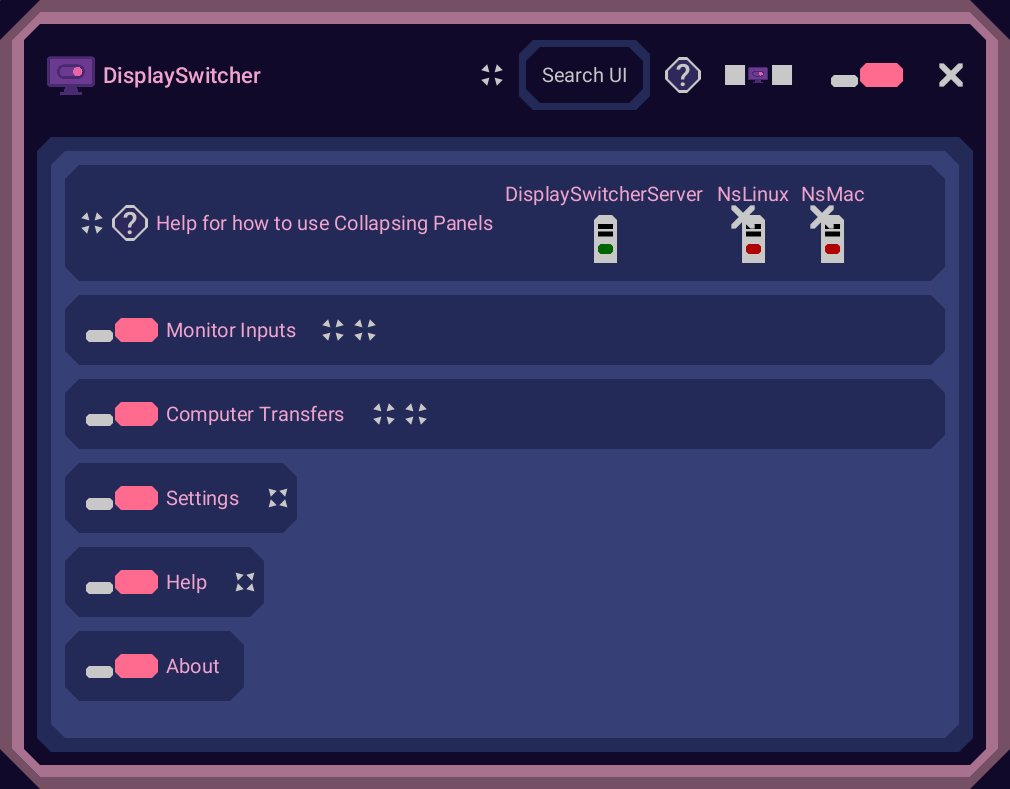
DisplaySwitcher is a desktop application for Linux, macOS, and Windows that combines monitor input switching with text and file transfers between computers.
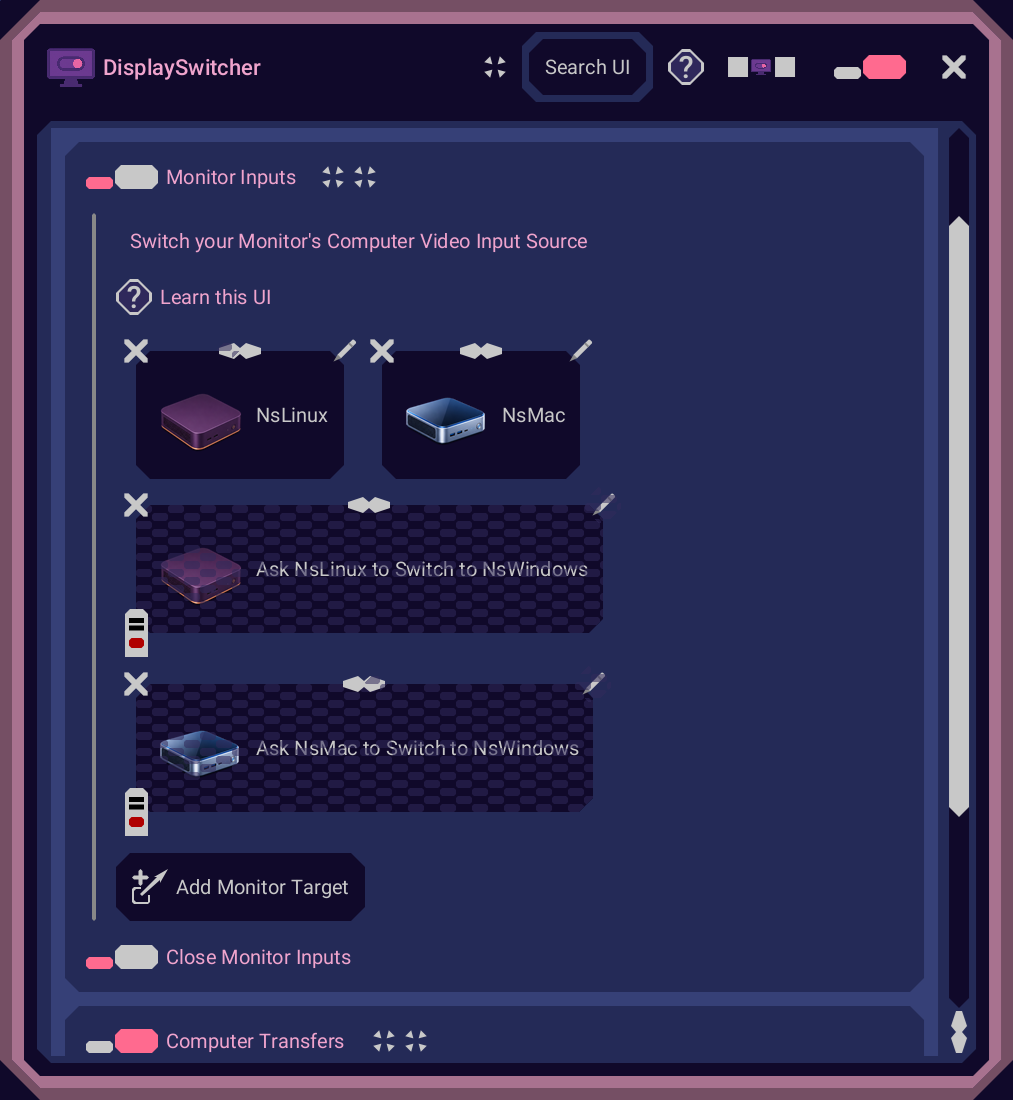
Switch a monitor’s video input with a software button instead of reaching for its physical controls. If one computer cannot switch the monitor directly, another connected computer capable of switching it can perform the action.
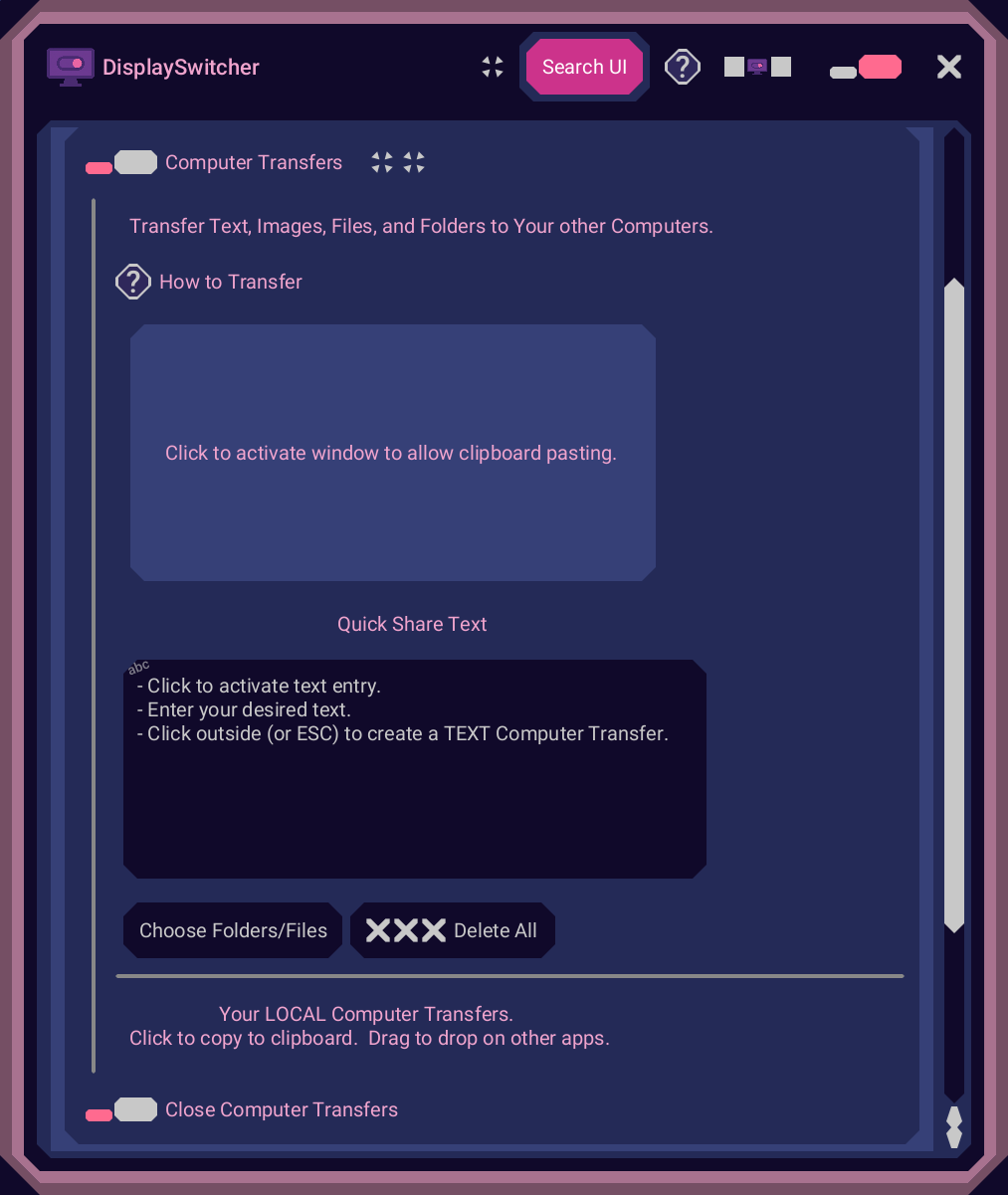
Transfer text and files using cut-and-paste, drag-and-drop, or file browsing across operating systems. No network or firewall configuration necessary.
$5.95 per month with a one-month free trial.
Features
Switch monitor video inputs with a software button
Ask another connected computer to perform input switching when needed
Transfer text and files between Linux, macOS, and Windows
Use cut-and-paste, drag-and-drop, or file browsing
No network or firewall configuration necessary
One-month free trial; $5.95 per month
Use Cases
Switch a shared monitor between work and personal computers
Move development files and text between Linux, macOS, and Windows
Switch inputs from a Mac when the monitor manufacturer’s software does not support that setup
Reduce interruptions in a home office or multi-computer development workflow

Comments


Hi, I’m Boyd, the developer of DisplaySwitcher. I created DisplaySwitcher after running into a frustrating problem with my own setup. I could switch my Dell monitor from my Windows computer to my Mac, but Dell’s display switching application wasn’t supported on macOS, so I couldn’t use it to switch back to Windows. I had to constantly fiddle with the physical buttons on my monitor. Slow, awkward, error prone, and very frustrating. As a software developer working across Linux, macOS, and Windows, I also needed an easier way to move between all three systems and transfer text and files between them. DisplaySwitcher brings those tasks together. I now use it to quickly switch my monitors between computers and share development files, saving time and keeping my attention on the work. It was also super cool to use DisplaySwitcher to switch and share WHILE CREATING DisplaySwitcher! Such a HUGE time saver! DisplaySwitcher costs $5.95 per month and includes a one-month free trial. I’d love to hear how you manage your own multi-computer setup and whether DisplaySwitcher could help.
Premium Products















































Sponsors
Buy

Makers
Makers
Comments
Hi, I’m Boyd, the developer of DisplaySwitcher. I created DisplaySwitcher after running into a frustrating problem with my own setup. I could switch my Dell monitor from my Windows computer to my Mac, but Dell’s display switching application wasn’t supported on macOS, so I couldn’t use it to switch back to Windows. I had to constantly fiddle with the physical buttons on my monitor. Slow, awkward, error prone, and very frustrating. As a software developer working across Linux, macOS, and Windows, I also needed an easier way to move between all three systems and transfer text and files between them. DisplaySwitcher brings those tasks together. I now use it to quickly switch my monitors between computers and share development files, saving time and keeping my attention on the work. It was also super cool to use DisplaySwitcher to switch and share WHILE CREATING DisplaySwitcher! Such a HUGE time saver! DisplaySwitcher costs $5.95 per month and includes a one-month free trial. I’d love to hear how you manage your own multi-computer setup and whether DisplaySwitcher could help.
Premium Products
New to Fazier?

Find your next favorite product or submit your own. Made by @FalakDigital.
Copyright ©2026. All Rights Reserved