DisplayShift
Plug in a monitor and choose which windows move over
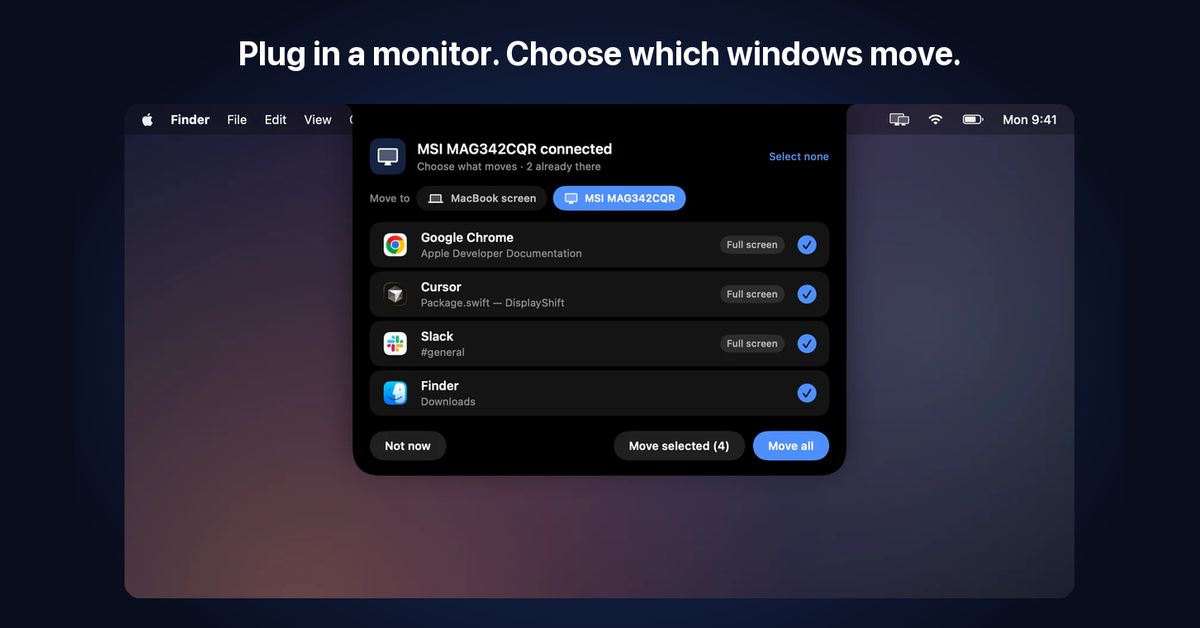
DisplayShift is a menu bar app for anyone who docks a MacBook. When a display connects, a panel drops out of the notch listing every open window, full screen apps and windows on other desktops included. Tick what should move and it glides across. Unplug, and everything comes back to the MacBook. Or let it move everything by itself.
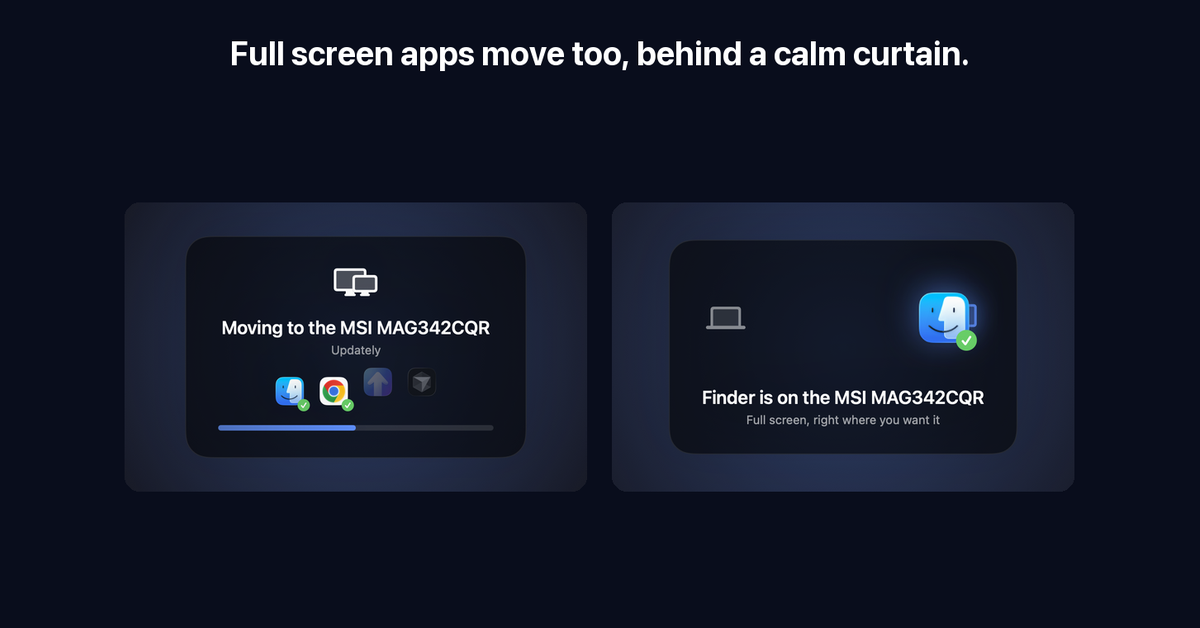
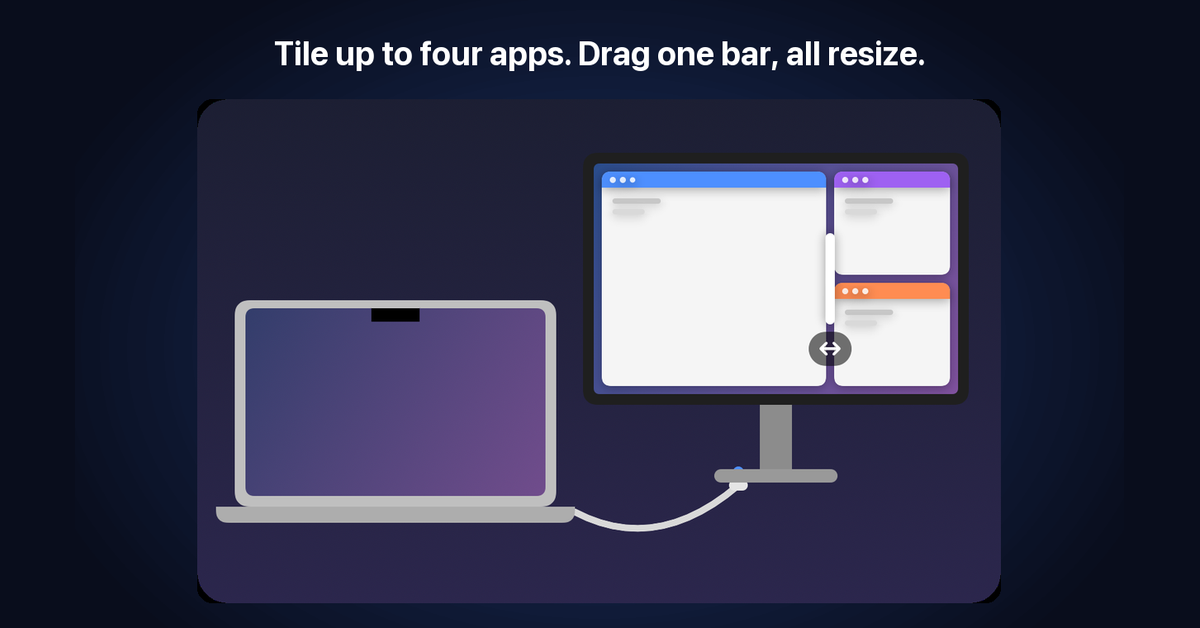
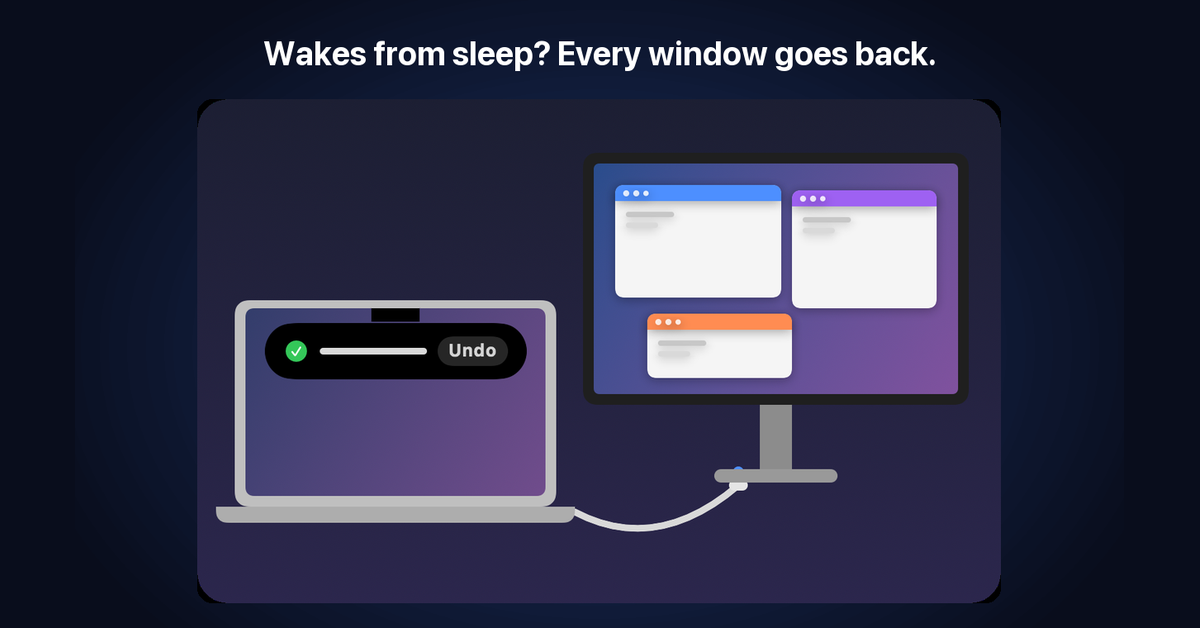
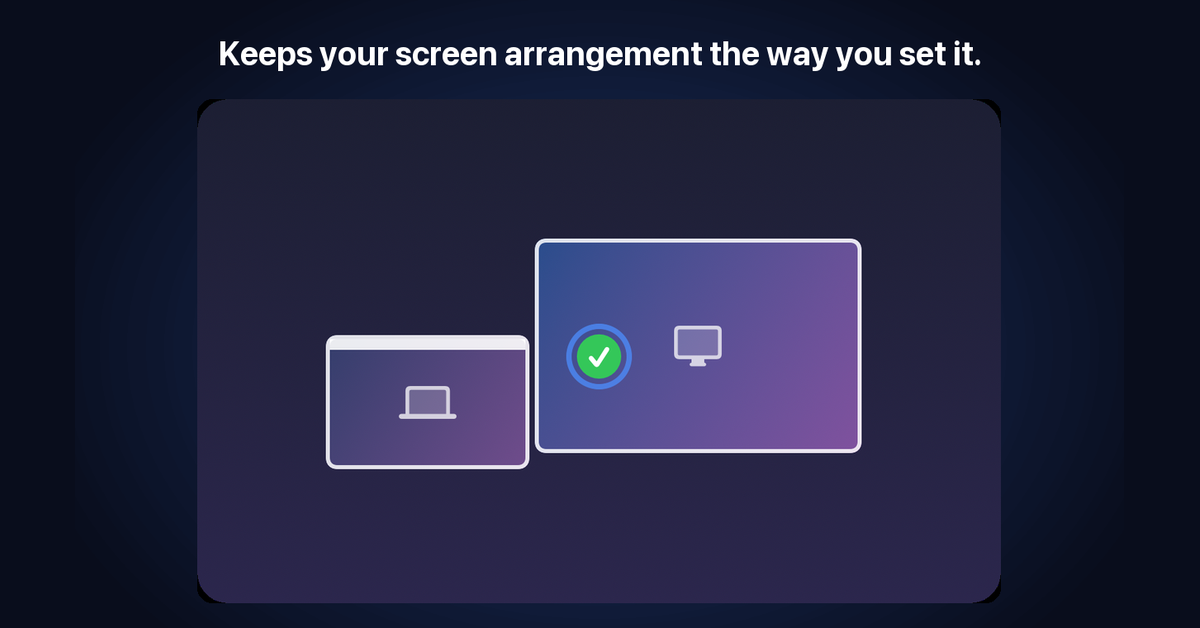
Full screen apps leave full screen, move and go full screen again on the other display, behind a calm curtain instead of macOS's flashing. It remembers a layout for each set of screens, puts windows back after sleep or a dock hiccup, and keeps your screen arrangement if macOS swaps your monitors. Tile up to four apps side by side and drag one bar to resize them together.
No account, no analytics. Free for 7 days, then $2.99 once, on up to 2 Macs.
Features
- A picker drops from the notch when a monitor connects: tick windows, then Move selected or Move all
- Full screen apps move too, behind a calm curtain instead of macOS's animations
- Remembers layouts per screen setup and puts windows back after sleep, with Undo
- Keeps your screen arrangement if macOS swaps the monitors or the main display
- Tiles up to four apps; drag one bar and the neighbours resize together
- Rules per app: keep on MacBook, send to the big screen, or never move
- Keyboard shortcuts for every action that never clash with macOS or your other apps
Use Cases
- Docking a MacBook every morning: windows go to the big screen without dragging them one by one
- Unplugging for a meeting: everything comes back to the laptop screen
- Full screen editors and terminals: they move and stay full screen
- After sleep: windows go back where they were instead of piling up on one display
- Two identical monitors: told apart and numbered left to right

Comments


Hi Fazier! I'm Aqib, I made DisplayShift. I dock my MacBook to a monitor every day, and every time I plugged in, my windows stayed piled on the laptop screen. Full screen apps were worse: leave full screen, drag, go full screen again. Then the Mac would sleep and macOS would shuffle everything back. So now, when a display connects, a panel drops out of the notch with every window listed. Tick what should move and it goes across, full screen apps included, behind a calm curtain instead of macOS's flashing. Unplug and everything comes home. It remembers a layout for each set of screens, puts windows back after sleep, and keeps your monitor arrangement if macOS swaps it. It's $2.99 once after a 7-day trial, no subscription, no account. I'd love to hear how you dock, and what would make this part of your day.
Premium Products


















































Makers
Makers
Comments
Hi Fazier! I'm Aqib, I made DisplayShift. I dock my MacBook to a monitor every day, and every time I plugged in, my windows stayed piled on the laptop screen. Full screen apps were worse: leave full screen, drag, go full screen again. Then the Mac would sleep and macOS would shuffle everything back. So now, when a display connects, a panel drops out of the notch with every window listed. Tick what should move and it goes across, full screen apps included, behind a calm curtain instead of macOS's flashing. Unplug and everything comes home. It remembers a layout for each set of screens, puts windows back after sleep, and keeps your monitor arrangement if macOS swaps it. It's $2.99 once after a 7-day trial, no subscription, no account. I'd love to hear how you dock, and what would make this part of your day.
Premium Products
New to Fazier?

Find your next favorite product or submit your own. Made by @FalakDigital.
Copyright ©2026. All Rights Reserved