
DevTul – 12 Dev Tools, 100% Local
12 dev tools — JSON, YAML, regex, hash, JWT & more. 100% loc
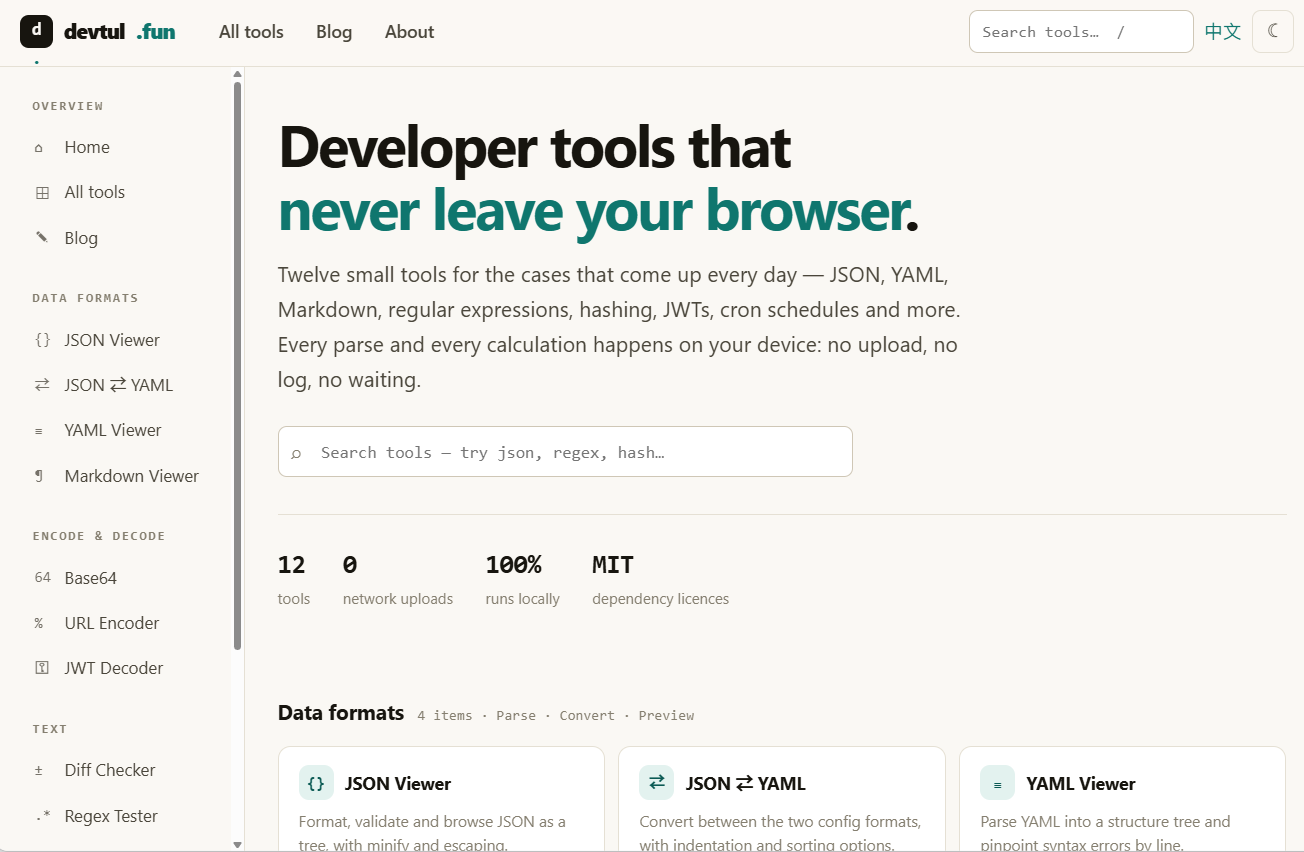
DevTul is a collection of 12 developer tools that run entirely in your browser — covering JSON, YAML, Markdown, regex, hash, JWT, Cron, and other everyday scenarios. Everything is parsed and computed locally on your device: no uploads, no logs, no waiting. Whether you need a JSON viewer, Base64 encoder, UUID generator, or Cron expression builder, DevTul works instantly, requires no account, and even functions offline once loaded.
Features
12 tools covering JSON, YAML, Markdown, regex, Base64, URL, JWT, UUID, hash, Cron and more
100% local processing — your data never leaves your device
No account, no quotas, no ads — just open and use
Works fully offline once the page is loaded
Keyboard-friendly: press "/" to search any tool instantly
MIT-licensed dependencies
Use Cases
Format and inspect JSON or YAML configs with a visual tree view
Decode JWT tokens to verify header, payload, and HS256 signature
Test and debug regex patterns with real-time highlighting and capture groups
Generate UUIDs, hashes (MD5/SHA-1/SHA-256/SHA-512), or Cron expressions in bulk
Compare text files with line-by-line and word-by-word highlighting

Comments


Decoding JWTs locally is the right call, since pasting production tokens into random online decoders is a real risk. The keyboard shortcut to search tools is handy too. It would be great if the JWT tool could also flag expired tokens by comparing the exp claim to the current time, and a shareable state via the URL hash (never sent to a server) would help with team debugging.

Tried the cron generator, and the list of next trigger times is the part I always want and most generators skip. One request: it only shows browser local time. GitHub Actions and most cloud schedulers run in UTC, so a UTC toggle would save me the mental math. I'm in Poland, so I'm off by one or two hours depending on DST.
Decoding JWTs locally is the right call, since pasting production tokens into random online decoders is a real risk. The keyboard shortcut to search tools is handy too. It would be great if the JWT tool could also flag expired tokens by comparing the exp claim to the current time, and a shareable state via the URL hash (never sent to a server) would help with team debugging.


Decoding JWTs entirely in the browser is a nice touch, since people often paste production tokens into these tools. A small inline reminder that decoding does not verify a token, plus a warning when the payload shows an expired exp claim or alg set to none, would make the JWT tool teach good practice. Would you also add a way to confirm that no network requests are made, like a visible offline badge?




Running everything locally is a strong selling point for developers who paste tokens or customer payloads into online formatters. Can you say how the offline mode works in practice, for example whether a service worker caches all 12 tools after the first visit or only the ones already opened? I would also like to know if the JWT decoder explicitly avoids sending the token anywhere, since that is the check most people want before trusting it.
Premium Products






















































Sponsors
Buy

Makers

Makers
Comments
Decoding JWTs locally is the right call, since pasting production tokens into random online decoders is a real risk. The keyboard shortcut to search tools is handy too. It would be great if the JWT tool could also flag expired tokens by comparing the exp claim to the current time, and a shareable state via the URL hash (never sent to a server) would help with team debugging.
Tried the cron generator, and the list of next trigger times is the part I always want and most generators skip. One request: it only shows browser local time. GitHub Actions and most cloud schedulers run in UTC, so a UTC toggle would save me the mental math. I'm in Poland, so I'm off by one or two hours depending on DST.
Decoding JWTs locally is the right call, since pasting production tokens into random online decoders is a real risk. The keyboard shortcut to search tools is handy too. It would be great if the JWT tool could also flag expired tokens by comparing the exp claim to the current time, and a shareable state via the URL hash (never sent to a server) would help with team debugging.
Decoding JWTs entirely in the browser is a nice touch, since people often paste production tokens into these tools. A small inline reminder that decoding does not verify a token, plus a warning when the payload shows an expired exp claim or alg set to none, would make the JWT tool teach good practice. Would you also add a way to confirm that no network requests are made, like a visible offline badge?
Running everything locally is a strong selling point for developers who paste tokens or customer payloads into online formatters. Can you say how the offline mode works in practice, for example whether a service worker caches all 12 tools after the first visit or only the ones already opened? I would also like to know if the JWT decoder explicitly avoids sending the token anywhere, since that is the check most people want before trusting it.
Premium Products
New to Fazier?

Find your next favorite product or submit your own. Made by @FalakDigital.
Copyright ©2026. All Rights Reserved