
Deskworthy
Small, private Mac apps. One job each, nothing uploaded
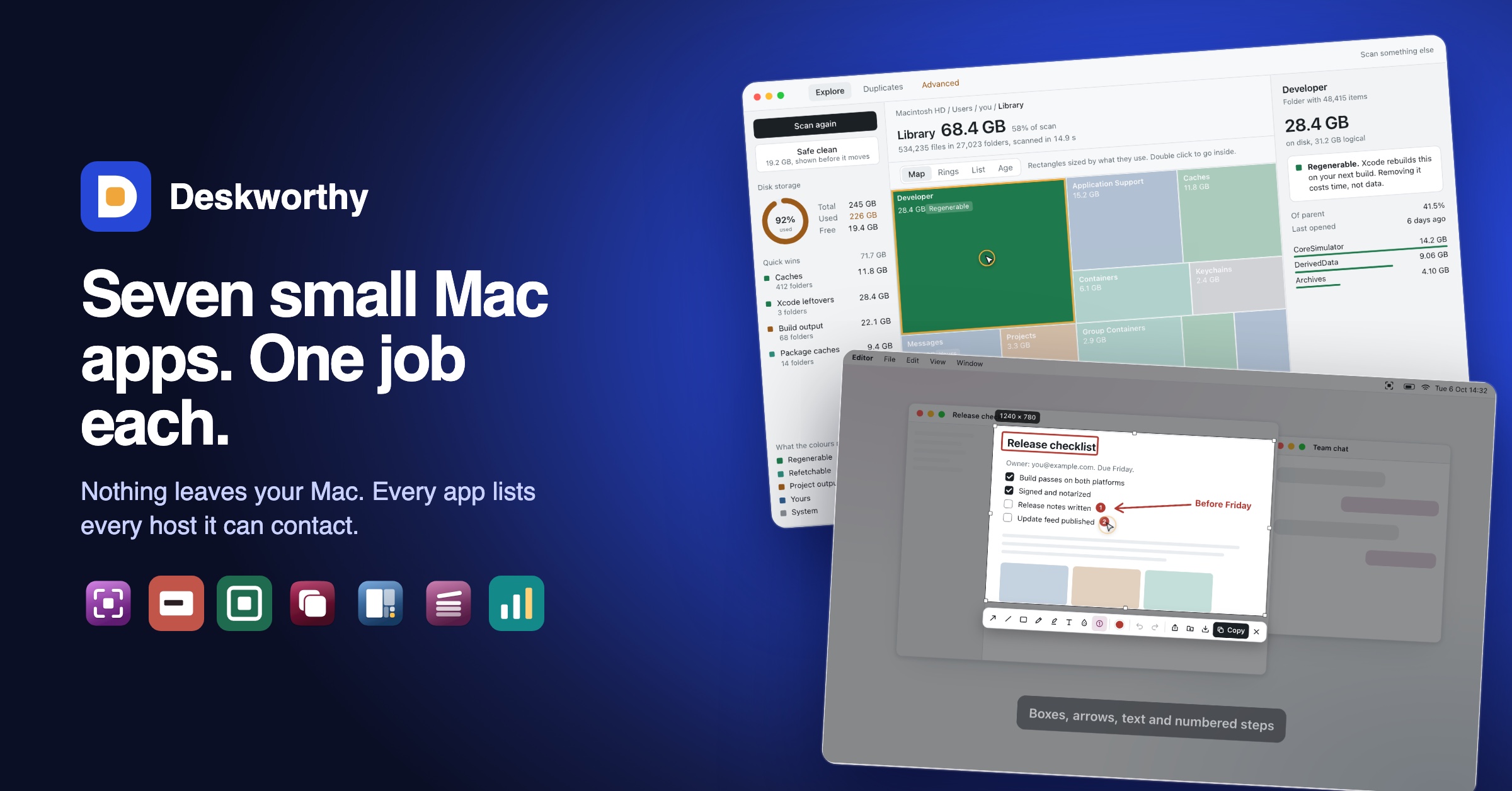
Most utility apps ask you to trust them with your files. Deskworthy is built the other way round: seven small Mac apps, one job each, and your files never leave your Mac.
Each app has a Network panel that lists every host it can contact and why, and an Offline mode that stops all network calls. There is no analytics, no advertising and no third-party SDK inside the apps.
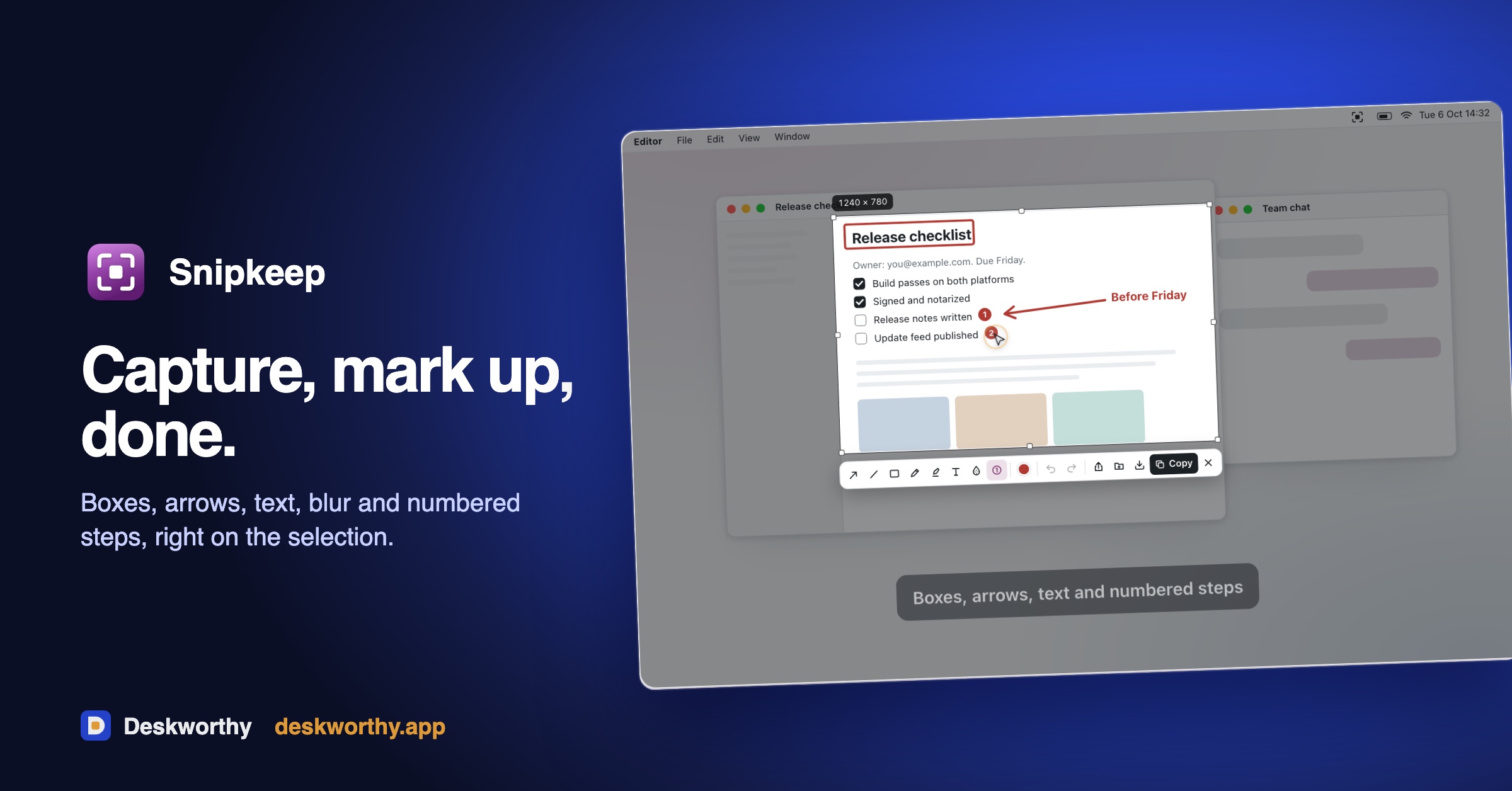
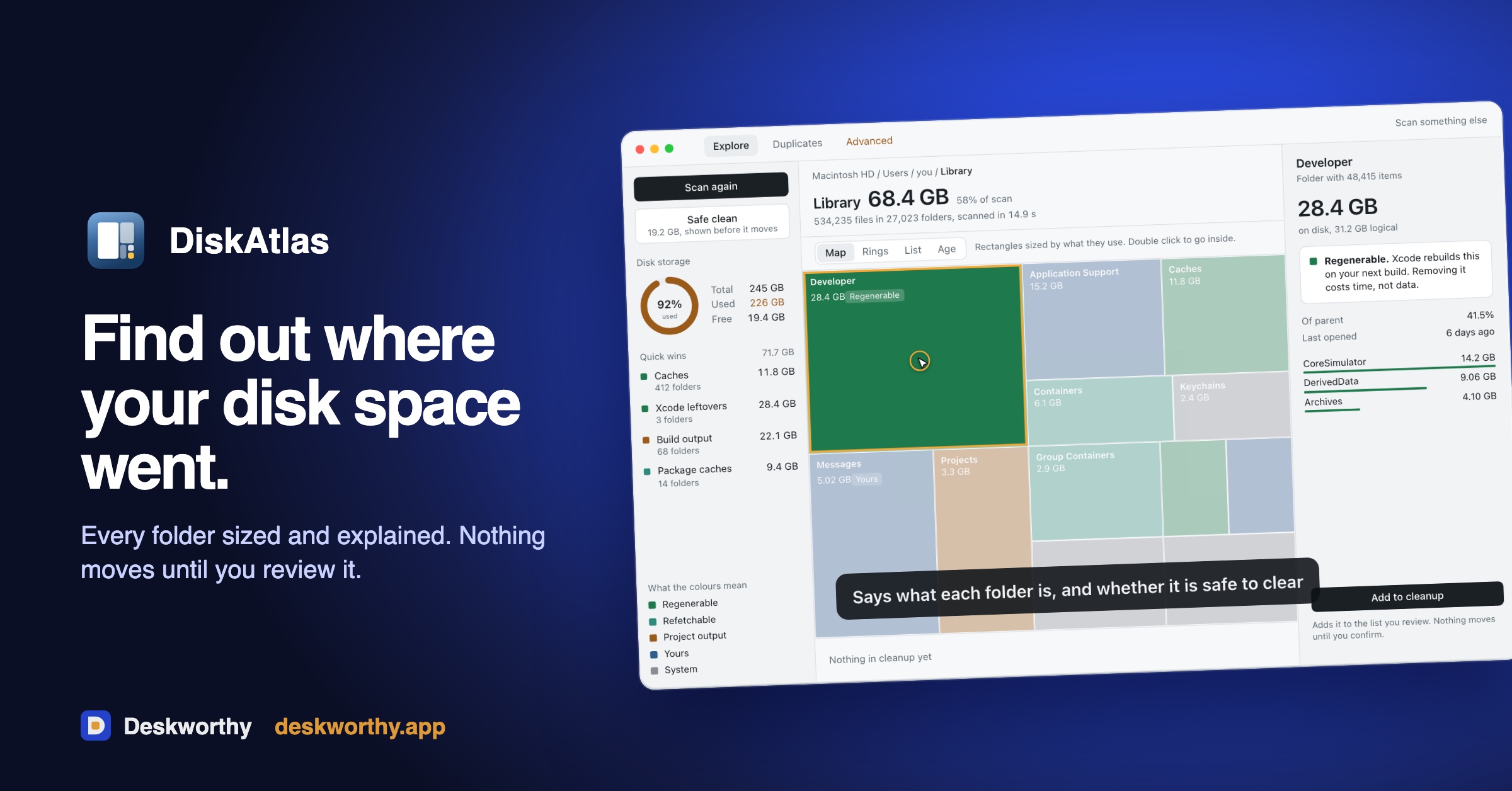
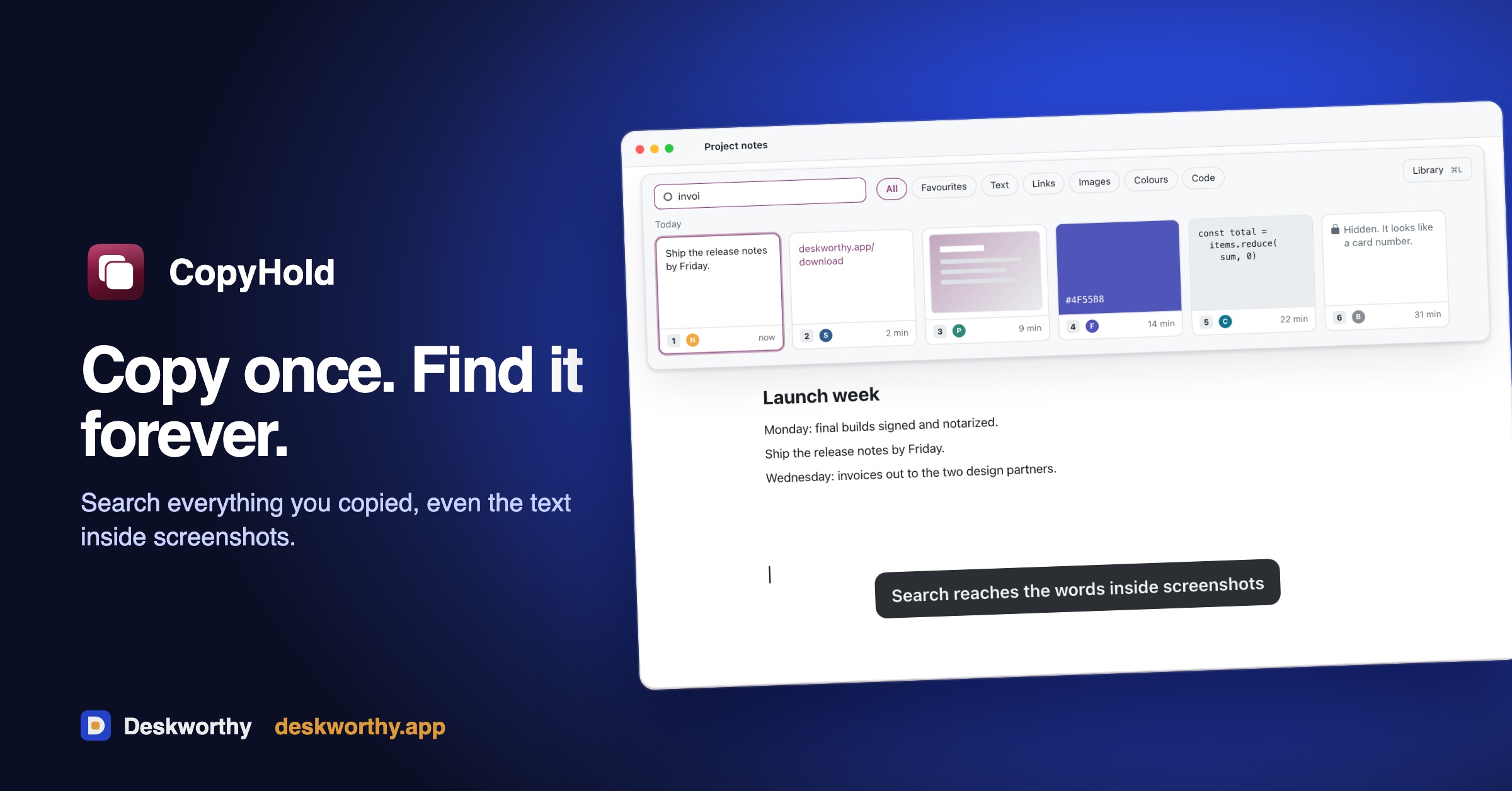
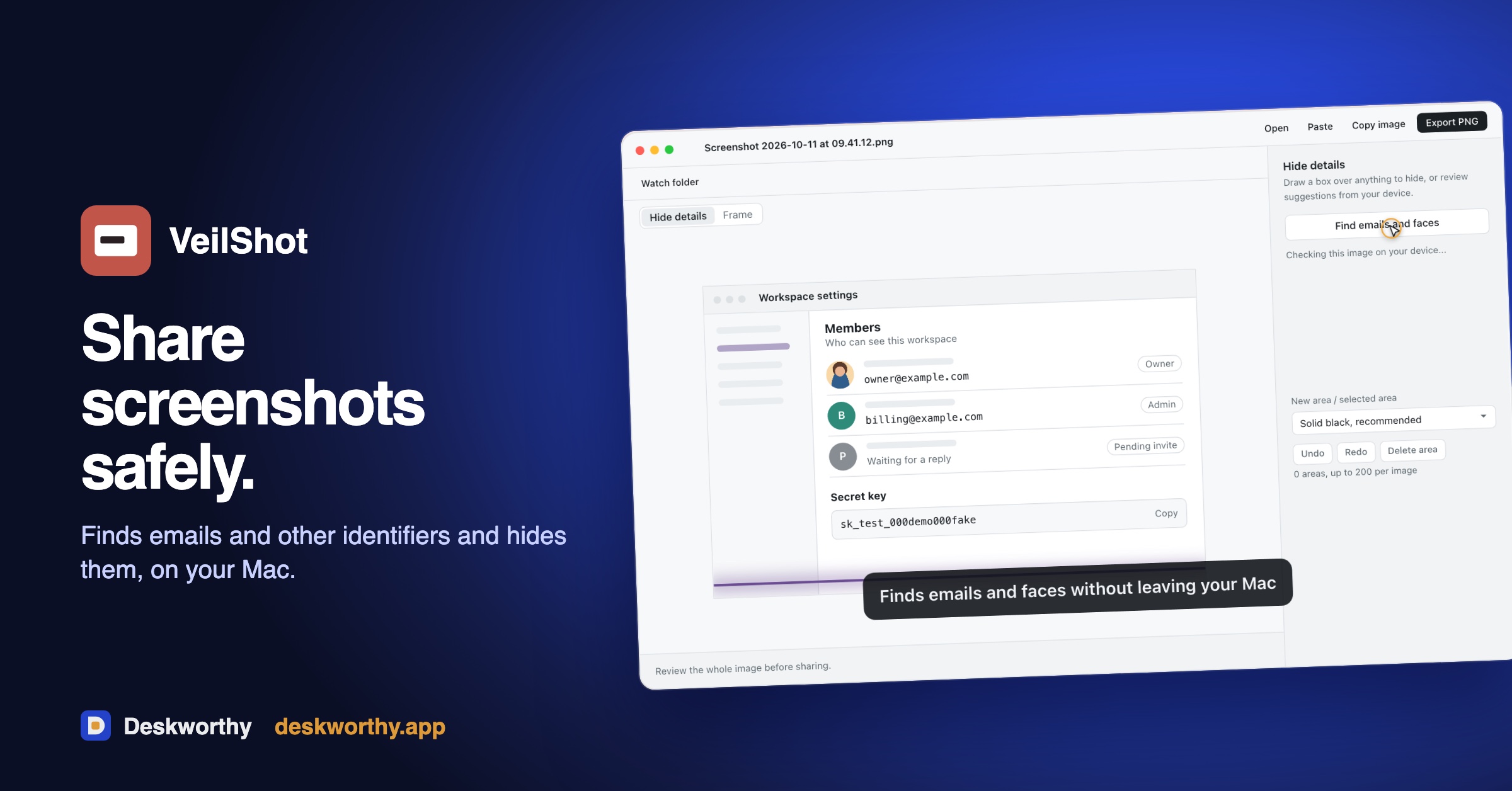
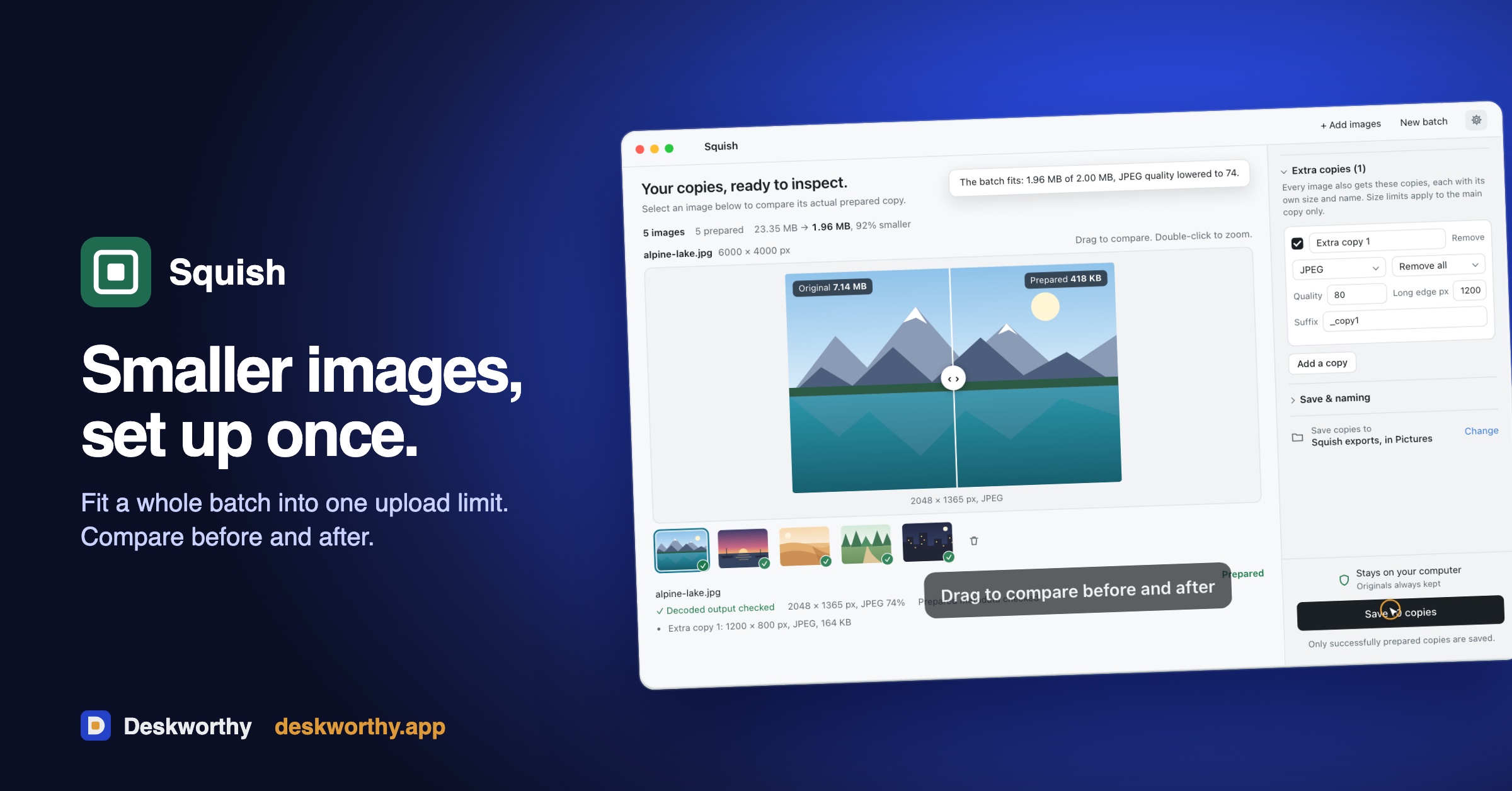
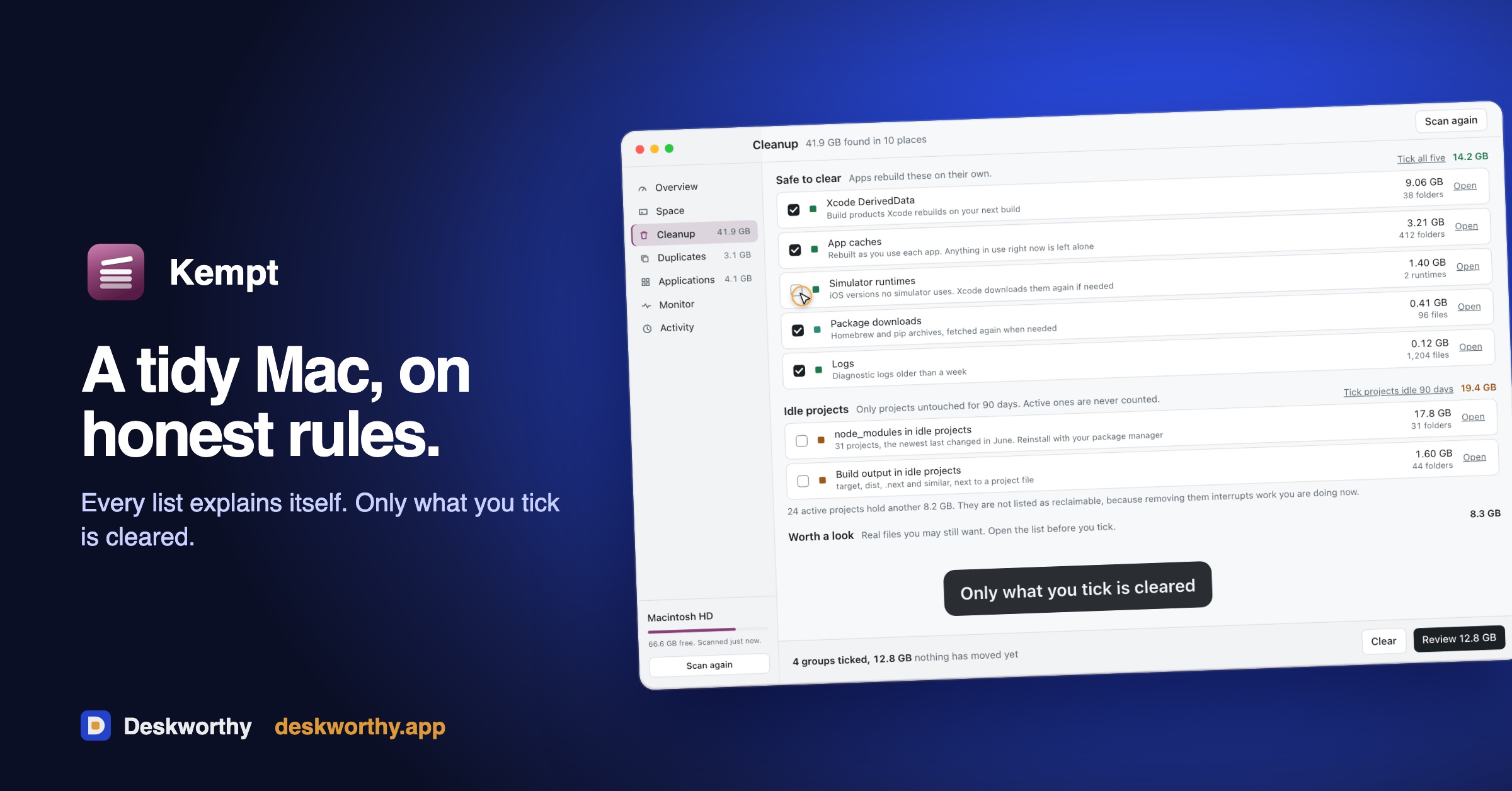
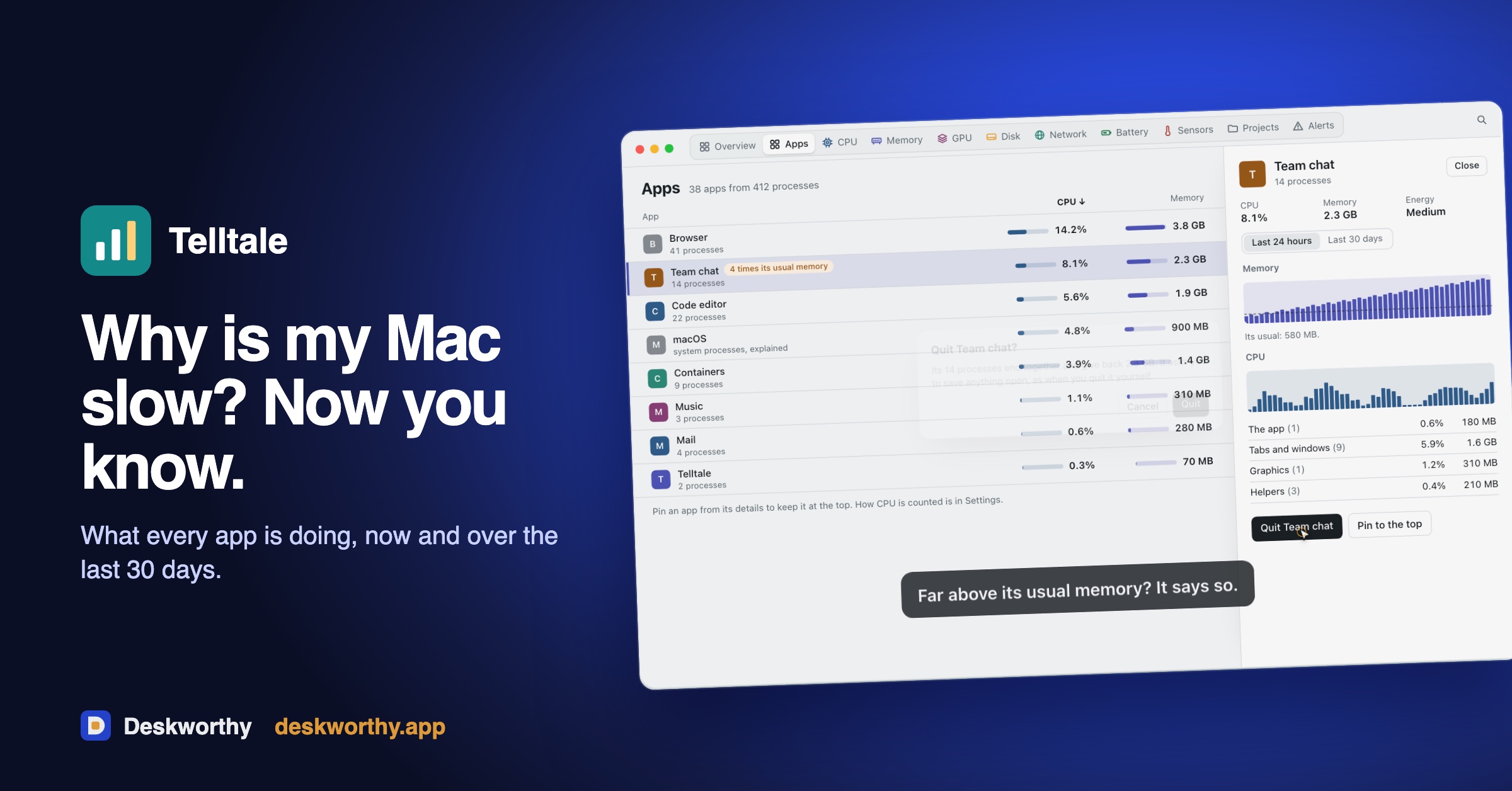
Snipkeep captures and marks up screenshots, VeilShot hides emails and identifiers in them, Squish prepares images for export, CopyHold keeps what you copy, DiskAtlas maps disk space, Kempt keeps a Mac tidy, and Telltale shows what every app is doing. Buy one app, or take them all.
Features
- A Network panel in every app listing each host it can contact
- Offline mode that makes no network calls at all
- No analytics and no third-party SDKs; files are never uploaded
- One job per app, no onboarding tours
- 7-day free trial, or a free limited mode for DiskAtlas and Kempt
- One app $19 once, or All Apps $9 a month or $69 a year; founder prices for the first buyers
- Native on Apple silicon and Intel (macOS 13 or later)
Use Cases
- Capture part of the screen, mark it up and paste it (Snipkeep)
- Hide emails and identifiers in a screenshot before you share it (VeilShot)
- Shrink a batch of photos to fit an upload limit (Squish)
- Find something you copied last week (CopyHold)
- See what is filling your disk and clear it safely (DiskAtlas)
- Clear caches and leftovers you understand, only what you tick (Kempt)
- Find out why your Mac got slow (Telltale)

Comments


The one-job split is the part that stands out. CopyHold keeping a local history of what you copied is useful, but clipboard history quietly holds passwords and one-time codes. Does CopyHold skip pastes from password managers, or is that history something you clear by hand? Also, Telltale says it shows why a Mac got slow: does it break out GPU and helper processes the way Activity Monitor does, or only the app you have in front?

VeilShot is the app I'd use most — hiding emails and identifiers in screenshots before sharing them solves a genuinely awkward problem I run into weekly. The Network panel listing every host an app can contact is a smart trust feature too; most privacy apps ask you to take their word for it. Question: does the Offline mode persist between launches, or do you have to re-enable it each time you open an app?


Hi, I'm Ahmad, the maker. Deskworthy is a set of small Mac apps where the privacy claim is something you can check: open Settings, Network, and see every host the app can reach, or switch on Offline mode and watch it make no calls. We started with the jobs people repeat every day (screenshots, images, the clipboard, disk space, what is slowing the Mac) and gave each its own app, so none needs an onboarding tour. Every app has a 7-day trial or a free mode. I'd love to hear which app you would use first and what is missing. Founder prices are open for the first buyers.
Premium Products










































Sponsors
Buy

Makers
Makers
Comments
The one-job split is the part that stands out. CopyHold keeping a local history of what you copied is useful, but clipboard history quietly holds passwords and one-time codes. Does CopyHold skip pastes from password managers, or is that history something you clear by hand? Also, Telltale says it shows why a Mac got slow: does it break out GPU and helper processes the way Activity Monitor does, or only the app you have in front?
VeilShot is the app I'd use most — hiding emails and identifiers in screenshots before sharing them solves a genuinely awkward problem I run into weekly. The Network panel listing every host an app can contact is a smart trust feature too; most privacy apps ask you to take their word for it. Question: does the Offline mode persist between launches, or do you have to re-enable it each time you open an app?
Hi, I'm Ahmad, the maker. Deskworthy is a set of small Mac apps where the privacy claim is something you can check: open Settings, Network, and see every host the app can reach, or switch on Offline mode and watch it make no calls. We started with the jobs people repeat every day (screenshots, images, the clipboard, disk space, what is slowing the Mac) and gave each its own app, so none needs an onboarding tour. Every app has a 7-day trial or a free mode. I'd love to hear which app you would use first and what is missing. Founder prices are open for the first buyers.
Premium Products
New to Fazier?

Find your next favorite product or submit your own. Made by @FalakDigital.
Copyright ©2026. All Rights Reserved