
Design Previewer
Design Previewer
Real thumbnails for design files in Windows Explorer
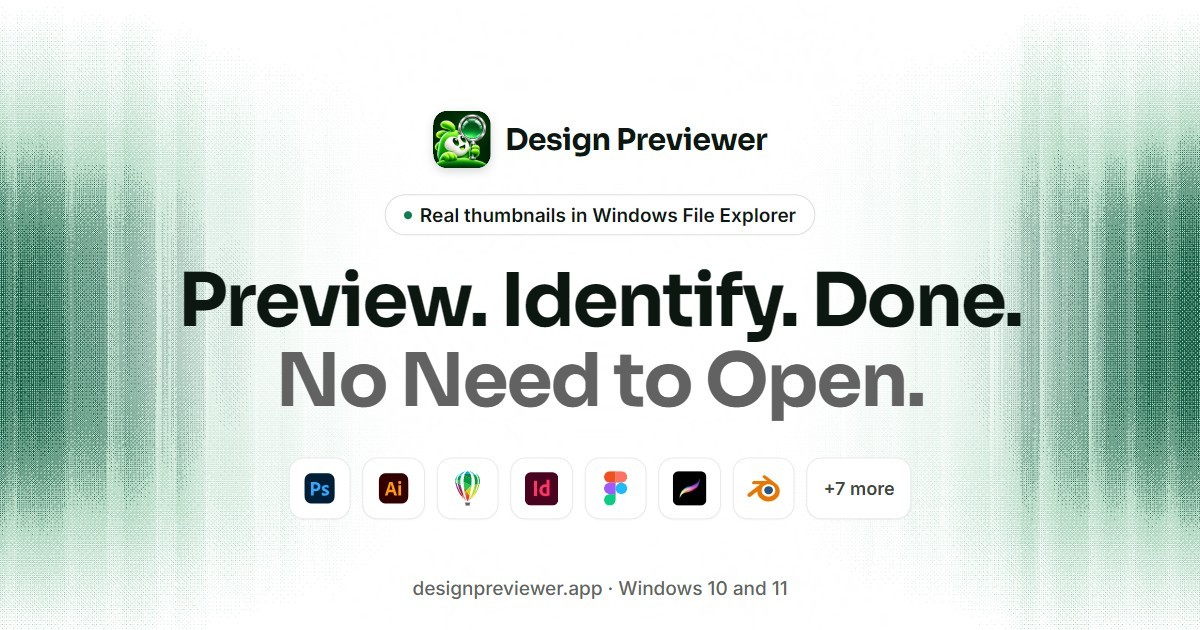
- Design Previewer is a lightweight Windows application that displays thumbnails of professional design files directly in Windows File Explorer.
- Helps graphic designers, creative agencies, freelancers, and printing professionals find and manage design files without opening them individually.
- Supports 28 file extensions, including PSD, PSB, AI, EPS, CDR, INDD, Figma, Procreate, Blender, and more.
- Displays actual design thumbnails instead of generic file icons, making it easier to identify projects visually.
- Allows users to preview supported design files without installing Photoshop, Illustrator, CorelDRAW, or other original design software.
- Provides larger file previews through the Windows File Explorer preview pane.
- Efficiently reads embedded preview data, making it possible to preview large design files without loading entire projects.
- Works offline and processes files locally without uploading or modifying their contents.
- Integrates directly into Windows File Explorer without unnecessary background services or complicated setup.
- Compatible with Windows 10 and Windows 11.
- Offers a 15-day free trial with affordable yearly and lifetime licensing options.
- Designed to reduce repetitive file-opening tasks, simplify creative file management, and save valuable time.
Features
- Windows File Explorer Integration: View design file thumbnails directly in Windows folders.
- Multiple Format Support: Supports 28 file extensions, including PSD, PSB, AI, EPS, CDR, INDD, Figma, Procreate, Blender, and more.
- No Design Software Required: Preview supported files without installing Photoshop, Illustrator, CorelDRAW, or other original applications.
- Instant Thumbnail Previews: Identify designs visually without opening individual files.
- Large File Support: Efficiently reads embedded preview data, even from large design files.
- Windows Preview Pane: View larger previews directly in File Explorer.
- Offline Functionality: Access file previews without an internet connection.
- Privacy and Security: Processes files locally without uploading or modifying them.
- Lightweight Performance: No unnecessary background services or resource-heavy processes.
- Simple Setup: Install once and start viewing supported design thumbnails in Windows File Explorer.
Use Cases
- Windows File Explorer Integration: View design file thumbnails directly in Windows folders.
- Multiple Format Support: Supports 28 file extensions, including PSD, PSB, AI, EPS, CDR, INDD, Figma, Procreate, Blender, and more.
- No Design Software Required: Preview supported files without installing Photoshop, Illustrator, CorelDRAW, or other original applications.
- Instant Thumbnail Previews: Identify designs visually without opening individual files.
- Large File Support: Efficiently reads embedded preview data, even from large design files.
- Windows Preview Pane: View larger previews directly in File Explorer.
- Offline Functionality: Access file previews without an internet connection.
- Privacy and Security: Processes files locally without uploading or modifying them.
- Lightweight Performance: No unnecessary background services or resource-heavy processes.
- Simple Setup: Install once and start viewing supported design thumbnails in Windows File Explorer.

Comments

Premium Products

















































Makers

Makers
Comments
Premium Products
New to Fazier?

Find your next favorite product or submit your own. Made by @FalakDigital.
Copyright ©2026. All Rights Reserved