Curflow
How Mac power users trigger actions without the keyboard
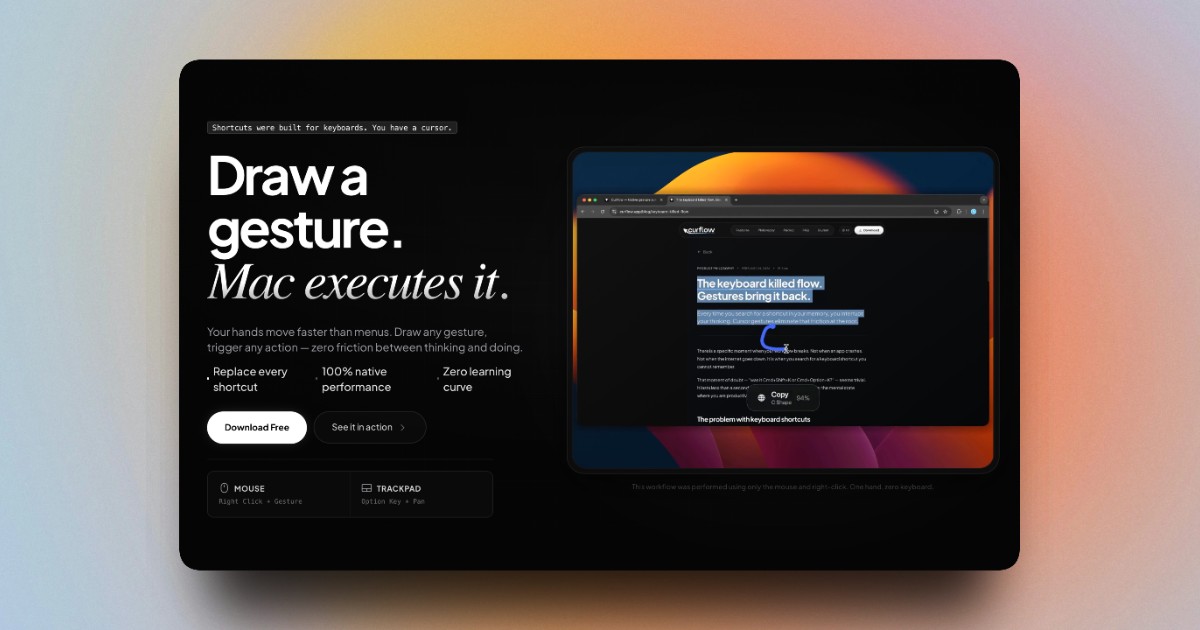
Mac users who switched from Windows keep asking the same
question: "Is there a StrokePlus for macOS?" The answer
is Curflow — a native gesture app that maps any mouse or
trackpad movement to any macOS action. System-wide. Every
app. Setup in 60 seconds. One-time payment.
Features
---
"Can I use trackpad gestures for custom actions without breaking native macOS
gestures?"
Hold Option and pan in any direction. Native gestures —
Mission Control, swipe between desktops — work exactly
the same. Curflow only activates when you want it.
---
"Can the same gesture do different things in different apps?"
Yes. Swipe up in Finder opens the parent folder. Swipe up
in Arc opens a new Easel. Swipe up in VS Code jumps to
definition. One gesture, always the right action.
---
"Can I trigger any keyboard shortcut with a mouse gesture on Mac?"
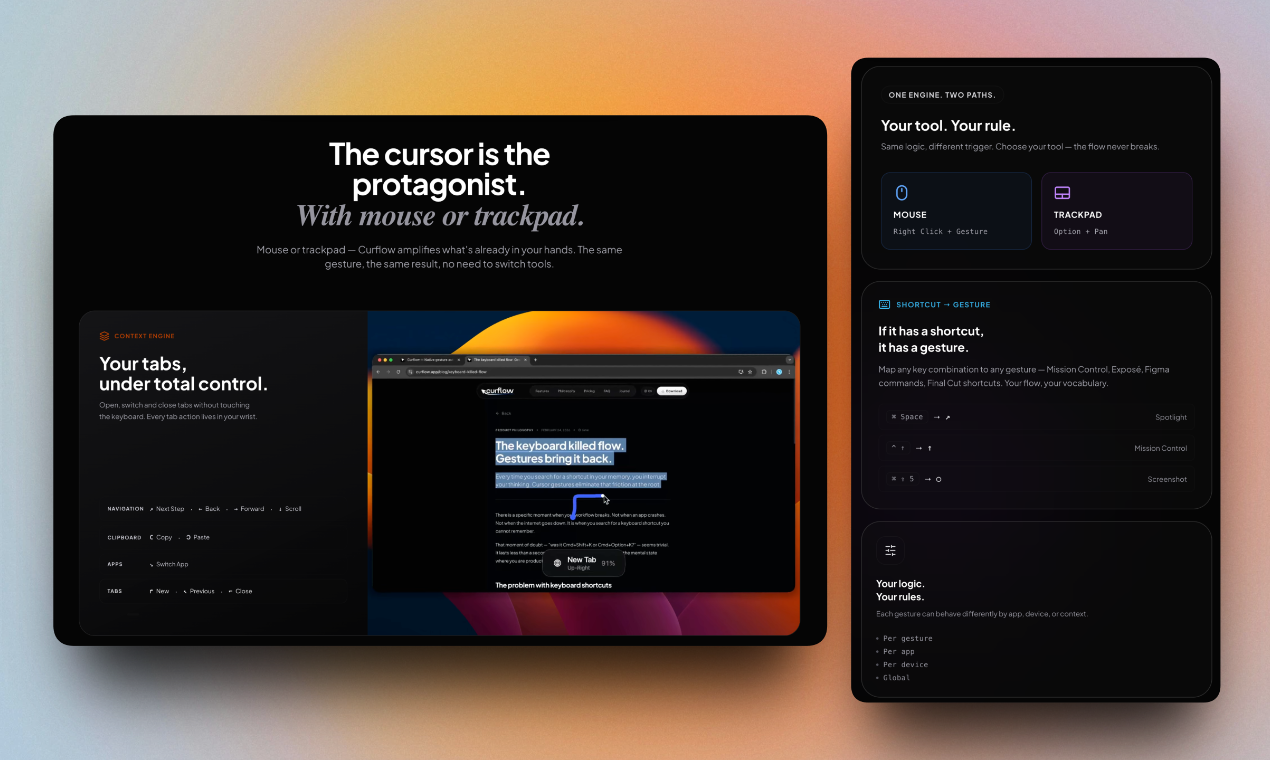
If it has a shortcut, it has a gesture. Map ⌘Space,
Mission Control, Figma commands, Final Cut shortcuts —
any key combination becomes a wrist movement.
---
"Are mouse gesture apps laggy on macOS?"
Curflow runs natively in Swift with direct access to the
macOS event system. Recognition happens in under 20ms —
fast enough that the action fires before you finish
the gesture.
---
"How long does it take to set up a mouse gesture app on Mac?"
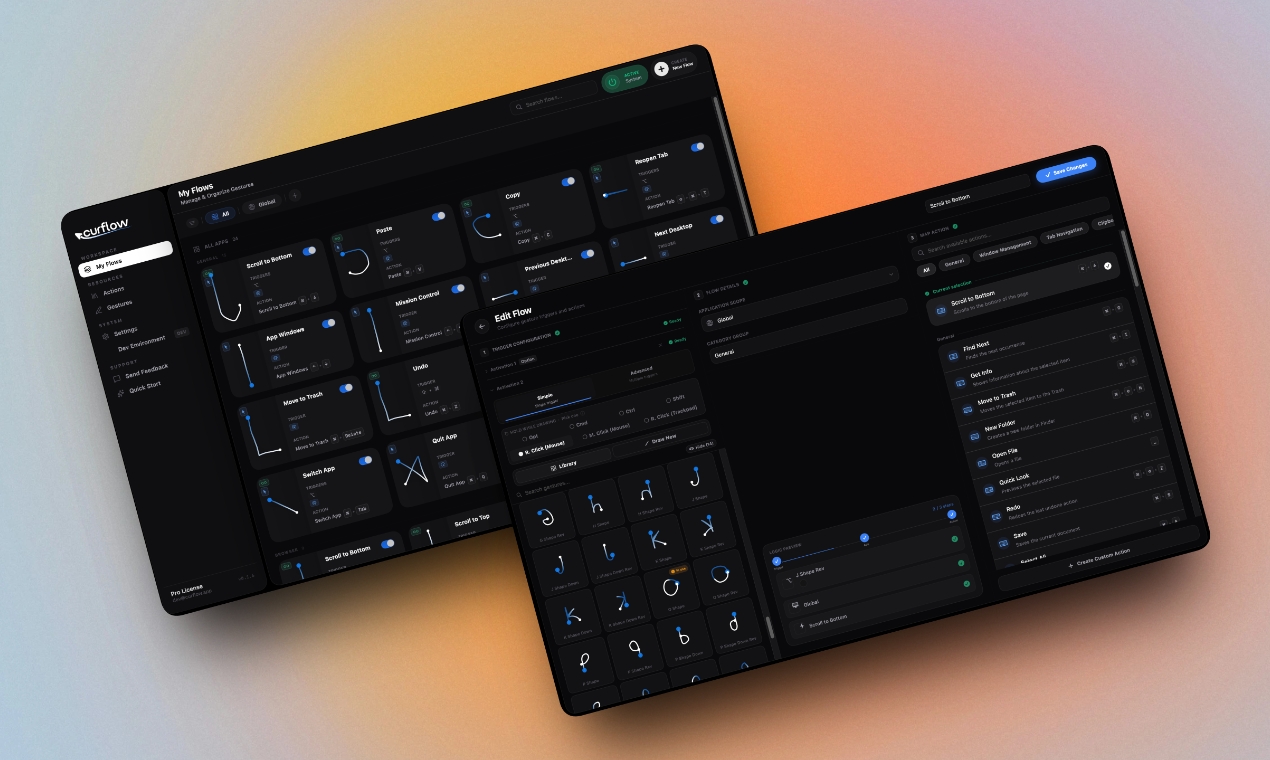
Three steps: pick the gesture, set the scope (global or
per-app), map the action. Your first gesture works in
under 60 seconds.
---
"Does a gesture app running in the background drain Mac battery?"
No polling, no active loops when you're not gesturing.
Battery impact under 0.1% of daily charge in internal
tests. Invisible until you need it.
---
"Is Curflow a subscription?"
No. One payment, yours forever. Standard ($9) for 1 Mac.
Pro ($19) for up to 3 Macs with lifetime updates.
No recurring charges, ever.
Use Cases
⏺ ---
"How do developers switch between apps faster on macOS without Cmd+Tab?"
Draw a diagonal with your mouse. Curflow switches to your
last active app instantly — no keyboard, no hand movement.
Draw the same diagonal to come back. Two wrist flicks
replace the Cmd+Tab loop entirely.
---
"How do I navigate browser tabs without touching the keyboard on Mac?"
Swipe right — next tab. Swipe left — previous tab.
Swipe down — close it. Every tab action lives in your
wrist. Works in Chrome, Safari, Arc, Firefox —
system-wide, no extension needed.
---
"Is there a faster way to copy-paste on Mac without Cmd+C and Cmd+V?"
Draw a C to copy. Draw a reversed C to paste. The shape
matches the action — your brain maps it in minutes,
not days. No keyboard combination to memorize.
---
"How do designers switch between Figma and the browser without losing focus?"
One diagonal gesture switches to Chrome. Another brings
you back to Figma. No Cmd+Tab, no clicking the dock.
You stay in the design, not in the navigation.
---
"How do Mac power users trigger Mission Control or Spotlight without keyboard?"
Map ⌘Space to a circle gesture. Map Mission Control
to a swipe up. Any system shortcut becomes a wrist
movement — you never break flow to reach the keyboard.
---
"How do I reload a webpage faster on Mac?"
Draw a down-up gesture — like pulling a spring.
Curflow fires Cmd+R instantly. Faster than moving
your hand to the keyboard, faster than right-clicking
and finding Reload.
---
"How do content creators manage windows faster on macOS?"
Swipe to maximize the window you need. Swipe to
minimize what you don't. Switch reference browser
and writing app with one gesture each. Your workflow
runs at the speed of your wrist.
---
"How do Mac users who switched from Windows recover their StrokePlus workflow?"
Map the same gestures you used on Windows. Swipe
right for forward, swipe left for back, swipe down
to close. Same muscle memory, native macOS performance.
You're back in flow in under 10 minutes.
---

Comments

Premium Products








































Sponsors
Buy

Makers

Makers
Comments
Premium Products
New to Fazier?

Find your next favorite product or submit your own. Made by @FalakDigital.
Copyright ©2026. All Rights Reserved