
CrunchyPic
Free browser image tools - compress to exact KB, no signup
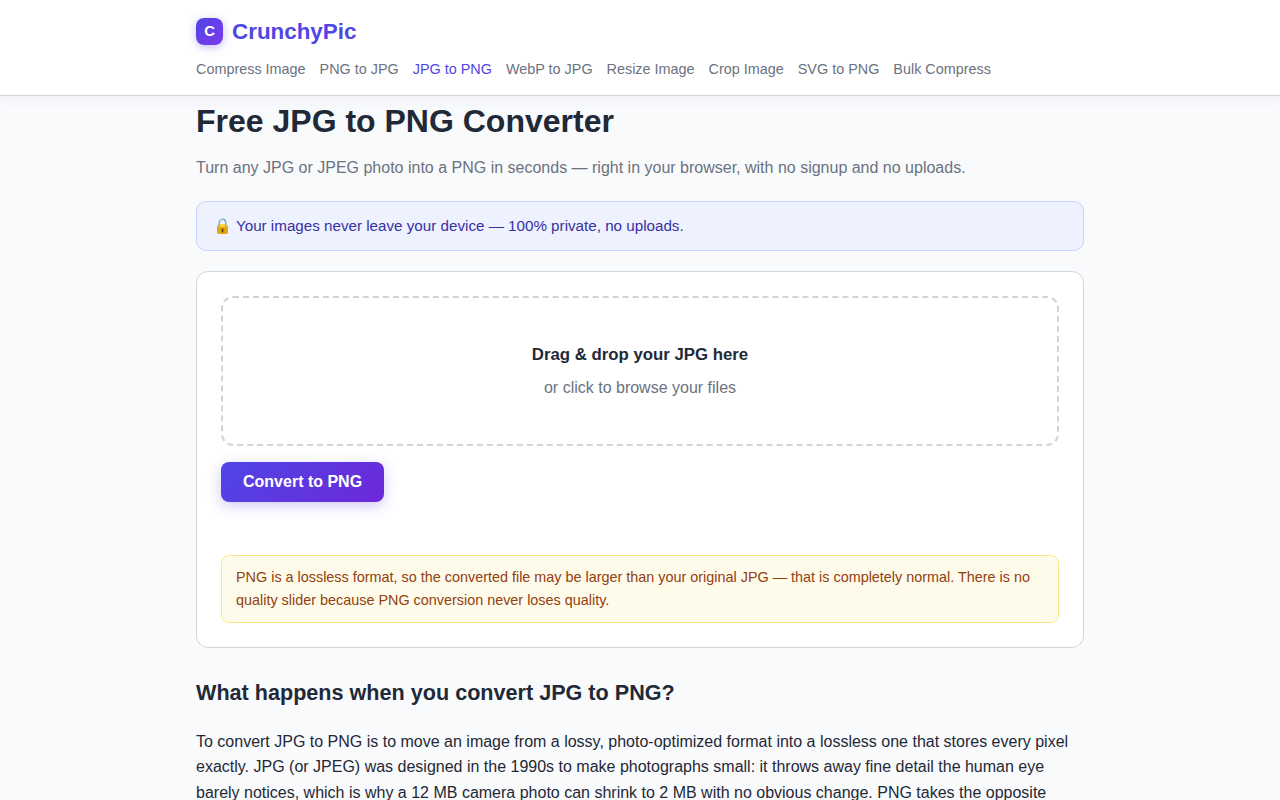
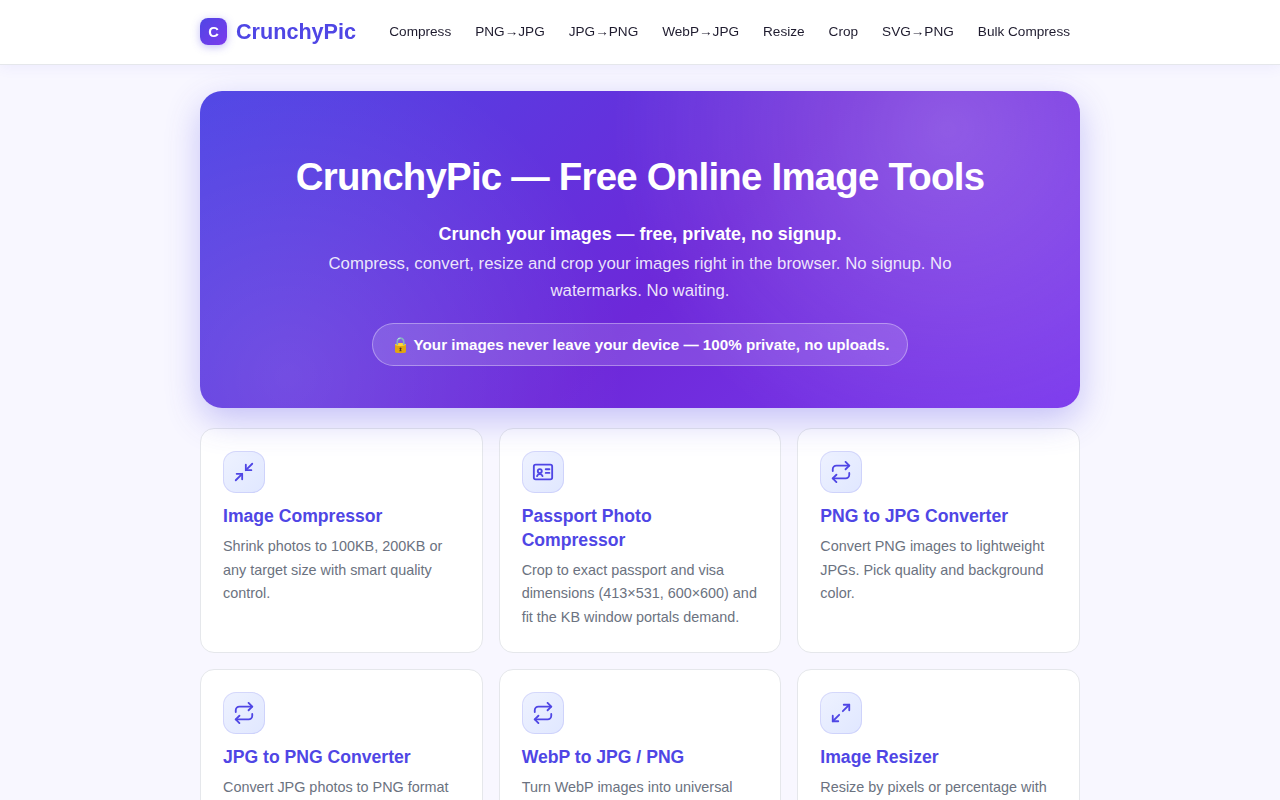
CrunchyPic is a free in-browser image toolkit: compress images to an exact KB size, convert between formats, resize, crop, and turn PDFs into JPGs — all without signup. Everything runs on your device, so files never leave your browser.

Comments

Tried the compressor on a 793 KB PNG (a 764×1200 scanned comic page) with a custom 150 KB target: Auto→JPEG landed at 149.3 KB at quality 0.59 with the dimensions untouched, and the before/after slider made it easy to check that the small lettering stayed readable. One thing I noticed: switching the output to PNG gave an 879 KB file, bigger than the original. Maybe fall back to the original, or warn when PNG can't reach the target?
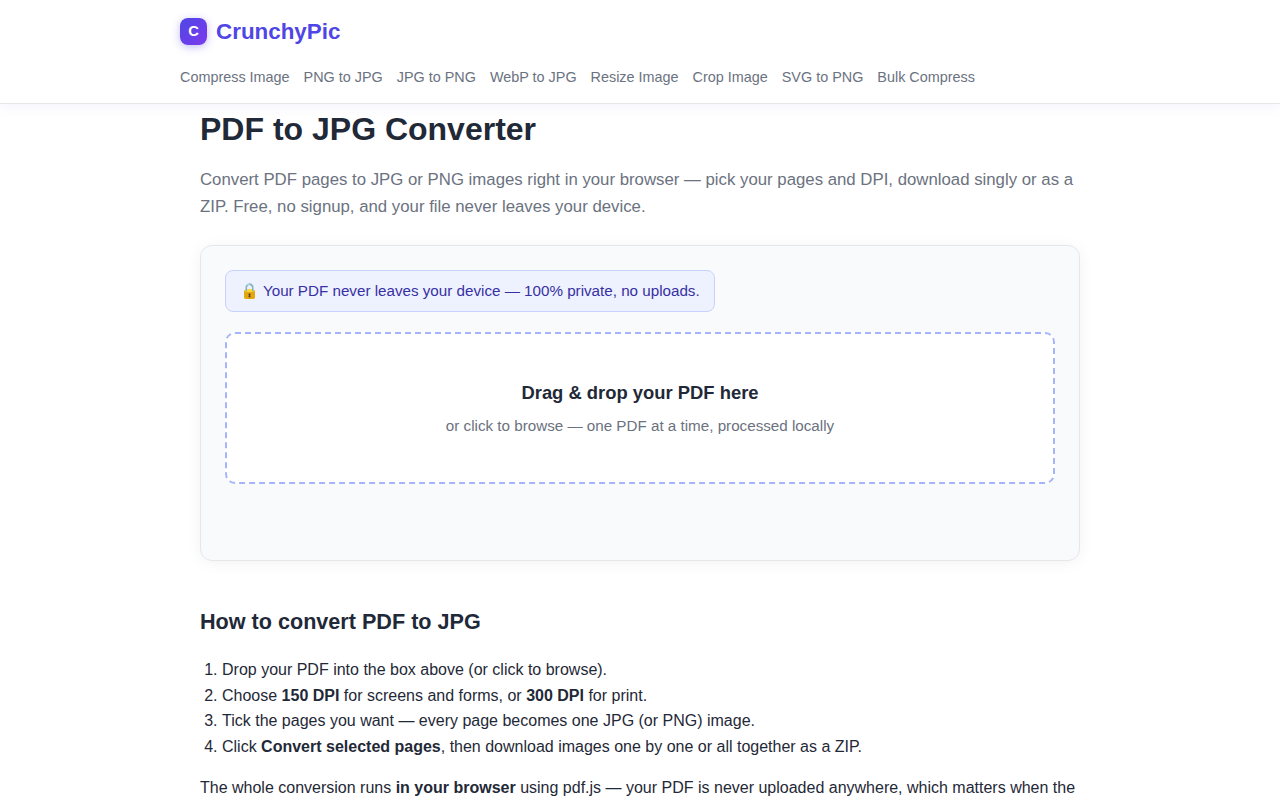
The PDF-to-JPG conversion is the part I would use most — I often get single-page PDFs of scanned documents that I need as images. Does it handle multi-page PDFs (one JPG per page), or is it single-page only? Also, can you resize or crop before compressing to the target KB, so the size reduction comes from dimensions as well as quality? A batch download as a ZIP would be a handy addition for the multi-image flow.

Premium Products






































Sponsors
Buy
Makers
Makers
Comments
Tried the compressor on a 793 KB PNG (a 764×1200 scanned comic page) with a custom 150 KB target: Auto→JPEG landed at 149.3 KB at quality 0.59 with the dimensions untouched, and the before/after slider made it easy to check that the small lettering stayed readable. One thing I noticed: switching the output to PNG gave an 879 KB file, bigger than the original. Maybe fall back to the original, or warn when PNG can't reach the target?
The PDF-to-JPG conversion is the part I would use most — I often get single-page PDFs of scanned documents that I need as images. Does it handle multi-page PDFs (one JPG per page), or is it single-page only? Also, can you resize or crop before compressing to the target KB, so the size reduction comes from dimensions as well as quality? A batch download as a ZIP would be a handy addition for the multi-image flow.
Premium Products
New to Fazier?

Find your next favorite product or submit your own. Made by @FalakDigital.
Copyright ©2026. All Rights Reserved