CopyPasta
Private clipboard manager for Mac that opens from the notch
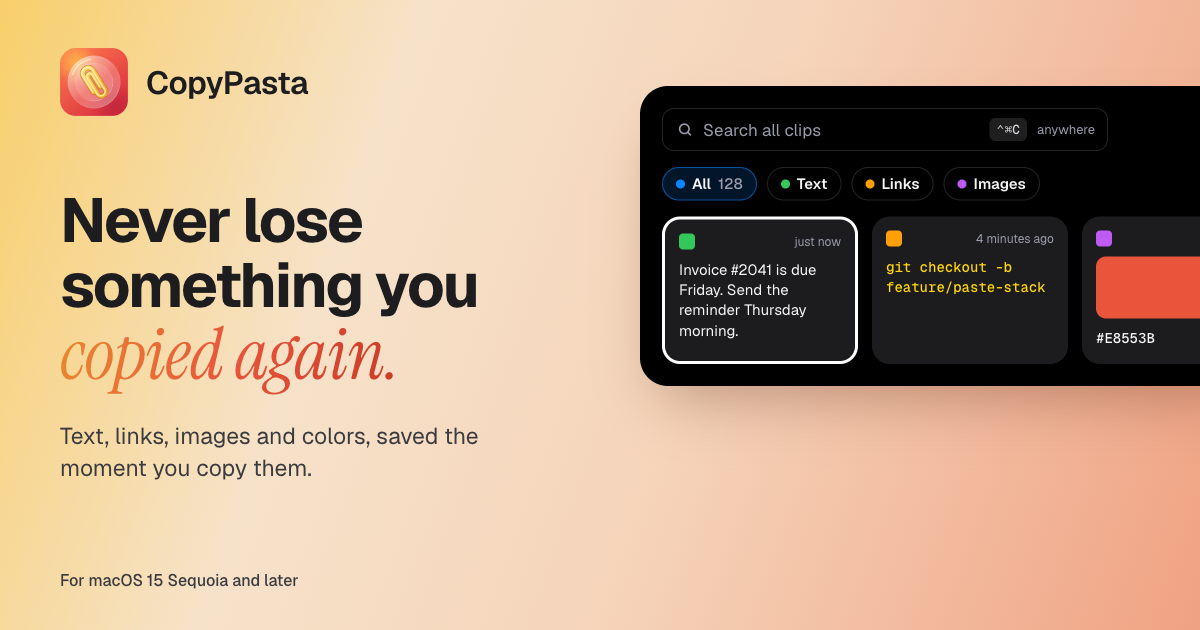
CopyPasta is a clipboard manager for macOS 15 and later. It saves everything you copy, including text, links, code, JSON, colors, images, files, screenshots and vector graphics, and shows it in a shelf that slides down from the notch when you move the pointer there or press Control-Command-C. You can search as you type, paste any of your last 10 clips with a shortcut, and use Paste Stack to paste several items in the order you copied them.
Text inside screenshots is recognized on your Mac, so you can search and copy it. Built-in tools let you mark up, blur and beautify screenshots, translate text on-device, compare two clips, and clean up text before pasting. History is encrypted at rest, passwords and API keys are hidden automatically, and optional iCloud sync uses your own account. It is a one-time purchase with a 7-day free trial.
Features
Opens from the notch, or the middle of the menu bar on Macs without one, and with Control-Command-C anywhere
Saves text, links, code, JSON, colors, images, files, screenshots and vector graphics
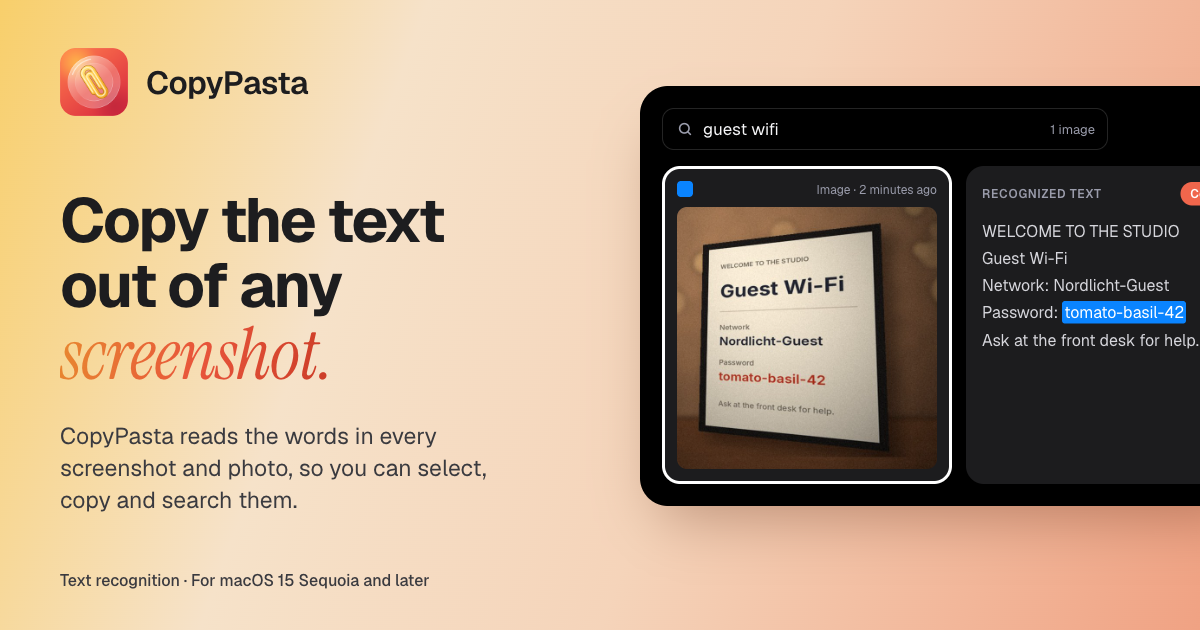
Text in screenshots is recognized on-device and becomes searchable and copyable
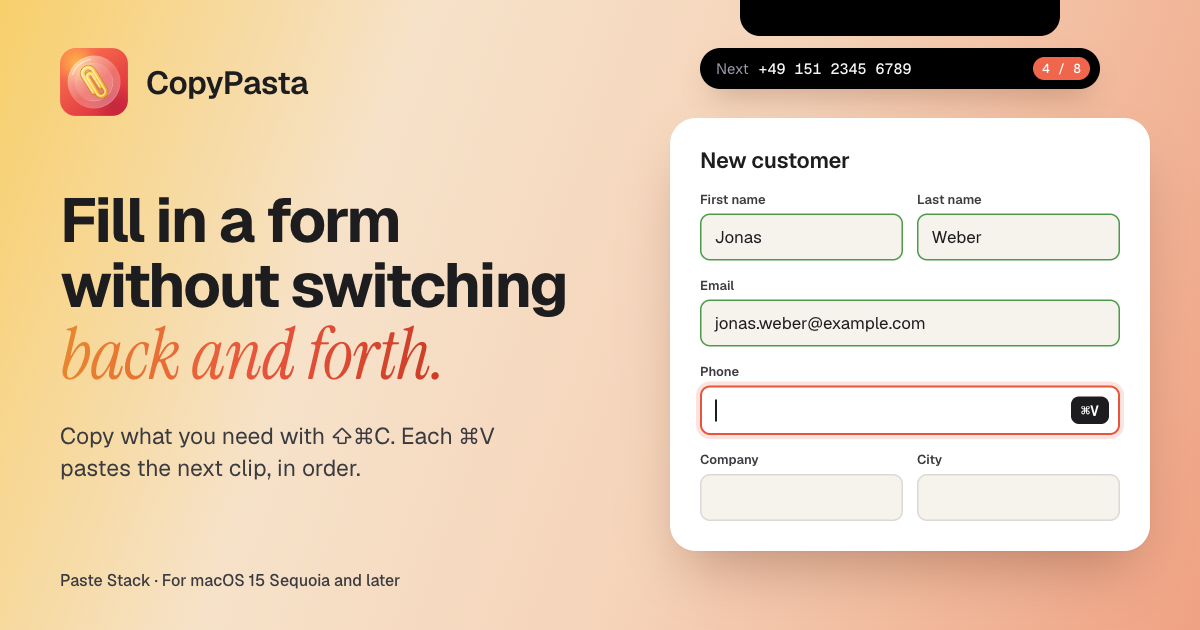
Paste Stack: copy several items, then paste them one by one in order
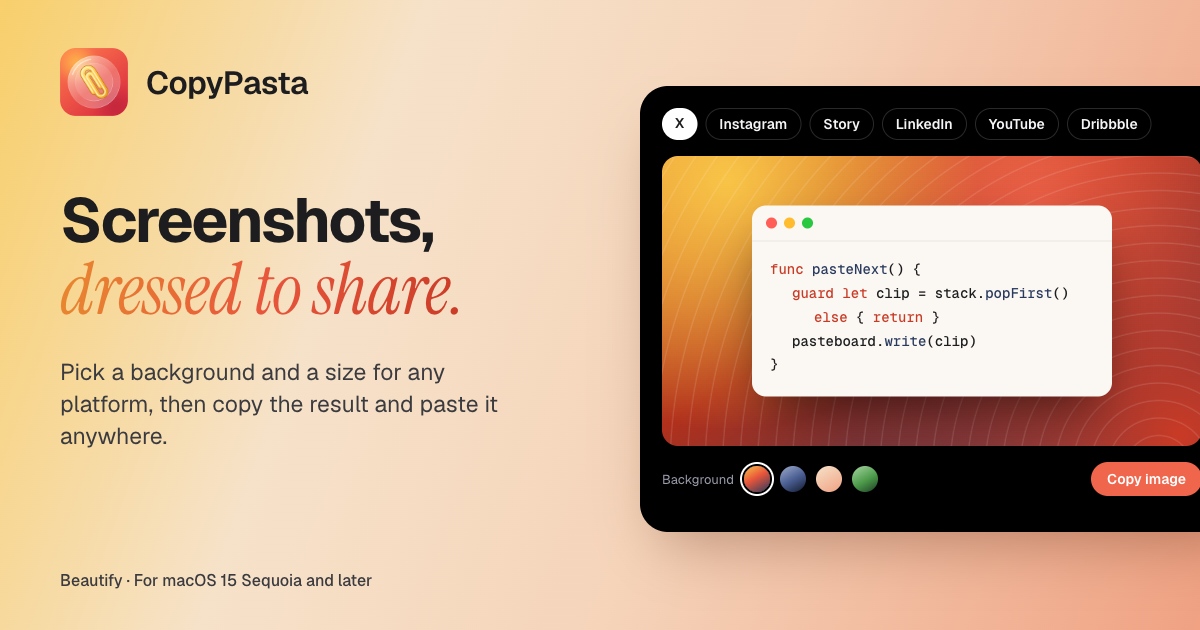
Mark up, blur and beautify screenshots without another app
Translate copied text on-device, compare two clips, and clean up text before pasting
History encrypted at rest; passwords and API keys hidden, older ones behind Touch ID
Optional iCloud sync through your own account; no analytics
Use Cases
- Developers keeping code, JSON and API responses within reach while switching between apps
- Writers, marketers and support teams reusing snippets, links and replies
- Designers collecting colors, images and screenshots
- Copying text out of screenshots, slides and error dialogs
- Pasting a list of items into a form, one by one, with Paste Stack
- Keeping clipboard history private on a work Mac, with passwords and API keys hidden

Comments


Hi Fazier! I built CopyPasta, a clipboard manager for Mac that opens from the notch: move the pointer to the top of the screen and your clipboard history slides down. It also recognizes text in screenshots on your Mac, so you can find a screenshot by the words in it, and it hides passwords and API keys automatically. It's a one-time purchase with a 7-day free trial and no account. I'd love to hear what you'd want from a clipboard manager that it doesn't do yet.
Premium Products












































Sponsors
Buy
Makers
Makers
Comments
Hi Fazier! I built CopyPasta, a clipboard manager for Mac that opens from the notch: move the pointer to the top of the screen and your clipboard history slides down. It also recognizes text in screenshots on your Mac, so you can find a screenshot by the words in it, and it hides passwords and API keys automatically. It's a one-time purchase with a 7-day free trial and no account. I'd love to hear what you'd want from a clipboard manager that it doesn't do yet.
Premium Products
New to Fazier?

Find your next favorite product or submit your own. Made by @FalakDigital.
Copyright ©2026. All Rights Reserved