Convertica
46 free PDF and image tools, no signup, no watermark
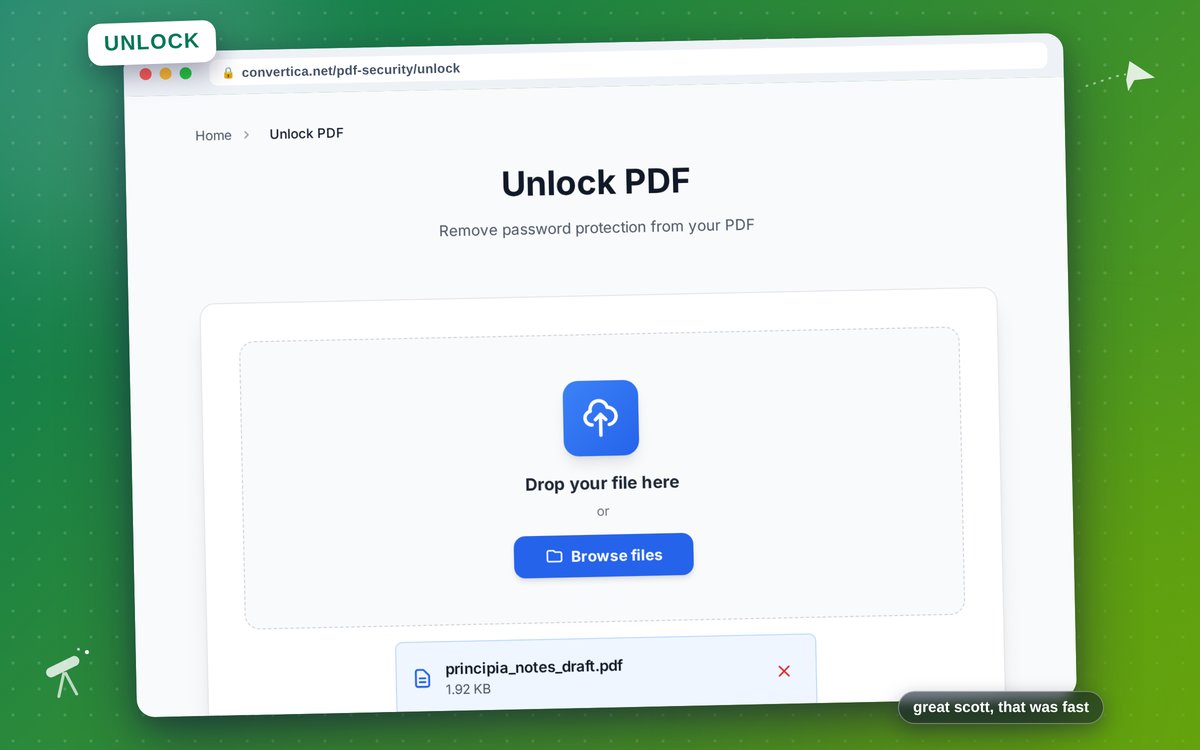
Convertica is a set of 46 PDF, image and archive tools that run in the browser. No account, no install, no watermark on the result. Pick a tool, drop a file, get it back. We built it because the browser tools we kept using failed on the unglamorous details: text you type into a PDF here is written as real, selectable text with the font embedded, so Cyrillic, Arabic and Devanagari come out right instead of turning into boxes, and page size conversion measures the actual ink on the page so A4 to Letter never silently clips your margins. Seven languages, each written rather than machine-dumped, right to left included. Files are deleted automatically after processing. There is also a REST API and an MCP server, so the same conversion routes work from Claude, Cursor or your own scripts.
Features
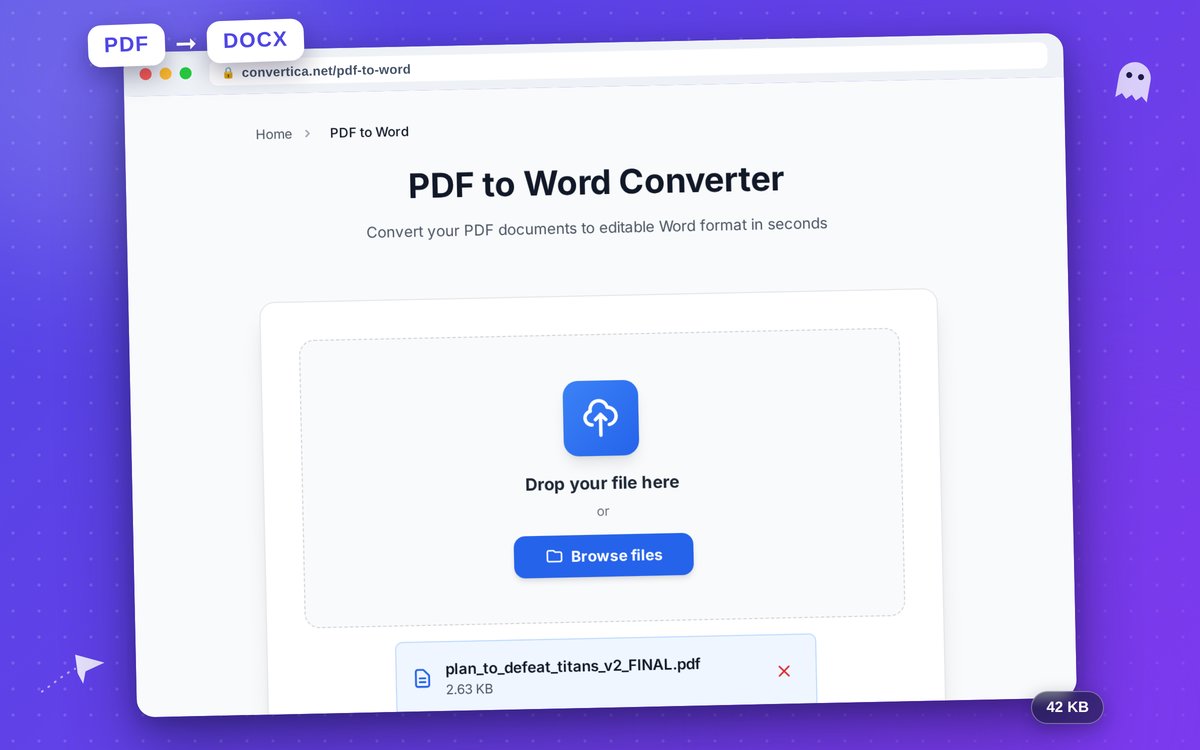
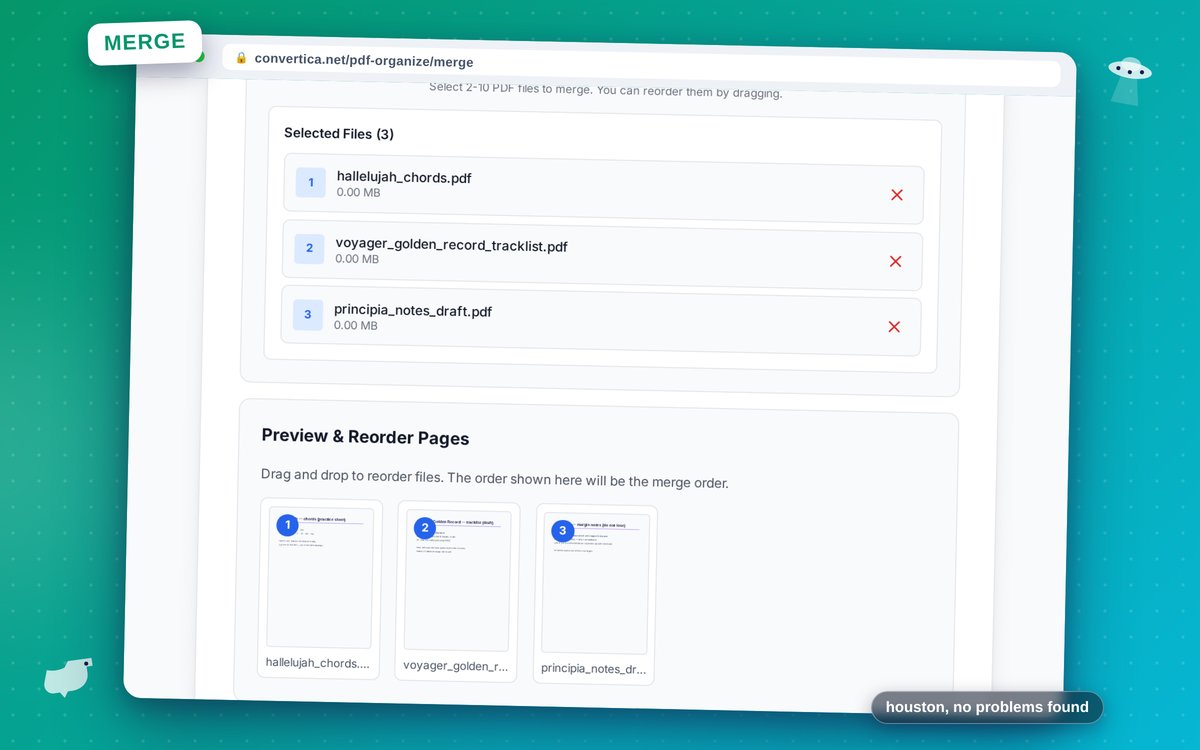
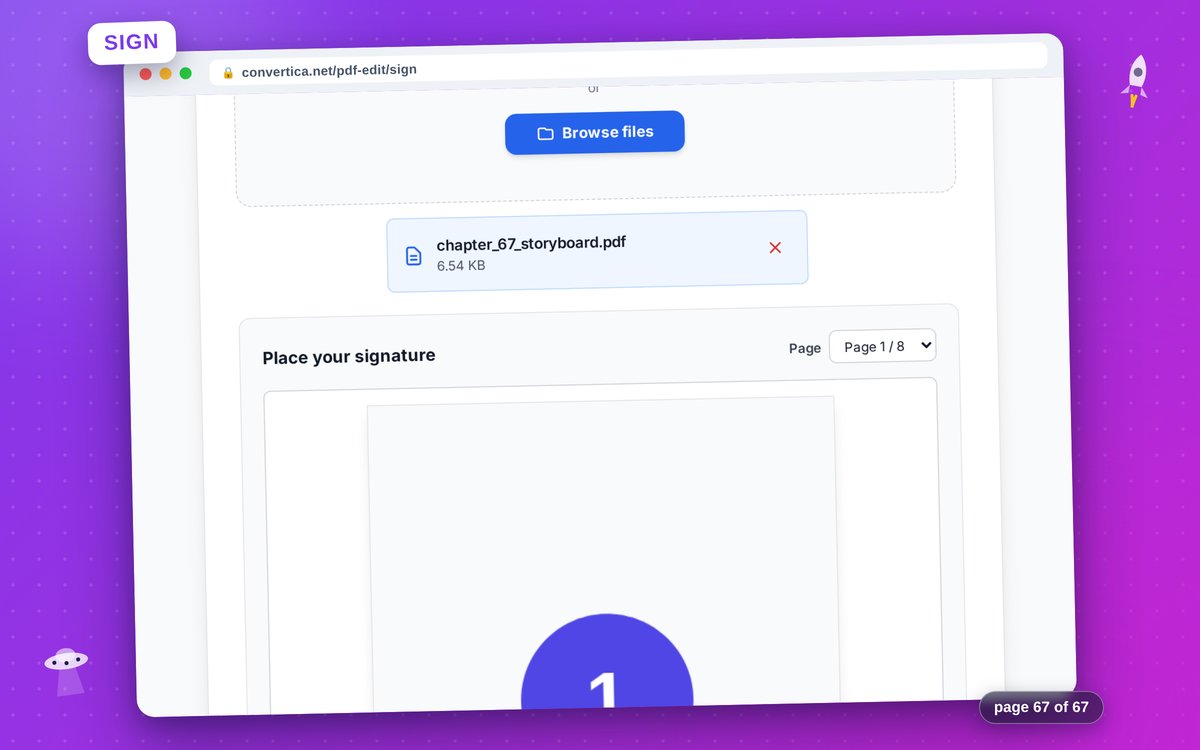
Convert between PDF and Word, Excel, PowerPoint, JPG, HTML, text, EPUB, Markdown and PDF/A. Merge, split, compress, rotate, crop, reorder and delete pages. Edit a PDF directly: type text, place images, whiteout, highlight and sign. Protect or unlock a PDF, password-protect a ZIP or an image. Generate a full favicon package from one upload: favicon.ico, every PNG size, Apple touch icon, PWA icons, manifest and the HTML snippet. Convert HEIC to JPG, optimise images, pull text out of an image with OCR. Change page size between A4, Letter and Legal without cropping anything off. REST API and an MCP server for the same 35 conversion routes.
Use Cases
Someone on a borrowed laptop who needs one PDF merged and does not want to install Acrobat or hand over an email address. A student turning lecture slides into a printable handout. A small business owner filling in and signing a contract without a desktop suite. Anyone working in Russian, Arabic or Hindi whose text turns into boxes in other browser editors. Developers and AI agents that need the same conversions from a script, an API call or an MCP client.

Comments



Hi Fazier. We build Convertica, 46 PDF, image and archive tools that run in the browser with nothing to install and no account to create. The reason it exists is unglamorous. Every browser PDF editor we tried flattened typed text into a picture of text, and every one of them turned Cyrillic, Arabic or Devanagari into boxes. So we ship the Noto fonts and write real embedded, selectable text instead. Same story with page size: converting A4 to Letter in other tools quietly clipped margins, so ours measures the actual ink on the page and only scales when it has to. Seven languages, each written rather than machine-dumped, right to left included. Files are deleted automatically after processing. There is a REST API and an MCP server too, so the same routes work from Claude or Cursor. Happy to answer anything, and if you find a file we mangle, send it over. Those are the bug reports we actually want.





The browser-first privacy and font embedding are the strongest differentiators here. Preserving selectable text across Cyrillic, Arabic, and Devanagari solves a problem most PDF tools ignore. One useful addition would be a small per-tool privacy badge showing whether processing is fully local or temporarily server-side, since that distinction matters for contracts and sensitive files.

The parity between the browser tools, REST API, and MCP server is a strong idea: teams can solve a one-off task first and automate the same route later. A public compatibility table showing which of the 35 routes are available in each interface, plus file-size limits, would make that path easier to evaluate. Since some conversions may be server-side, stating the exact deletion window per tool would also strengthen the privacy promise.


Convertica es una herramienta muy práctica para resolver tareas cotidianas con PDFs, imágenes y archivos sin instalar nada ni crear una cuenta. Tener 46 utilidades gratuitas, sin marcas de agua, la convierte en una alternativa rápida para conversiones, edición, compresión, OCR o firma de documentos.


Convertica Your product has strong potential, but I found a few key improvements that could make it even better. I'd love to share my feedback and suggestions—please contact me at [email protected].

The REST API and MCP server sharing the same 35 routes as the browser tools is the right call — we went through a similar decision with Sowiks (screenshot capture and sharing) and keeping one code path instead of a separate "automation" product saved us from the two drifting apart. Curious how file size limits work across the two: does a large scanned PDF get the same ceiling through the API as it does dropped into the browser, or is one path more generous than the other?

Embedding real selectable text with Noto fonts is the kind of detail that makes a PDF tool dependable for multilingual documents. A per-tool privacy label—local-only versus temporarily server-processed, plus deletion window and file limits—would make it easier to trust with contracts. Is that compatibility and privacy matrix on the roadmap?
The favicon-package generator buried in the tool list is a nice under-the-radar addition — most PDF-tool bundles don't bother with something that unrelated to PDFs, but it's exactly the kind of no-account utility people end up bookmarking. Same with measuring actual ink instead of nominal page size for A4→Letter — that's the sort of fix that only feels obvious after someone's been burned by clipped margins. Running calculate.at as a similar no-signup bundle of small utilities, the hardest part is always deciding which tiny tools earn their long-term maintenance vs. which just add surface area. With 46 of them, how do you decide what stays?

This is basically the same philosophy TidyCalcs runs on — free, no-signup tools people actually reach for instead of digging through ad-heavy converter sites. 46 tools is a lot to maintain though; curious whether you're tracking usage per tool so you can prune the ones nobody touches, the way the 12pixa maker did.

Premium Products














































Sponsors
Buy
Awards
View all
Awards
View allMakers
Makers
Comments
Hi Fazier. We build Convertica, 46 PDF, image and archive tools that run in the browser with nothing to install and no account to create. The reason it exists is unglamorous. Every browser PDF editor we tried flattened typed text into a picture of text, and every one of them turned Cyrillic, Arabic or Devanagari into boxes. So we ship the Noto fonts and write real embedded, selectable text instead. Same story with page size: converting A4 to Letter in other tools quietly clipped margins, so ours measures the actual ink on the page and only scales when it has to. Seven languages, each written rather than machine-dumped, right to left included. Files are deleted automatically after processing. There is a REST API and an MCP server too, so the same routes work from Claude or Cursor. Happy to answer anything, and if you find a file we mangle, send it over. Those are the bug reports we actually want.
The browser-first privacy and font embedding are the strongest differentiators here. Preserving selectable text across Cyrillic, Arabic, and Devanagari solves a problem most PDF tools ignore. One useful addition would be a small per-tool privacy badge showing whether processing is fully local or temporarily server-side, since that distinction matters for contracts and sensitive files.
The parity between the browser tools, REST API, and MCP server is a strong idea: teams can solve a one-off task first and automate the same route later. A public compatibility table showing which of the 35 routes are available in each interface, plus file-size limits, would make that path easier to evaluate. Since some conversions may be server-side, stating the exact deletion window per tool would also strengthen the privacy promise.
Convertica es una herramienta muy práctica para resolver tareas cotidianas con PDFs, imágenes y archivos sin instalar nada ni crear una cuenta. Tener 46 utilidades gratuitas, sin marcas de agua, la convierte en una alternativa rápida para conversiones, edición, compresión, OCR o firma de documentos.
Convertica Your product has strong potential, but I found a few key improvements that could make it even better. I'd love to share my feedback and suggestions—please contact me at [email protected].
The REST API and MCP server sharing the same 35 routes as the browser tools is the right call — we went through a similar decision with Sowiks (screenshot capture and sharing) and keeping one code path instead of a separate "automation" product saved us from the two drifting apart. Curious how file size limits work across the two: does a large scanned PDF get the same ceiling through the API as it does dropped into the browser, or is one path more generous than the other?
Embedding real selectable text with Noto fonts is the kind of detail that makes a PDF tool dependable for multilingual documents. A per-tool privacy label—local-only versus temporarily server-processed, plus deletion window and file limits—would make it easier to trust with contracts. Is that compatibility and privacy matrix on the roadmap?
The favicon-package generator buried in the tool list is a nice under-the-radar addition — most PDF-tool bundles don't bother with something that unrelated to PDFs, but it's exactly the kind of no-account utility people end up bookmarking. Same with measuring actual ink instead of nominal page size for A4→Letter — that's the sort of fix that only feels obvious after someone's been burned by clipped margins. Running calculate.at as a similar no-signup bundle of small utilities, the hardest part is always deciding which tiny tools earn their long-term maintenance vs. which just add surface area. With 46 of them, how do you decide what stays?
This is basically the same philosophy TidyCalcs runs on — free, no-signup tools people actually reach for instead of digging through ad-heavy converter sites. 46 tools is a lot to maintain though; curious whether you're tracking usage per tool so you can prune the ones nobody touches, the way the 12pixa maker did.
Premium Products
New to Fazier?

Find your next favorite product or submit your own. Made by @FalakDigital.
Copyright ©2026. All Rights Reserved