Convert2EPUB
Files rebuilt as real ebooks
Features
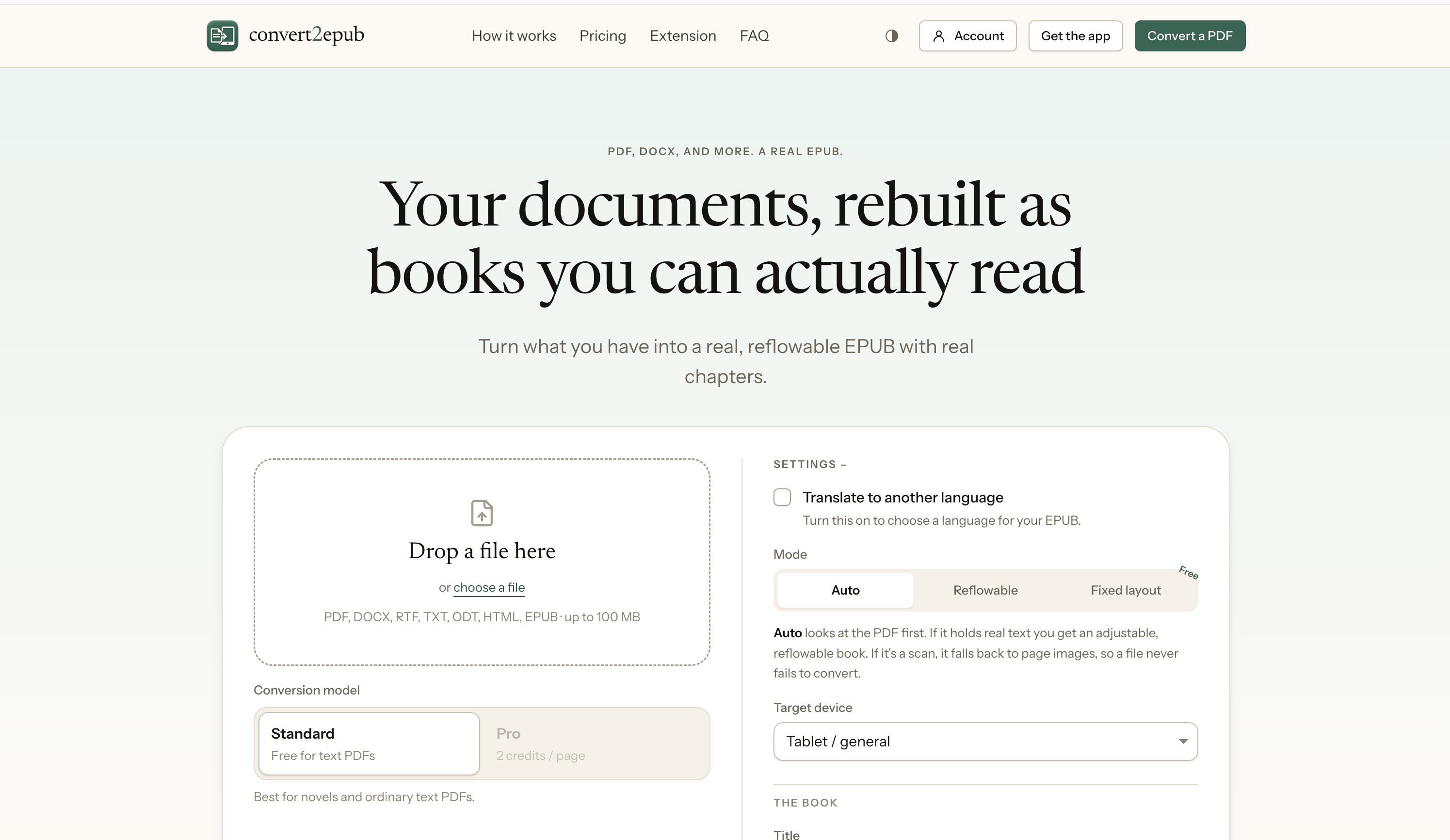
- PDF and multi-format ebook conversion
- OCR for scanned documents
- Text recovery from PDFs
- Reflowable EPUB output
- Formula and code recognition
- Automatic cover and metadata detection
- Removal of repeated headers, footers, and watermarks
- Kindle and ereader-friendly formatting
- Web tool and desktop app options
Use Cases
Students
Course PDFs and readings, finally readable on a Kindle between classes.
Readers
Any pile of PDFs whatever's stuck in that format becomes a proper book.
Professionals
Reports and papers you can read on the train, not just at a desk.

Comments

I keep publisher PDFs that read fine on a laptop and fall apart on a phone because the columns are fixed. The split between a web tool and a desktop app is the part I would actually use: a 400-page scan is something I would rather OCR locally than upload. Does the desktop build run fully offline, and can it export one EPUB per detected chapter instead of a single giant file? That would make long course readers much easier to sideload onto a Kindle.

Hey people, My girlfriend had started reading on her Kindle, but converting PDFs kept giving her books that were awkward or impossible to read. I’m a developer, so she eventually told me to build something better. Posted it on Reddit forums and got 1000+ upvotes, and the feedback helped me improve it.
The watermark and running-header stripping is the feature I would want a preview for before trusting a whole course pack. A lot of lecture PDFs put the real document title in the header, and an aggressive strip can delete it from every page before the EPUB is built. Is there a before/after view that shows which lines will be dropped, and does formula recognition keep equations as reflowable text rather than a flat image so a Kindle can still resize them?


The watermark and running-header stripping is the feature I would want a preview for before trusting a whole course pack. A lot of lecture PDFs put the real document title in the header, and an aggressive strip can delete it from every page before the EPUB is built. Is there a before/after view that shows which lines will be dropped, and does formula recognition keep equations as reflowable text rather than a flat image so a Kindle can still resize them?

Removing repeated headers, footers and watermarks is the detail that matters most for course PDFs, since those usually break reflowable text. Formula and code recognition is also ambitious. How does it handle scanned pages with two columns, and can you review the detected chapter breaks before export?



The reflowable-vs-PDF-wrapper distinction is the whole game here. One thing I'd want to check before trusting it on a textbook: how it rebuilds the table of contents and chapter navigation — a "real EPUB" lives or dies on whether the TOC actually jumps to sections on a Kindle. Do you detect headings to generate a nav spine, or rely on the source PDF bookmarks?
Removing repeated headers, footers and watermarks is the feature I'd care about most, since those are what usually pollute the text flow in converted course PDFs. Reflowable output also depends on getting reading order right. How does it handle two-column academic papers with footnotes and figures, and can it keep footnotes linked rather than dumping them mid-paragraph?



Rebuilding into actual reflowable EPUBs instead of flat page wraps is the game-changer most converters miss. The header/footer stripping for course PDFs is exactly what students need. Desktop offline option is a smart touch for privacy. Curious how it handles multi-column academic papers with footnotes - that's usually where the layout breaks.




The automatic removal of repeated headers, footers, and watermarks stands out, since those are what usually clutter converted PDFs on a Kindle. How does the tool handle multi-column academic papers with footnotes? A practical suggestion would be a quick preview of the reflowed text before download, so people can catch layout problems early.

Reflowable EPUB plus stripping repeated headers, footers, and watermarks is what actually makes a course PDF readable on a Kindle instead of a zoomed scan. Formula and code recognition is the less obvious piece: most converters flatten those into images, so keeping them as text would matter for technical papers. I'd want to see how the OCR path treats a two-column scanned journal page before relying on the web tool for a whole reading list.





Love that this started from a real reader's frustration. PDF-on-Kindle is a problem most people with an e-reader have quietly given up on. The automatic cover and metadata detection is a nice touch too, since that's what makes a converted file look like an actual book in the library instead of document_final_v3. How does it handle two-column academic papers with footnotes: do the footnotes become linked endnotes, or stay inline where they were on the page?


Stripping repeated headers, footers and watermarks is what makes a converted course PDF actually readable on a Kindle. How does the OCR handle two-column academic papers with footnotes, and does it keep the reading order correct? A before/after preview of a few pages before converting would help users judge quality.

Really like the focus on rebuilding structure rather than just converting pages — stripping repeated headers/footers and detecting real chapters is what separates a readable EPUB from a mess. The formula and code recognition is a nice touch for technical PDFs. One thing I'd love to see: a side-by-side before/after preview for scanned documents so users can check OCR quality before downloading. Congrats on the launch!




As someone building a study app, the formula and code recognition is the part I'd look at first. When an equation can't be rebuilt cleanly, does it fall back to an image of that region, or to text? For textbooks a half-converted equation is worse than a picture of it. Also curious how you tell a repeated page header apart from a running chapter title that a reader might actually want to keep.

Premium Products
























































Sponsors
Buy

Awards
View all
Awards
View allMakers
Makers
Comments
I keep publisher PDFs that read fine on a laptop and fall apart on a phone because the columns are fixed. The split between a web tool and a desktop app is the part I would actually use: a 400-page scan is something I would rather OCR locally than upload. Does the desktop build run fully offline, and can it export one EPUB per detected chapter instead of a single giant file? That would make long course readers much easier to sideload onto a Kindle.
Hey people, My girlfriend had started reading on her Kindle, but converting PDFs kept giving her books that were awkward or impossible to read. I’m a developer, so she eventually told me to build something better. Posted it on Reddit forums and got 1000+ upvotes, and the feedback helped me improve it.
The watermark and running-header stripping is the feature I would want a preview for before trusting a whole course pack. A lot of lecture PDFs put the real document title in the header, and an aggressive strip can delete it from every page before the EPUB is built. Is there a before/after view that shows which lines will be dropped, and does formula recognition keep equations as reflowable text rather than a flat image so a Kindle can still resize them?
The watermark and running-header stripping is the feature I would want a preview for before trusting a whole course pack. A lot of lecture PDFs put the real document title in the header, and an aggressive strip can delete it from every page before the EPUB is built. Is there a before/after view that shows which lines will be dropped, and does formula recognition keep equations as reflowable text rather than a flat image so a Kindle can still resize them?
Removing repeated headers, footers and watermarks is the detail that matters most for course PDFs, since those usually break reflowable text. Formula and code recognition is also ambitious. How does it handle scanned pages with two columns, and can you review the detected chapter breaks before export?
The reflowable-vs-PDF-wrapper distinction is the whole game here. One thing I'd want to check before trusting it on a textbook: how it rebuilds the table of contents and chapter navigation — a "real EPUB" lives or dies on whether the TOC actually jumps to sections on a Kindle. Do you detect headings to generate a nav spine, or rely on the source PDF bookmarks?
Removing repeated headers, footers and watermarks is the feature I'd care about most, since those are what usually pollute the text flow in converted course PDFs. Reflowable output also depends on getting reading order right. How does it handle two-column academic papers with footnotes and figures, and can it keep footnotes linked rather than dumping them mid-paragraph?
Rebuilding into actual reflowable EPUBs instead of flat page wraps is the game-changer most converters miss. The header/footer stripping for course PDFs is exactly what students need. Desktop offline option is a smart touch for privacy. Curious how it handles multi-column academic papers with footnotes - that's usually where the layout breaks.
The automatic removal of repeated headers, footers, and watermarks stands out, since those are what usually clutter converted PDFs on a Kindle. How does the tool handle multi-column academic papers with footnotes? A practical suggestion would be a quick preview of the reflowed text before download, so people can catch layout problems early.
Reflowable EPUB plus stripping repeated headers, footers, and watermarks is what actually makes a course PDF readable on a Kindle instead of a zoomed scan. Formula and code recognition is the less obvious piece: most converters flatten those into images, so keeping them as text would matter for technical papers. I'd want to see how the OCR path treats a two-column scanned journal page before relying on the web tool for a whole reading list.
Love that this started from a real reader's frustration. PDF-on-Kindle is a problem most people with an e-reader have quietly given up on. The automatic cover and metadata detection is a nice touch too, since that's what makes a converted file look like an actual book in the library instead of document_final_v3. How does it handle two-column academic papers with footnotes: do the footnotes become linked endnotes, or stay inline where they were on the page?
Stripping repeated headers, footers and watermarks is what makes a converted course PDF actually readable on a Kindle. How does the OCR handle two-column academic papers with footnotes, and does it keep the reading order correct? A before/after preview of a few pages before converting would help users judge quality.
Really like the focus on rebuilding structure rather than just converting pages — stripping repeated headers/footers and detecting real chapters is what separates a readable EPUB from a mess. The formula and code recognition is a nice touch for technical PDFs. One thing I'd love to see: a side-by-side before/after preview for scanned documents so users can check OCR quality before downloading. Congrats on the launch!
As someone building a study app, the formula and code recognition is the part I'd look at first. When an equation can't be rebuilt cleanly, does it fall back to an image of that region, or to text? For textbooks a half-converted equation is worse than a picture of it. Also curious how you tell a repeated page header apart from a running chapter title that a reader might actually want to keep.
Premium Products
New to Fazier?

Find your next favorite product or submit your own. Made by @FalakDigital.
Copyright ©2026. All Rights Reserved