
convert.rocks
Free online file converter — HEIC, WebP, AVIF, PNG, JPG. All
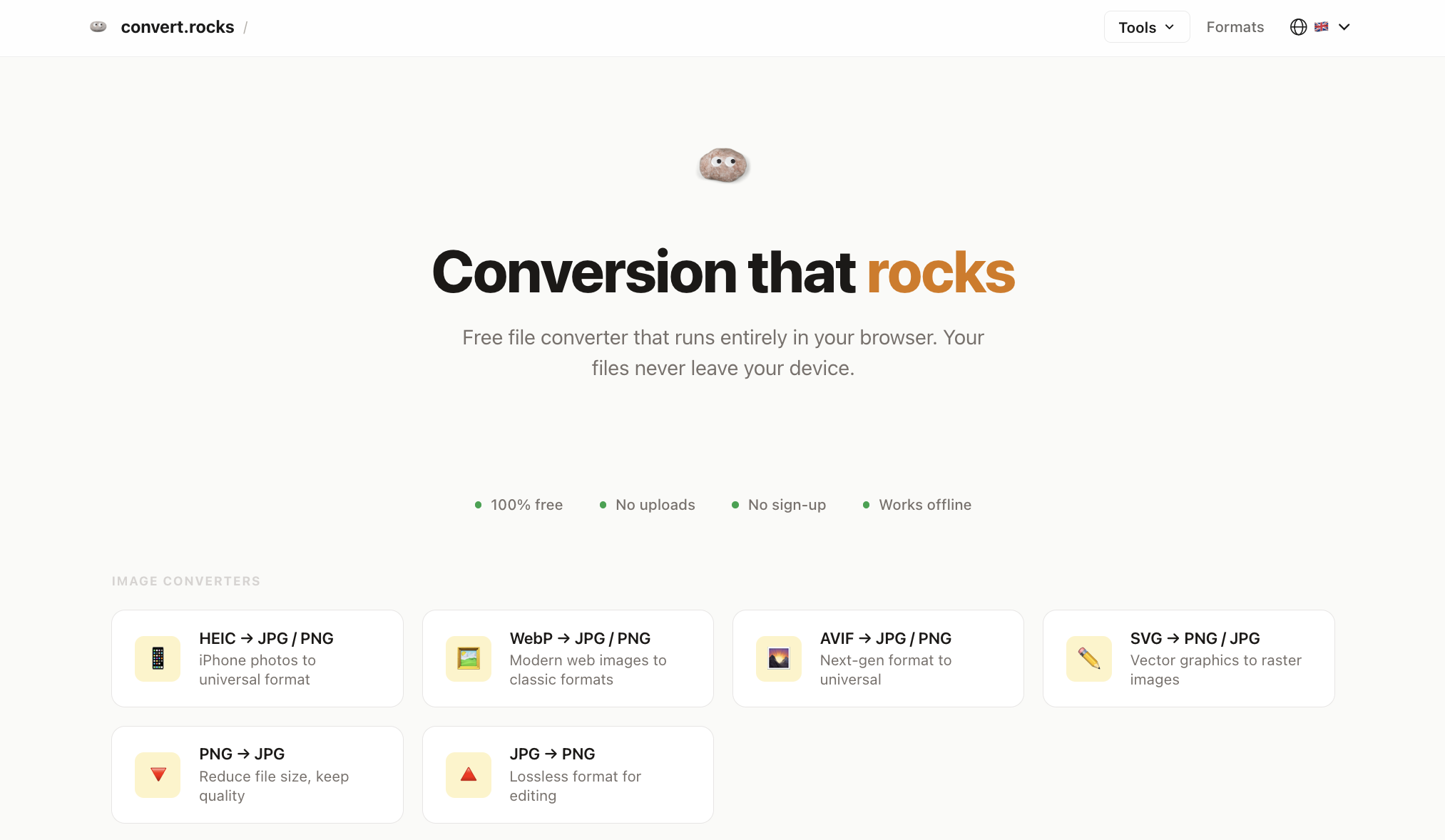
Free online file converter — HEIC, WebP, AVIF, PNG, JPG. All conversions happen in your browser. No uploads, no servers, 100% private.
Features
- 100% client-side — files never leave your browser
- No signup, no account required
- Unlimited conversions, no file size limits
- Batch conversion (multiple files at once)
- ZIP download for batch results
- Works offline after page loads
- Mobile-friendly — works on any device
- HEIC/HEIF support for iPhone photos (WebAssembly)
- AVIF conversion via WASM decoder
- Supports 7 formats: HEIC, AVIF, WebP, PNG, JPG, SVG, CSV
- Chrome extension for quick access
- Available in 4 languages: English, Arabic, Indonesian, Polish
Use Cases
- Convert iPhone HEIC photos to JPG/PNG for sharing on social media or email
- Convert WebP images downloaded from websites to universal JPG/PNG
- Convert AVIF images from modern browsers to compatible JPG
- Batch convert vacation photos from HEIC to JPG before uploading to a service
- Convert PNG screenshots to smaller JPG files
- Convert SVG logos/icons to PNG for presentations
- Convert CSV spreadsheets to XLS format
- Privacy-sensitive users: convert medical/legal/personal documents without uploading to cloud servers

Comments


I built Convert.rocks because every file converter I found required uploading my photos to someone's server. As a developer, I knew browsers are powerful enough to handle image conversion locally — so I built a converter that never touches your files. The entire app runs on WebAssembly and Canvas API. Your photos stay on your device, period. No backend, no upload queue, no "we delete your files after 24 hours" promises. I'm currently expanding to more formats and languages. Would love to hear — what file conversions do you wish worked without uploading? What formats would you add next?
Premium Products















Sponsors
Buy

Makers
Makers
Comments
I built Convert.rocks because every file converter I found required uploading my photos to someone's server. As a developer, I knew browsers are powerful enough to handle image conversion locally — so I built a converter that never touches your files. The entire app runs on WebAssembly and Canvas API. Your photos stay on your device, period. No backend, no upload queue, no "we delete your files after 24 hours" promises. I'm currently expanding to more formats and languages. Would love to hear — what file conversions do you wish worked without uploading? What formats would you add next?
Premium Products
New to Fazier?

Find your next favorite product or submit your own. Made by @FalakDigital.
Copyright ©2025. All Rights Reserved