
Convert PDF to Excel
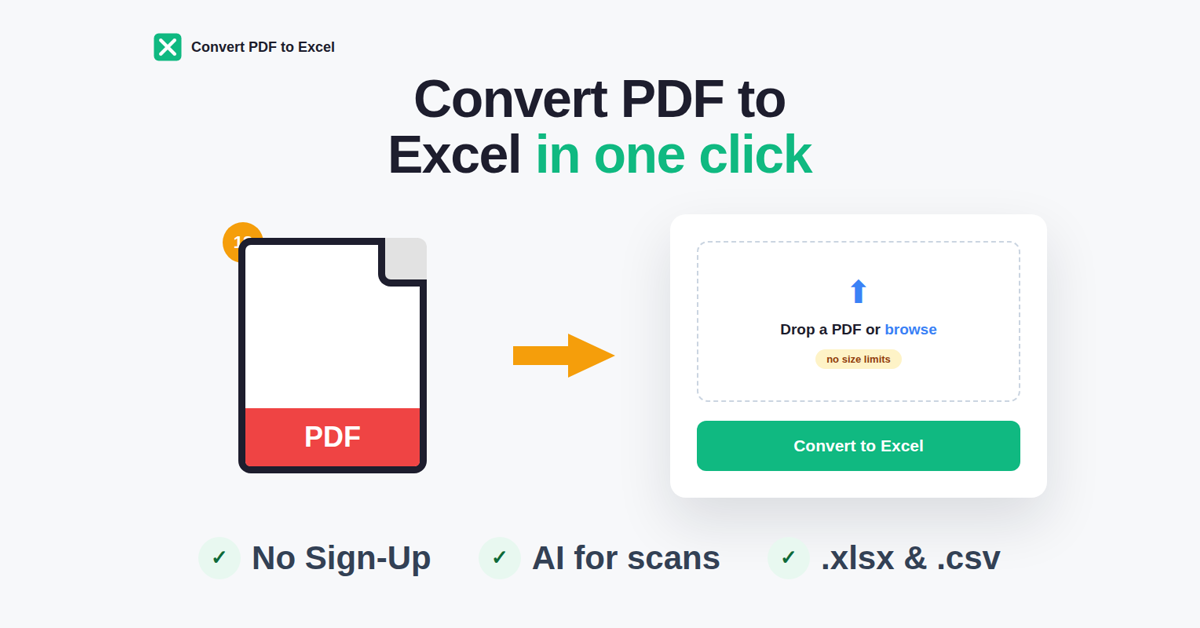
Turn PDF tables into Excel or CSV in one click
A free Chrome extension for anyone who retypes tables from PDFs. Open a bank statement, invoice or report, click once and get a clean Excel or CSV file. It also converts Excel back to PDF. An optional AI mode handles messy scanned tables. No account needed.
Features
Turn PDF tables into Excel (.xlsx) or CSV in one click
Works on bank statements, invoices and reports
Converts Excel back to PDF
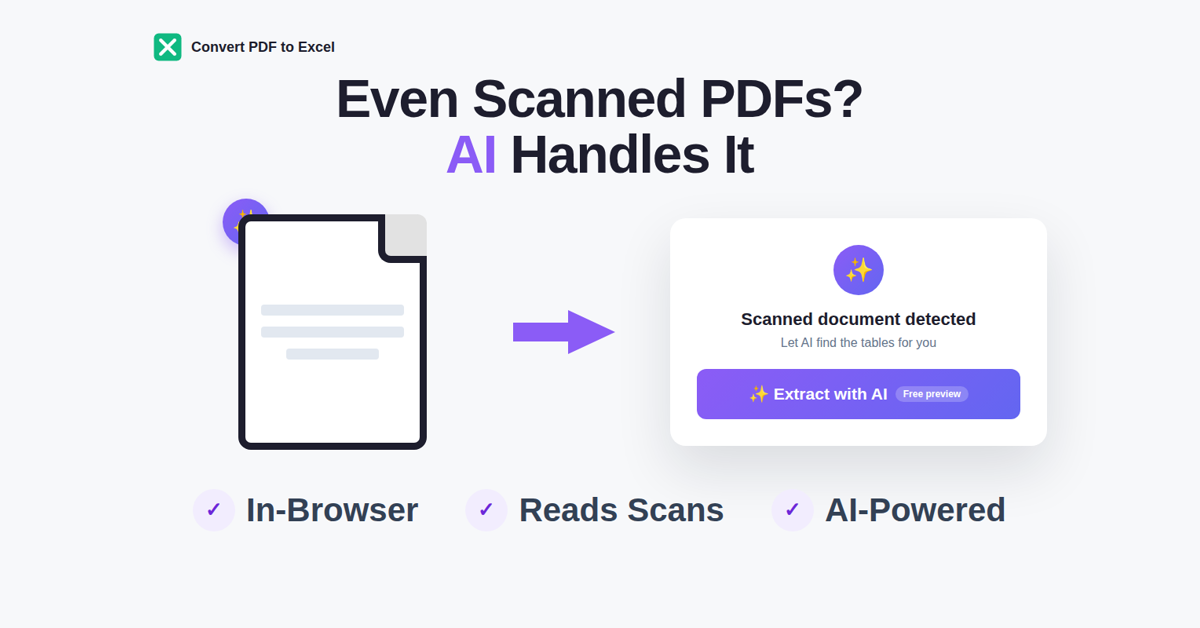
Optional AI mode for messy or scanned tables
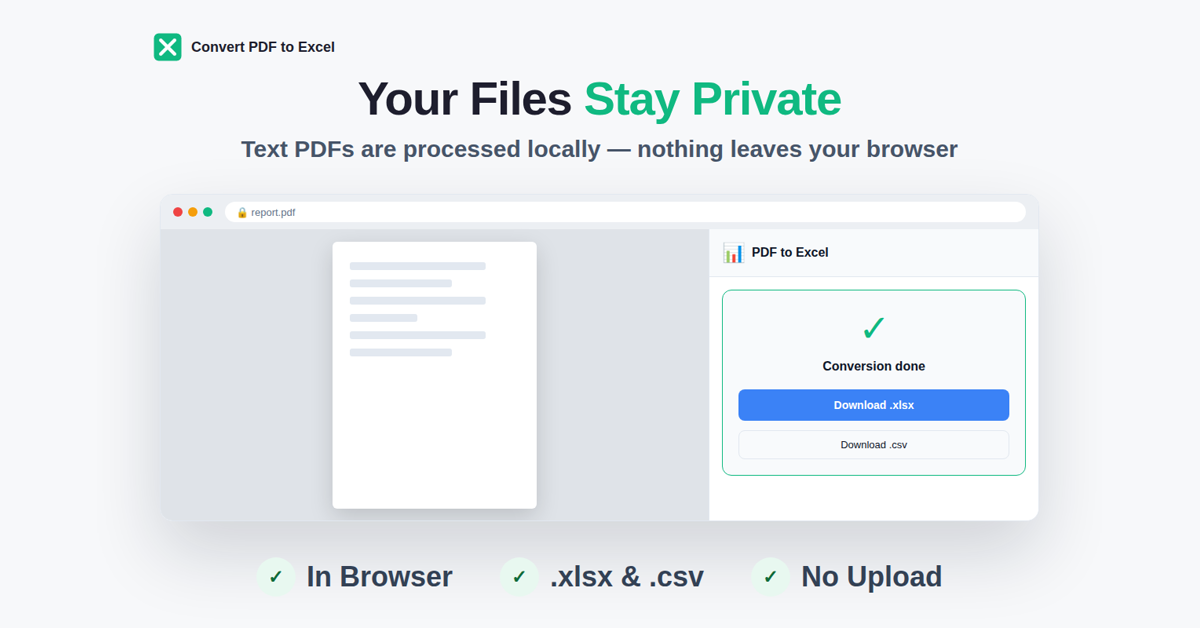
Runs in your browser, no account needed
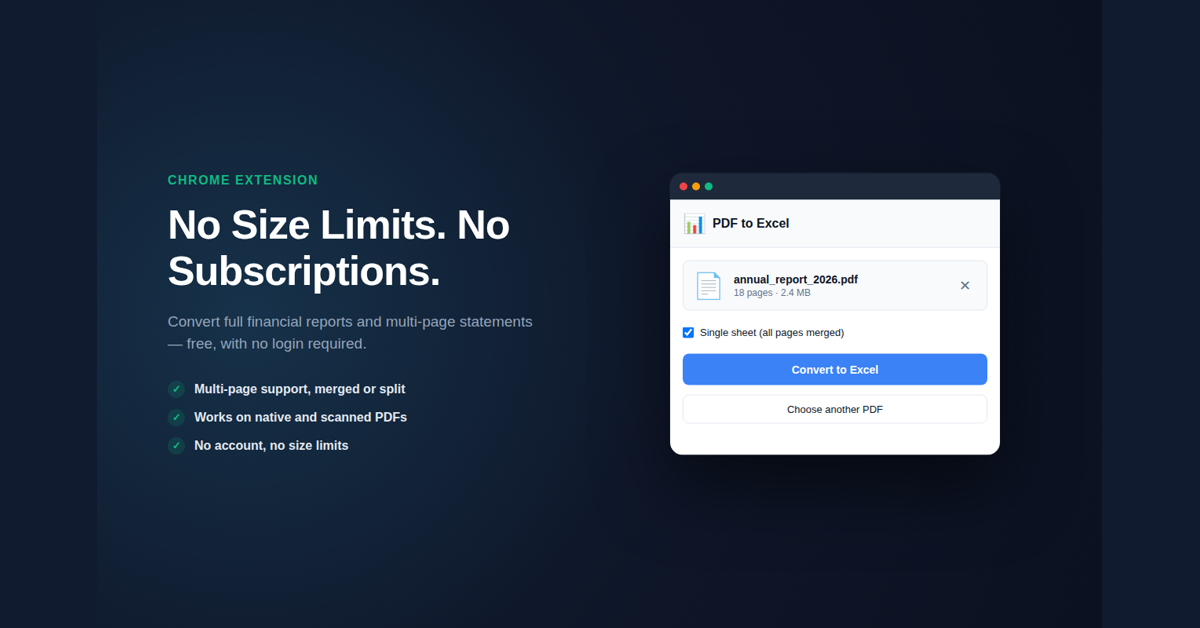
Free
Use Cases
Move bank statement transactions into Excel for bookkeeping or budgeting
Pull invoice line items into a spreadsheet instead of retyping them
Export tables from financial or research reports to CSV for analysis
Turn a finished Excel sheet back into a PDF to send to a client

Comments


Hi Fazier! I built this after one too many evenings retyping bank statement tables into Excel by hand. Online converters wanted an upload, a sign-up or a daily limit, so I made a small Chrome extension that does the one job in the browser: open the PDF, click once, get .xlsx or .csv. Scanned PDFs can go through an optional AI mode. I'd really like feedback on files that break it: odd layouts, multi-page tables, merged cells. Tell me what failed and I'll fix it.
Premium Products


































Sponsors
Buy

Makers
Makers
Comments
Hi Fazier! I built this after one too many evenings retyping bank statement tables into Excel by hand. Online converters wanted an upload, a sign-up or a daily limit, so I made a small Chrome extension that does the one job in the browser: open the PDF, click once, get .xlsx or .csv. Scanned PDFs can go through an optional AI mode. I'd really like feedback on files that break it: odd layouts, multi-page tables, merged cells. Tell me what failed and I'll fix it.
Premium Products
New to Fazier?

Find your next favorite product or submit your own. Made by @FalakDigital.
Copyright ©2026. All Rights Reserved