Command Reopen
The permission-free Cmd+Tab fix
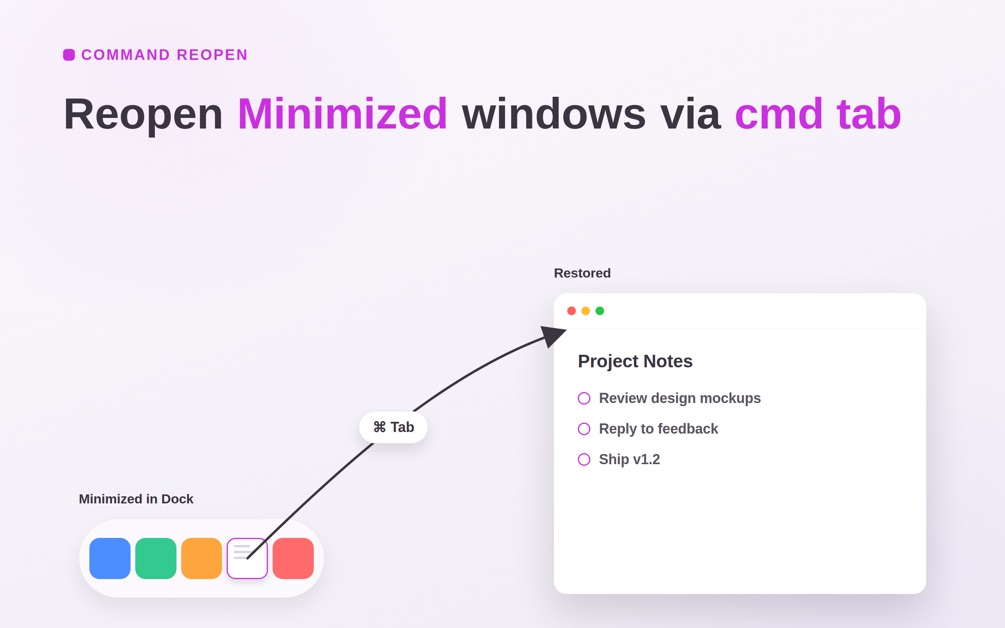
Command Reopen makes Cmd+Tab restore minimized windows and reopen closed ones — with zero permissions, sandboxed, from the Mac App Store. Free 14-day trial; $9.99 one-time (or $5.99/year). Source on GitHub.
.
Developer: Feng Chen
Mac App Store: https://apps.apple.com/us/app/command-reopen-fix-cmd-tab/id6757333924
GitHub: https://github.com/Feng6611/mac-command-reopen
Features
- Restores minimized windows when you Cmd+Tab back to an app
- Reopens apps you just quit from the app switcher
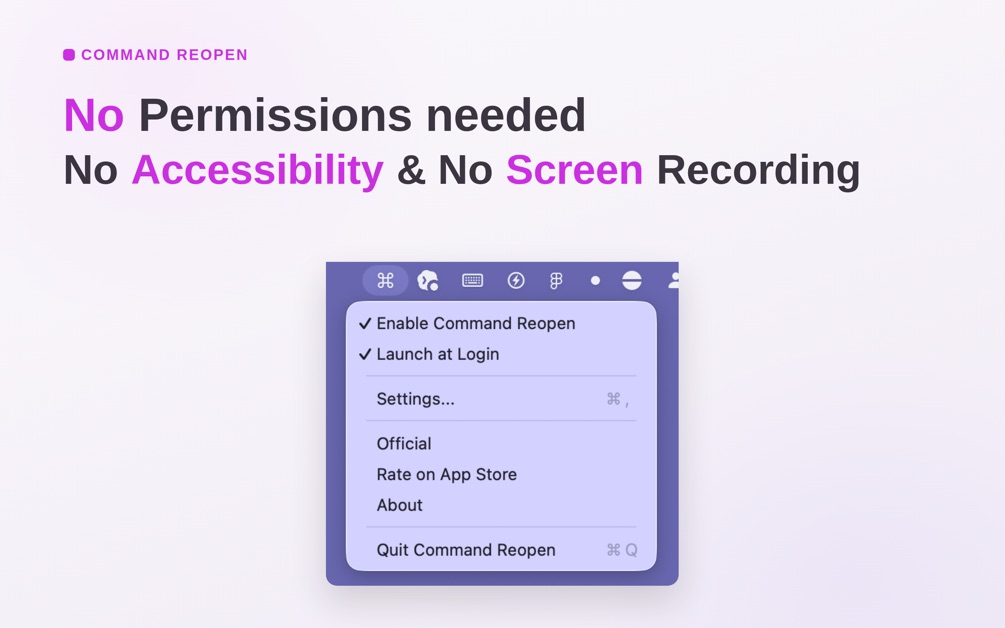
- Zero permissions and fully sandboxed
- Available on the Mac App Store
- Free 14-day trial, then $9.99 one-time or $5.99/year
- Source published on GitHub
Use Cases
- Cmd+Tab highlights a minimized app in the Dock instead of restoring its window
- You quit an app and want Cmd+Tab to reopen it
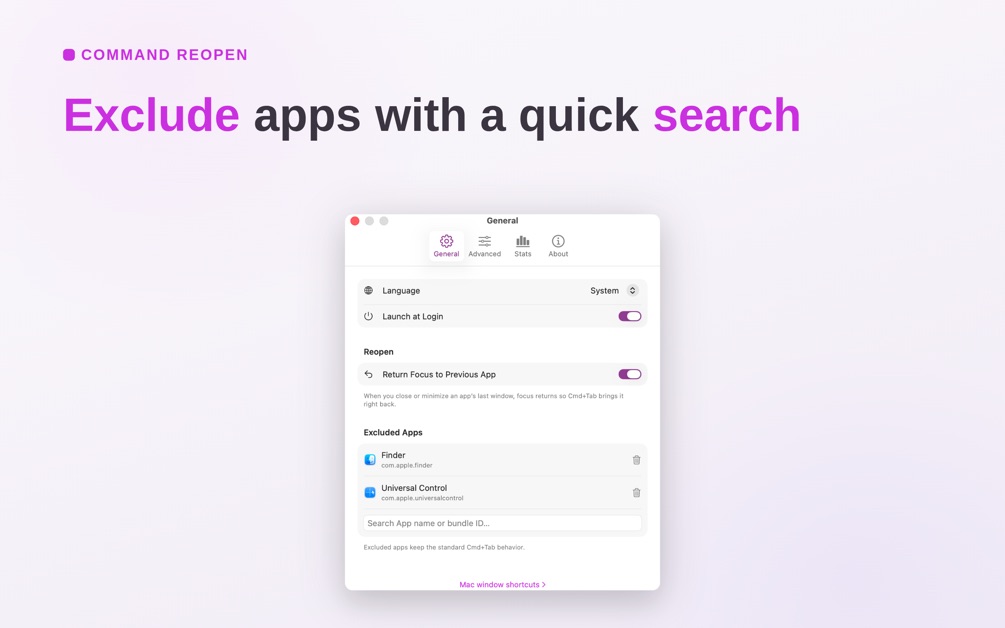
- You want the switcher fix without granting Accessibility or other macOS permissions

Comments

Command Reopen exists because Cmd+Tab on macOS leaves minimized windows sitting in the Dock. It restores those windows, and can reopen an app you just quit, without Accessibility or Screen Recording permission. It is sandboxed and on the Mac App Store, with a 14-day trial then $9.99 once or $5.99/year. Source is on GitHub.
Premium Products



















































Sponsors
Buy

Makers
Makers
Comments
Command Reopen exists because Cmd+Tab on macOS leaves minimized windows sitting in the Dock. It restores those windows, and can reopen an app you just quit, without Accessibility or Screen Recording permission. It is sandboxed and on the Mac App Store, with a 14-day trial then $9.99 once or $5.99/year. Source is on GitHub.
Premium Products
New to Fazier?

Find your next favorite product or submit your own. Made by @FalakDigital.
Copyright ©2026. All Rights Reserved