ClockAura
Free online timers for study, class, workouts and cooking
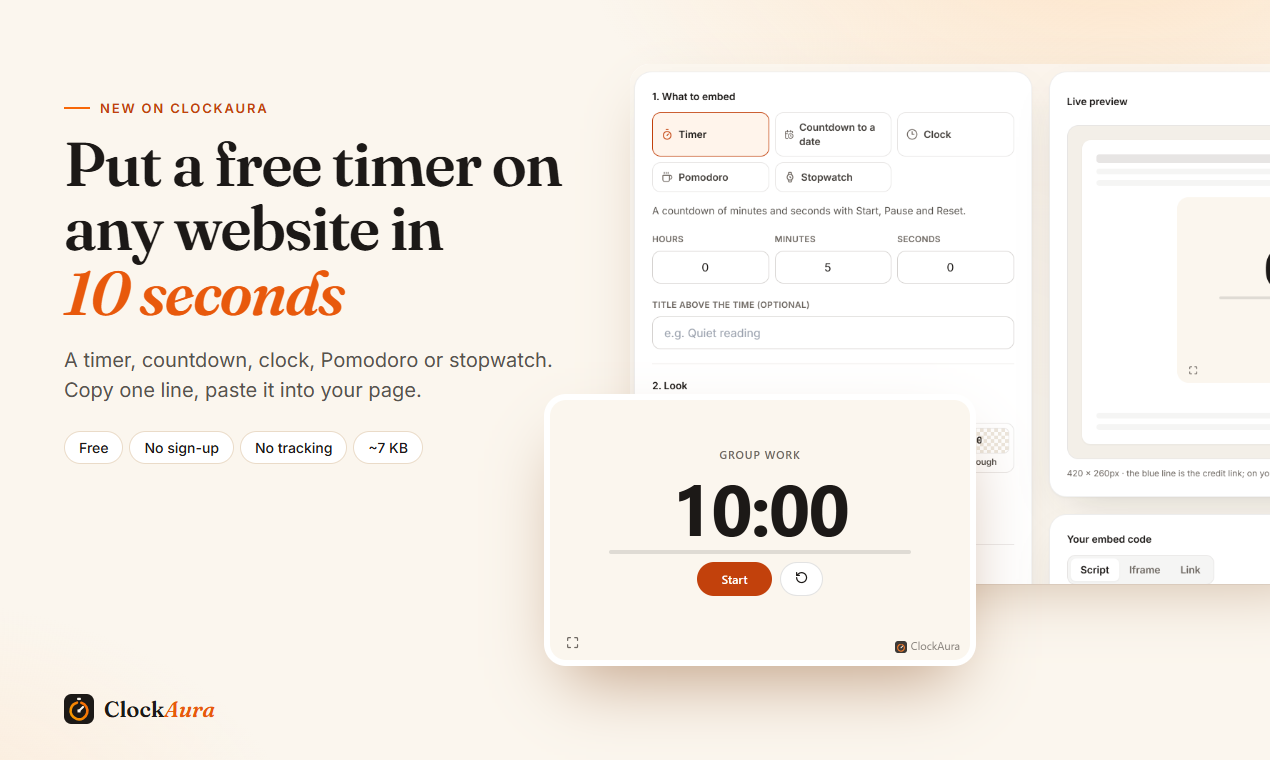
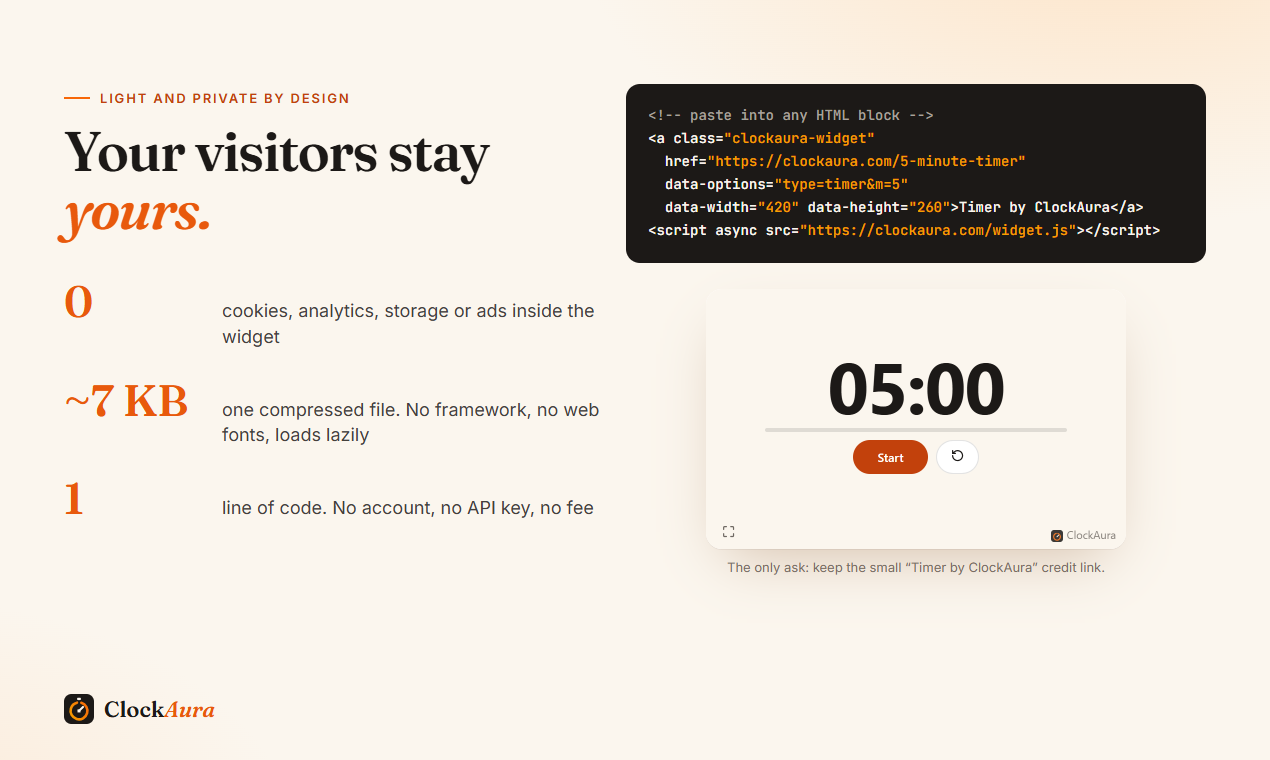
ClockAura is a free, no-login timer site with 80+ tools: Pomodoro with tasks, exam timer with reading time, interval/HIIT and Tabata, visual and classroom timers, multiple named kitchen timers, a metronome and a world clock. Clean, fast, full screen, and it keeps running in background tabs. Nothing is stored on a server.
Features
• 80+ free timers in one place, no sign-up
• Pomodoro timer with tasks and focus reports
• Exam timer with reading time and 30/10/5-minute bells
• Interval, HIIT and Tabata timers
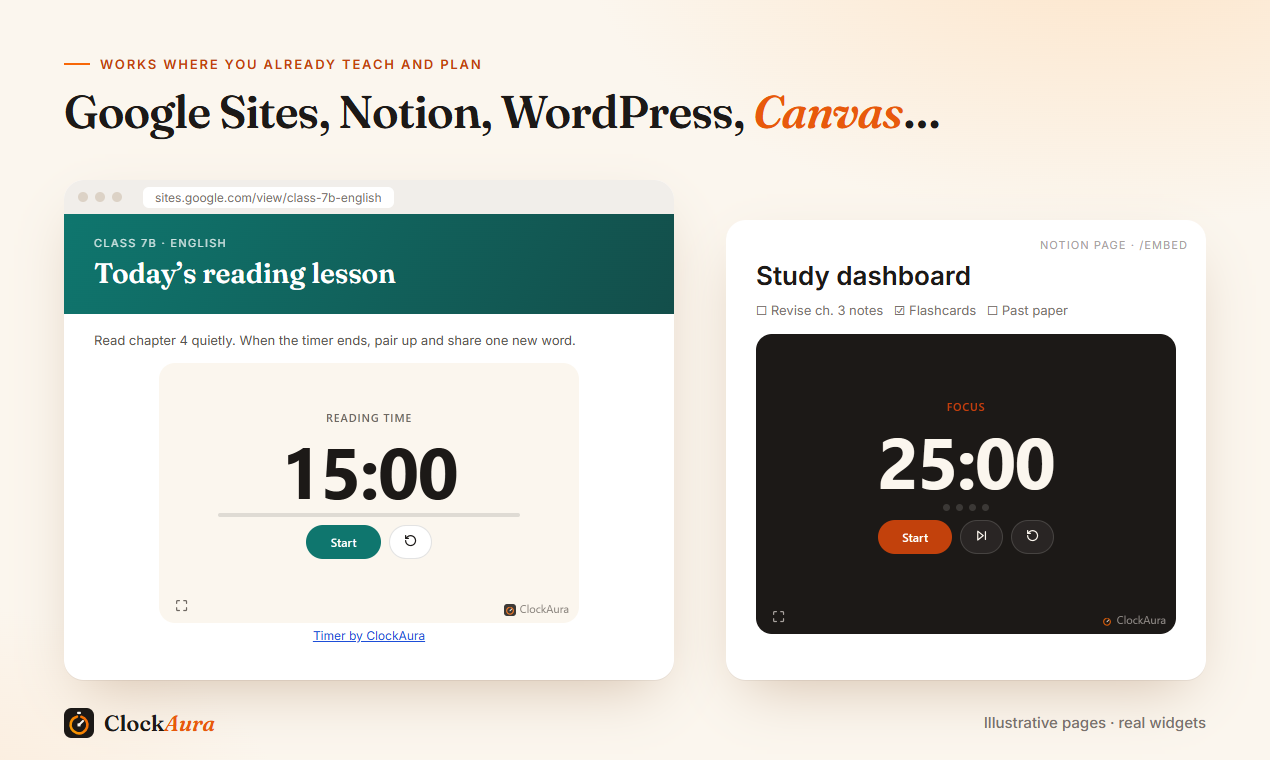
• Visual timer and classroom mode for projectors
• Several named kitchen timers at once, plus a metronome and world clock
Use Cases
• Students: Pomodoro study sessions and timed exam practice
• Teachers: projected classroom and visual timers
• Fitness: interval, Tabata and plank workouts
• Cooking and baking: several timers side by side
• Meditation and focus: quiet timers with a soft bell

Comments

Hi Fazier! I built ClockAura because every timer site I used was full of pop-ups or wanted a login. Everything runs in your browser, works full screen on a projector, and keeps settings only on your device. Students use the Pomodoro and exam timers, teachers use classroom mode, and cooks run several kitchen timers at once. Which timer would you use, and what is missing? I read every comment.



The range of timers in one no-login page is practical: I can see using the exam timer with reading time and 30/10/5-minute bells for practice tests, then switching to named kitchen timers without opening another site. Since nothing is stored on a server and it keeps running in background tabs, does the timer state survive a browser crash or only as long as the tab stays open?

Really like that the exam timer builds in reading time and the 30/10/5-minute bells — that is exactly the detail most timer sites skip, and the classroom/projector mode makes it genuinely useful for teachers. One thing I would love: a way to save a preset chain, e.g. reading time → exam → break, so a teacher can start one sequence instead of resetting between sections. Congrats on the launch!
The exam timer is the standout for me — building in reading time and the 30/10/5-minute bells matches how real exams actually run, which most generic timers miss. Classroom mode for projectors is also a smart touch for teachers. Do the Pomodoro focus reports work across sessions, or do they reset when the tab closes since nothing is stored on a server?
The exam timer is what sets this apart for me — built-in reading time and the 30/10/5-minute bells match how real exams actually run, instead of a generic countdown. Having Pomodoro, classroom and several named kitchen timers in one no-login page is also very practical. I would love a saved preset for my usual exam length, but even as it is, this is a clean, focused tool.

The exam timer with reading time and 30/10/5-minute bells is a thoughtful detail, since most online timers only count down and leave students to track those warnings themselves. The classroom mode for projectors is a good touch too. Can the Pomodoro focus reports be saved between sessions without an account, or do they reset when you close the tab?

The exam timer with reading time is a detail most timer sites skip. A question about the Pomodoro focus reports: since nothing is stored on a server, do they live only in the browser, so moving from laptop to phone starts from zero? Students who study on two devices will probably notice that first. An export or a short sync code could fix it without adding a login.





Keeping timers running in background tabs and storing nothing on a server solves the two annoyances that usually make browser timers unreliable. The exam timer with reading time and the classroom mode for projectors are also genuinely thoughtful for teachers. Do the Pomodoro focus reports work across sessions without an account?

I like the "TRY IT RIGHT HERE" quick timer. I've been taking 20 minute breaks (timer on my watch), so I tried to change the 05:00 default to 20:00 by typing over the 05:00 but that didn't work -would be nice if you could just type over it and use that timer right there. -I chose 3m and refreshed the browser and it went back to 5m. Would be nice if you click 3m, for example, to add 3m to the URL so a refresh keeps it at 3m - on the "real", regular timer, I clicked pause, then under the timer it says "Start" but it doesn't let you press "Start ->" where you enter things. I had to scroll down to see the OTHER "Start" button to press. That was a little confusing. Over all, very nice. Best of luck!


Tried the exam timer with 1 h 30 plus 10 min reading time: it runs a separate "Reading time" phase first, and the Space/F/R shortcuts make it easy to drive from the front of a room. During the reading phase the "Ends at" line shows when reading ends rather than the exam itself, so showing the final finish time too would save teachers doing the maths for the whiteboard. The 30/10/5-minute bells are a sensible default.


Premium Products







































Sponsors
Buy
Awards
View all
Awards
View allMakers
Makers
Comments
Hi Fazier! I built ClockAura because every timer site I used was full of pop-ups or wanted a login. Everything runs in your browser, works full screen on a projector, and keeps settings only on your device. Students use the Pomodoro and exam timers, teachers use classroom mode, and cooks run several kitchen timers at once. Which timer would you use, and what is missing? I read every comment.
The range of timers in one no-login page is practical: I can see using the exam timer with reading time and 30/10/5-minute bells for practice tests, then switching to named kitchen timers without opening another site. Since nothing is stored on a server and it keeps running in background tabs, does the timer state survive a browser crash or only as long as the tab stays open?
Really like that the exam timer builds in reading time and the 30/10/5-minute bells — that is exactly the detail most timer sites skip, and the classroom/projector mode makes it genuinely useful for teachers. One thing I would love: a way to save a preset chain, e.g. reading time → exam → break, so a teacher can start one sequence instead of resetting between sections. Congrats on the launch!
The exam timer is the standout for me — building in reading time and the 30/10/5-minute bells matches how real exams actually run, which most generic timers miss. Classroom mode for projectors is also a smart touch for teachers. Do the Pomodoro focus reports work across sessions, or do they reset when the tab closes since nothing is stored on a server?
The exam timer is what sets this apart for me — built-in reading time and the 30/10/5-minute bells match how real exams actually run, instead of a generic countdown. Having Pomodoro, classroom and several named kitchen timers in one no-login page is also very practical. I would love a saved preset for my usual exam length, but even as it is, this is a clean, focused tool.
The exam timer with reading time and 30/10/5-minute bells is a thoughtful detail, since most online timers only count down and leave students to track those warnings themselves. The classroom mode for projectors is a good touch too. Can the Pomodoro focus reports be saved between sessions without an account, or do they reset when you close the tab?
The exam timer with reading time is a detail most timer sites skip. A question about the Pomodoro focus reports: since nothing is stored on a server, do they live only in the browser, so moving from laptop to phone starts from zero? Students who study on two devices will probably notice that first. An export or a short sync code could fix it without adding a login.
Keeping timers running in background tabs and storing nothing on a server solves the two annoyances that usually make browser timers unreliable. The exam timer with reading time and the classroom mode for projectors are also genuinely thoughtful for teachers. Do the Pomodoro focus reports work across sessions without an account?
I like the "TRY IT RIGHT HERE" quick timer. I've been taking 20 minute breaks (timer on my watch), so I tried to change the 05:00 default to 20:00 by typing over the 05:00 but that didn't work -would be nice if you could just type over it and use that timer right there. -I chose 3m and refreshed the browser and it went back to 5m. Would be nice if you click 3m, for example, to add 3m to the URL so a refresh keeps it at 3m - on the "real", regular timer, I clicked pause, then under the timer it says "Start" but it doesn't let you press "Start ->" where you enter things. I had to scroll down to see the OTHER "Start" button to press. That was a little confusing. Over all, very nice. Best of luck!
Tried the exam timer with 1 h 30 plus 10 min reading time: it runs a separate "Reading time" phase first, and the Space/F/R shortcuts make it easy to drive from the front of a room. During the reading phase the "Ends at" line shows when reading ends rather than the exam itself, so showing the final finish time too would save teachers doing the maths for the whiteboard. The 30/10/5-minute bells are a sensible default.
Premium Products
New to Fazier?

Find your next favorite product or submit your own. Made by @FalakDigital.
Copyright ©2026. All Rights Reserved