ClipForge
Clip long videos on your PC. Nothing uploads.
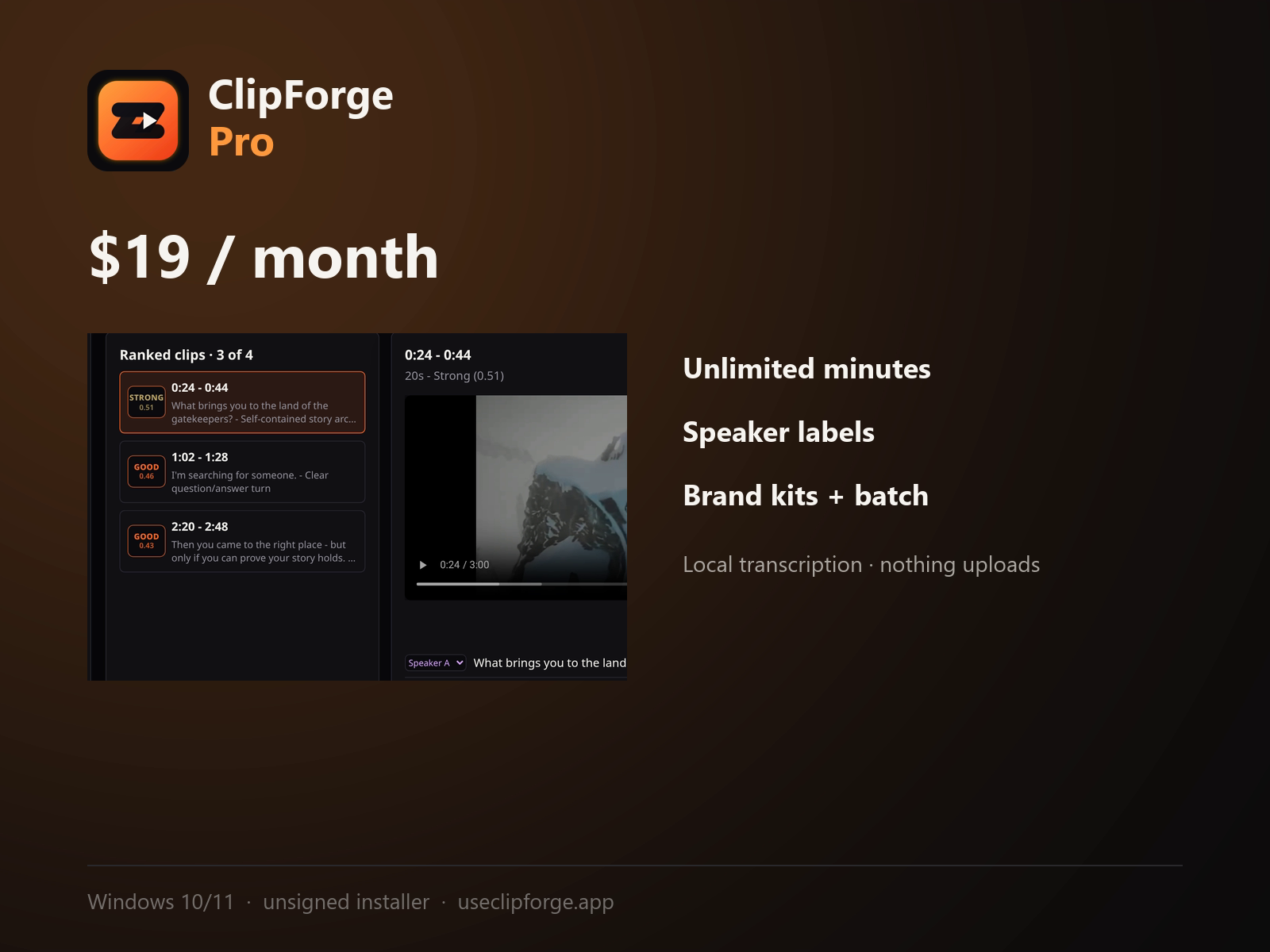
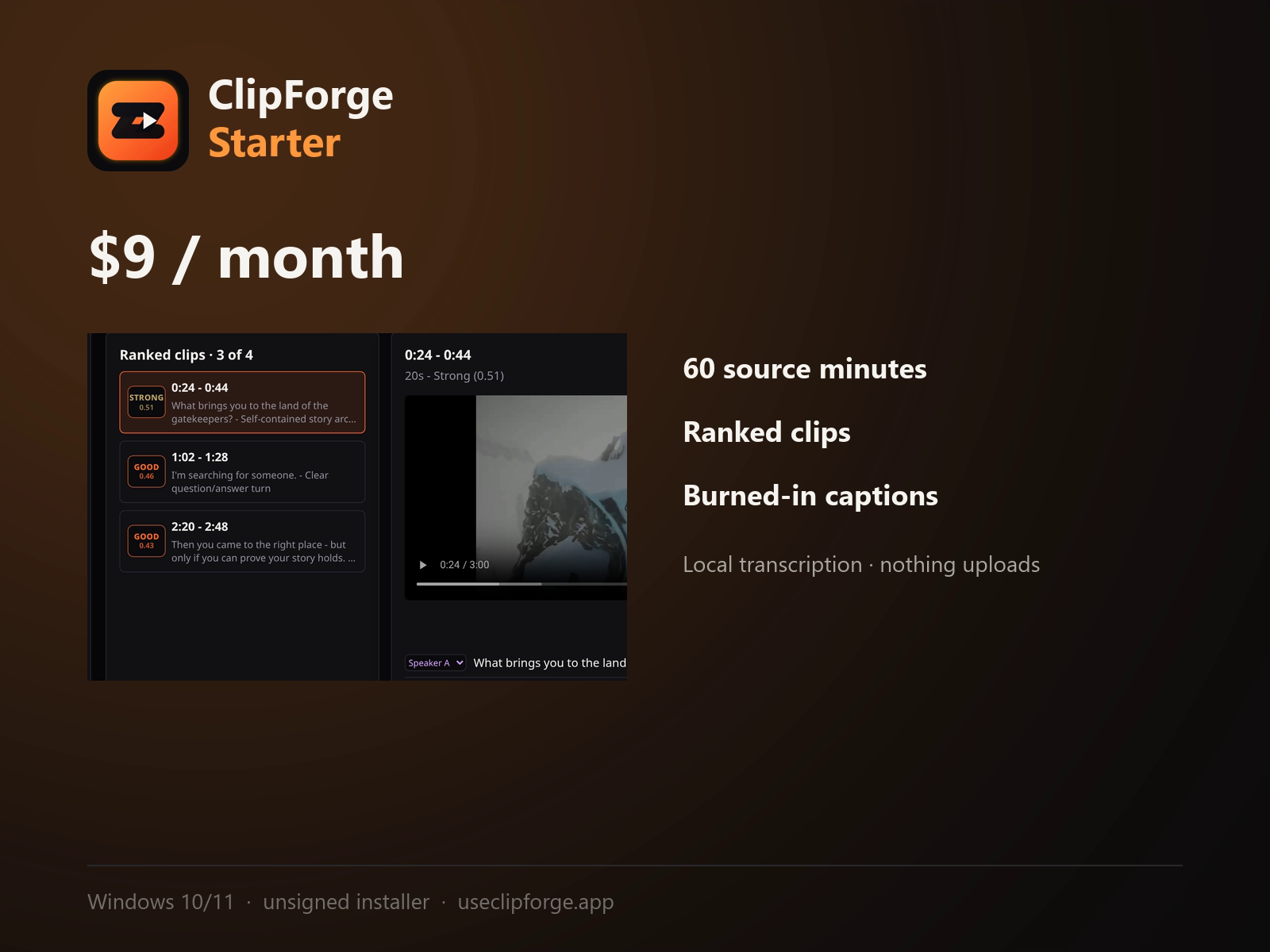
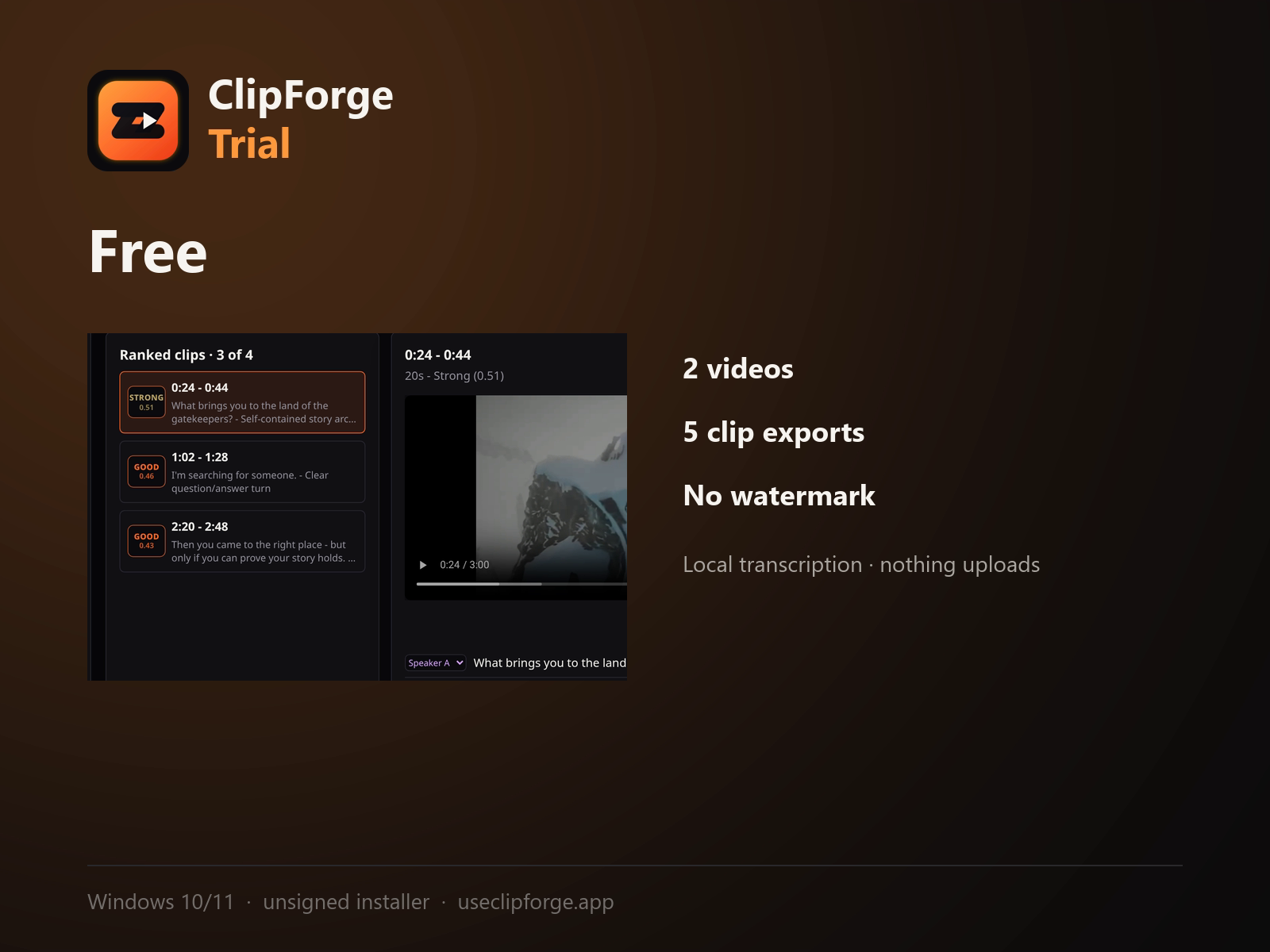
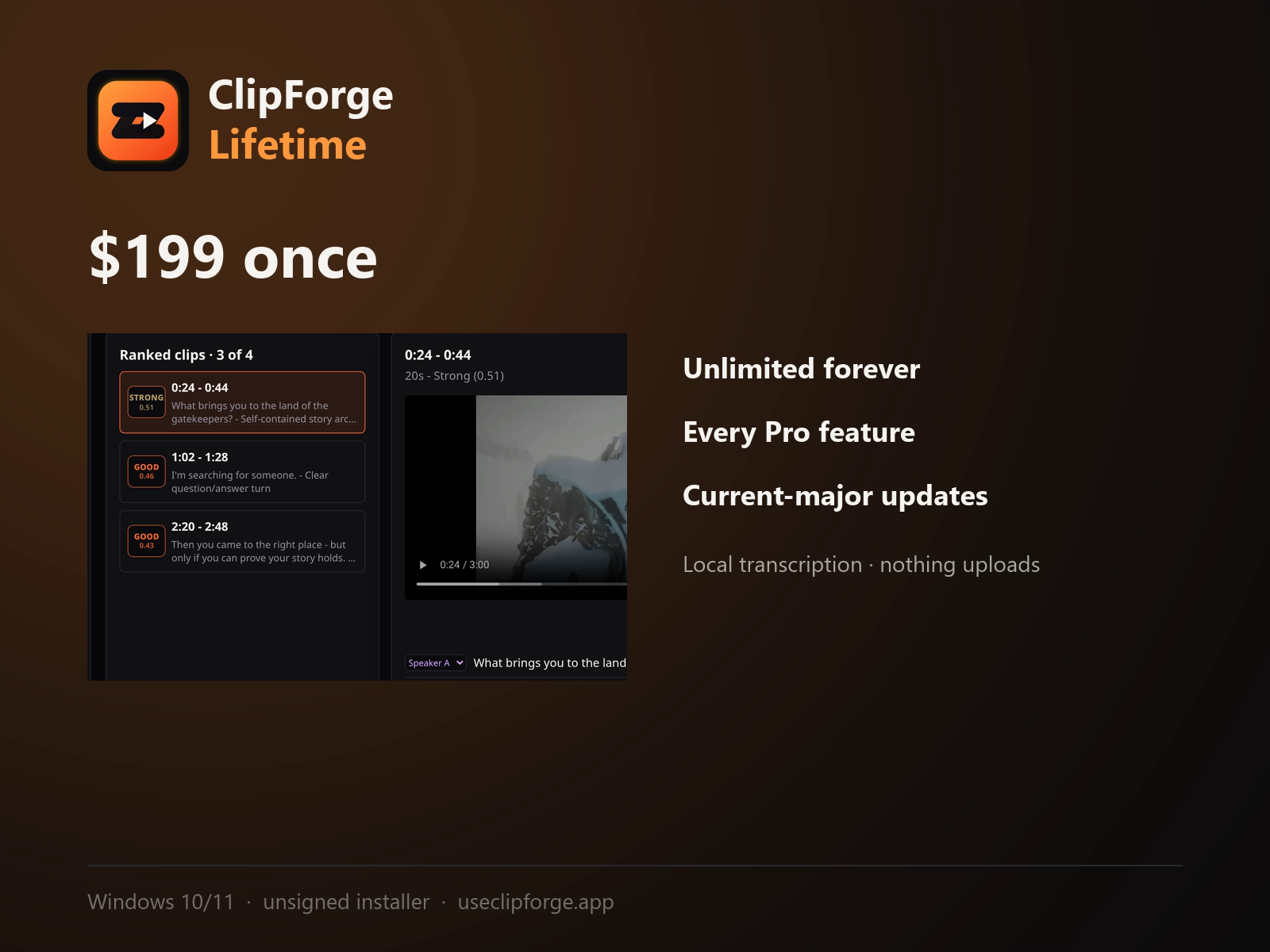
ClipForge is a Windows desktop app that turns long-form video into short vertical clips without uploading anything. Everything runs locally: Whisper transcribes on your own GPU or CPU, PyAnnote labels speakers, and FFmpeg renders the export. Your source footage never leaves the machine. The ranking is a transparent heuristic, not a black box - each candidate clip shows its score and the reasons behind it, so you can disagree with it before you publish. Free trial: 2 source videos, 5 clip exports, no card required. Windows 10/11 64-bit only.
Features
Local Whisper transcription, no cloud upload
Local PyAnnote speaker labeling
Ranked clips with visible scoring reasons
9:16 and 1:1 export with burned-in captions
No watermark at any tier, including free trial
Optional LLM scoring using your own API key
Use Cases
Podcasters clipping episodes for social without uploading raw footage anywhere
Creators who record under NDA or hold unreleased material
Anyone with slow upload speed who can't afford cloud round-trips
Streamers turning long VODs into short highlight clips

Comments


The transparent scoring is the part I'd actually use. Most clip tools hand you a ranked list with zero explanation, so when clip #1 is wrong you have no idea what to adjust. Showing the reasons per candidate means I can tune for my own format (e.g. we cut product demo footage into 9:16 ads, where 'hook in the first 2 seconds' matters more than speaker changes). Two questions: can the heuristic weights be edited, and does the burned-in caption style support custom fonts/colors so the clips match brand guidelines?

Hi Fazier! I built ClipForge because I couldn't find a clip tool that didn't require uploading my source video somewhere first - relevant if you record under NDA, have slow upload speed, or just don't want your footage sitting on someone else's server. Everything runs locally on Windows: Whisper for transcription, PyAnnote for speaker labels, FFmpeg for the render. The ranking is a transparent heuristic, not a black box, so you can see why a clip scored the way it did and disagree with it. It's an unsigned soft launch (Windows shows a SmartScreen warning on first run, explained on the download page), and I'm a solo dev - happy to answer anything about the local pipeline or where it currently falls short.


Keeping the whole pipeline (Whisper, PyAnnote, FFmpeg) local instead of routing footage through a cloud queue is the part that actually matters for the NDA/podcaster use case — most "clip your video" tools quietly assume you're fine uploading raw source, which a lot of creators aren't. Making the ranking heuristic transparent instead of a black-box score is also the right call, since it lets you correct the tool's judgment rather than just accept it. Since the optional LLM scoring uses your own API key, does that step ever send clip transcripts/metadata off-device, or does it stay opt-in per project with a clear indicator of what's leaving the machine?


The local-only processing is the part that stands out to me - running Whisper and FFmpeg on the user's own machine means the source footage never has to be trusted to anyone else, which matters a lot for unreleased or client material. I also like that the clip ranking shows its score and the reasons behind it rather than being a black box, since that lets you overrule it before publishing. Curious whether macOS support is on the roadmap, as Windows-only is the one thing that would stop me trying it.


Keeping transcription, speaker labels, and rendering local is a strong fit for long client footage. The visible ranking reasons are especially useful, but I’d also want the workflow to be reproducible: can ClipForge save a project with transcript edits, clip boundaries, and ranking settings, and export an SRT or EDL so the final polish can continue in Premiere or Resolve?
Premium Products










































Sponsors
Buy

Makers
Makers
Comments
The transparent scoring is the part I'd actually use. Most clip tools hand you a ranked list with zero explanation, so when clip #1 is wrong you have no idea what to adjust. Showing the reasons per candidate means I can tune for my own format (e.g. we cut product demo footage into 9:16 ads, where 'hook in the first 2 seconds' matters more than speaker changes). Two questions: can the heuristic weights be edited, and does the burned-in caption style support custom fonts/colors so the clips match brand guidelines?
Hi Fazier! I built ClipForge because I couldn't find a clip tool that didn't require uploading my source video somewhere first - relevant if you record under NDA, have slow upload speed, or just don't want your footage sitting on someone else's server. Everything runs locally on Windows: Whisper for transcription, PyAnnote for speaker labels, FFmpeg for the render. The ranking is a transparent heuristic, not a black box, so you can see why a clip scored the way it did and disagree with it. It's an unsigned soft launch (Windows shows a SmartScreen warning on first run, explained on the download page), and I'm a solo dev - happy to answer anything about the local pipeline or where it currently falls short.
Keeping the whole pipeline (Whisper, PyAnnote, FFmpeg) local instead of routing footage through a cloud queue is the part that actually matters for the NDA/podcaster use case — most "clip your video" tools quietly assume you're fine uploading raw source, which a lot of creators aren't. Making the ranking heuristic transparent instead of a black-box score is also the right call, since it lets you correct the tool's judgment rather than just accept it. Since the optional LLM scoring uses your own API key, does that step ever send clip transcripts/metadata off-device, or does it stay opt-in per project with a clear indicator of what's leaving the machine?
The local-only processing is the part that stands out to me - running Whisper and FFmpeg on the user's own machine means the source footage never has to be trusted to anyone else, which matters a lot for unreleased or client material. I also like that the clip ranking shows its score and the reasons behind it rather than being a black box, since that lets you overrule it before publishing. Curious whether macOS support is on the roadmap, as Windows-only is the one thing that would stop me trying it.
Keeping transcription, speaker labels, and rendering local is a strong fit for long client footage. The visible ranking reasons are especially useful, but I’d also want the workflow to be reproducible: can ClipForge save a project with transcript edits, clip boundaries, and ranking settings, and export an SRT or EDL so the final polish can continue in Premiere or Resolve?
Premium Products
New to Fazier?

Find your next favorite product or submit your own. Made by @FalakDigital.
Copyright ©2026. All Rights Reserved