
ClickCrit
ClickCrit is an AI creative toolkit for Roblox developers. C
ClickCrit is an AI creative toolkit for independent Roblox developers and small studios.
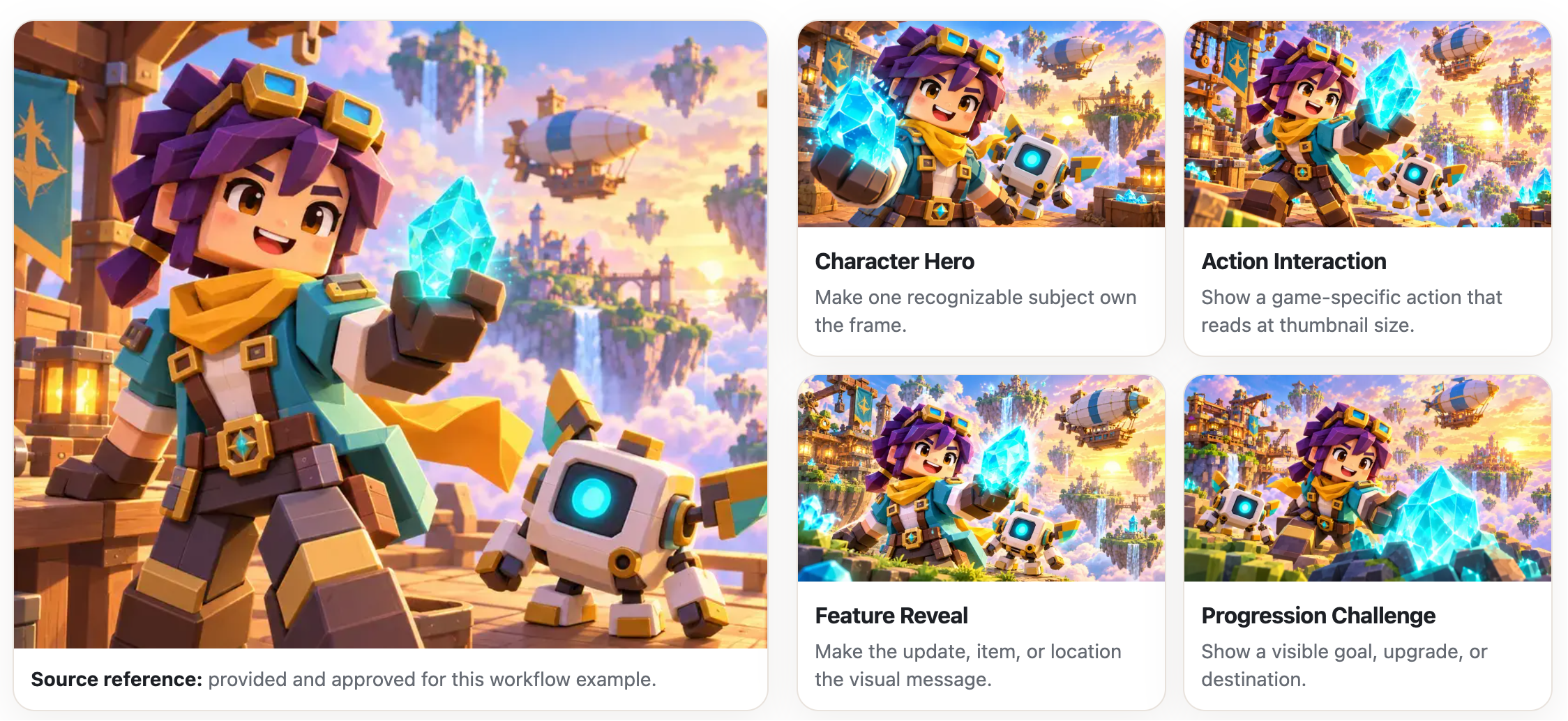
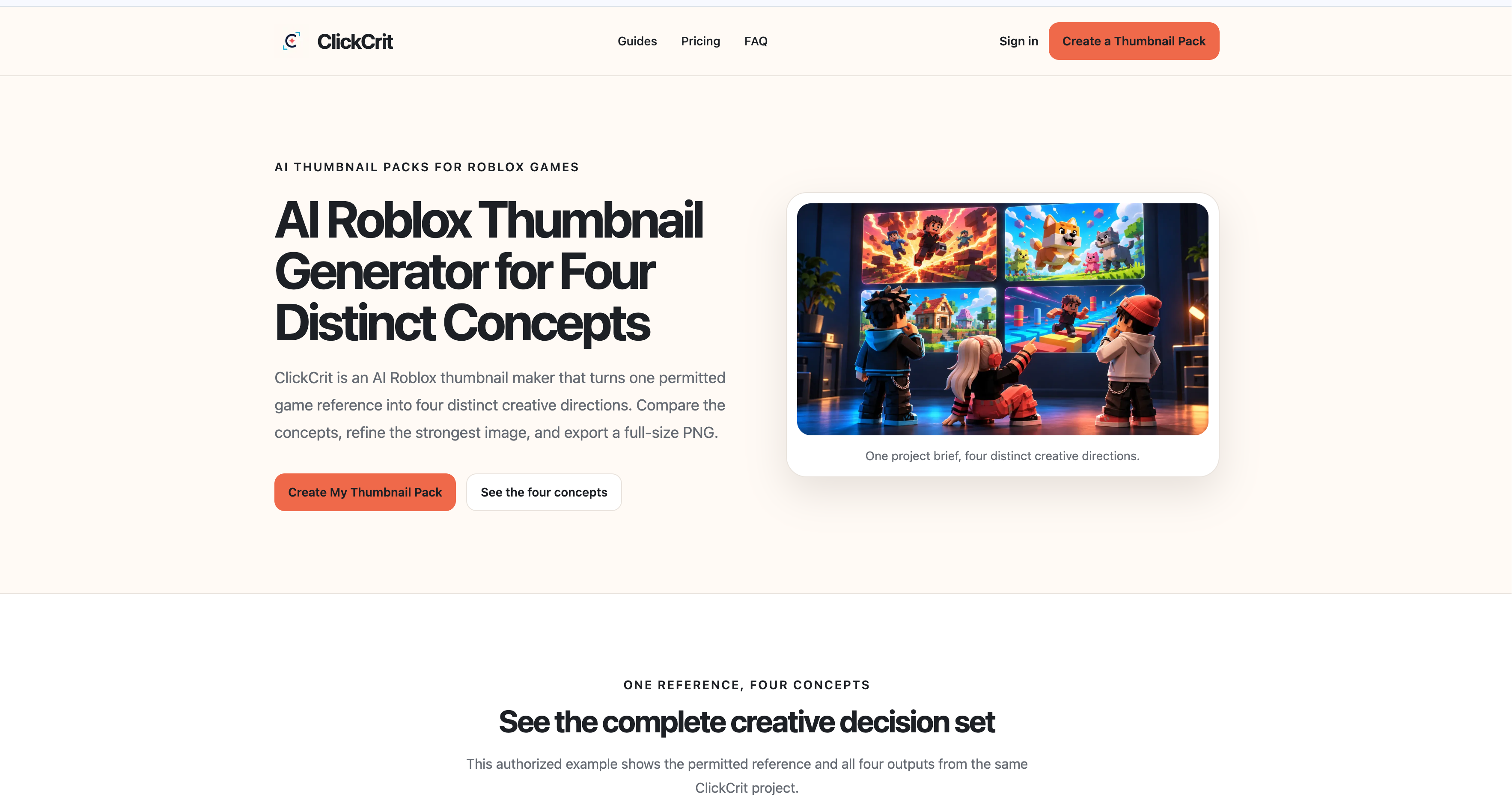
Its Roblox Thumbnail Generator turns one permitted game reference into four distinct concepts: Character Hero, Action Interaction, Feature Reveal, and Progression / Challenge. Compare meaningful creative directions, make lightweight edits, and export selected thumbnails as 1920 × 1080 PNGs.
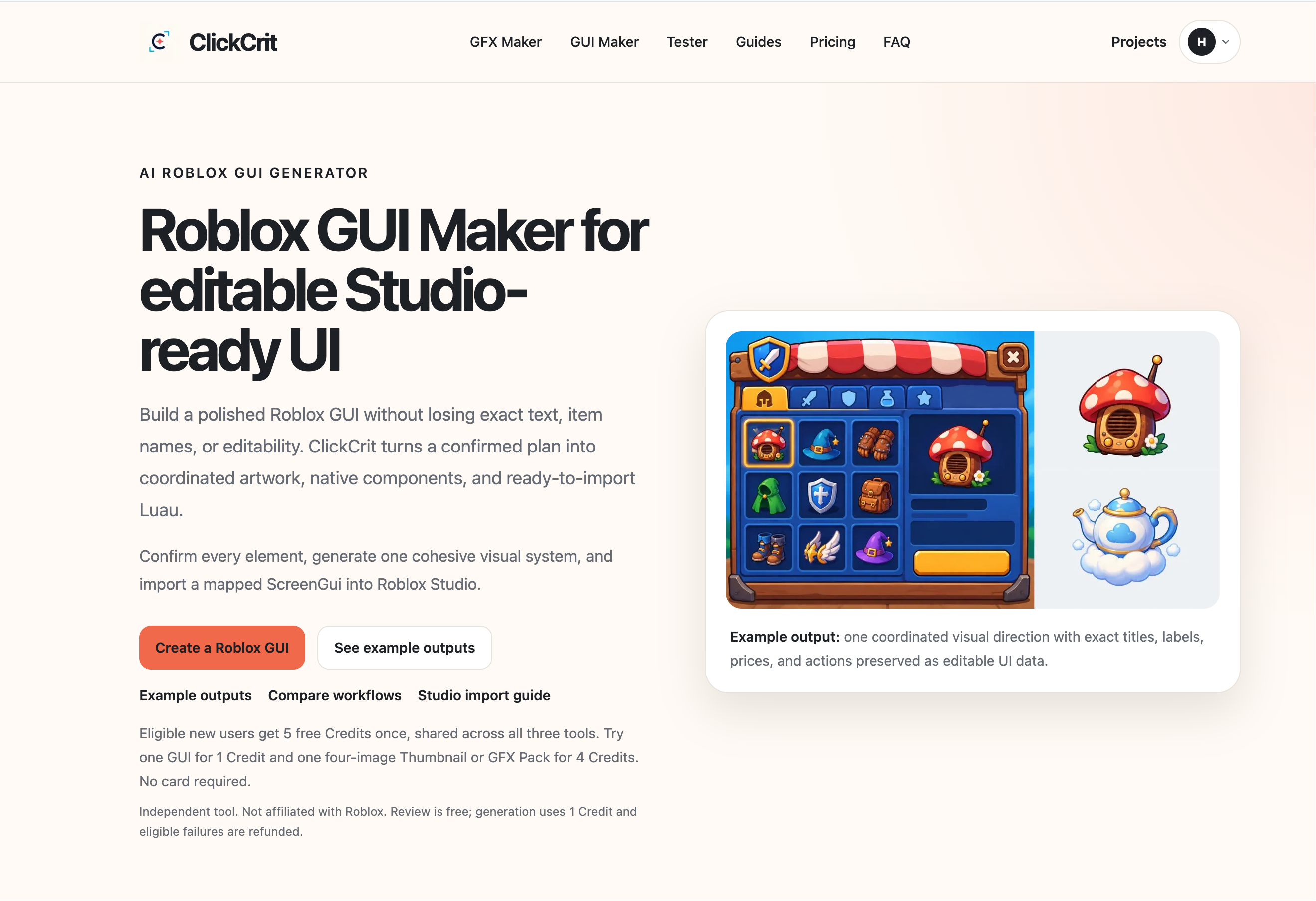
Its Roblox GUI Maker starts with the exact screen type, item names, copy, and components you confirm. It creates matched visual assets while keeping titles, labels, prices, and buttons as native editable UI text. Export a Studio Pack with PNG assets, a manifest, import guide, and Luau that creates the native UI hierarchy in Roblox Studio.
Create Shop, Inventory, Rewards, Main Menu, HUD, and Settings screens. ClickCrit builds the visual UI layer; developers review the result, upload the assets, connect gameplay logic, and publish through their normal Roblox workflow.
ClickCrit is independent and is not affiliated with, endorsed by, or sponsored by Roblox.
Features
- Four distinct thumbnail concepts — Generate Character Hero, Action Interaction, Feature Reveal, and Progression / Challenge directions from one permitted game reference.
- Side-by-side thumbnail comparison — Review genuinely different creative hypotheses instead of near-duplicate AI variations.
- Lightweight thumbnail editing — Refine the selected concept, then export a 1920 × 1080 PNG for Roblox thumbnail workflows.
- Exact GUI requirements before generation — Define the screen type, one to eight named entries, copy, components, and visual direction before creating assets.
- Six Roblox GUI screen types — Create Shop, Inventory, Rewards, Main Menu, HUD, and Settings concepts.
- Native editable UI text — Titles, labels, prices, and buttons remain editable UI text rather than becoming baked-in image text.
- Matched visual assets — Generate original visual assets mapped to the named items or rewards in the selected GUI concept.
- Studio Pack export — Download PNG assets, a manifest, import guide, and Luau that builds the native UI hierarchy in Roblox Studio.
- Preview before handoff — Inspect the UI layout and assets before exporting; review is free and one Credit covers a completed GUI generation.
- Developer-controlled final integration — Keep game logic, Roblox asset uploads, and publishing in your own existing Studio workflow.
Use Cases
- Roblox thumbnail generator
- Roblox gui maker
- Roblox gfx maker
- Roblox thumbnail tester

Comments

Premium Products


























































Find your next favorite product or submit your own. Made by @FalakDigital.
Copyright ©2026. All Rights Reserved