Clean That Sheet
Clean up your messy sheet! Free checkup on spreadsheets.
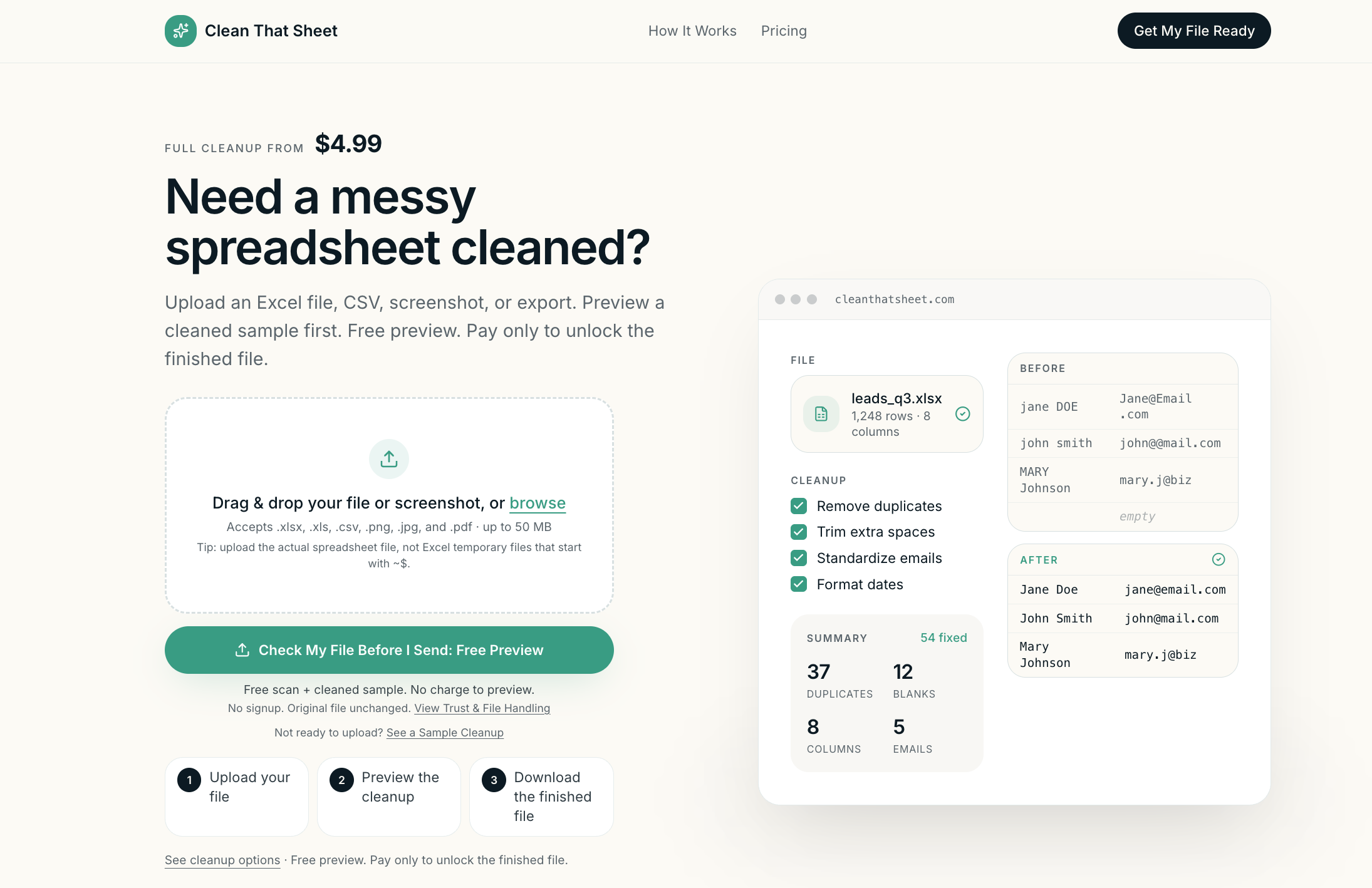
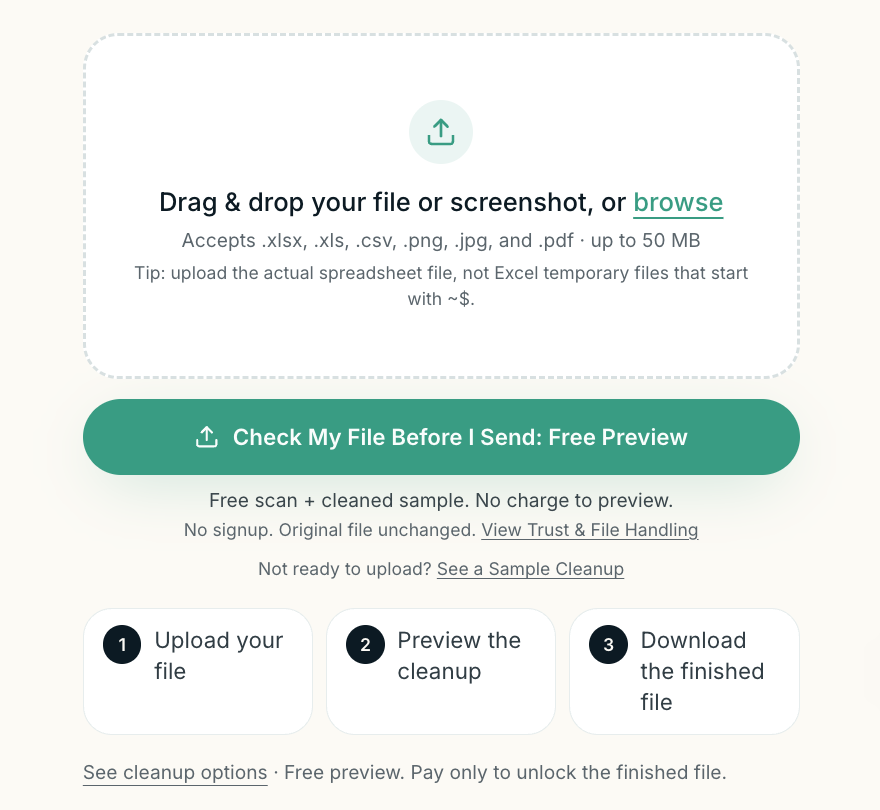
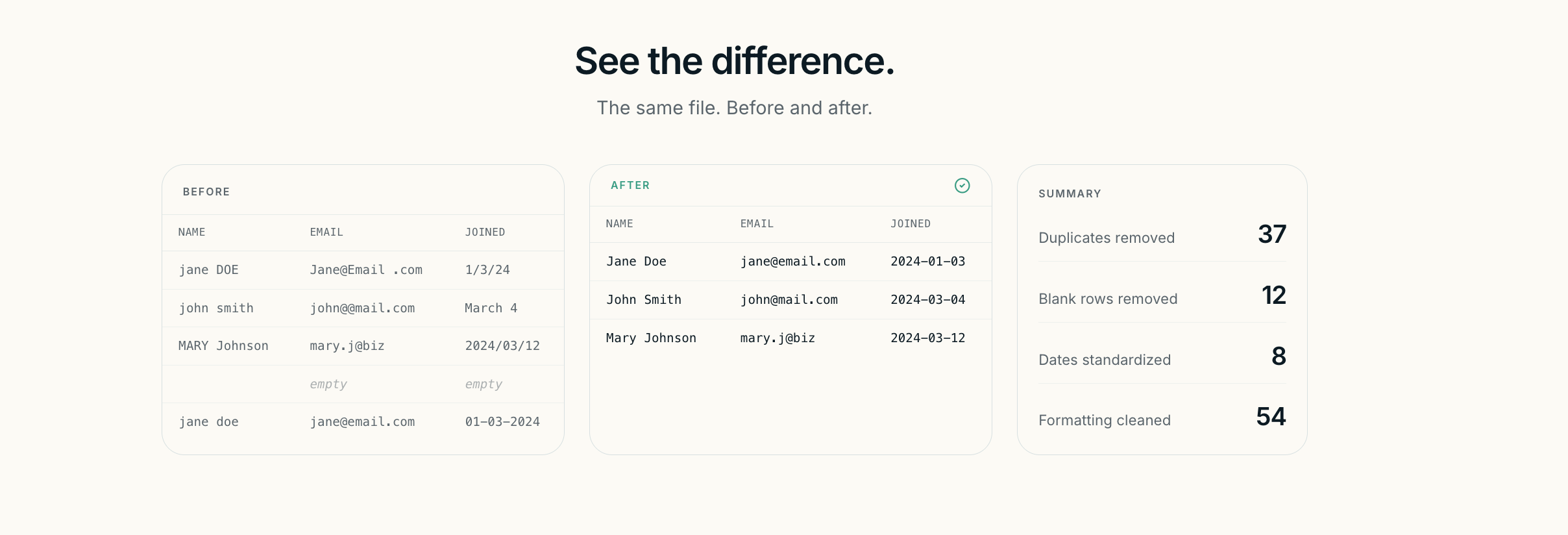
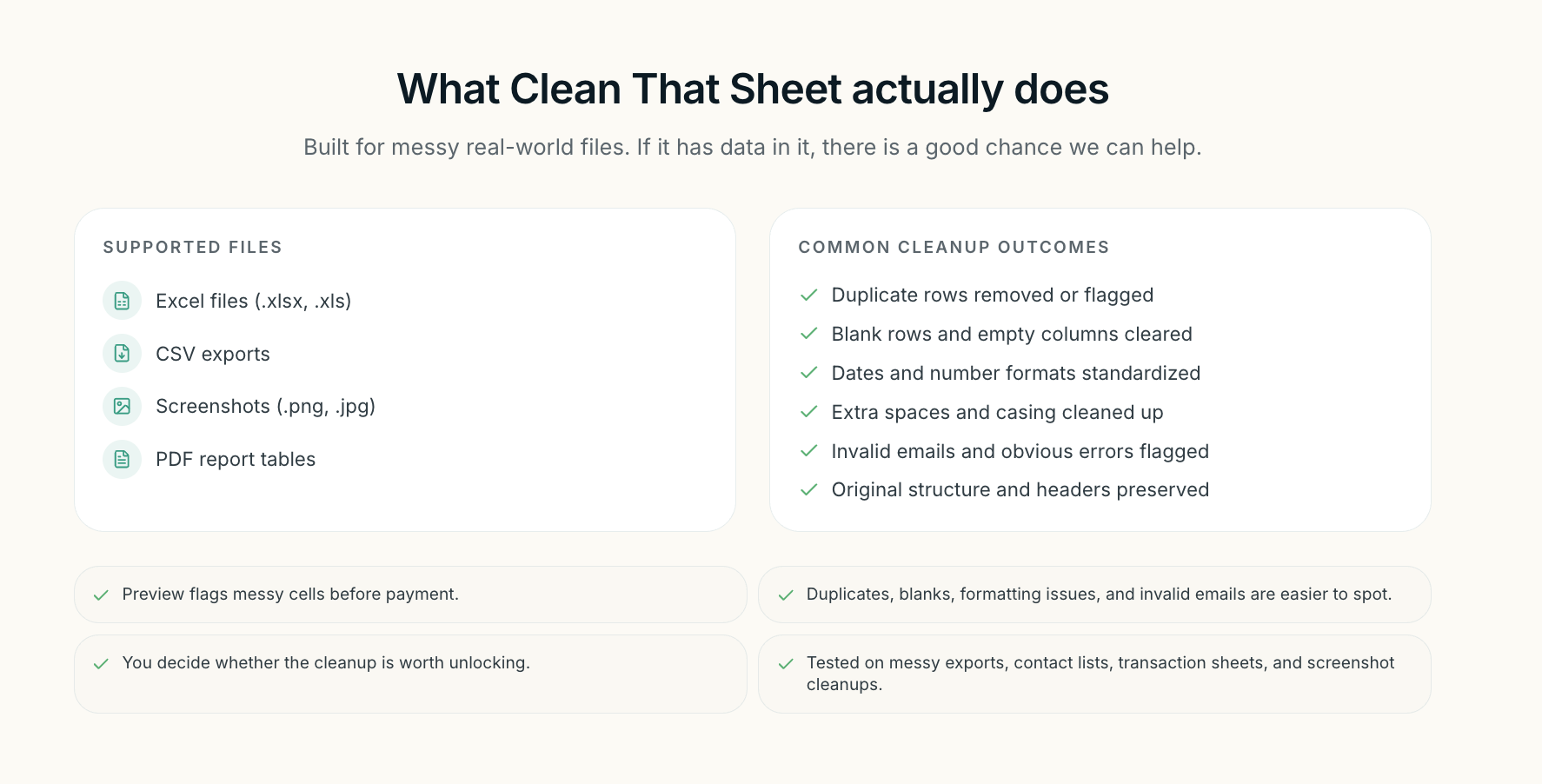
Clean That Sheet gives you a free spreadsheet checkup before you share, import, or rely on your data. Upload an Excel file, CSV, export, or spreadsheet screenshot to instantly preview duplicates, blank fields, formatting issues, and other common problems. Download a cleaned version in minutes, pay only if you choose to unlock the finished file. No account required. Your original file stays unchanged.
Features
- Free spreadsheet checkup
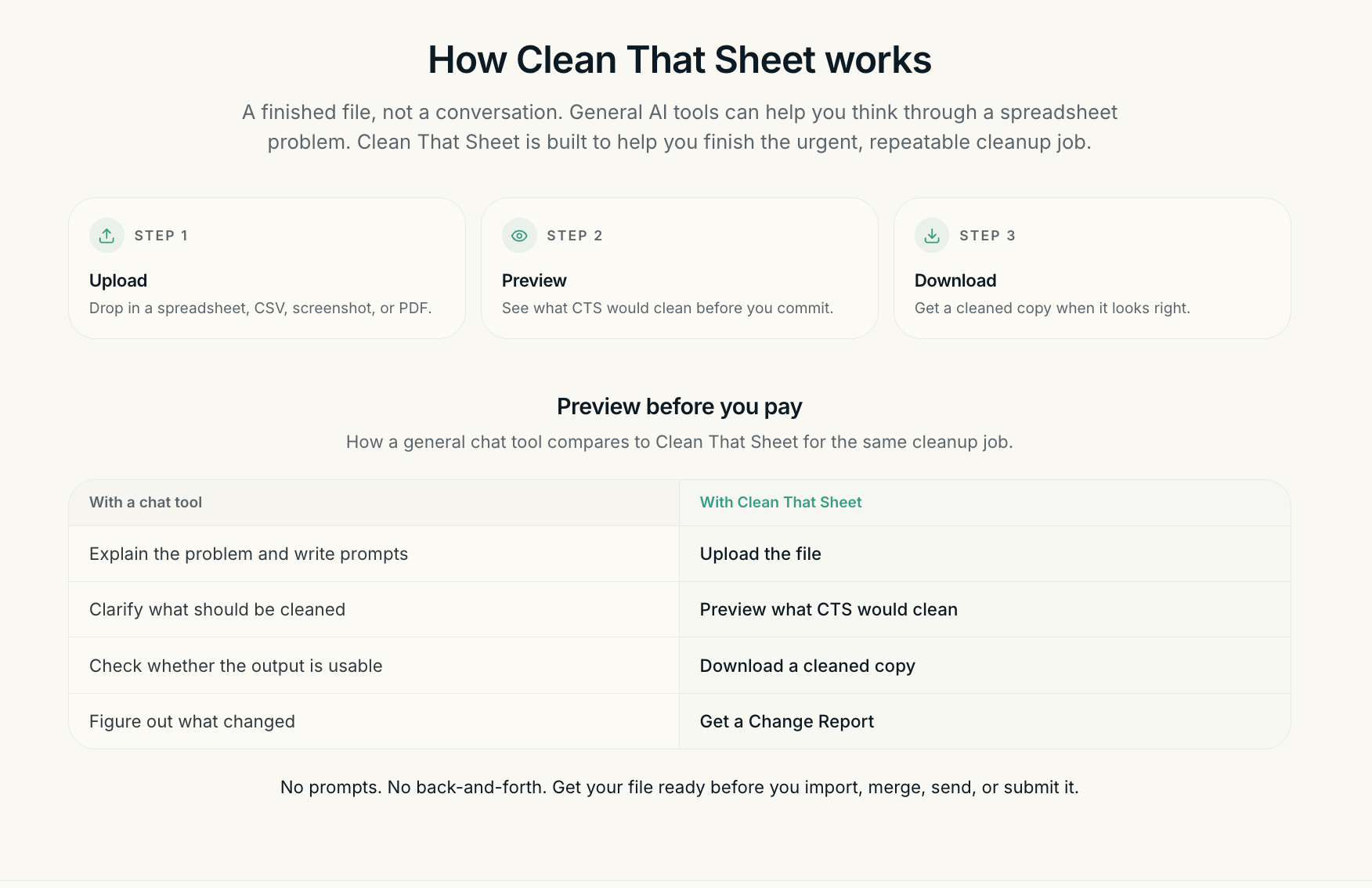
- Preview cleanup before paying
- Duplicate detection
- Blank and missing field detection
- Inconsistent formatting detection
- Import-ready cleanup
- Excel, CSV, and screenshot support
- Change Report included
- Original file never modified
- No account required
Use Cases
- Clean customer lists
- Prepare inventory spreadsheets
- Review sales exports
- Organize mailing lists
- Check bookkeeping exports
- Clean vendor records
- Fix event registration spreadsheets
- Prepare files for CRM imports
- Review spreadsheets before sharing
- Validate business data before reporting
Fazier Deal

Comments


I built Clean That Sheet after seeing how often small spreadsheet problems: duplicates, blanks, inconsistent formatting, and messy exports create bigger issues later during imports, reporting, bookkeeping, or sharing. I wanted to make spreadsheet cleanup feel less technical and more approachable. With Clean That Sheet, you can upload a file, get a free spreadsheet checkup, preview what was found, and only pay if you want to unlock the finished cleaned file. My goal is for it to feel like a second set of eyes before you send, import, or rely on important data. I’d love feedback on the experience, the free checkup, and what kinds of spreadsheet problems you’d want it to catch next.


Preview before payment is the right call, since nobody can judge a cleanup tool without seeing what it wants to change to their own file. The bit I would want spelled out is the Change Report: does it list every edit row by row so I can reject individual ones, or is it a summary of counts? With customer lists the risk is not the duplicates you catch, it is the two records that were genuinely different people and got merged. Also, what happens to an uploaded file after the session, deleted immediately or retained?


In our new contractor-estimating workflow, imported client and service lists often need cleanup before they are useful. Duplicate detection is important, but inconsistent phone numbers, dates, units, and required fields create just as many problems. Are custom column rules or saved import templates planned?

Two questions on the free-preview model, because that is the part I would get wrong myself. First: the preview shows duplicates, blanks and formatting issues before payment. Does it name the exact rows and columns, or only the counts? Naming them is what tells me whether the paid file is worth unlocking; counts alone leave me guessing. Second, the hard case for any spreadsheet cleaner is European data: decimal commas, DD/MM/YYYY dates, thousands separators that Excel has already half-guessed at import. Does the checkup flag a column as genuinely mixed, or does it normalise silently? Silent normalisation is the failure nobody notices until much later.
UPDATE: We just launched Clean That Sheet on the Google Workspace Marketplace too 🚀 If you live in Google Sheets, you can now use CTS directly there instead of only uploading files through the website. Pretty excited to finally have both versions live. Try it out here: https://cleanthatsheet.com/clean-my-sheet

The preview-before-you-pay model is the right call here, and nice to see the Workspace Marketplace version land too, since a lot of cleanup work never leaves Sheets in the first place. Curious about the in-Sheet version specifically: does it handle a workbook where the real data table doesn't start at A1 (headers a few rows down, a merged title block above, multiple tabs), or is it tuned for a clean single-table layout? That's usually where spreadsheet tools trip up on real-world files.
Premium Products












































Fazier Deal
Sponsors
Buy

Makers
Makers
Comments
I built Clean That Sheet after seeing how often small spreadsheet problems: duplicates, blanks, inconsistent formatting, and messy exports create bigger issues later during imports, reporting, bookkeeping, or sharing. I wanted to make spreadsheet cleanup feel less technical and more approachable. With Clean That Sheet, you can upload a file, get a free spreadsheet checkup, preview what was found, and only pay if you want to unlock the finished cleaned file. My goal is for it to feel like a second set of eyes before you send, import, or rely on important data. I’d love feedback on the experience, the free checkup, and what kinds of spreadsheet problems you’d want it to catch next.
Preview before payment is the right call, since nobody can judge a cleanup tool without seeing what it wants to change to their own file. The bit I would want spelled out is the Change Report: does it list every edit row by row so I can reject individual ones, or is it a summary of counts? With customer lists the risk is not the duplicates you catch, it is the two records that were genuinely different people and got merged. Also, what happens to an uploaded file after the session, deleted immediately or retained?
In our new contractor-estimating workflow, imported client and service lists often need cleanup before they are useful. Duplicate detection is important, but inconsistent phone numbers, dates, units, and required fields create just as many problems. Are custom column rules or saved import templates planned?
Two questions on the free-preview model, because that is the part I would get wrong myself. First: the preview shows duplicates, blanks and formatting issues before payment. Does it name the exact rows and columns, or only the counts? Naming them is what tells me whether the paid file is worth unlocking; counts alone leave me guessing. Second, the hard case for any spreadsheet cleaner is European data: decimal commas, DD/MM/YYYY dates, thousands separators that Excel has already half-guessed at import. Does the checkup flag a column as genuinely mixed, or does it normalise silently? Silent normalisation is the failure nobody notices until much later.
UPDATE: We just launched Clean That Sheet on the Google Workspace Marketplace too 🚀 If you live in Google Sheets, you can now use CTS directly there instead of only uploading files through the website. Pretty excited to finally have both versions live. Try it out here: https://cleanthatsheet.com/clean-my-sheet
The preview-before-you-pay model is the right call here, and nice to see the Workspace Marketplace version land too, since a lot of cleanup work never leaves Sheets in the first place. Curious about the in-Sheet version specifically: does it handle a workbook where the real data table doesn't start at A1 (headers a few rows down, a merged title block above, multiple tabs), or is it tuned for a clean single-table layout? That's usually where spreadsheet tools trip up on real-world files.
Premium Products
New to Fazier?

Find your next favorite product or submit your own. Made by @FalakDigital.
Copyright ©2026. All Rights Reserved