
ClawBridge
The OpenClaw Mobile Dashboard.
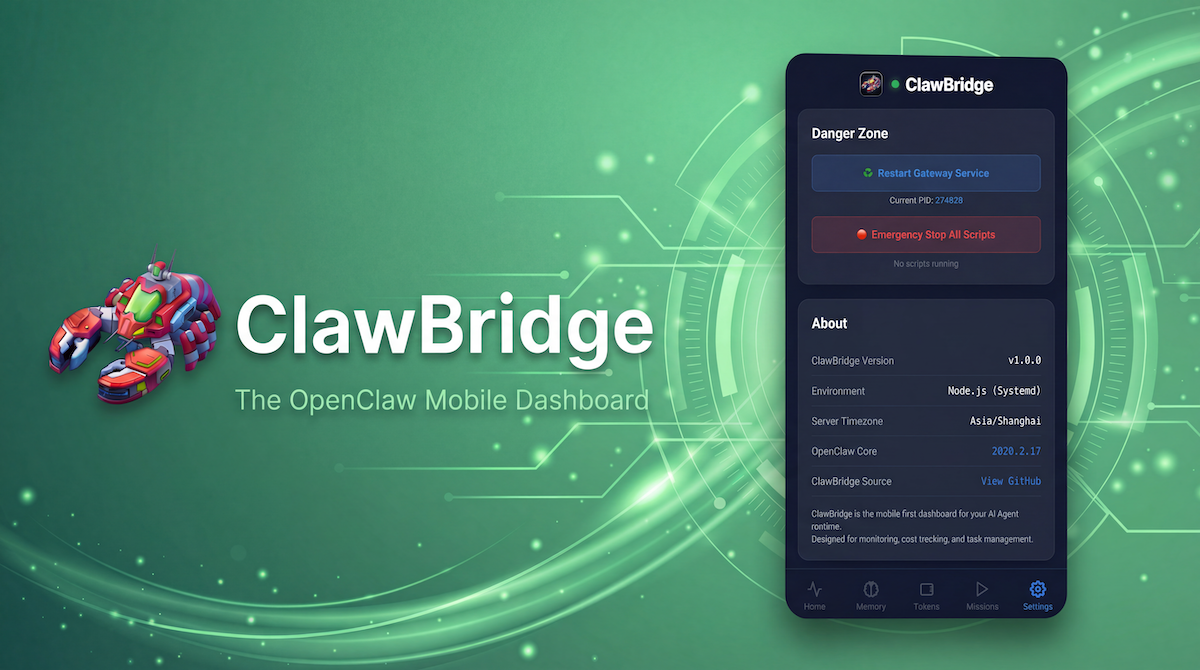
ClawBridge is an essential mobile dashboard and remote control center designed specifically for OpenClaw AI agents.
It bridges the gap between developers and their autonomous agents by providing secure, zero-configuration remote access.
Features
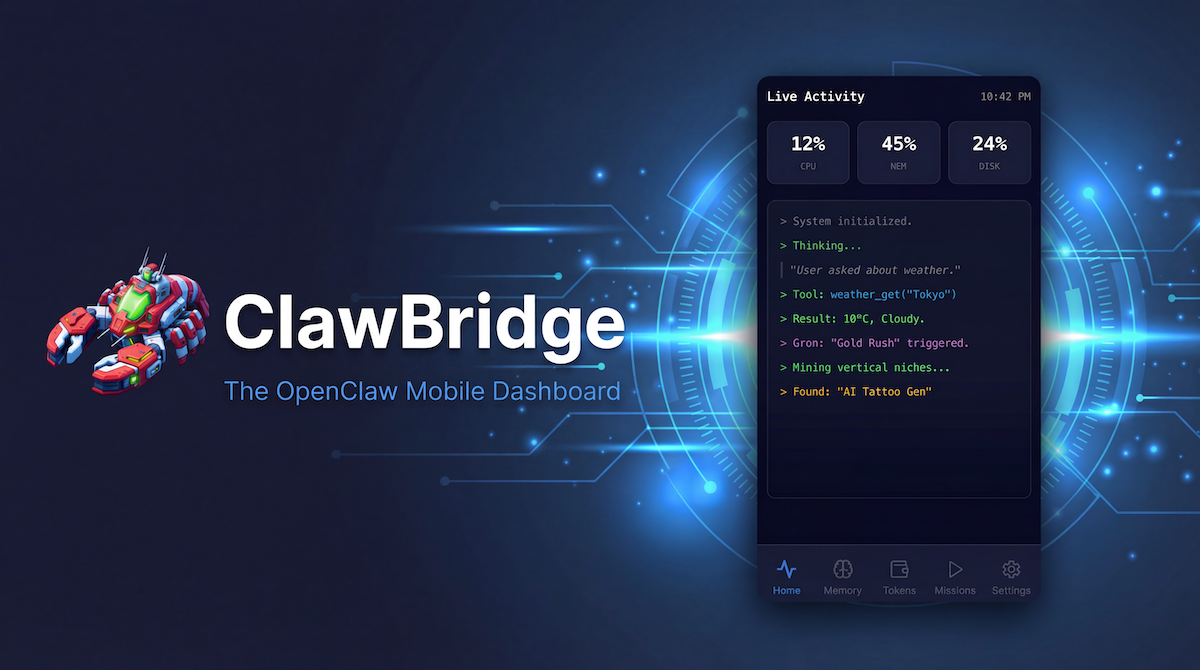
- Live Thoughts & Logs: Monitor your agent's reasoning process (Chain of Thought) and tool calls in real-time.
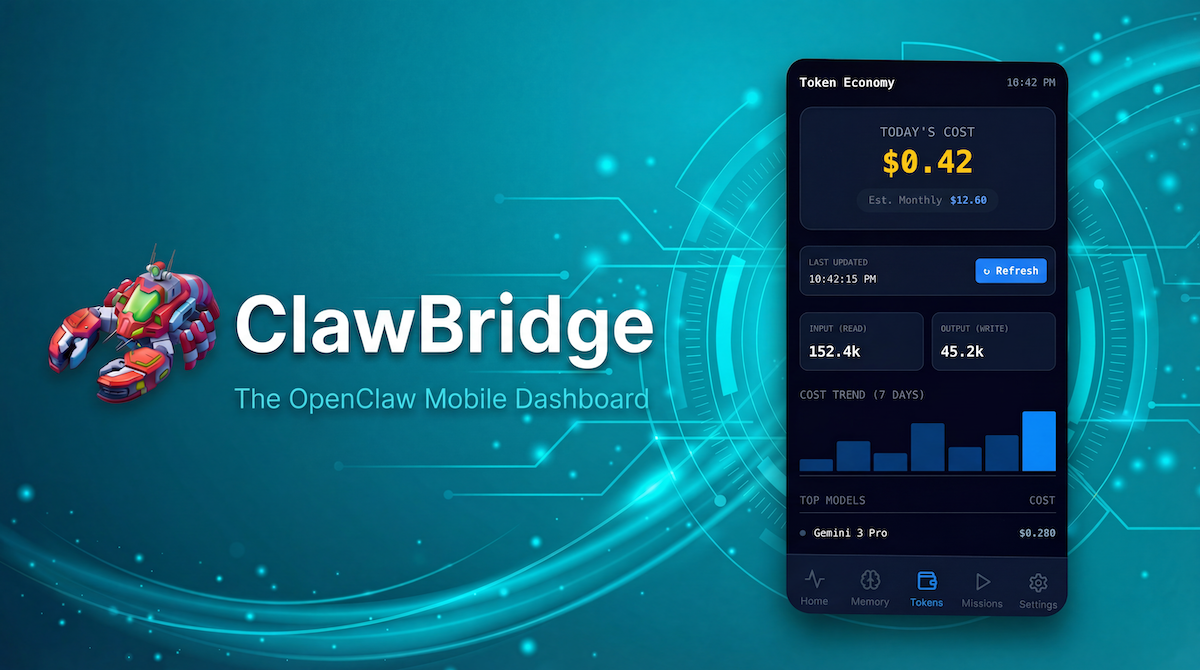
- Token Economy Tracker: Keep a close eye on API usage and costs, meticulously broken down by model and date to prevent billing panics.
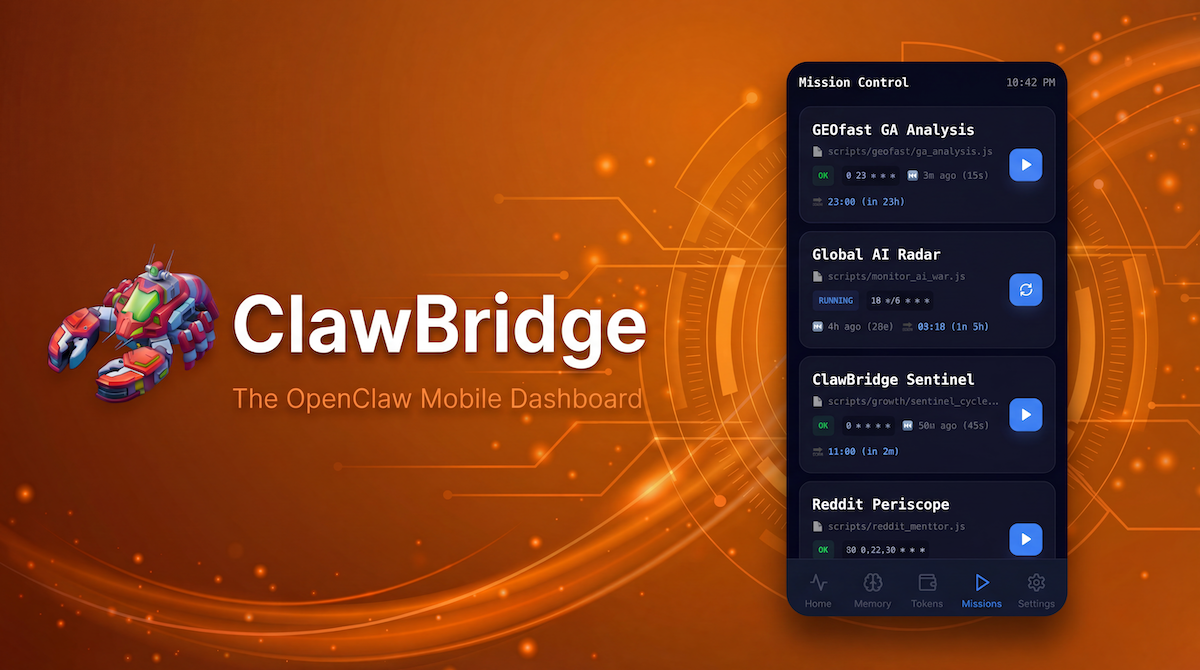
- Mission Control: Remotely trigger Cron jobs, manage services, or hit the emergency stop button if an agent gets stuck in an infinite loop.
- Stealth Mode: Enjoy secure, remote access without the hassle of setting up VPNs, powered by Cloudflare Tunnels (Zero Trust).
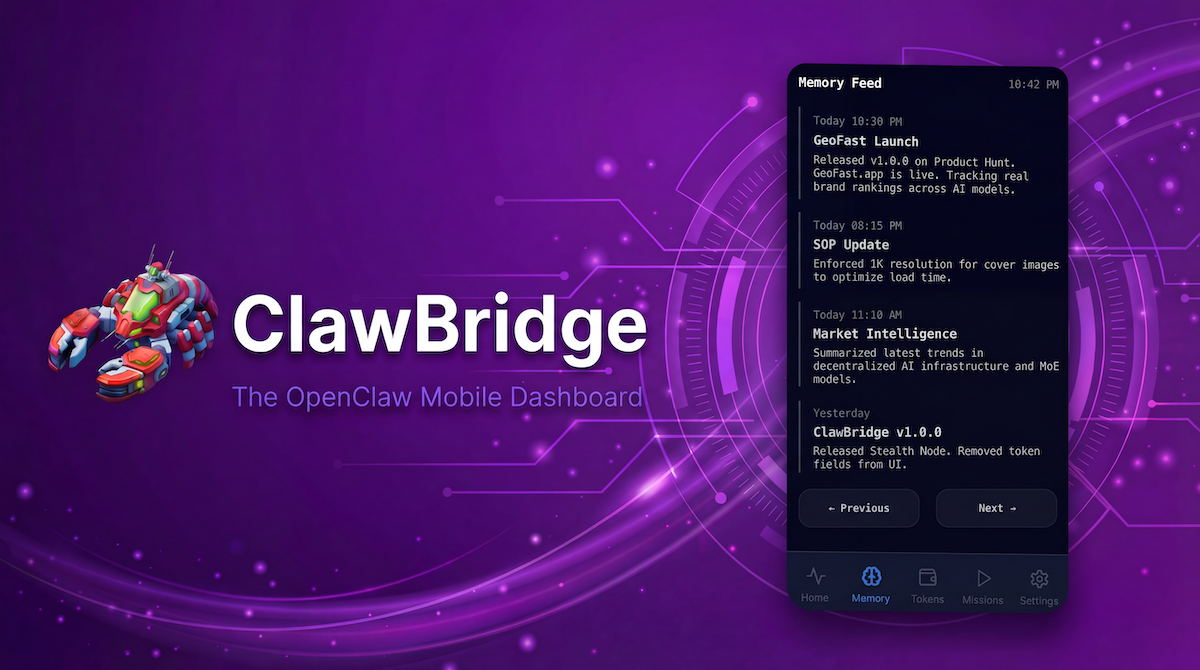
Whether you're troubleshooting node issues, monitoring daily memory evolution, or managing multiple agents, ClawBridge gives you complete observability and control right from your smartphone or desktop browser.
Use Cases
Scenario:
You're enjoying your weekend at a coffee shop when you suddenly remember a complex OpenClaw task running on your home server. You open ClawBridge on your mobile browser and see your agent's Chain-of-Thought (CoT) caught in an infinite loop—for example, repeatedly trying to read a non-existent file.
The Value:
No need to rush home or struggle with SSH on your phone. Simply tap the Emergency Stop button in ClawBridge's "Mission Control" to terminate the process instantly, saving your API budget and preventing system resource exhaustion.

Comments


Hi Guys! 👋 I’ve been spending my entire days living inside OpenClaw. While it’s incredibly powerful, I hit a constant frustration: when I’m away from my keyboard and talking to it via Telegram or Feishu (Lark) , it often goes into a "black box" mode during long, complex tasks. I’d be left wondering—Is it still thinking? Did it hit an error? How many tokens is this search actually burning? That’s why I built ClawBridge—a dedicated mobile dashboard for your OpenClaw agents. ClawBridge turns that "black box" into a transparent window: 🧠 Real-time Reasoning: Watch your agent’s thought process unfold live. 🛠️ Action Tracking: See exactly which tools it’s using, files it’s editing, or pages it’s browsing. 🔋 Live Token Audit: Keep a pulse on your API costs as they happen. 📅 Cron & Memory: Monitor scheduled tasks and see what your agent is "learning" about you in real-time. It’s completely open-source because I believe the future of AI agents should be transparent and accessible from anywhere. Check it out at 👉 https://clawbridge.app I’ll be here all day to answer your questions. I’d love to hear your feedback on how we can make the "Agent-Human" bridge even stronger! Happy Using! 🚀

Premium Products




































Awards
View all
Awards
View allMakers
Makers
Comments
Hi Guys! 👋 I’ve been spending my entire days living inside OpenClaw. While it’s incredibly powerful, I hit a constant frustration: when I’m away from my keyboard and talking to it via Telegram or Feishu (Lark) , it often goes into a "black box" mode during long, complex tasks. I’d be left wondering—Is it still thinking? Did it hit an error? How many tokens is this search actually burning? That’s why I built ClawBridge—a dedicated mobile dashboard for your OpenClaw agents. ClawBridge turns that "black box" into a transparent window: 🧠 Real-time Reasoning: Watch your agent’s thought process unfold live. 🛠️ Action Tracking: See exactly which tools it’s using, files it’s editing, or pages it’s browsing. 🔋 Live Token Audit: Keep a pulse on your API costs as they happen. 📅 Cron & Memory: Monitor scheduled tasks and see what your agent is "learning" about you in real-time. It’s completely open-source because I believe the future of AI agents should be transparent and accessible from anywhere. Check it out at 👉 https://clawbridge.app I’ll be here all day to answer your questions. I’d love to hear your feedback on how we can make the "Agent-Human" bridge even stronger! Happy Using! 🚀
Premium Products
New to Fazier?

Find your next favorite product or submit your own. Made by @FalakDigital.
Copyright ©2026. All Rights Reserved