Claude Sessions Pro
Run multiple Claude accounts side by side on your Mac
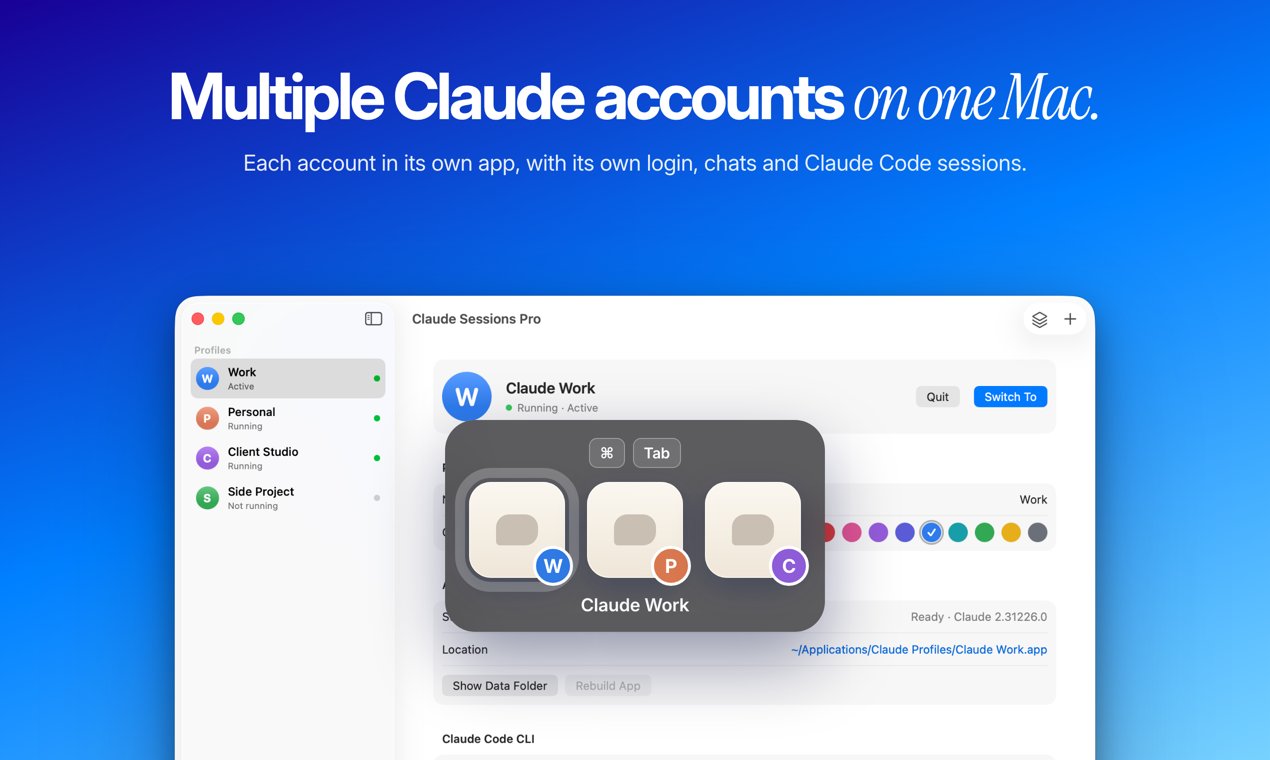
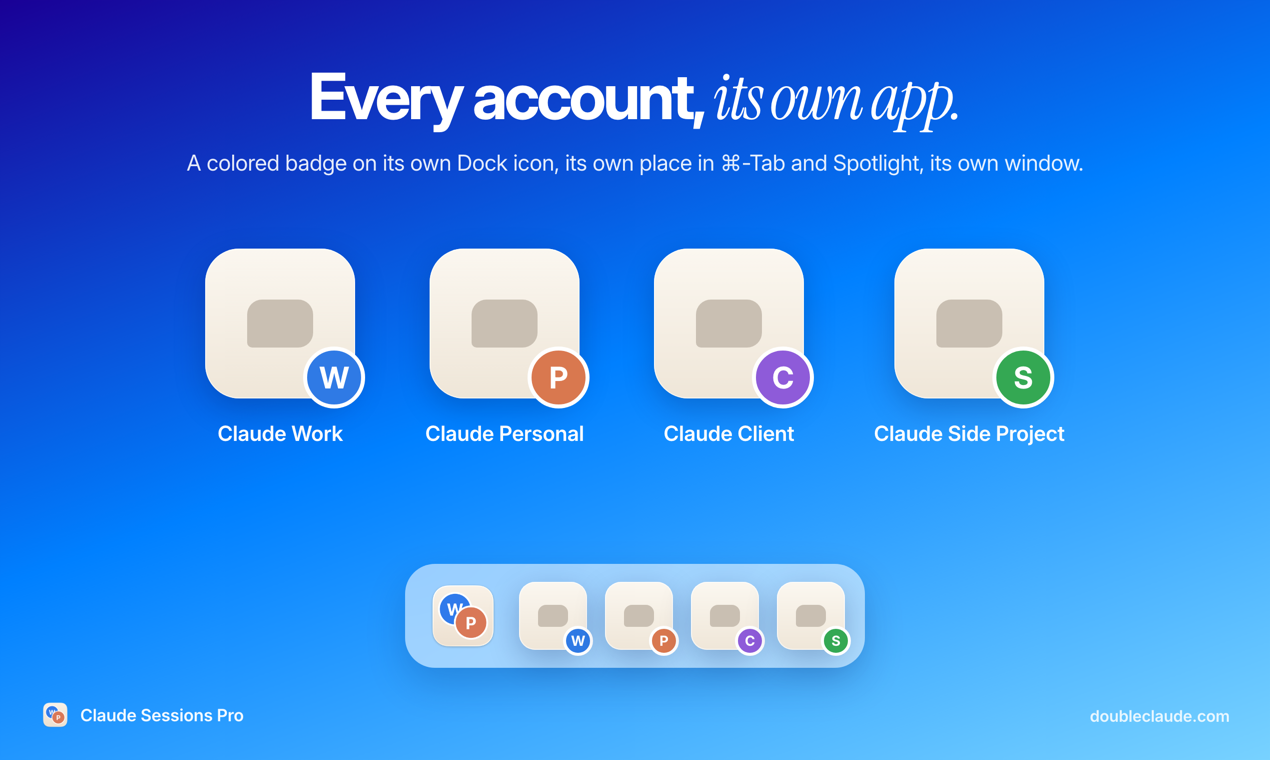
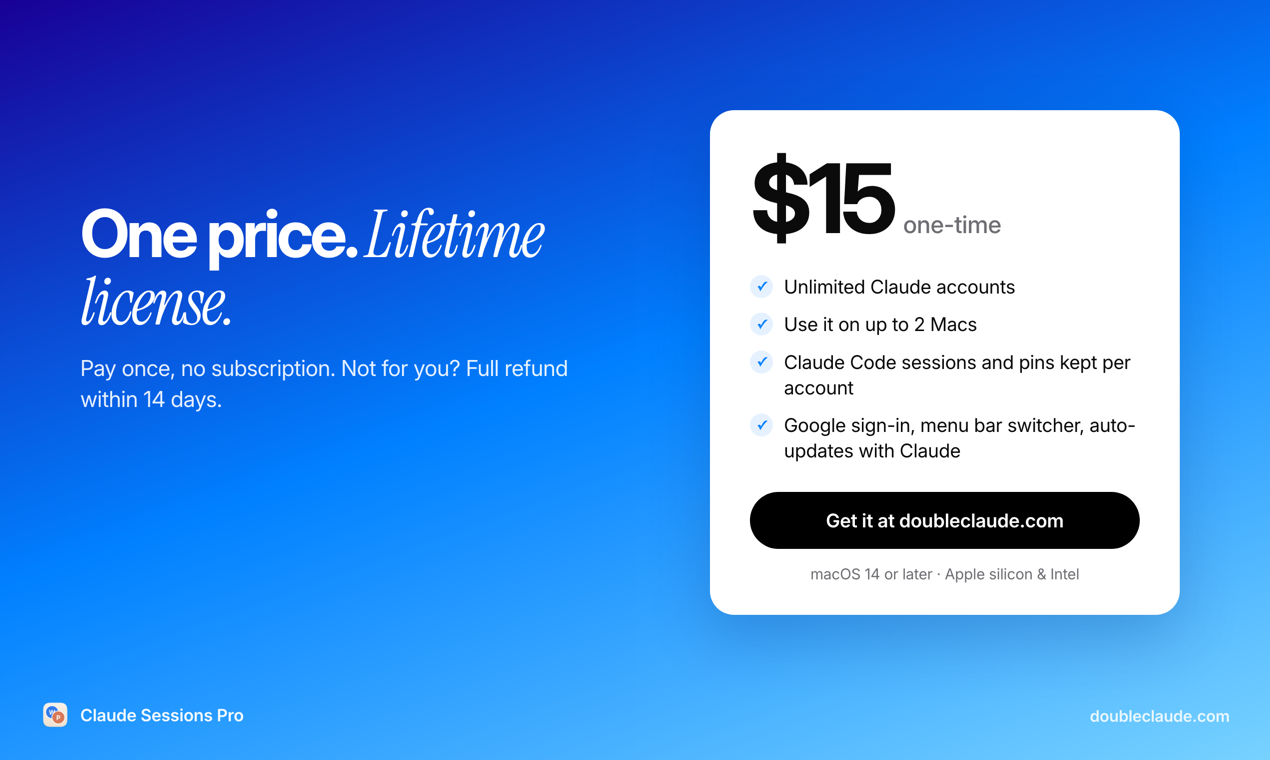
If you use Claude for work and for yourself, or for several clients, Claude Desktop makes you sign out and back in every time you switch. Claude Sessions Pro gives each account its own copy of the official Claude Desktop app, each with its own data folder, so signing in to one never signs you out of another. Each profile is a real Mac app with its own Dock icon, place in Cmd-Tab and menu bar switcher. One-time purchase ($15, no subscription) for up to 2 computers, with a 1-hour free preview. A Windows version is coming soon.
Features
- Each Claude account becomes its own Mac app with a colored Dock icon
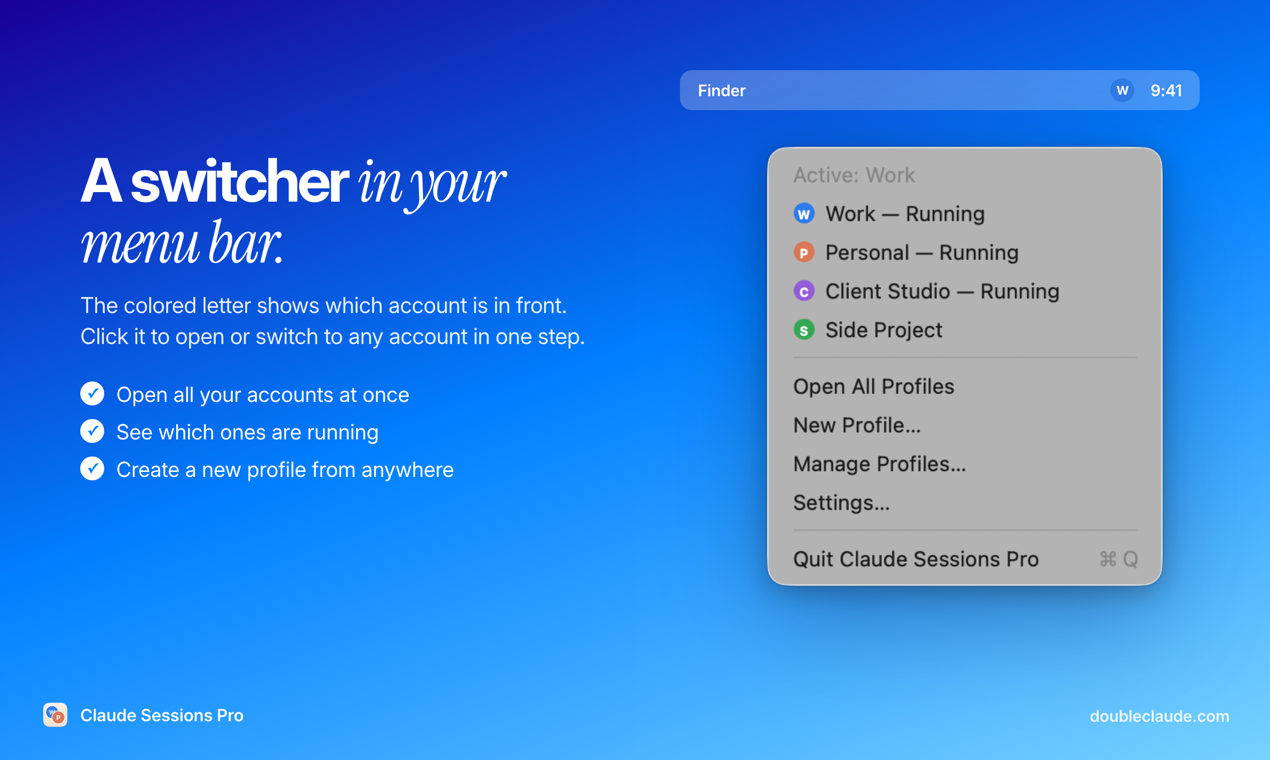
- Switch accounts with Cmd-Tab or the menu bar switcher
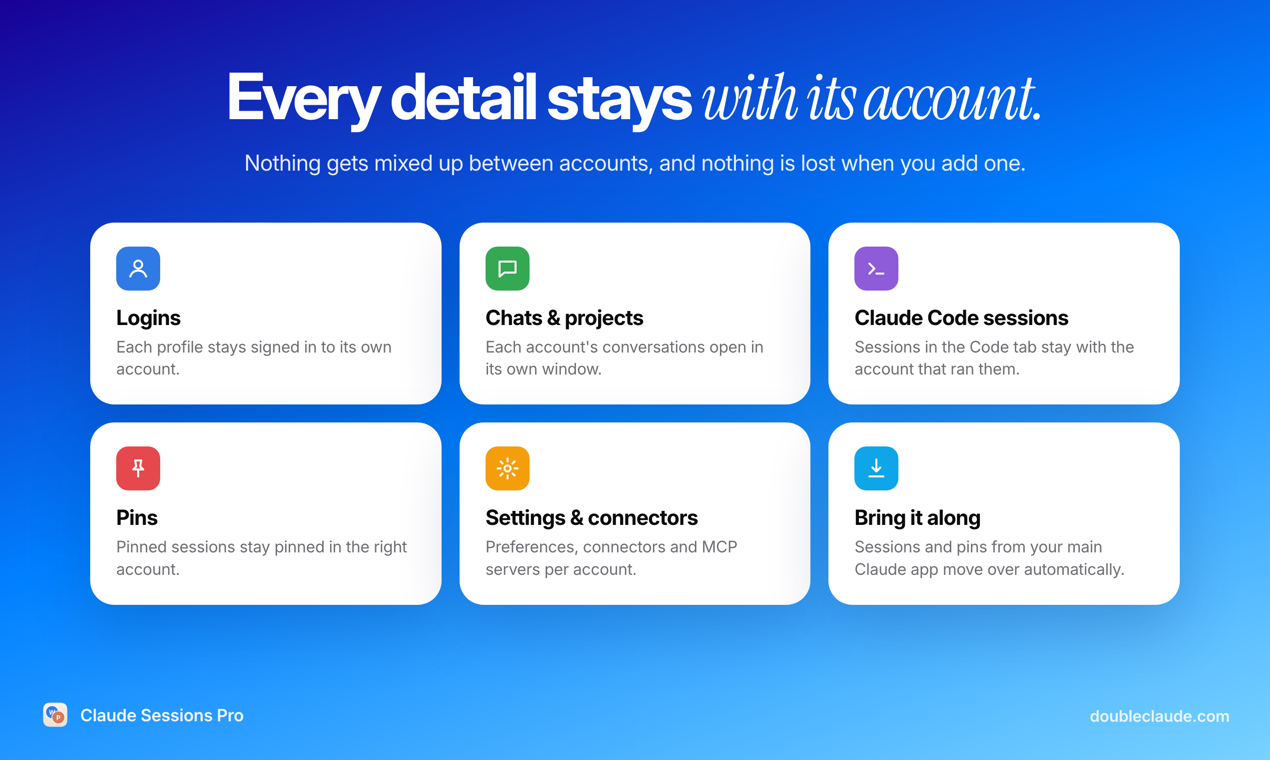
- Login, chats, projects, settings and connectors kept per account
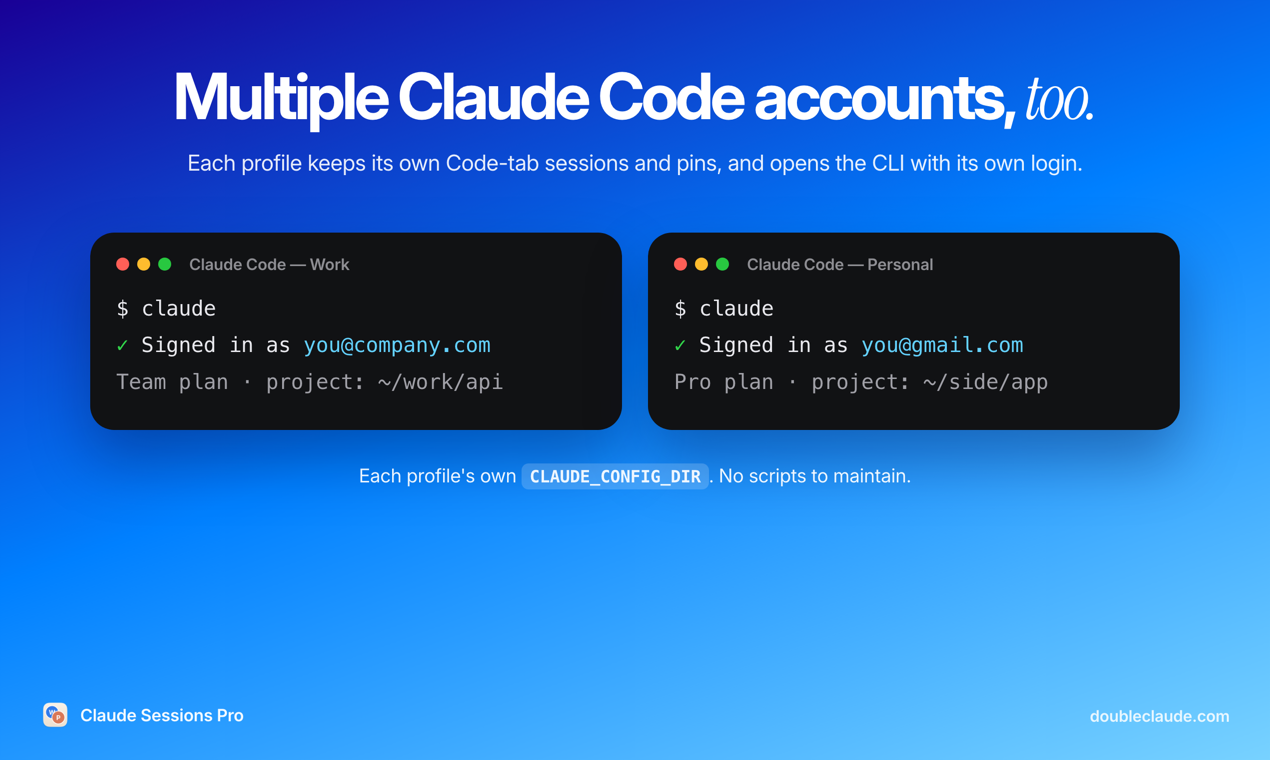
- Claude Code sessions and pins kept per account, plus the CLI per account
- Google sign-in returns to the profile that asked for it
- Rebuilt automatically when Claude Desktop updates
Use Cases
- Keep a work and a personal Claude account open at the same time
- Freelancers and agencies with one Claude account per client
- Developers running Claude Code under separate accounts and plans
- Company Team plan plus a personal Pro account on one Mac

Comments


Hi Fazier 👋 I'm the developer. I use Claude for client work and for my own projects, and Claude Desktop only keeps one account signed in. Switching meant signing out, signing in, and losing my place every time. Claude Sessions Pro gives each account its own copy of the official Claude Desktop app, with its own data folder. "Claude Work" and "Claude Personal" are separate Mac apps, each with its own Dock icon, Cmd-Tab entry, login, chats, Claude Code sessions and pins. A menu bar item shows which account is in front. A few things I cared about: • Google sign-in works and returns to the profile that asked for it • Claude Code sessions and pins you already have come along to the right account automatically • Each profile can open the Claude Code CLI in Terminal with its own login • When Claude updates, the profile apps are rebuilt from the new version It's $15 once, for up to 2 computers, and you can try it free for an hour with your own accounts first. A Windows version is coming soon. It's meant for accounts you already have (work, personal, clients), not for getting more usage. Anthropic's terms still apply to each account. Happy to answer any questions!
Premium Products




















































Sponsors
Buy

Makers
Makers
Comments
Hi Fazier 👋 I'm the developer. I use Claude for client work and for my own projects, and Claude Desktop only keeps one account signed in. Switching meant signing out, signing in, and losing my place every time. Claude Sessions Pro gives each account its own copy of the official Claude Desktop app, with its own data folder. "Claude Work" and "Claude Personal" are separate Mac apps, each with its own Dock icon, Cmd-Tab entry, login, chats, Claude Code sessions and pins. A menu bar item shows which account is in front. A few things I cared about: • Google sign-in works and returns to the profile that asked for it • Claude Code sessions and pins you already have come along to the right account automatically • Each profile can open the Claude Code CLI in Terminal with its own login • When Claude updates, the profile apps are rebuilt from the new version It's $15 once, for up to 2 computers, and you can try it free for an hour with your own accounts first. A Windows version is coming soon. It's meant for accounts you already have (work, personal, clients), not for getting more usage. Anthropic's terms still apply to each account. Happy to answer any questions!
Premium Products
New to Fazier?

Find your next favorite product or submit your own. Made by @FalakDigital.
Copyright ©2026. All Rights Reserved