
Circle Crop Image
Easily crop images into perfect circles online for free
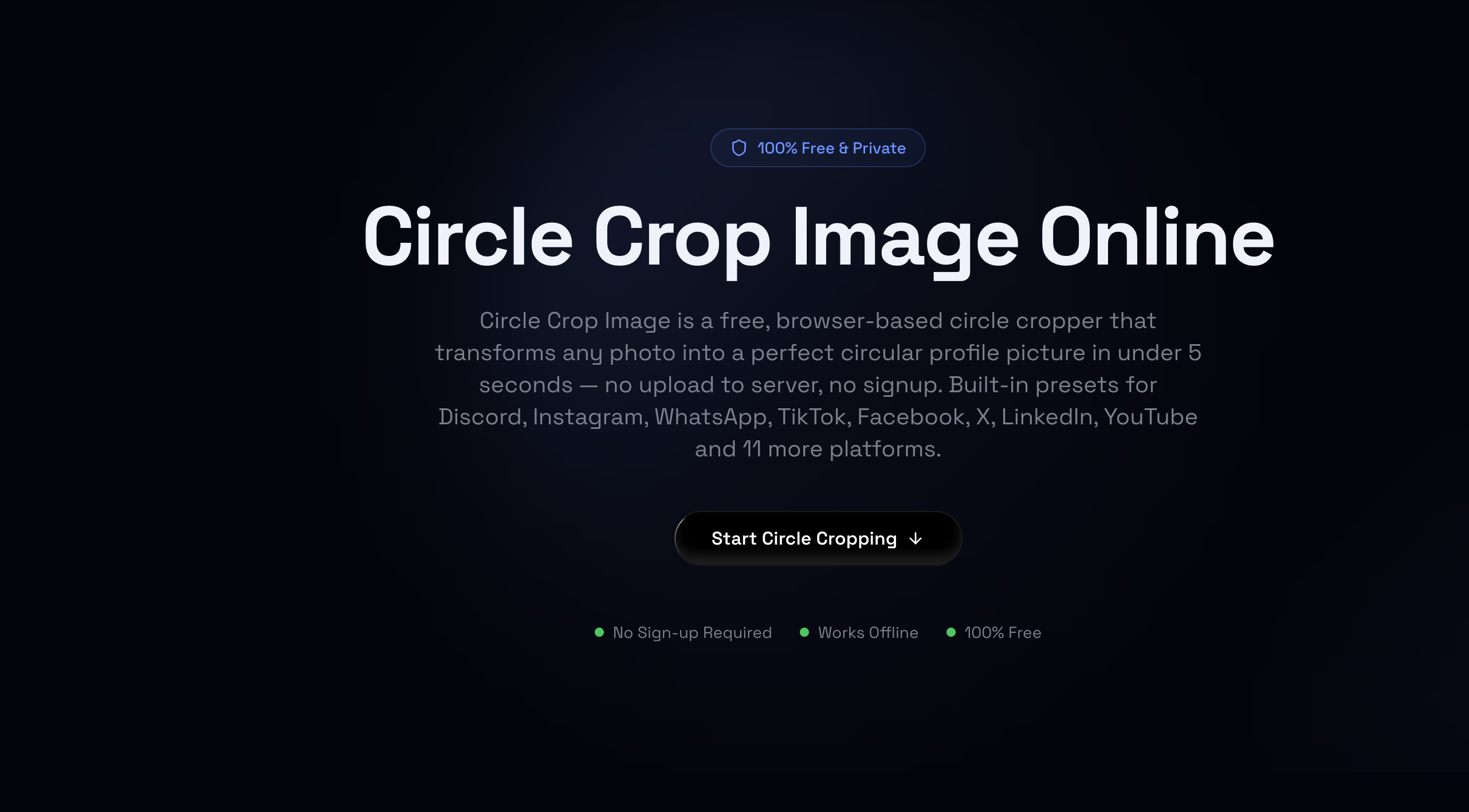
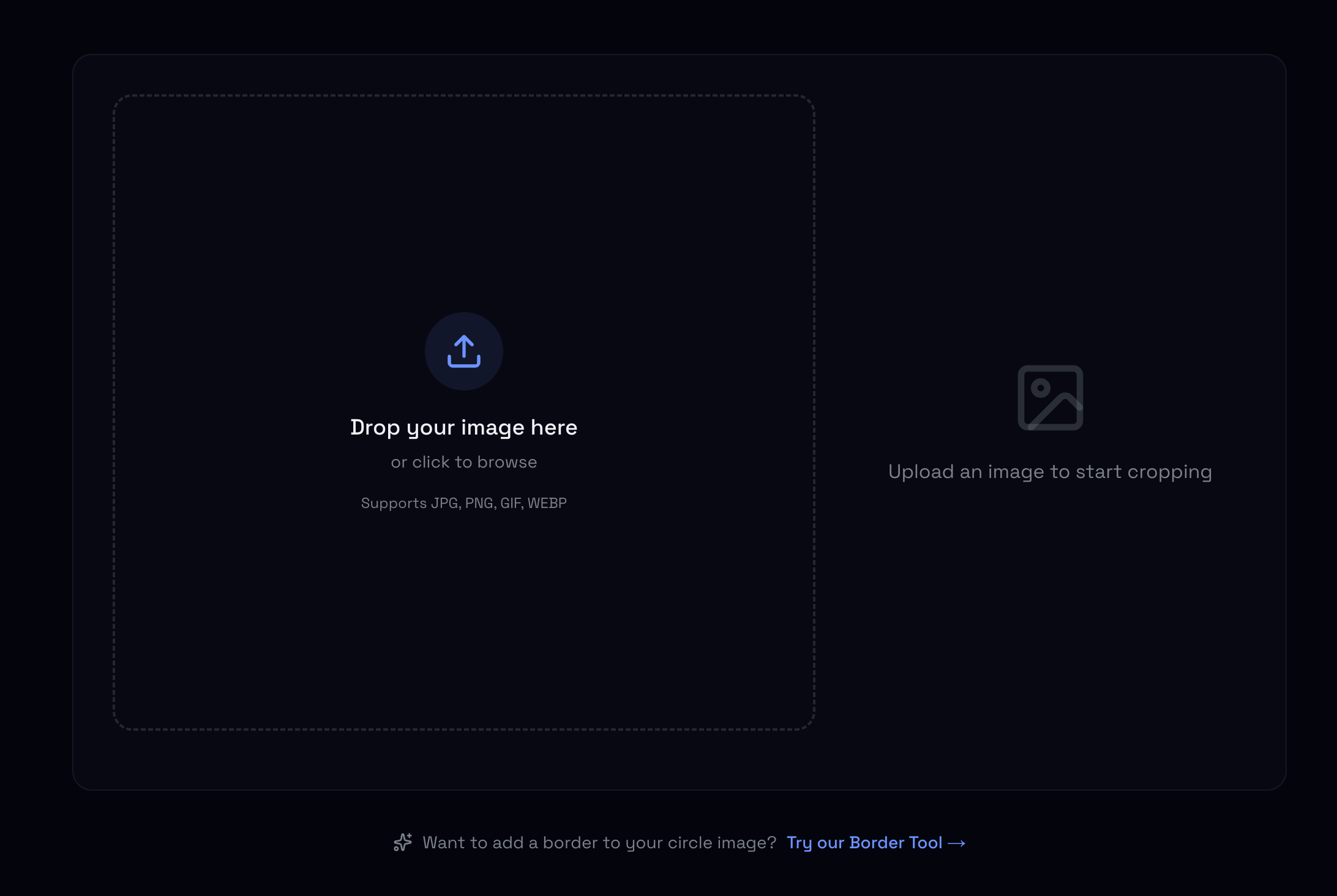
Circle Crop Image is a simple, browser-based online tool designed to quickly crop any image or photo into a perfect circle. It requires no installation or account creation, allowing users to upload an image, adjust the cropping area, and export high-quality circular PNGs with transparent backgrounds instantly.
Features
- Free and easy-to-use online circular image cropper
- Preserves transparent background for exported PNG files
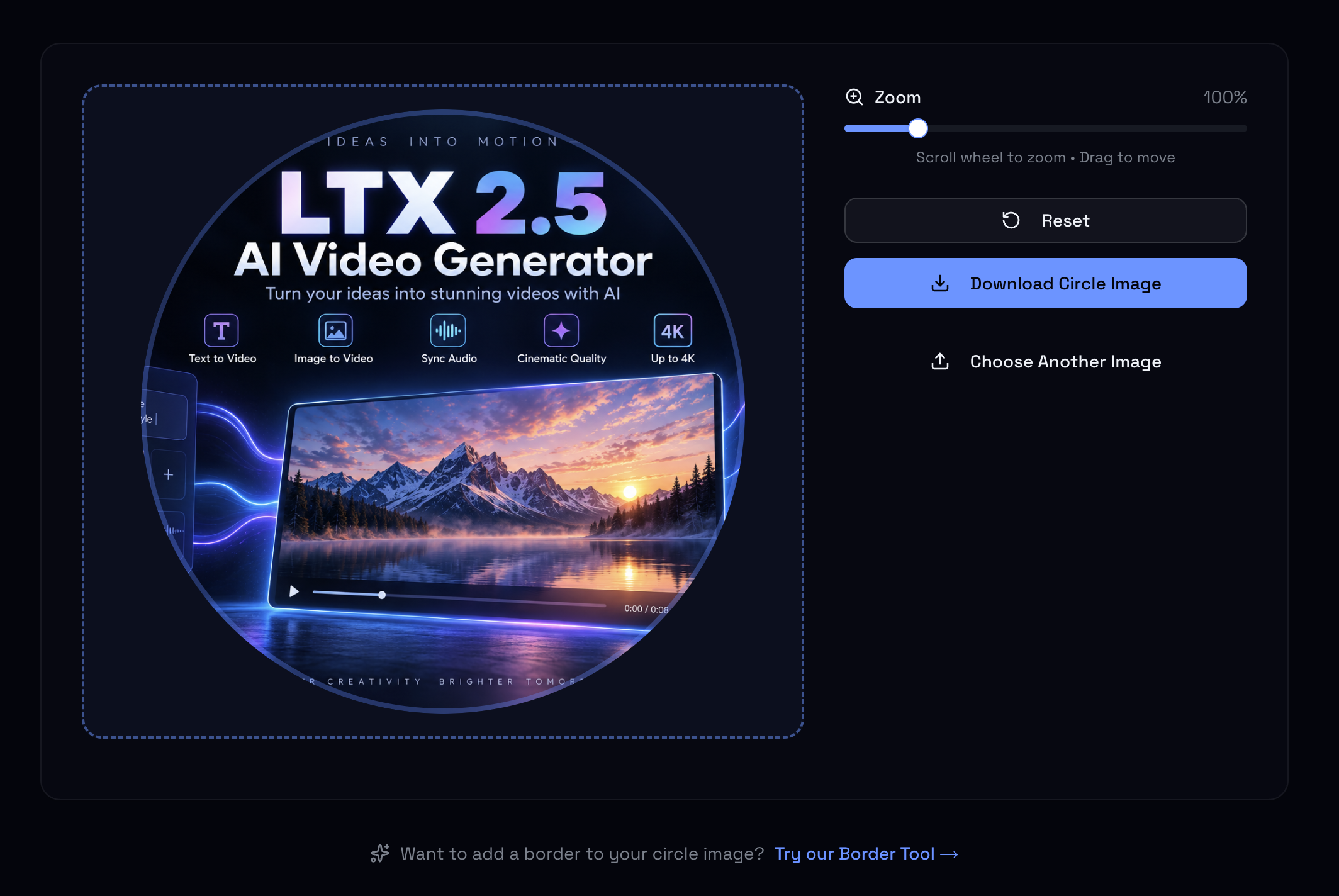
- Real-time preview and intuitive zoom/pan adjustment controls
- Client-side processing ensuring privacy and fast performance
Use Cases
- Creating clean, circular profile pictures for social media (Twitter, LinkedIn, Discord)
- Designing circular avatar graphics for websites, apps, and team pages
- Preparing round image assets and badges for UI/UX design projects

Comments


The transparent-background export is the detail that makes this kind of tool actually useful long-term — most social platforms flatten transparency anyway, but keeping a clean circular PNG source means the same asset can be reused across avatars, badges, OG images, and design comps without redoing the mask. Running everything client-side is the right call for any tool that touches user photos, since it removes both the upload wait and the privacy concern that comes with sending images to a server.



Most online croppers flatten transparency to a white background, which defeats the purpose for avatars and UI badges — preserving it in the PNG export is the right call. The client-side processing is a nice privacy touch too, since profile photos are personal. One thing that would make this upload-ready for me: preset export sizes like 400x400, so no second resize is needed afterwards.

The homepage lists GIF alongside JPG, PNG and WEBP as accepted inputs, while the export options are PNG or JPG. For an animated GIF, does the cropper use the first frame, or can the user choose a frame before exporting? A short note beside the upload area would help set expectations for animated avatars.

Doing the crop fully in the browser with no upload is a big plus for profile photos people don't want sitting on a server. The transparent PNG export is exactly what I need for app store and social avatars. One suggestion: a quick border/ring option (color + thickness) would save a trip to another editor for team photos and Discord avatars. Does it handle HEIC from iPhones?
Doing the crop fully in the browser with no upload is a big plus for profile photos people don't want sitting on a server. One suggestion: a quick border/ring option (color + thickness) would save a trip to another editor for team photos and Discord avatars. Does it handle HEIC images straight from an iPhone?
Works perfectly and it’s fast. The interface is intuitive: drop in a photo, adjust the crop, download. No sign-up and the download is immediate, which is exactly what you want from a small utility like this. One suggestion, like others mentioned: preset export sizes (e.g. 400×400) would make it fully upload-ready for profile pictures.

Good call exporting a fixed 1024x1024 PNG. One case worth handling: when the source is smaller than the crop (an old 300px avatar, say), scaling up to 1024 makes the export soft. Showing the real resolution inside the circle, or capping the output at the source size, would warn people before they upload a blurry PFP. Is the circle edge anti-aliased in the PNG? A hard edge stands out on Discord's dark theme.



CircleCropImage.dev is a clean, free, browser-based circle cropper that works fully offline with no sign-up or server uploads — a privacy win for quick profile-picture crops. It's simple and does one job well, though it's a very basic utility with no advanced editing options, so don't expect anything beyond a straightforward round-crop.
Doing the crop fully in the browser is the right call for profile photos — nobody wants to upload a headshot to a server just to round the corners. The transparent PNG export is the feature that makes it genuinely useful, since most croppers flatten to white. A preset export size for the big platforms (for example 400x400 for the usual avatar slots) would make it even more one-and-done.




The zoom/pan adjustment before export is what most circle croppers miss - they just center-crop and hope. One thing I would love to see: the exported PNG dimensions shown before download, since profile avatars get uploaded at very different sizes across platforms and a quick 400x400 vs 1024x1024 choice saves a resize pass later.


These tools information is here https://www.b4sai.in/2026/10/top-10-ai-coding-assistants.html
How to improve image loading speed https://www.b4sai.in/2026/10/complete-guide-to-image-optimization.html

The part most circle croppers get wrong is the edge. At 400-512px an aliased circle is immediately visible on Discord's dark theme, where a 1px halo reads as a dirty border. Worth checking how the PNG mask looks against pure black rather than white. Also on export size: if the source is smaller than the output you've chosen, drawing it at a fixed 1024 just makes it soft. Showing the effective resolution inside the circle before download would stop people uploading blurry avatars without knowing why.
Premium Products



















































Sponsors
Buy

Awards
View all
Awards
View allMakers

Makers
Comments
The transparent-background export is the detail that makes this kind of tool actually useful long-term — most social platforms flatten transparency anyway, but keeping a clean circular PNG source means the same asset can be reused across avatars, badges, OG images, and design comps without redoing the mask. Running everything client-side is the right call for any tool that touches user photos, since it removes both the upload wait and the privacy concern that comes with sending images to a server.
Most online croppers flatten transparency to a white background, which defeats the purpose for avatars and UI badges — preserving it in the PNG export is the right call. The client-side processing is a nice privacy touch too, since profile photos are personal. One thing that would make this upload-ready for me: preset export sizes like 400x400, so no second resize is needed afterwards.
The homepage lists GIF alongside JPG, PNG and WEBP as accepted inputs, while the export options are PNG or JPG. For an animated GIF, does the cropper use the first frame, or can the user choose a frame before exporting? A short note beside the upload area would help set expectations for animated avatars.
Doing the crop fully in the browser with no upload is a big plus for profile photos people don't want sitting on a server. The transparent PNG export is exactly what I need for app store and social avatars. One suggestion: a quick border/ring option (color + thickness) would save a trip to another editor for team photos and Discord avatars. Does it handle HEIC from iPhones?
Doing the crop fully in the browser with no upload is a big plus for profile photos people don't want sitting on a server. One suggestion: a quick border/ring option (color + thickness) would save a trip to another editor for team photos and Discord avatars. Does it handle HEIC images straight from an iPhone?
Works perfectly and it’s fast. The interface is intuitive: drop in a photo, adjust the crop, download. No sign-up and the download is immediate, which is exactly what you want from a small utility like this. One suggestion, like others mentioned: preset export sizes (e.g. 400×400) would make it fully upload-ready for profile pictures.
Good call exporting a fixed 1024x1024 PNG. One case worth handling: when the source is smaller than the crop (an old 300px avatar, say), scaling up to 1024 makes the export soft. Showing the real resolution inside the circle, or capping the output at the source size, would warn people before they upload a blurry PFP. Is the circle edge anti-aliased in the PNG? A hard edge stands out on Discord's dark theme.
CircleCropImage.dev is a clean, free, browser-based circle cropper that works fully offline with no sign-up or server uploads — a privacy win for quick profile-picture crops. It's simple and does one job well, though it's a very basic utility with no advanced editing options, so don't expect anything beyond a straightforward round-crop.
Doing the crop fully in the browser is the right call for profile photos — nobody wants to upload a headshot to a server just to round the corners. The transparent PNG export is the feature that makes it genuinely useful, since most croppers flatten to white. A preset export size for the big platforms (for example 400x400 for the usual avatar slots) would make it even more one-and-done.
The zoom/pan adjustment before export is what most circle croppers miss - they just center-crop and hope. One thing I would love to see: the exported PNG dimensions shown before download, since profile avatars get uploaded at very different sizes across platforms and a quick 400x400 vs 1024x1024 choice saves a resize pass later.
These tools information is here https://www.b4sai.in/2026/10/top-10-ai-coding-assistants.html
How to improve image loading speed https://www.b4sai.in/2026/10/complete-guide-to-image-optimization.html
The part most circle croppers get wrong is the edge. At 400-512px an aliased circle is immediately visible on Discord's dark theme, where a 1px halo reads as a dirty border. Worth checking how the PNG mask looks against pure black rather than white. Also on export size: if the source is smaller than the output you've chosen, drawing it at a fixed 1024 just makes it soft. Showing the effective resolution inside the circle before download would stop people uploading blurry avatars without knowing why.
Premium Products
New to Fazier?

Find your next favorite product or submit your own. Made by @FalakDigital.
Copyright ©2026. All Rights Reserved