ChillScan
Launch checklist scanner for any site
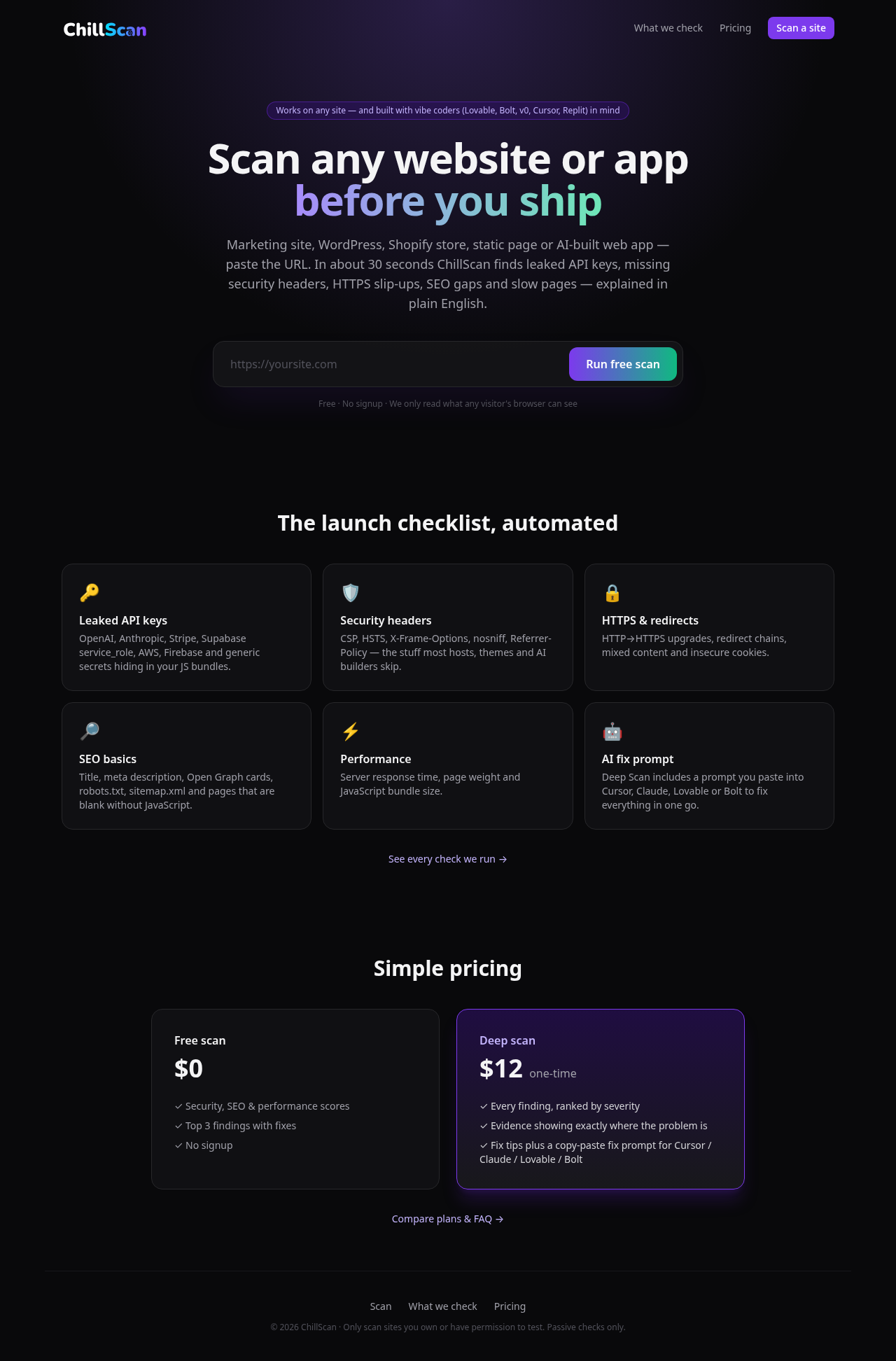
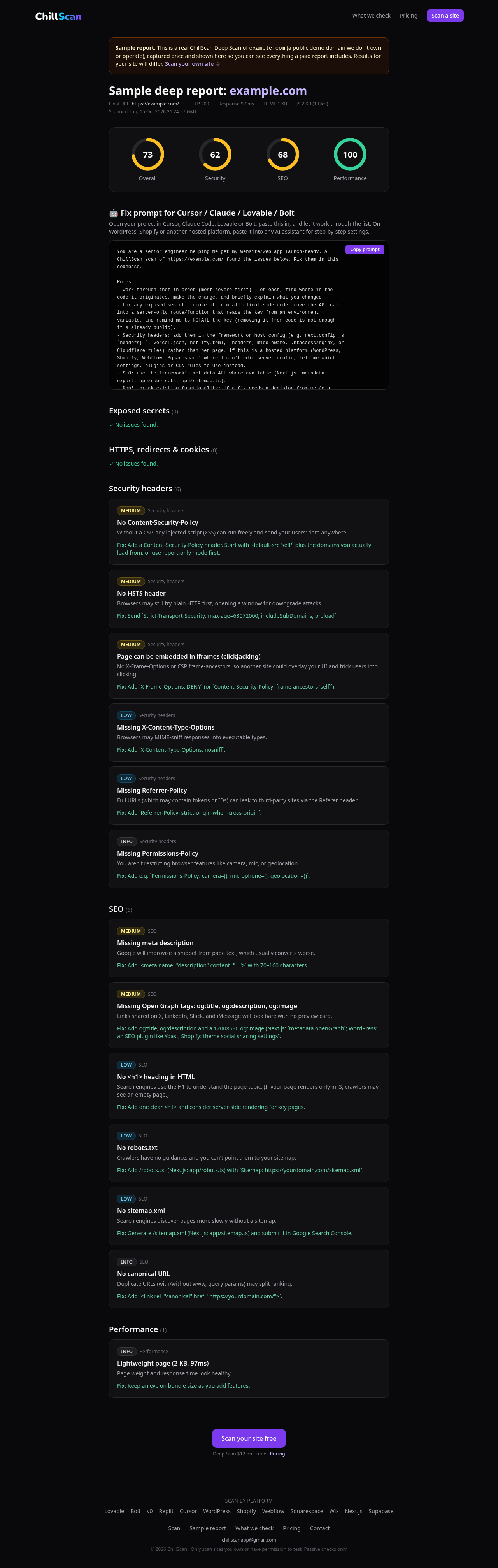
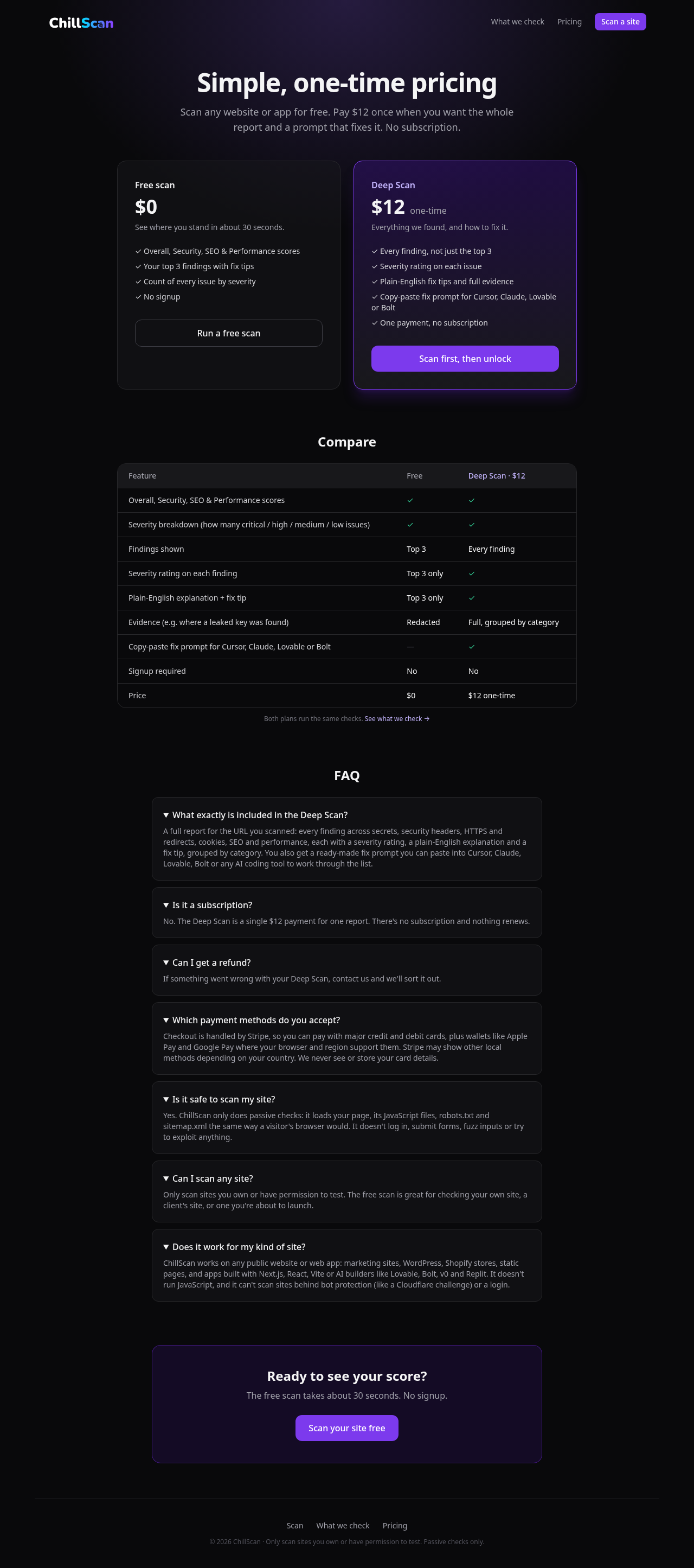
AI builders make shipping an app ridiculously easy. They also make it easy to ship an OpenAI or Supabase key inside your JavaScript bundle. ChillScan scans your live URL in about 30 seconds and tells you, in plain English, what's leaking, what's missing (security headers, HTTPS/redirects, SEO basics) and what's slow. The free scan needs no signup and shows your top findings. The $12 one-time deep scan gives every finding with evidence, plus a copy-paste AI fix prompt for Cursor or Claude.
Features
Detects leaked API keys (OpenAI, Supabase, etc.) in JS bundles
Checks security headers, HTTPS and redirects
SEO basics and performance checks
Plain-English results in ~30 seconds, no signup
$12 one-time deep scan with evidence + AI fix prompts for Cursor/Claude
Use Cases
Pre-launch check for apps built with AI builders (Lovable, Bolt, Cursor)
Catch leaked secrets before attackers do
Quick security/SEO audit of any live site

Comments

Very timely. With Lovable, Bolt and Cursor, a key in the JS bundle is easy to miss, and a 30-second scan with no signup is a low-friction check before launch. Does the deep scan also look at source maps or older cached bundles, or only the current live bundle? And after I fix things, can I re-scan to confirm without paying again?

The free-scan-first, pay-for-evidence split is the right shape for this: someone who just shipped on Lovable or Bolt usually does not know what to look for, so a plain-English top-3 finding beats a full report they will not read. Two checks worth adding if they are not in yet: whether sitemap lastmod dates actually match the pages they describe (a single date on every URL usually means the template never updates it), and whether canonical plus hreflang point at each other consistently across language versions. Both are cheap to verify and almost impossible to spot by hand.

Useful check to run before a launch. One question on the key detection: some keys are meant to sit in the bundle, like a Supabase anon key or a Stripe publishable key, while a service-role or secret key is the real problem. Does the scan tell those apart, or does it flag every key it finds? A report that separates "public by design" from "rotate this now" would save people a scare.


Useful idea, especially catching keys leaked in JS bundles from AI-built apps. One question: for security headers, do you grade the quality of the Content-Security-Policy (for example flagging unsafe-inline or overly broad sources), or only check that the header exists? A grade would be really helpful when tightening a policy before launch.


Premium Products












































Sponsors
Buy
Makers
Makers
Comments
Very timely. With Lovable, Bolt and Cursor, a key in the JS bundle is easy to miss, and a 30-second scan with no signup is a low-friction check before launch. Does the deep scan also look at source maps or older cached bundles, or only the current live bundle? And after I fix things, can I re-scan to confirm without paying again?
The free-scan-first, pay-for-evidence split is the right shape for this: someone who just shipped on Lovable or Bolt usually does not know what to look for, so a plain-English top-3 finding beats a full report they will not read. Two checks worth adding if they are not in yet: whether sitemap lastmod dates actually match the pages they describe (a single date on every URL usually means the template never updates it), and whether canonical plus hreflang point at each other consistently across language versions. Both are cheap to verify and almost impossible to spot by hand.
Useful check to run before a launch. One question on the key detection: some keys are meant to sit in the bundle, like a Supabase anon key or a Stripe publishable key, while a service-role or secret key is the real problem. Does the scan tell those apart, or does it flag every key it finds? A report that separates "public by design" from "rotate this now" would save people a scare.
Useful idea, especially catching keys leaked in JS bundles from AI-built apps. One question: for security headers, do you grade the quality of the Content-Security-Policy (for example flagging unsafe-inline or overly broad sources), or only check that the header exists? A grade would be really helpful when tightening a policy before launch.
Premium Products
New to Fazier?

Find your next favorite product or submit your own. Made by @FalakDigital.
Copyright ©2026. All Rights Reserved