
ChatView
Vibe code from your phone
Chat with your Cursor or VS Code from anywhere.
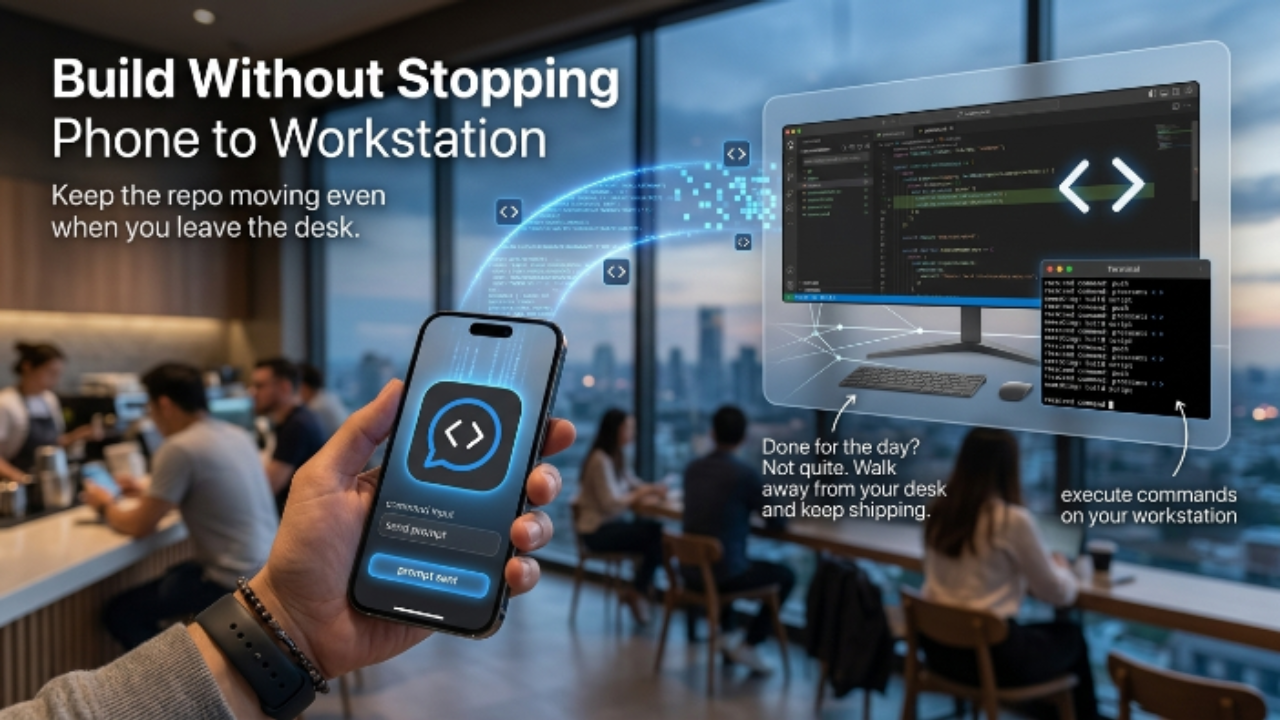
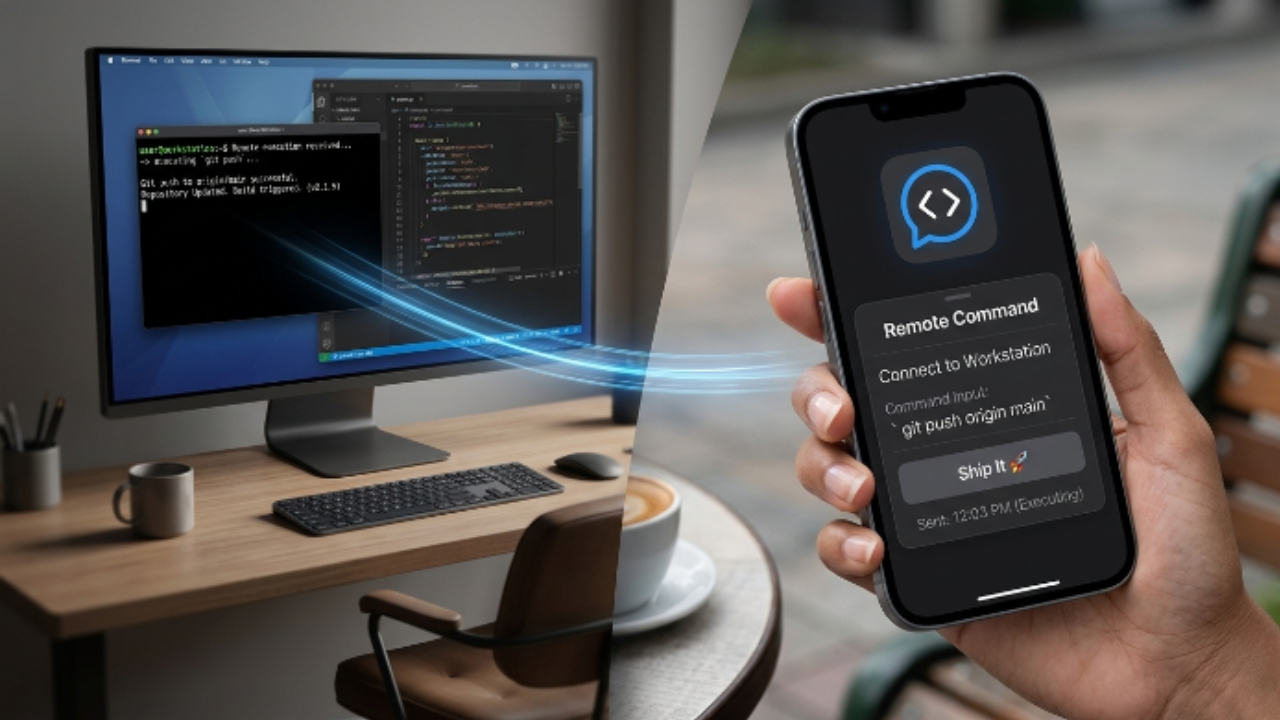
ChatView is a mobile + web companion for Cursor and VS Code. You install the VS Code extension on your laptop, scan a QR code from the ChatView mobile app, and now your phone is a remote for the coding agent running on your machine.
Prompt from your phone. Watch diffs render in real time. Approve or reject each edit. The agent uses whatever model you've already configured in Cursor — bring-your-own-key, no extra inference cost from us.
What it's good for:
- Triaging bugs from your phone before you sit down
- Kicking off a long refactor and walking away from the keyboard
- Reviewing AI-generated edits on the couch
- Pair-prompting with a teammate (Pro)
Free tier includes daily prompt quota and one paired device. Pro unlocks unlimited prompts, multi-device pairing, and team plans.
Built in public from Cape Town. Open issues, open roadmap, weekly releases.
Features
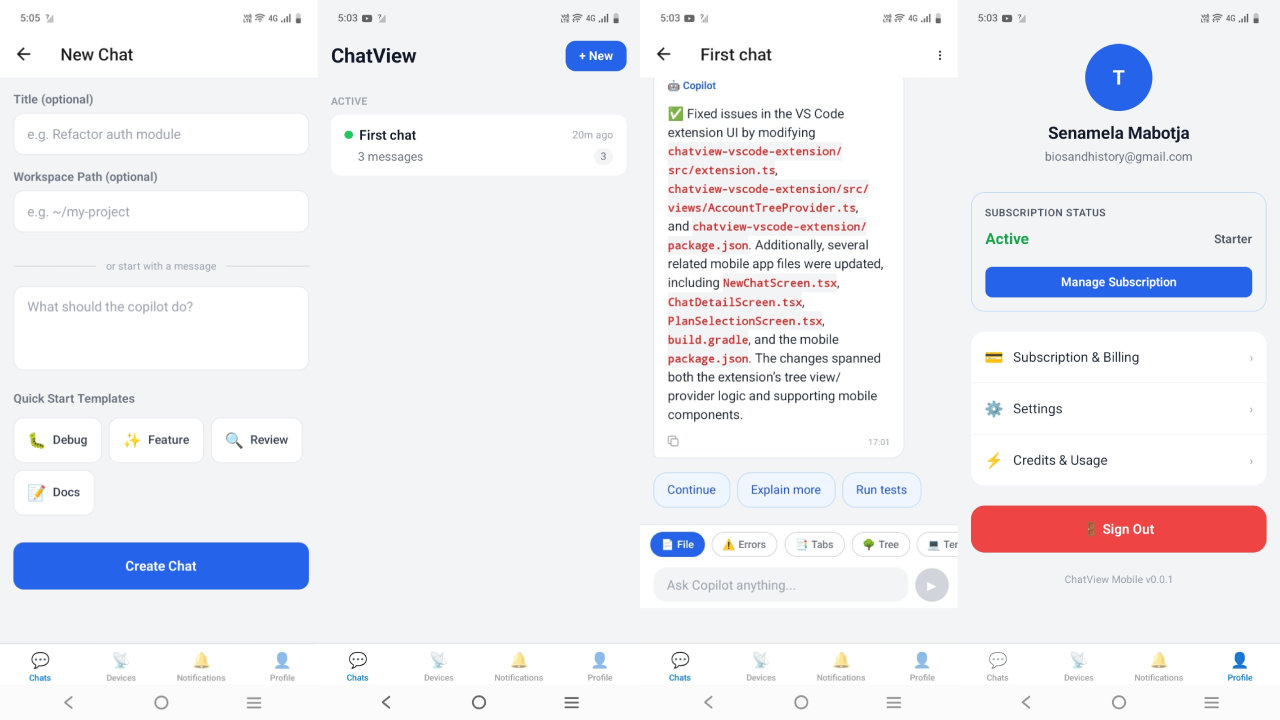
- QR pairing between phone/web and your laptop's IDE
- Streaming agent responses on mobile
- Live diff view with approve / reject per file
- Works with Cursor and VS Code
- Brings your own model config (Claude, GPT-4/5, Gemini, local)
- Multi-device pairing — phone, tablet, second laptop
- Team plan with shared sessions
- End-to-end encrypted relay (your code never sits on our servers)
- Dark mode + light mode, both designed by hand
Use Cases
1. Fix-a-bug-in-the-coffee-queue
- Who: Indie devs, founders
- When: You're 10 min from home and Sentry pings a prod error
- What: Open ChatView mobile → prompt "look at error in app.tsx line 42, propose fix" → review diff on phone → approve → laptop pushes the commit
- Saves: 30–60 min of "wait til I get home"
2. Triage-from-bed
- Who: On-call engineers
- When: Pager at 2 AM, you don't want to boot the laptop
- What: ChatView prompts the agent to read recent logs, identify the failing service, and either patch or escalate
- Saves: Time to acknowledge + decision quality (no half-asleep typing)
3. Commute-refactor
- Who: Anyone with a 30+ min commute
- When: On the train/bus, laptop closed at home
- What: Kick off a long refactor ("convert all class components in /src/legacy to hooks"), watch streamed diffs, approve in batches
- Saves: A whole productive working-block per day

Comments






This is a really practical idea. I like how ChatView brings the coding workflow closer to real-life situations where you are not always sitting in front of your laptop, but still need to review, guide, or approve important changes. The live diff view and approve/reject option make it feel much more controlled than just prompting an agent blindly. Also, the fact that it works with your existing Cursor or VS Code setup and does not add extra inference costs is a strong plus. Useful concept for founders, indie devs, and teams that want to move faster without losing visibility over the code.
Premium Products































Sponsors
Buy

Awards
View all
Awards
View allMakers

Makers
Comments
This is a really practical idea. I like how ChatView brings the coding workflow closer to real-life situations where you are not always sitting in front of your laptop, but still need to review, guide, or approve important changes. The live diff view and approve/reject option make it feel much more controlled than just prompting an agent blindly. Also, the fact that it works with your existing Cursor or VS Code setup and does not add extra inference costs is a strong plus. Useful concept for founders, indie devs, and teams that want to move faster without losing visibility over the code.
Premium Products
New to Fazier?

Find your next favorite product or submit your own. Made by @FalakDigital.
Copyright ©2026. All Rights Reserved