
Chat to Markdown
Save ChatGPT, Claude, Gemini chats as Markdown to Obsidian
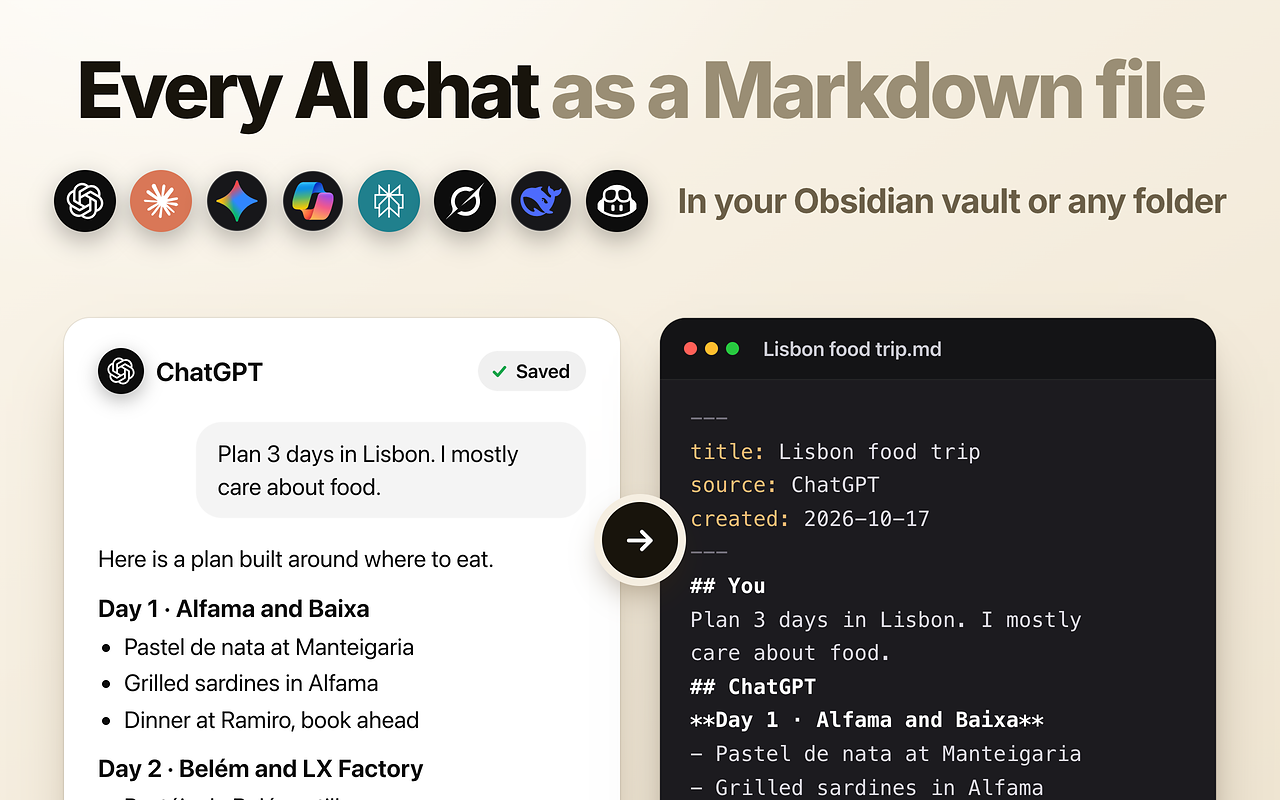
Chat to Markdown is a Chrome and Edge extension that saves your AI chats as Markdown files on your computer. It works with ChatGPT, Claude, Gemini, Microsoft Copilot, Perplexity, Grok, DeepSeek and GitHub Copilot.
Pick a folder, such as your Obsidian vault, and every chat becomes one .md file with properties (title, source, model, dates, tags). When you continue a chat, the same file is updated, without duplicates, and notes you wrote in the file are kept. Projects and Perplexity Spaces become folders. Images, uploads and generated pictures are saved as real files.
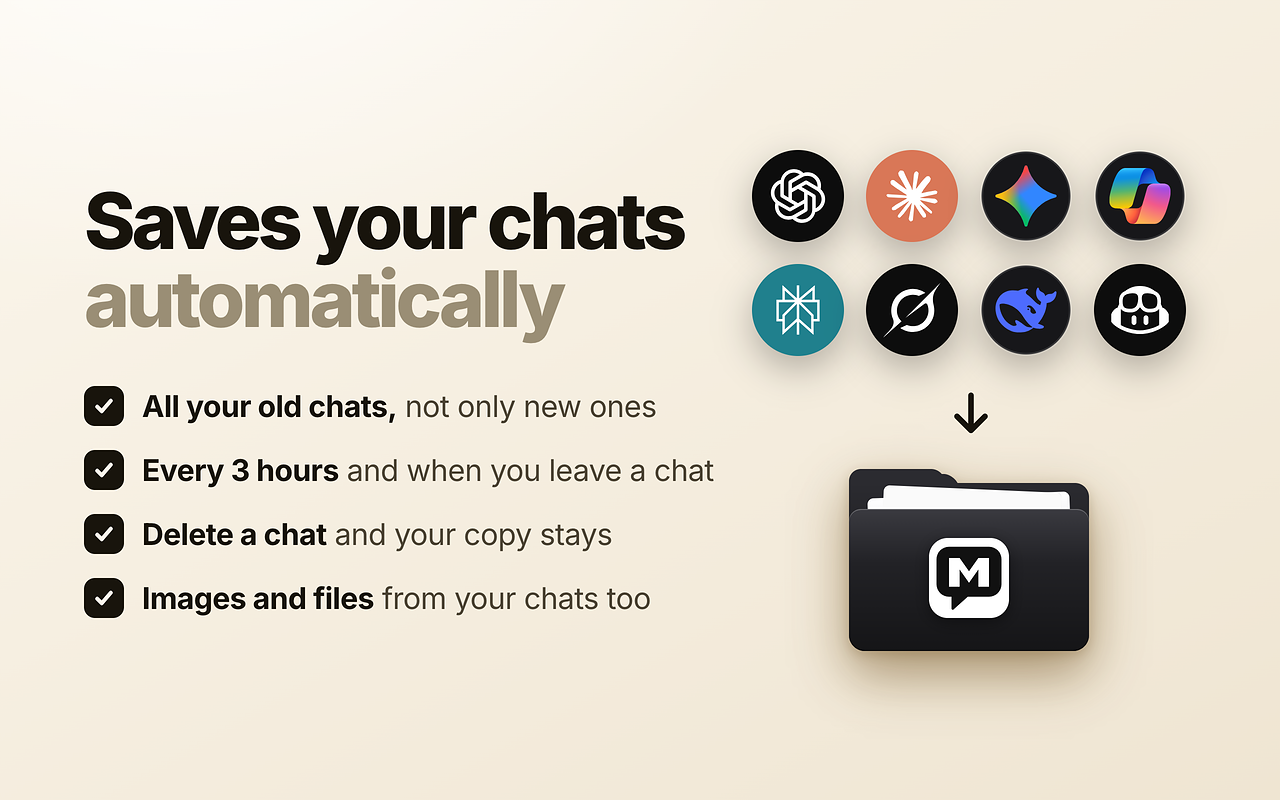
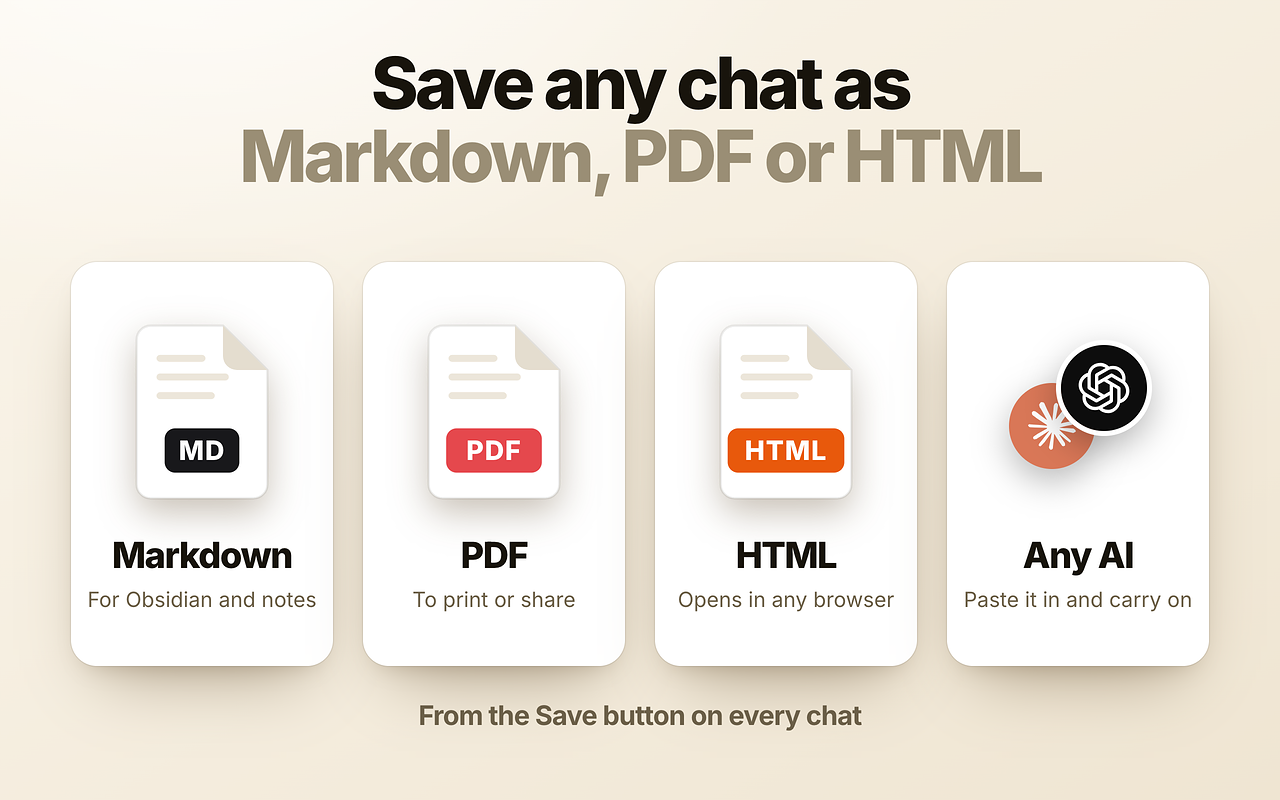
It saves on its own: every 3 hours by default, or anything from every 15 minutes to once a day, and whenever you leave a chat. A Save button next to Share on each chat site saves the open chat at once and can copy it as Markdown, copy it for another AI, or save it as PDF, Word, HTML, plain text, JSON or CSV.
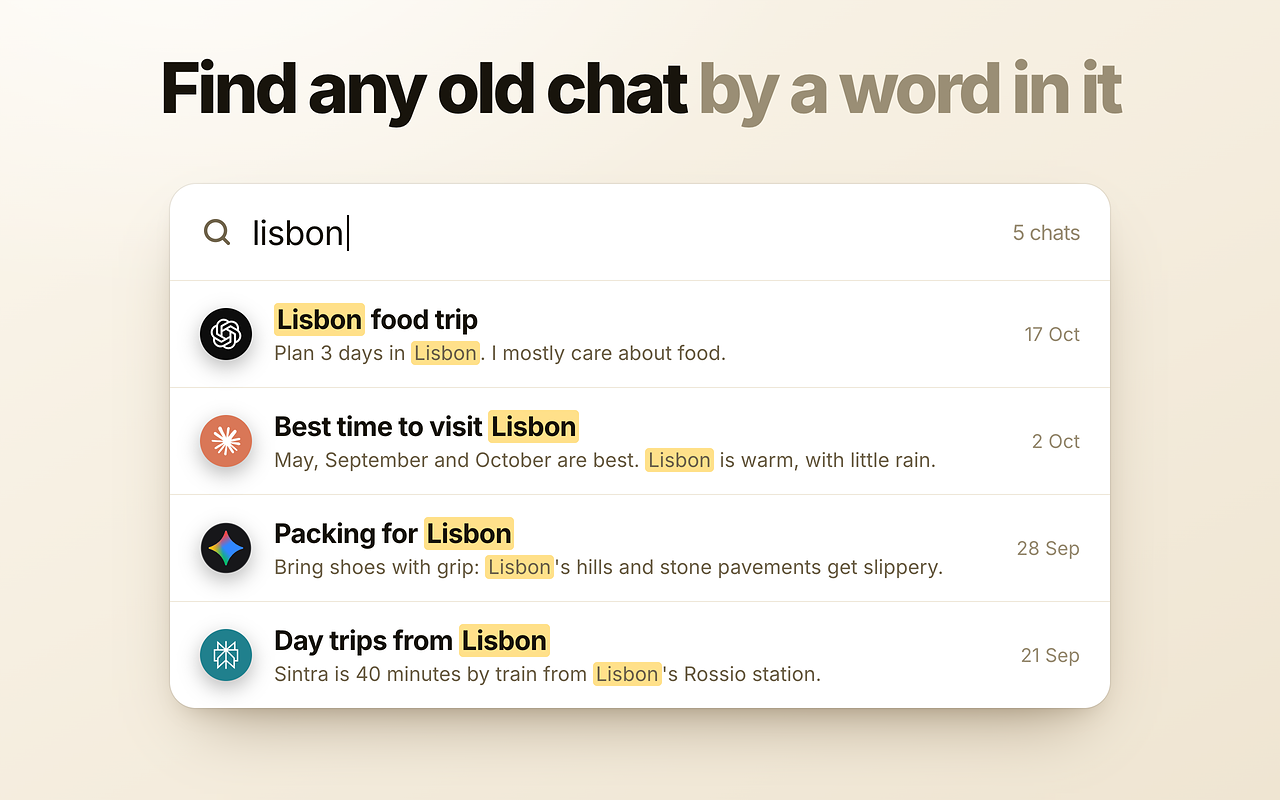
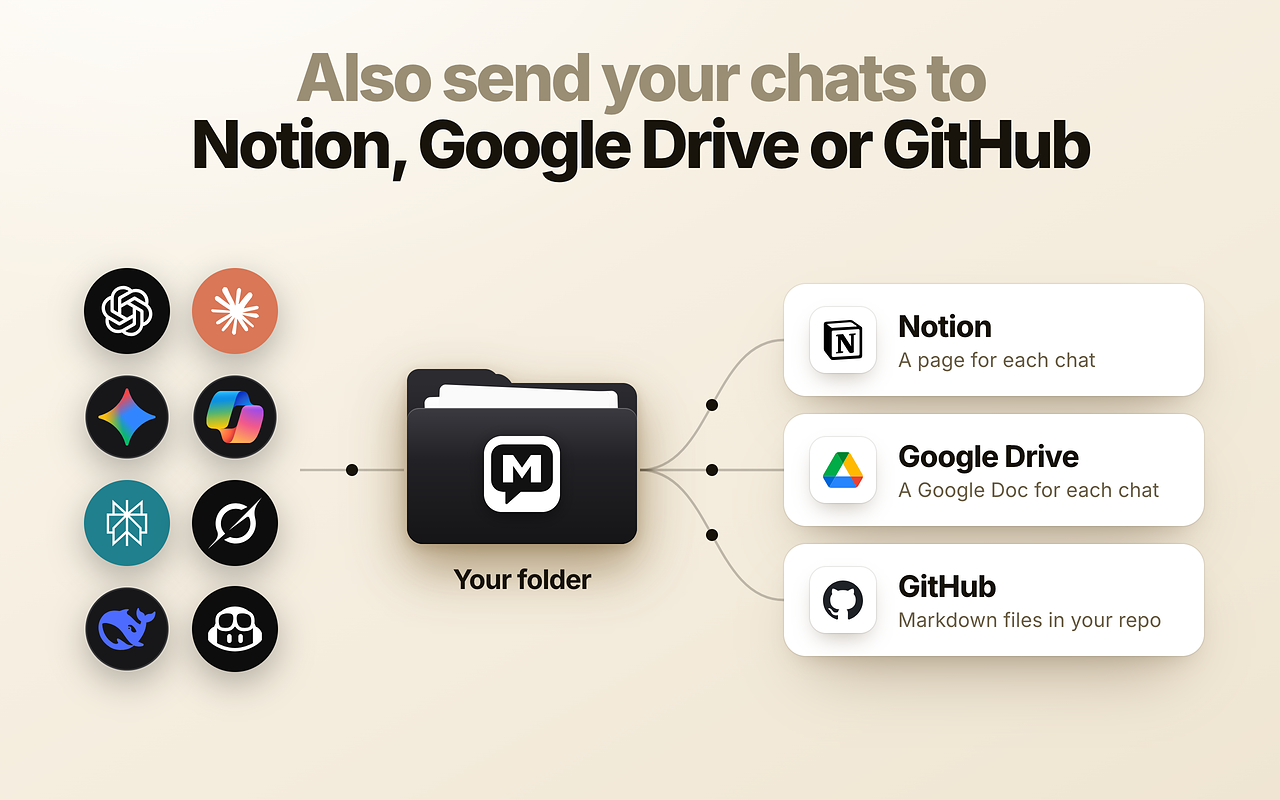
It keeps what the sites lose: chats deleted on the site, earlier versions of every chat with a line-by-line diff, Canvas, Deep Research reports, Claude artifacts, web sources and thinking. A built-in reader lets you search and read everything. You can also import the official data export of each service and send chats to Notion, Google Drive or GitHub.
Private by design: chats are read with your own browser session and written straight to your disk. They never pass through our servers.
Features
- Saves ChatGPT, Claude, Gemini, Copilot, Perplexity, Grok, DeepSeek and GitHub Copilot chats as Markdown
- Writes to any local folder or straight into an Obsidian vault, with properties and tags
- Automatic sync on a schedule, plus saving when you leave a chat
- One file per chat, updated in place, no duplicates, your own notes kept
- Version history of every chat with a line-by-line diff
- Keeps chats deleted on the site, plus images, uploads and generated pictures
- Save button on the chat page: copy as Markdown or save as PDF, Word, HTML, TXT, JSON or CSV
- Imports official data exports (ChatGPT ZIP, Google Takeout and more)
- Sends chats to Notion, Google Drive and GitHub
- Local and private: chats never pass through a server
Use Cases
- Obsidian and PKM users who want AI chats in their second brain next to their other notes.
- Developers who keep useful ChatGPT, Claude and GitHub Copilot answers as files, or feed old chats to Claude Code and other coding agents.
- Researchers and writers who need to cite, search and reuse long chats and Deep Research reports.
- Anyone worried about losing chats to a deleted account, a cleared history or a site change.
- People who use several AI tools and want all their chats searchable in one place.
Fazier Deal

Comments


Hi Fazier Community! I use ChatGPT and Claude every day, and the good answers kept getting lost in a sidebar I never scroll. The official exports come by email as one giant JSON file, and copy-paste breaks code blocks and tables. So we built Chat to Markdown. Pick a folder (mine is my Obsidian vault) and every chat becomes a Markdown file that stays up to date as you keep chatting. It works with 8 AI services, keeps chats even after you delete them on the site, and keeps a history of every change. Your chats never touch our servers: they go straight from the browser to your disk. I'd love to hear your feedback!
Premium Products








































Fazier Deal
Sponsors
Buy
Makers
Makers
Comments
Hi Fazier Community! I use ChatGPT and Claude every day, and the good answers kept getting lost in a sidebar I never scroll. The official exports come by email as one giant JSON file, and copy-paste breaks code blocks and tables. So we built Chat to Markdown. Pick a folder (mine is my Obsidian vault) and every chat becomes a Markdown file that stays up to date as you keep chatting. It works with 8 AI services, keeps chats even after you delete them on the site, and keeps a history of every change. Your chats never touch our servers: they go straight from the browser to your disk. I'd love to hear your feedback!
Premium Products
New to Fazier?

Find your next favorite product or submit your own. Made by @FalakDigital.
Copyright ©2026. All Rights Reserved