
Captions Generator
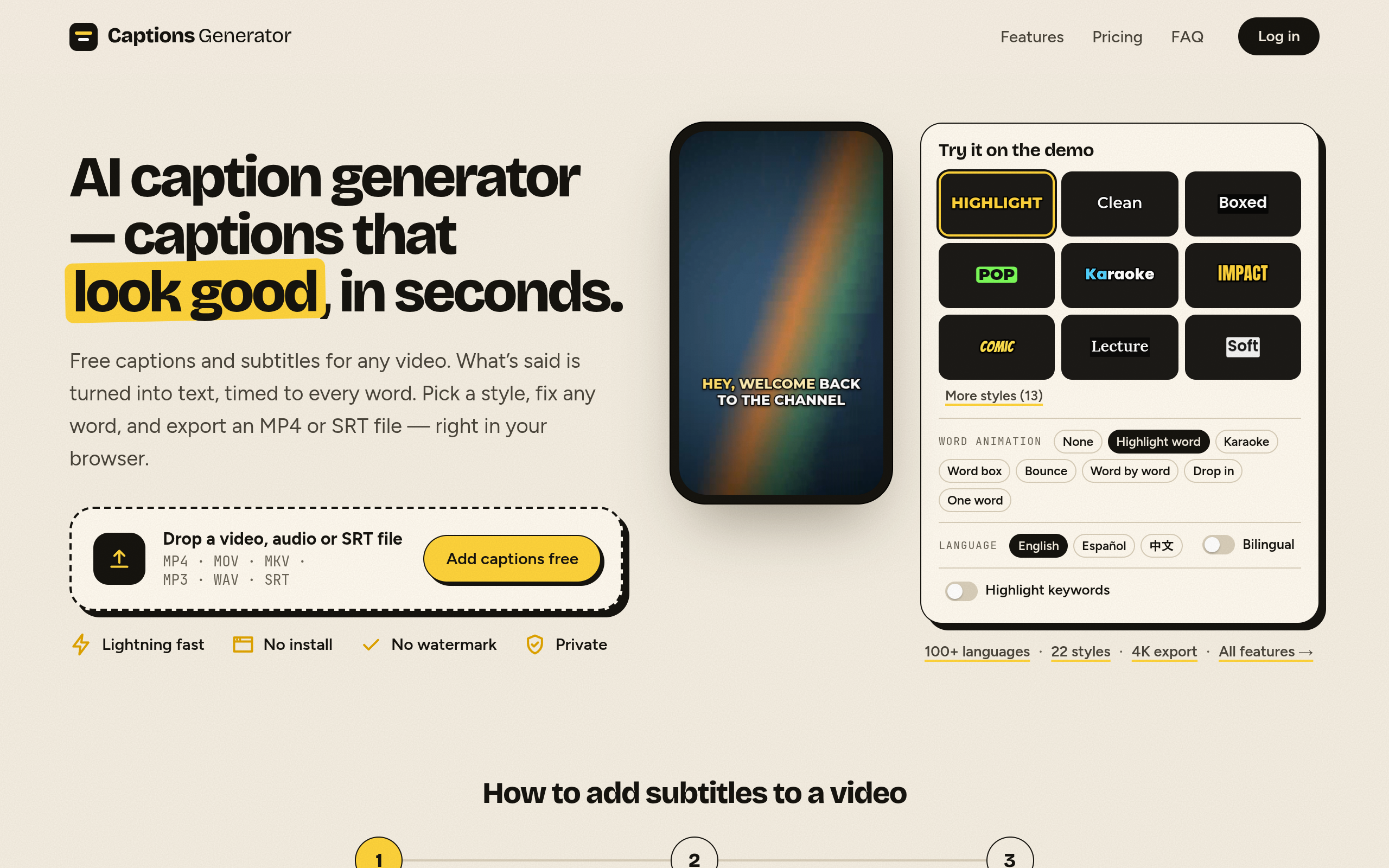
AI caption generator — captions that look good, in seconds.
Features
Features of Captions Generator
Fast Processing: Generate captions in seconds without the need for software installation.
Multi-language Support: Automatically transcribe speech in 100 languages and translate captions for global reach.
Customizable Styles: Choose from various caption styles, including karaoke and word highlight, to enhance viewer engagement.
Privacy Focused: Your video never leaves your device; only audio is sent for transcription, ensuring privacy.
Multiple Export Options: Download captioned videos in MP4 format or subtitle files in SRT, VTT, and TXT formats.
Use Cases
Use Cases of Captions Generator
Content Creators: Enhance videos for platforms like YouTube, TikTok, and Instagram with engaging captions.
Educators: Provide accessible learning materials by adding subtitles to educational videos.
Businesses: Improve communication in training videos and presentations with clear captions.
Marketers: Increase viewer retention and engagement by making videos more accessible to diverse audiences.
Translators: Easily translate and create bilingual subtitles for international audiences.

Comments


Sending only the audio for transcription and keeping the video on the device is a smart call, for privacy and for upload time on big files. How do you handle scripts like Devanagari or Arabic in the burned-in MP4? Do you bundle fonts for them or fall back to a system font? That tripped me up building captions for short videos.
Premium Products


















































Makers

Makers
Comments
Sending only the audio for transcription and keeping the video on the device is a smart call, for privacy and for upload time on big files. How do you handle scripts like Devanagari or Arabic in the burned-in MP4? Do you bundle fonts for them or fall back to a system font? That tripped me up building captions for short videos.
Premium Products
New to Fazier?

Find your next favorite product or submit your own. Made by @FalakDigital.
Copyright ©2026. All Rights Reserved