
bulldo.gs
Plain English → working Google Apps Script
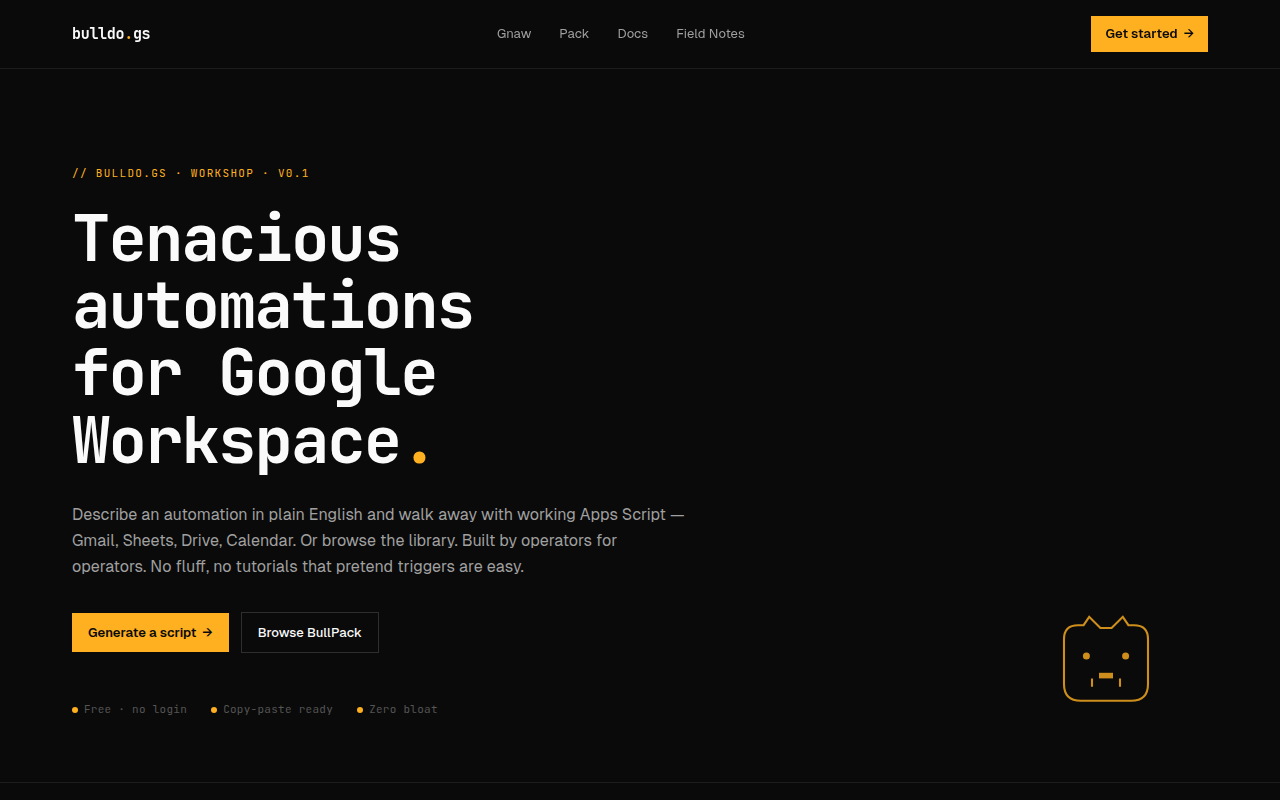
bulldo.gs turns a plain-English description of a Google Workspace automation into working Google Apps Script. You type what you want — "file Gmail attachments into Drive by month", "email me a digest of yesterday's form responses", "archive every thread older than a year unless it's starred" — and it hands back code you paste straight into the Apps Script editor and run. The code was never the hard part; describing the automation precisely is, and that's the part it does for you. Free to try, no signup.
Features
Plain-English -> working Apps Script for Sheets, Gmail, Drive, Docs & Calendar
Paste-ready code that runs in the Apps Script editor — no setup, no boilerplate
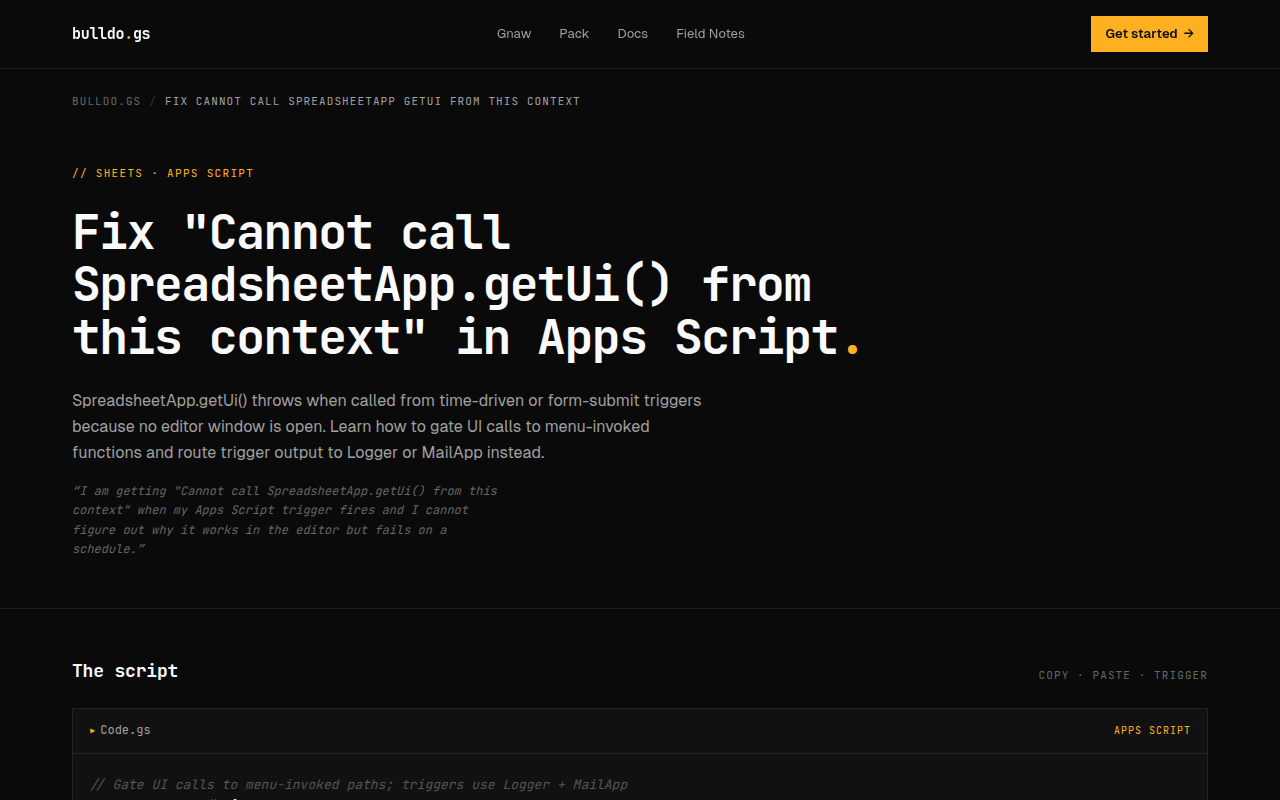
Handles the fiddly parts: installable triggers, auth scopes, batching, the 6-minute limit
Free generator, no login required to try
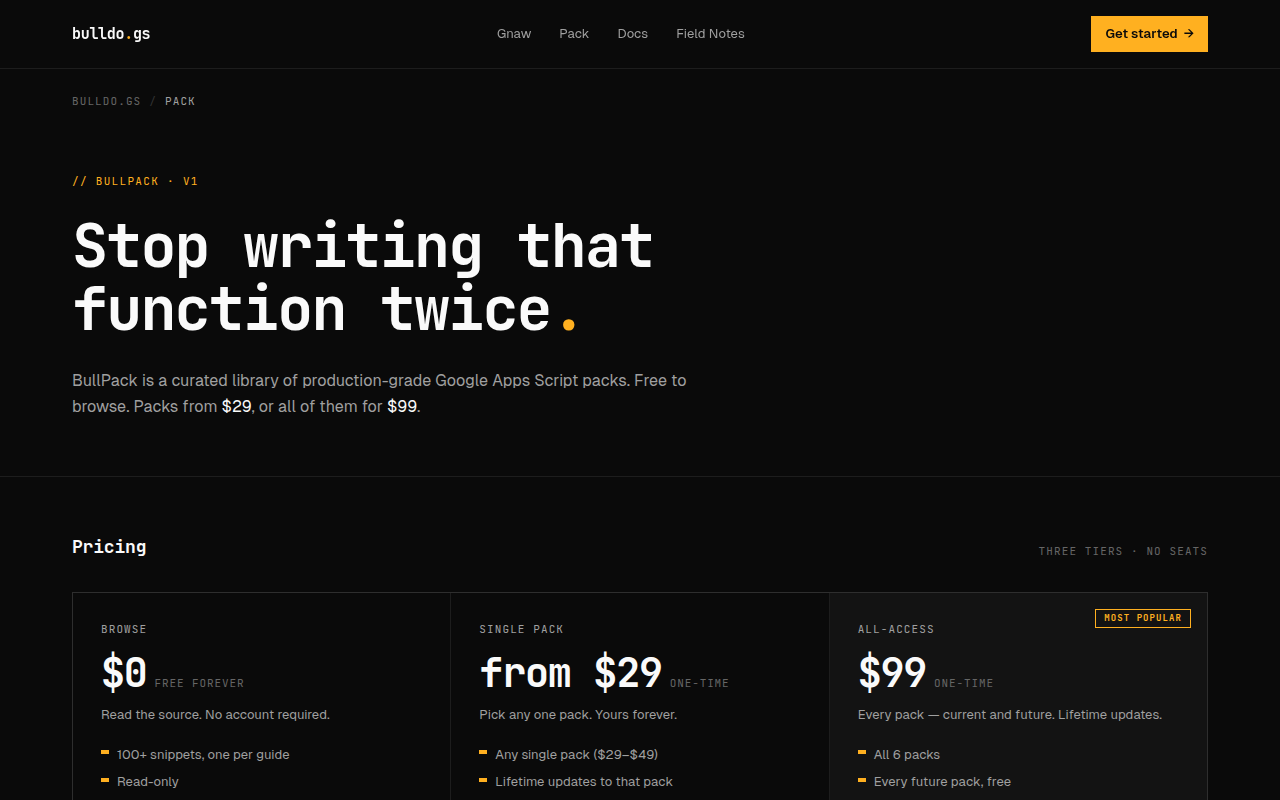
BullPack: a growing library of production-grade, copy-paste snippets
Use Cases
"Email me a digest of yesterday's form responses every morning"
"File Gmail attachments into Drive, foldered by month"
"Timestamp and archive a row the moment it's marked done"
"Archive every Gmail thread older than a year unless it's starred"

Comments

Honestly, I built this for myself first. I kept knowing exactly what I wanted automated in Sheets or Gmail, then losing a whole evening to Apps Script docs for something that should've taken five minutes. And I was tired of paying a monthly sub for every little utility. So: describe the task in plain English, get the script back. No new subscription, nothing to log into to try it. It won't replace a real dev on a big build — but for the small, annoying, everyday stuff, it's honestly kind of perfect. Would genuinely love to hear what you'd throw at it.

Google Apps Script integration friction is real - most automation requires digging through API docs and debugging breakpoints. Having a natural language layer that converts plain English to working GAS removes that knowledge barrier. The ability to prototype without setup overhead means teams can test automation ideas in seconds instead of hours. Being able to iterate on scripts and preview changes before deploying is huge for non-technical users.
Premium Products








































Sponsors
Buy

Comments
Honestly, I built this for myself first. I kept knowing exactly what I wanted automated in Sheets or Gmail, then losing a whole evening to Apps Script docs for something that should've taken five minutes. And I was tired of paying a monthly sub for every little utility. So: describe the task in plain English, get the script back. No new subscription, nothing to log into to try it. It won't replace a real dev on a big build — but for the small, annoying, everyday stuff, it's honestly kind of perfect. Would genuinely love to hear what you'd throw at it.
Google Apps Script integration friction is real - most automation requires digging through API docs and debugging breakpoints. Having a natural language layer that converts plain English to working GAS removes that knowledge barrier. The ability to prototype without setup overhead means teams can test automation ideas in seconds instead of hours. Being able to iterate on scripts and preview changes before deploying is huge for non-technical users.
Premium Products
New to Fazier?

Find your next favorite product or submit your own. Made by @FalakDigital.
Copyright ©2026. All Rights Reserved