
Bulkimage.io
Bulk Image Editor for Local Batch Processing | bulkimage.io
BulkImage is an online toolkit for editing and optimizing images in batches. Compress, convert, and process multiple images in one place with a simple workflow—no need to install desktop software.
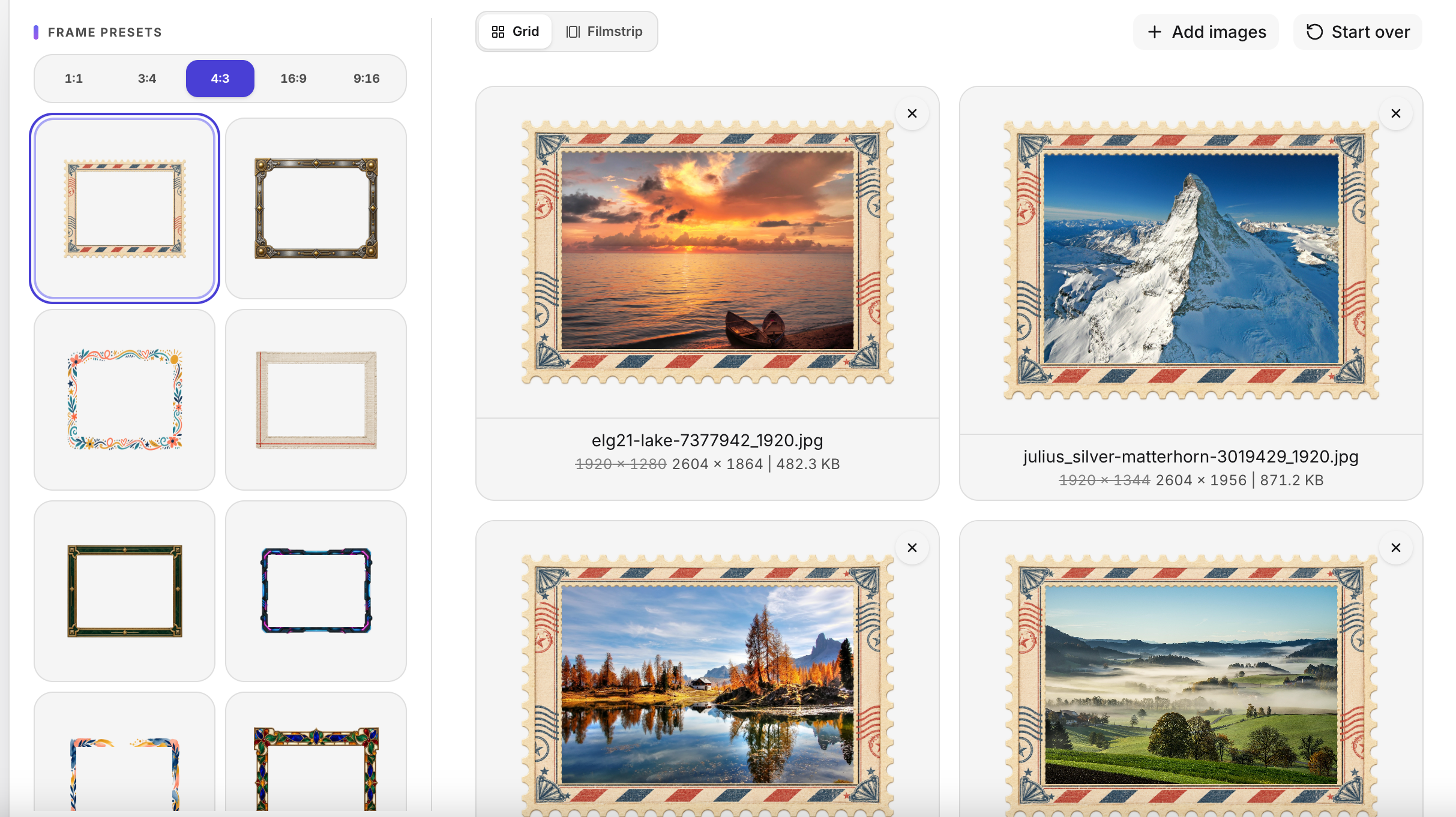
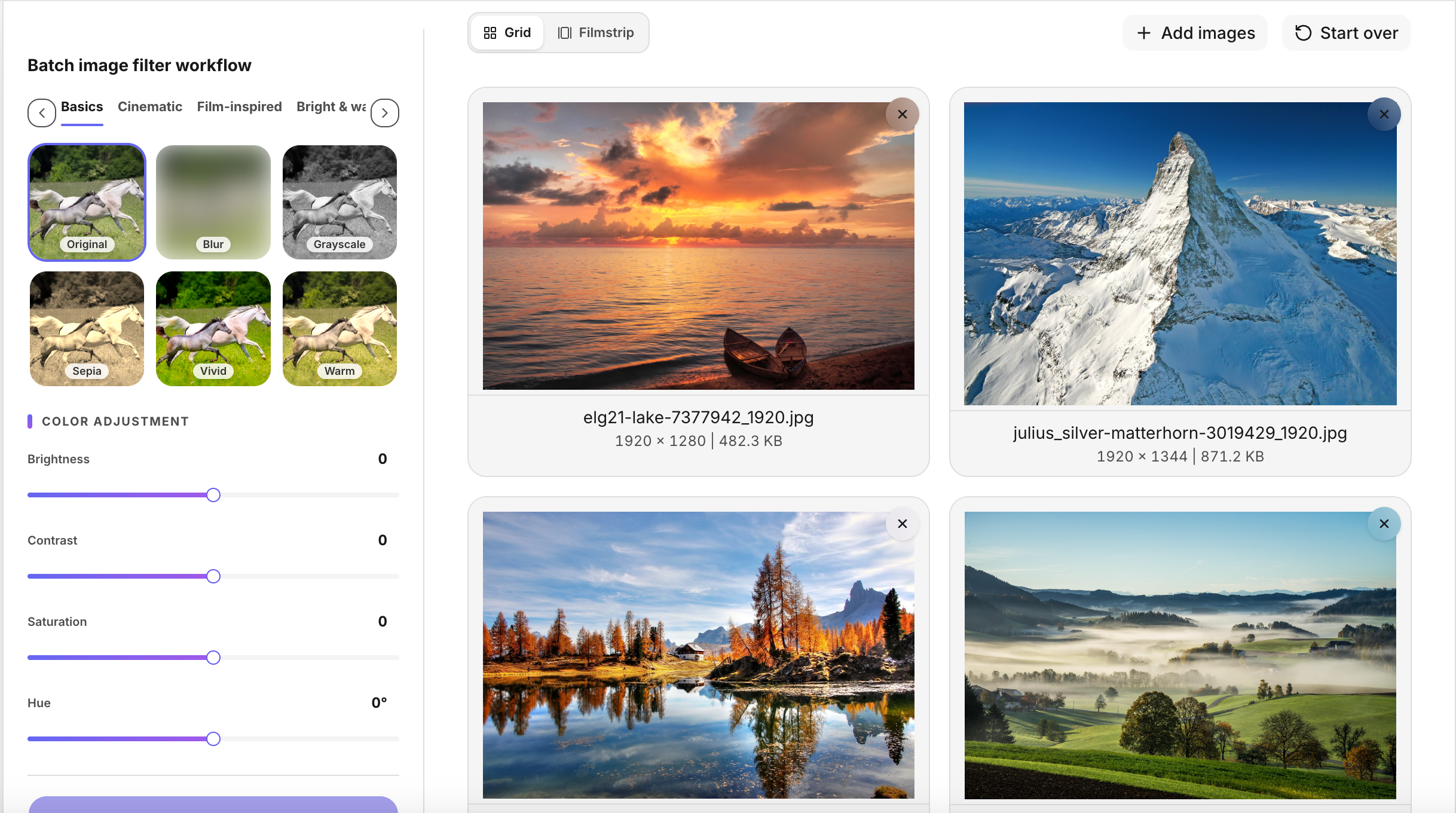
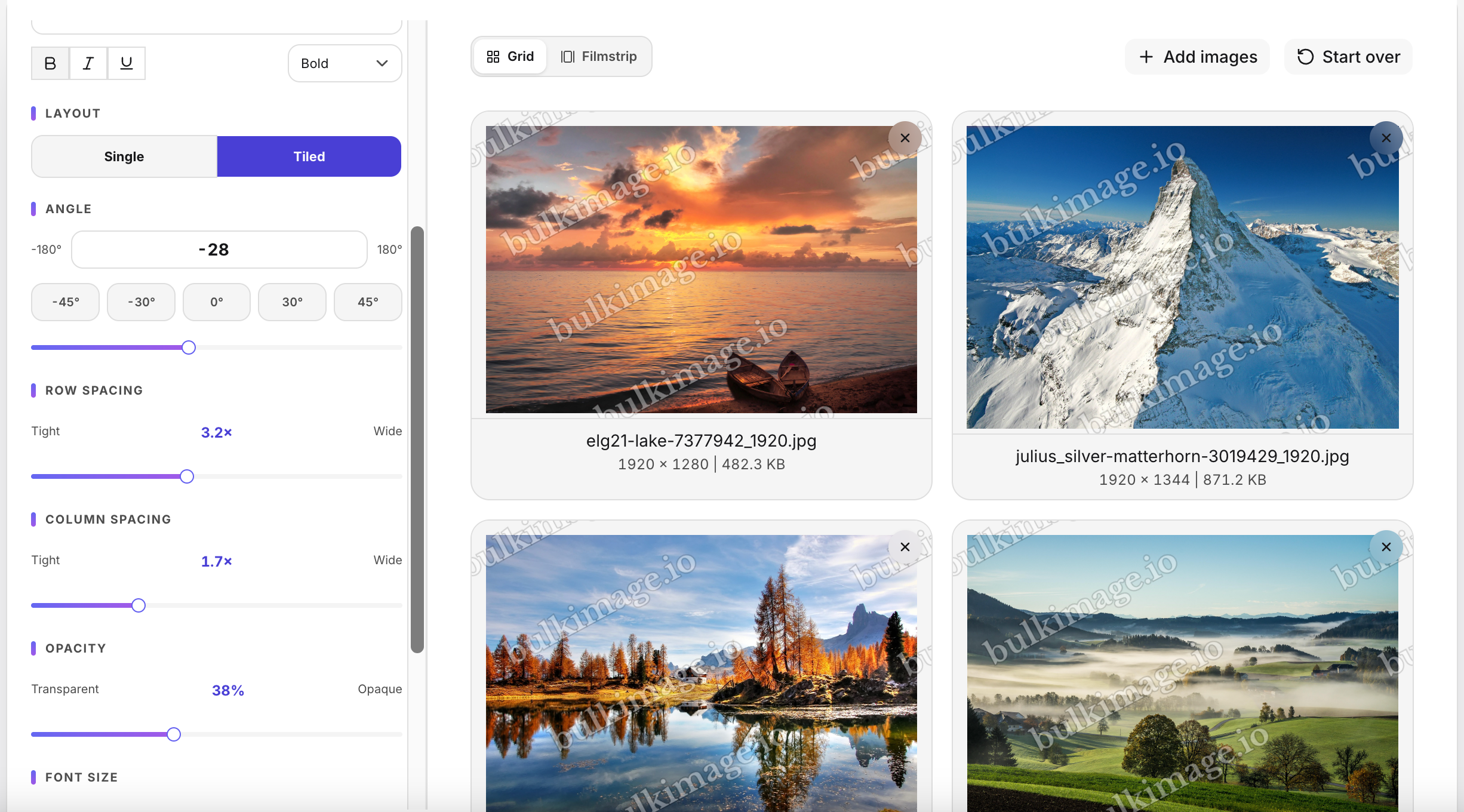
Features
- Batch edit multiple images at once
- Compress images to reduce file size
- Convert between popular image formats
- Use dedicated tools for common image tasks
- Process images online with a straightforward interface
Use Cases
- Prepare product photos for online stores
- Optimize images for websites and blogs
- Convert images to formats required by apps or platforms
- Reduce image file sizes before sharing or uploading
- Process large batches of images for marketing, design, or content workflows

Comments


BulkImage started with a simple frustration: editing images one by one takes too much time. We built it to make everyday image tasks—compressing, converting, and processing files in batches—faster and easier, right in your browser. We’re still improving BulkImage and would love to hear how you use it. What image task would you like us to make simpler next?

I ran three 1270x760 PNG screenshots through Image Compress. With the output left on "Original" (PNG) at the default quality, all three got bigger: 153 KB to 217 KB (+42%), 185 to 257 KB and 174 to 241 KB. Switching the output to WebP brought them down 70-71% (153 KB to 44 KB) and they still looked sharp, so the engine itself is good. I'd suggest a warning, or keeping the original automatically, when the "compressed" file comes out larger than the source. A lot of people will leave the format on Original for PNG screenshots and not notice.

Bulkimage.io looks like a handy tool for quick batch editing, and a simple <a href="https://888pkr.com.pk/">Login</a> process makes accessing useful features even easier.
Premium Products








































Sponsors
Buy
Makers
Makers
Comments
BulkImage started with a simple frustration: editing images one by one takes too much time. We built it to make everyday image tasks—compressing, converting, and processing files in batches—faster and easier, right in your browser. We’re still improving BulkImage and would love to hear how you use it. What image task would you like us to make simpler next?
I ran three 1270x760 PNG screenshots through Image Compress. With the output left on "Original" (PNG) at the default quality, all three got bigger: 153 KB to 217 KB (+42%), 185 to 257 KB and 174 to 241 KB. Switching the output to WebP brought them down 70-71% (153 KB to 44 KB) and they still looked sharp, so the engine itself is good. I'd suggest a warning, or keeping the original automatically, when the "compressed" file comes out larger than the source. A lot of people will leave the format on Original for PNG screenshots and not notice.
Bulkimage.io looks like a handy tool for quick batch editing, and a simple <a href="https://888pkr.com.pk/">Login</a> process makes accessing useful features even easier.
Premium Products
New to Fazier?

Find your next favorite product or submit your own. Made by @FalakDigital.
Copyright ©2026. All Rights Reserved