
bulk image download
Bulk Image Download — Extract Images from Website URL Online
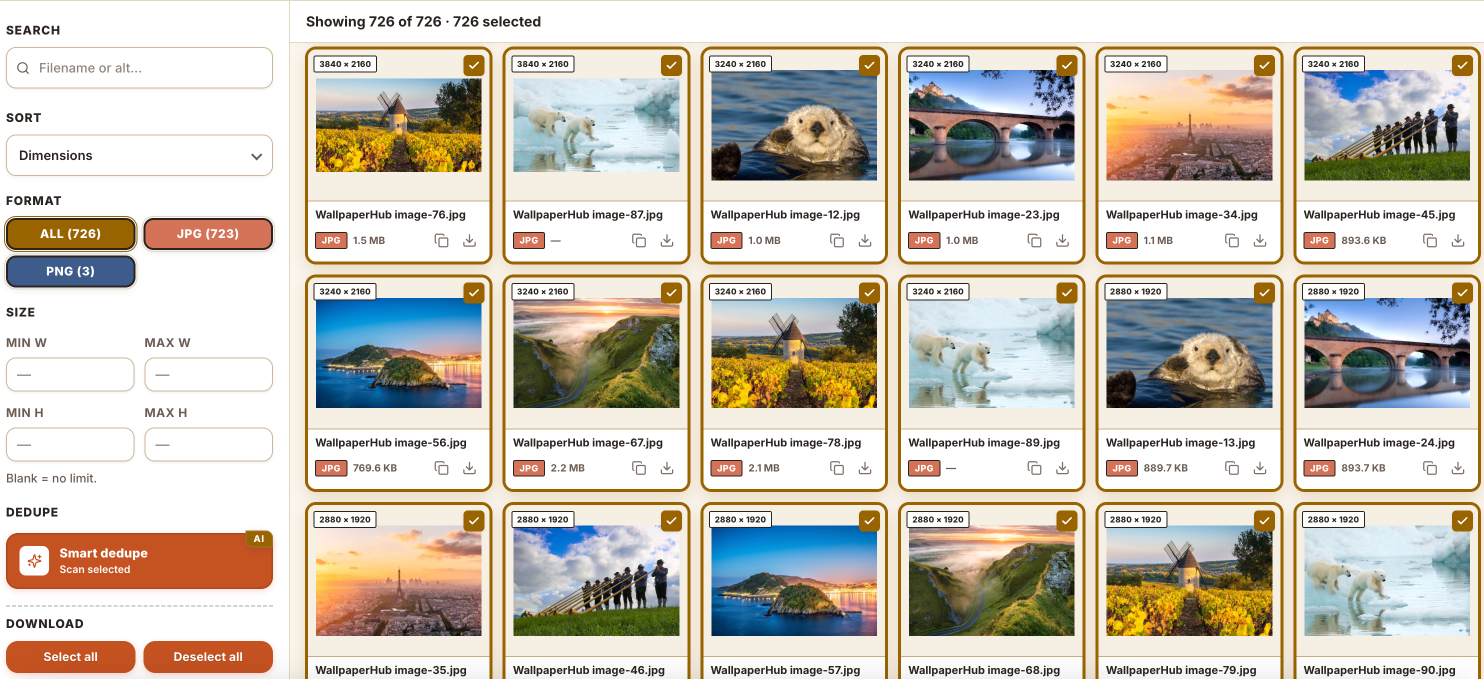
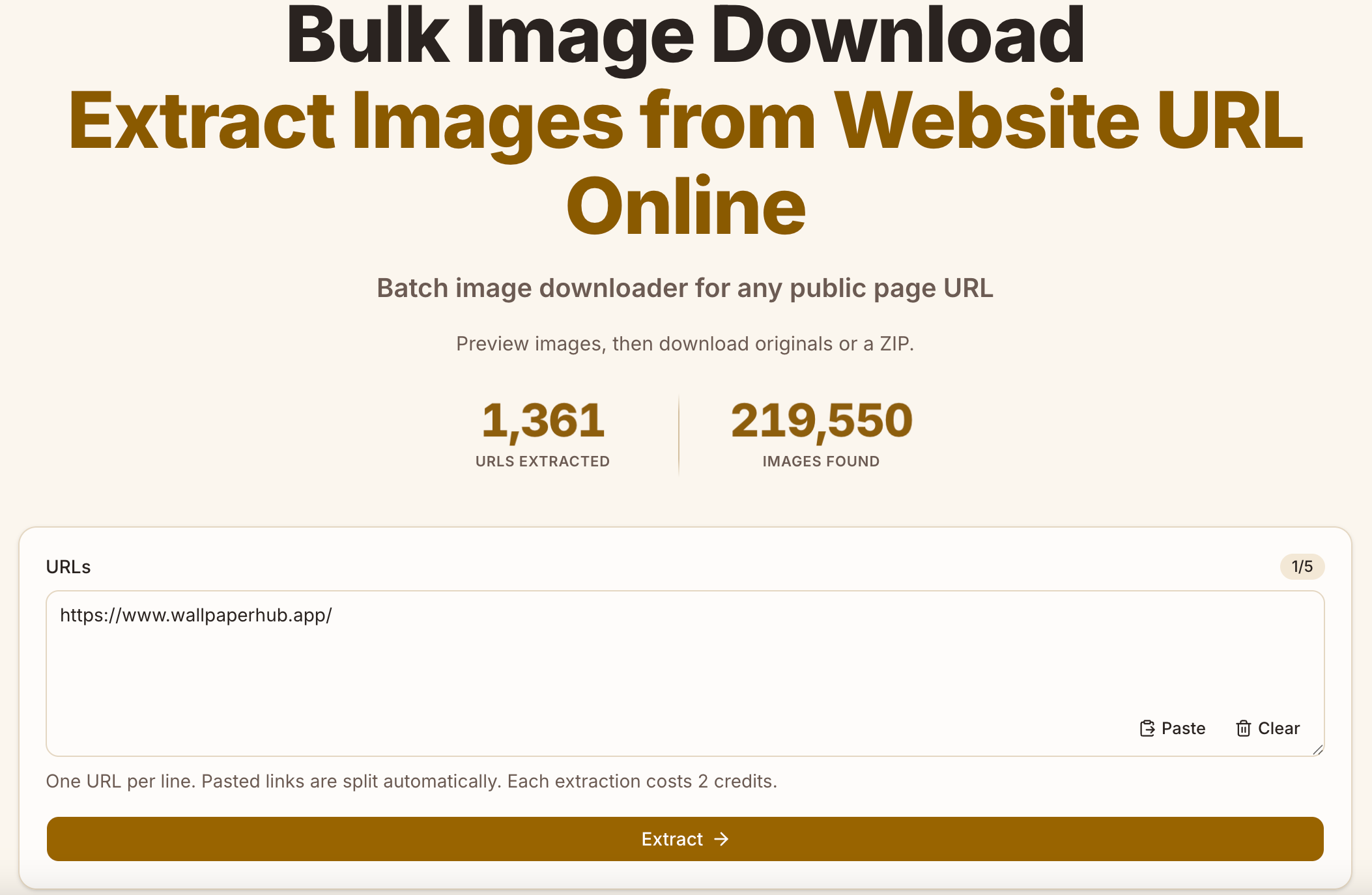
Bulk Image Downloader helps you collect images from web pages in one place. Enter a page URL, review the images found, and download the ones you want in bulk instead of saving them one at a time. It’s built for teams that work with image-heavy content and for individuals gathering visual references or assets for personal projects.
Features
- Find and preview images from a web page
- Select the images you want to keep
- Download multiple images in one go
- Use a simple workflow without installing desktop software
- Support common image-gathering tasks for work and personal projects
Use Cases
Marketing teams: Gather visual references for campaigns and content planning.
Designers: Collect images for mood boards, inspiration, and research.
Ecommerce teams: Organize product images for review and catalog workflows.
Researchers: Save visual material from relevant pages for analysis.
Content creators: Gather images while preparing articles, presentations, or social content.
Individuals: Download images from a page for personal reference and organization.

Comments


I built Bulk Image Downloader to make a repetitive task a little easier: collecting images from web pages one by one can take more time than it should. With this tool, you can review the images on a page and download the ones you need in bulk. I’m continuing to improve the product and would love to hear how you use it. What kinds of pages or image-gathering workflows would you like it to support better?



Reviewing images before downloading is a nice touch compared with tools that just dump everything into a zip. Two things would make it even more useful for me: a minimum size filter to skip icons and tracking pixels, and keeping the original file names (or alt text) so I can still tell the images apart later. Is either of those on the roadmap?

Premium Products















































Makers
Makers
Comments
I built Bulk Image Downloader to make a repetitive task a little easier: collecting images from web pages one by one can take more time than it should. With this tool, you can review the images on a page and download the ones you need in bulk. I’m continuing to improve the product and would love to hear how you use it. What kinds of pages or image-gathering workflows would you like it to support better?
Reviewing images before downloading is a nice touch compared with tools that just dump everything into a zip. Two things would make it even more useful for me: a minimum size filter to skip icons and tracking pixels, and keeping the original file names (or alt text) so I can still tell the images apart later. Is either of those on the roadmap?
Premium Products
New to Fazier?

Find your next favorite product or submit your own. Made by @FalakDigital.
Copyright ©2026. All Rights Reserved