BreakReminder
Break reminders with guided stretch videos for Windows
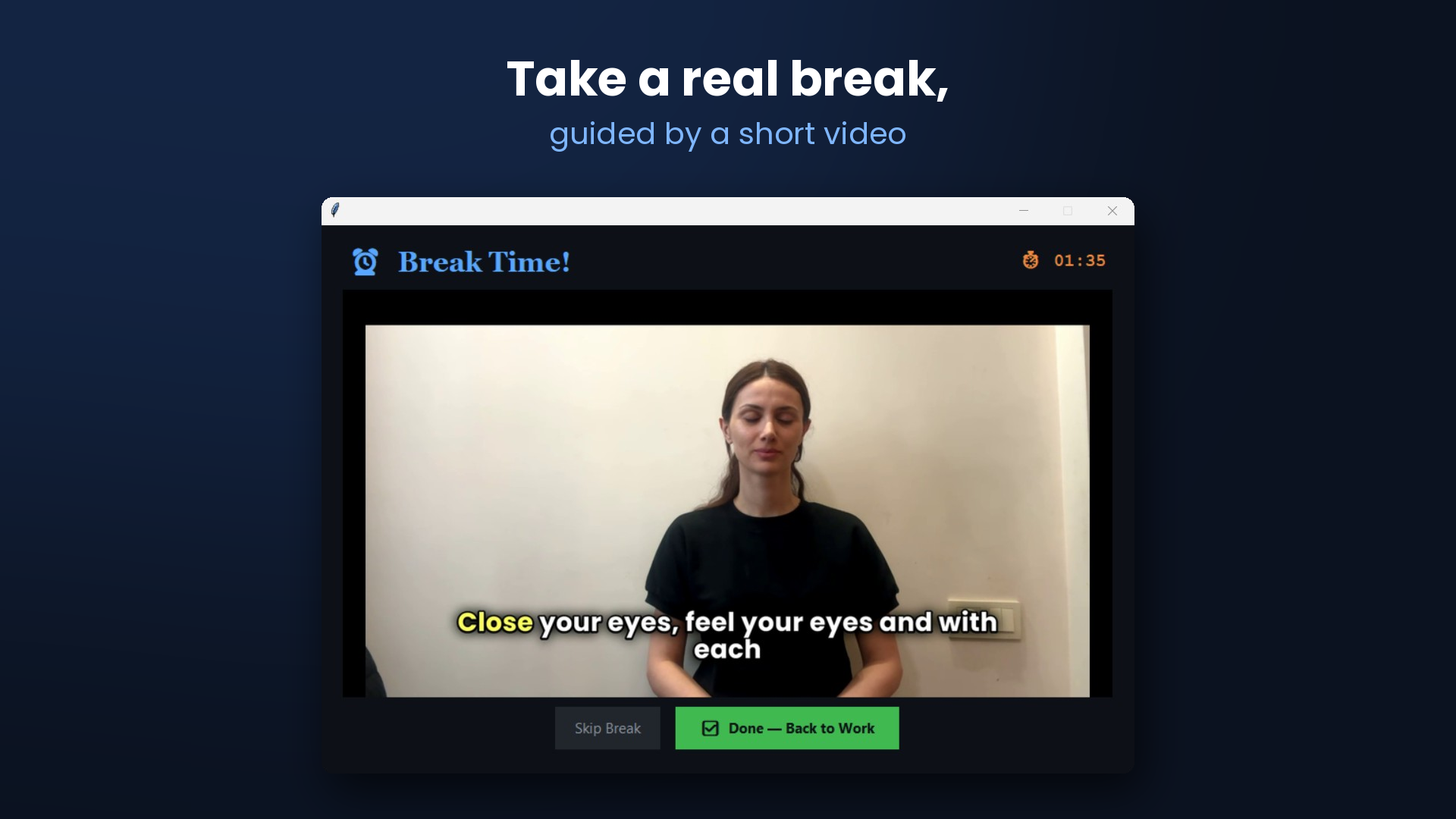
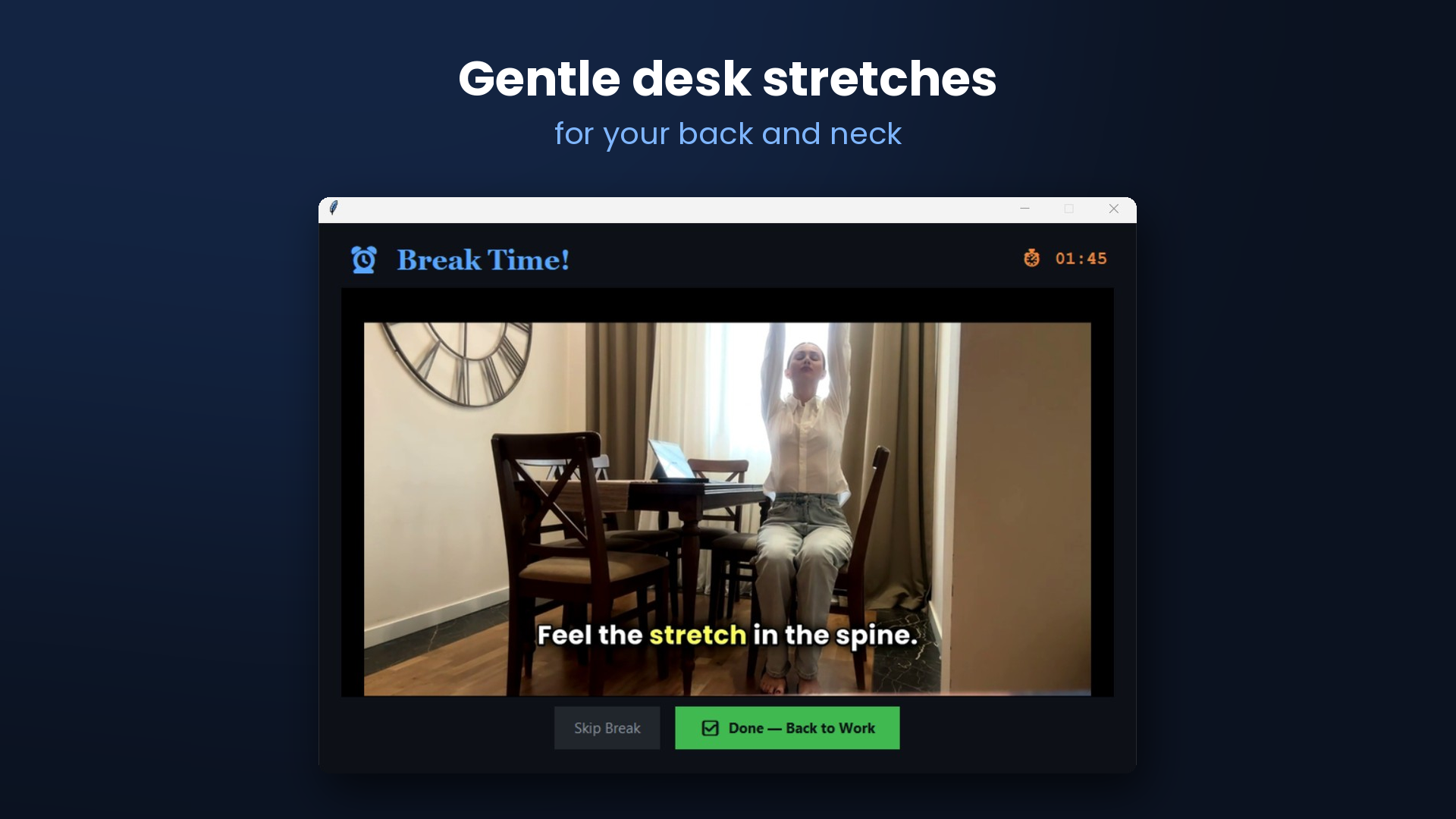
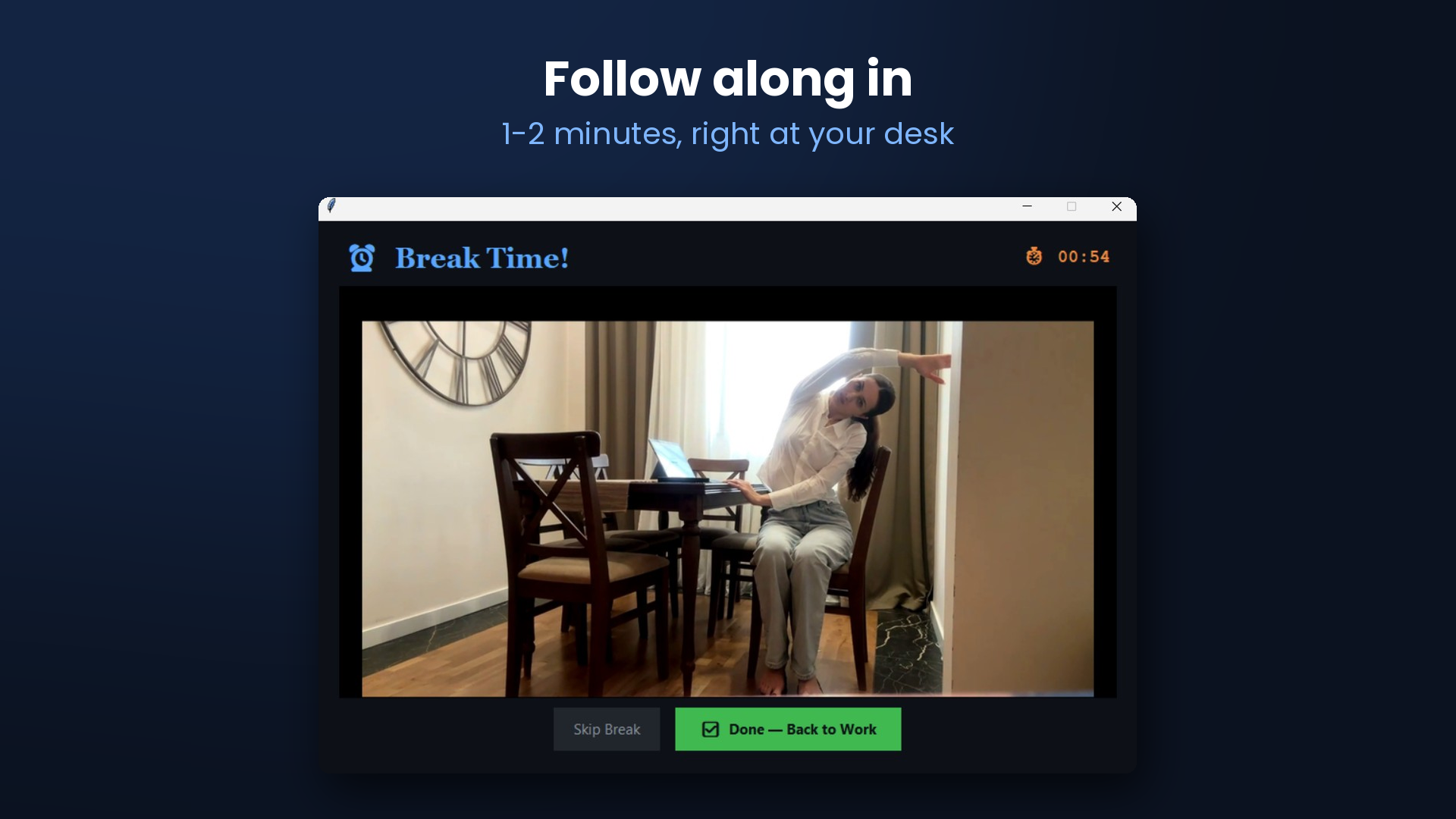
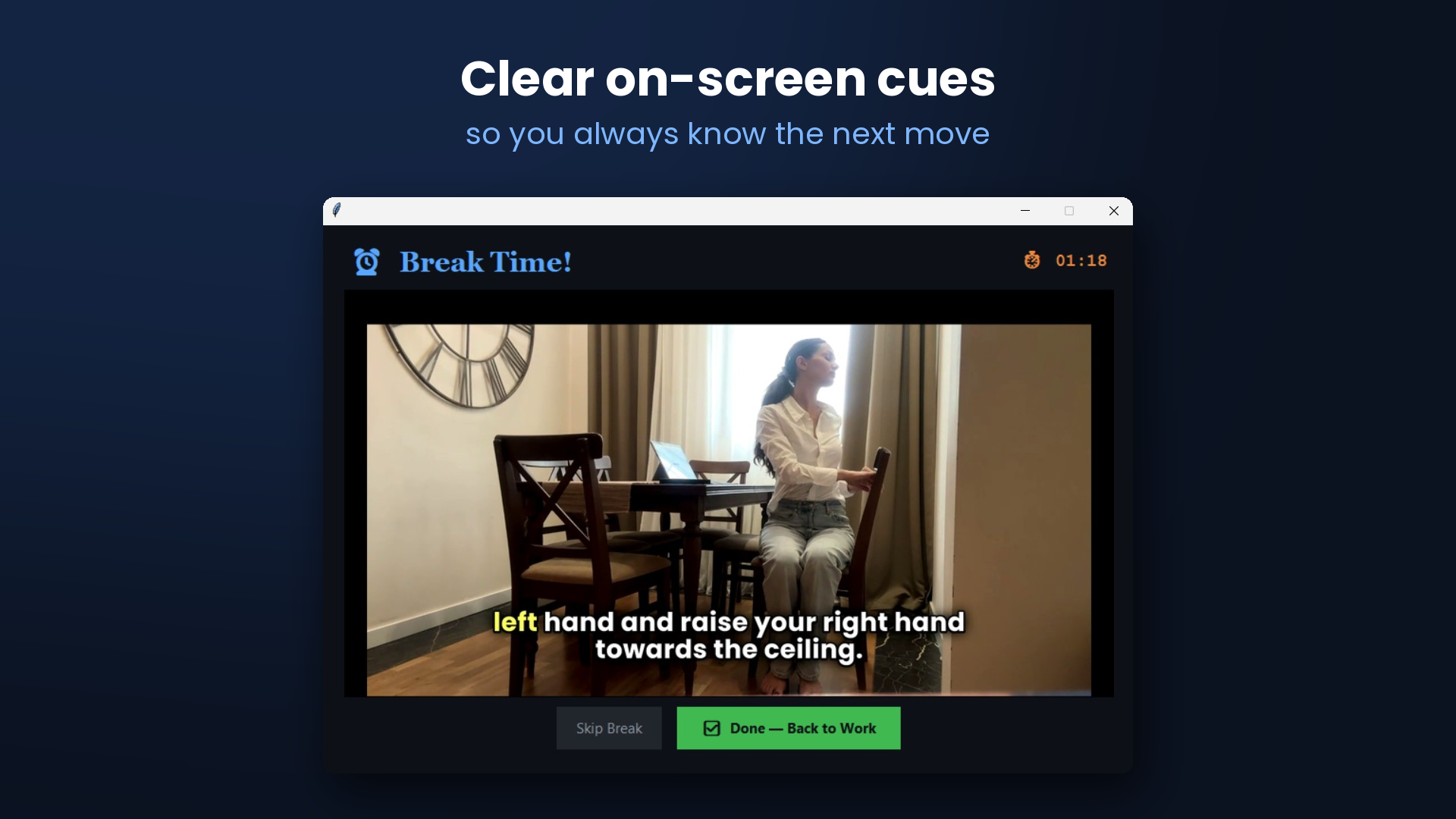
BreakReminder is a small Windows tray app that reminds you to step away from the screen and then walks you through a 1-2 minute stretch on video, so the break actually happens. Set your own interval and break length. It runs quietly in the tray, can start with Windows, and works offline. Windows 10 and 11, available on the Microsoft Store or at intentlylabs.com/breakreminder. $9 once, no subscription, 7-day free trial.
Features
- Reminders at your own interval, from 1 to 240 minutes
- Guided 1-2 minute stretch videos for each break
- Runs quietly in the system tray and can start with Windows
- Works offline, with no account needed
- $9 one-time licence with a 7-day free trial
Use Cases
- Desk workers who lose track of time and skip breaks
- Developers, designers and analysts on long screen sessions
- Anyone who wants an easy stretch routine during the workday

Comments


Good idea pairing reminders with guided stretches rather than just a popup; a plain timer is too easy to dismiss. Does it pause automatically during full-screen apps or presentations, and can the interval be set differently for mornings and afternoons? Those two would decide whether I keep it running all day.
Pairing the reminder with a 1–2 minute guided stretch video is a smart touch, since most break pop-ups get dismissed without any follow-through. The $9 one-time price with a 7-day trial is very clear on the page. It would help to show a short preview of a stretch video or the tray UI so visitors can see the experience before installing.


Hi Fazier! I'm Manoj. I spend long days at a desk and kept ignoring the usual break pop-ups, so I made BreakReminder. When it's time for a break it plays a short guided stretch video, which makes it much easier to actually get up and do it. It's $9 once with a 7-day free trial. I'd love to hear what makes you keep using a break reminder, or what makes you switch one off.
Premium Products

















































Makers
Makers
Comments
Good idea pairing reminders with guided stretches rather than just a popup; a plain timer is too easy to dismiss. Does it pause automatically during full-screen apps or presentations, and can the interval be set differently for mornings and afternoons? Those two would decide whether I keep it running all day.
Pairing the reminder with a 1–2 minute guided stretch video is a smart touch, since most break pop-ups get dismissed without any follow-through. The $9 one-time price with a 7-day trial is very clear on the page. It would help to show a short preview of a stretch video or the tray UI so visitors can see the experience before installing.
Hi Fazier! I'm Manoj. I spend long days at a desk and kept ignoring the usual break pop-ups, so I made BreakReminder. When it's time for a break it plays a short guided stretch video, which makes it much easier to actually get up and do it. It's $9 once with a 7-day free trial. I'd love to hear what makes you keep using a break reminder, or what makes you switch one off.
Premium Products
New to Fazier?

Find your next favorite product or submit your own. Made by @FalakDigital.
Copyright ©2026. All Rights Reserved