Launch
Biz Tray
Visit
Example Image

Biz Tray

Your Windows document utility belt for every document tool

Visit

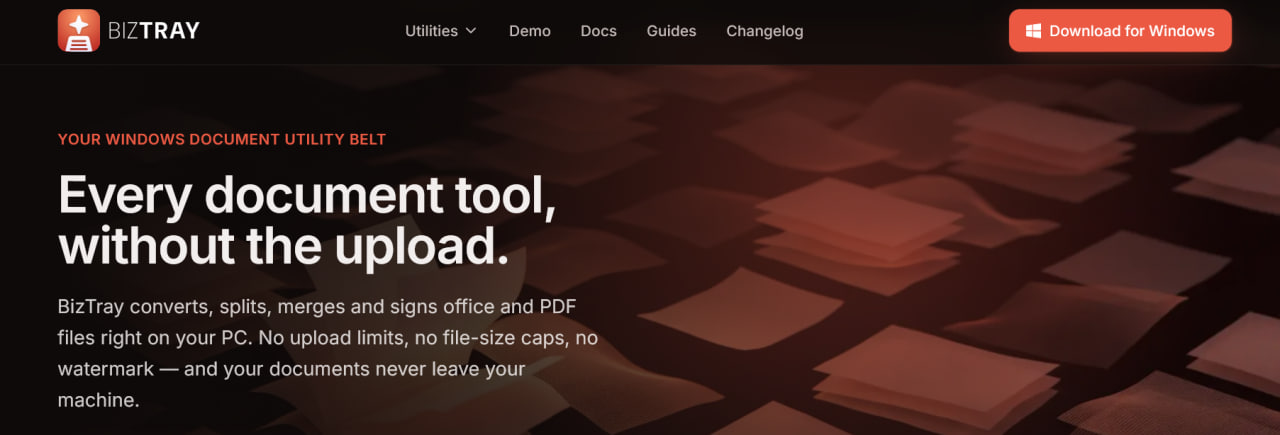
BizTray is a Windows document utility belt that brings every essential file tool into one lightweight desktop app without the upload.

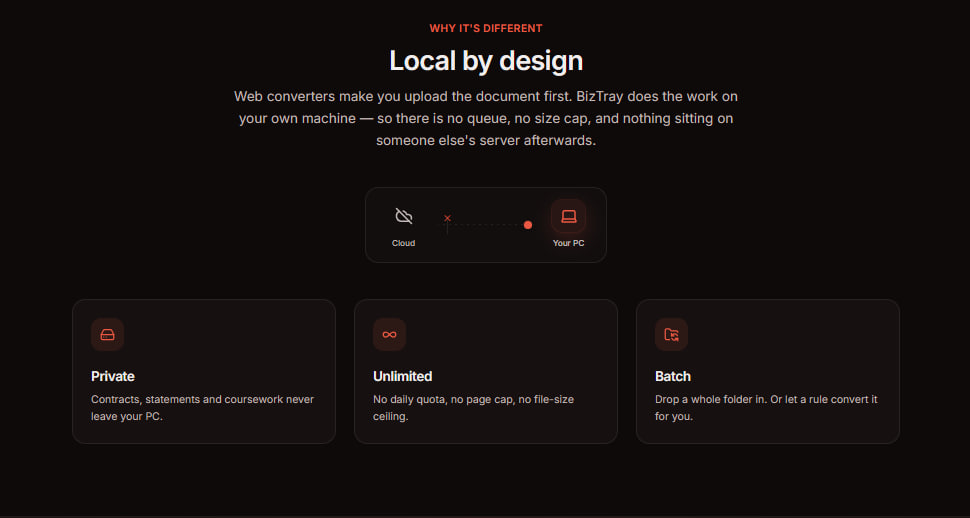
Most document tools push your files to a cloud server, BizTray does the opposite: it converts, splits, merges, organizes, and signs your Office and PDF files right on your own PC. Nothing leaves your machine, so your contracts, statements, and sensitive paperwork stay private by default.
Example Image
Example Image
Example Image
Example Image
Example Image
Example Image

Features

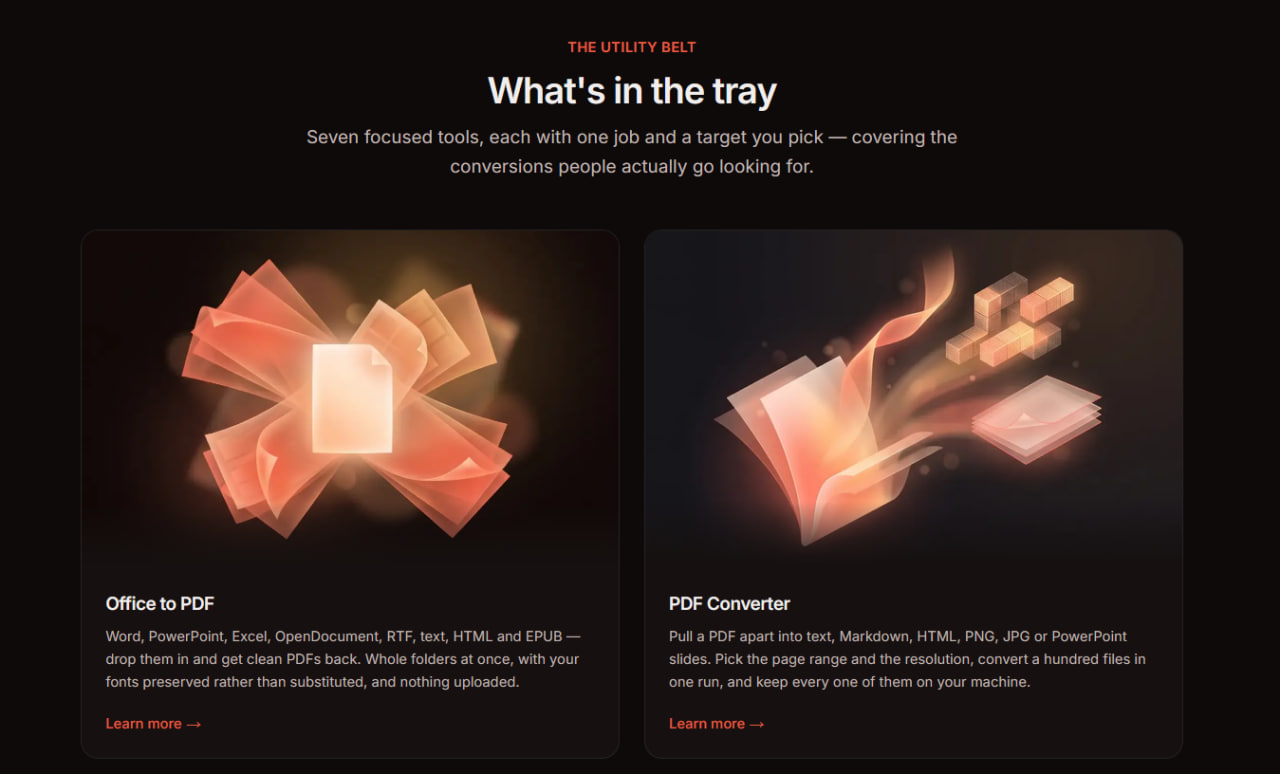
The app packs seven core tools into a single clean interface:

1) Convert Office documents to PDF

2) Turn PDFs into other formats

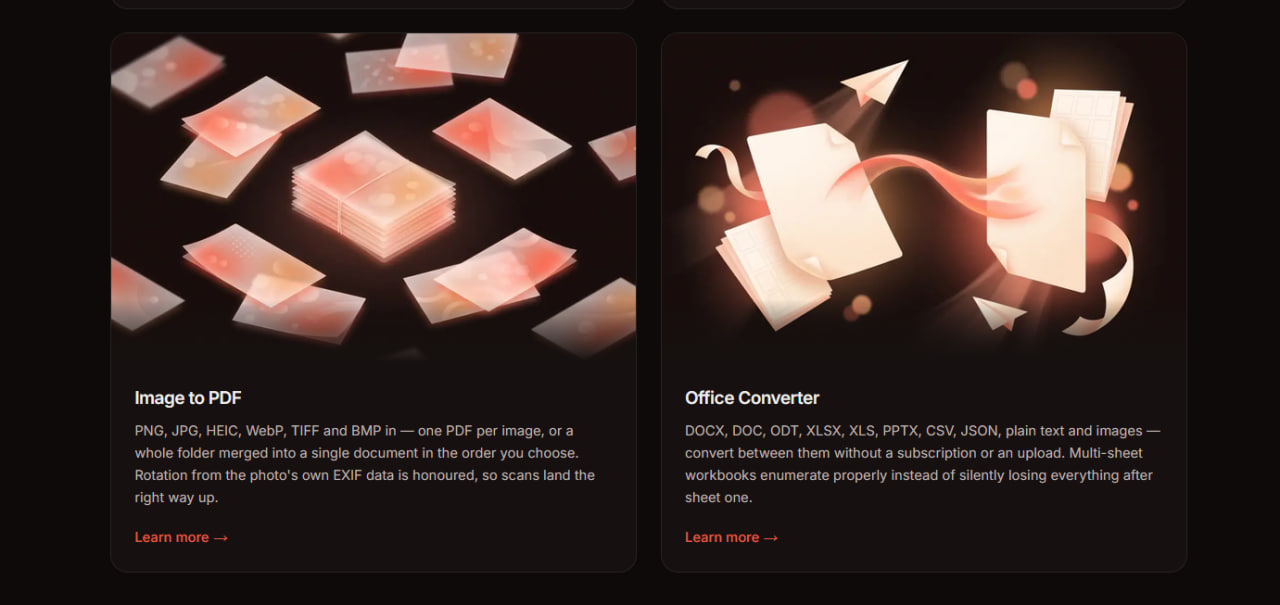
3) Convert images to PDF

4) Switch between Office formats

5) Organize and edit PDFs

6) Apply finishing touches and fill and sign forms

7) Batch process your work and handle large folders rather than single files, all functioning offline.

Because everything runs locally, there are no upload limits, no file-size caps, no quotas, and no watermarks.

Use Cases

BizTray gives individuals and businesses a fast, private, and dependable way to get real document work done.

It is built to be genuinely user-friendly with no account to create, no email to hand over, and no ads cluttering your workflow.

Comments


custom-img
Bringing founders early users and feedba...

Does Biz Tray make local PDF and Office work feel private before someone trusts it with contracts that never leave the PC? Happy to send a totally free first-impression video if useful.

custom-img
Kadokey — instant gift cards, prepaid co...

The local-first approach is exactly right for document tools - most people hesitate to upload contracts or IDs to a cloud converter. No accounts and no upload limits removes the two biggest frictions at once. Nice execution on packing seven tools into one clean interface.

awesome nice product

The no-account, no-ads approach is refreshing for a document utility. Having all the common document tools in a single Windows tray app should save real time for people juggling PDFs and conversions all day. Nice launch!

awesome nice product

The system-tray approach is the right call for document utilities — these are exactly the tools people want one click away rather than a full app window. Genuinely curious: can actions be chained, e.g. convert then sign in one step? That would set it apart from hunting through separate right-click menus.


Really useful product

custom-img
AI platform for ecommerce sales, marketi...

Having all those document tools in one lightweight app without uploading sensitive files is a really compelling value prop.

Keeping document conversion and signing local is a meaningful privacy advantage, especially for contracts and statements. The batch-folder workflow also sounds more practical than processing files one at a time—do you plan to add saved presets for recurring document jobs?

Really useful product

Keeping conversions fully on the PC is a strong privacy angle for contracts and statements. For the signing feature, is it a visual signature only, or can the signed PDF be validated as a digital signature in tools like Adobe Reader?

custom-img
Building PZERO, saving you money - pzero...

An offline Windows utility that converts Office, PDF, and images, organizes and signs files in batch, with no uploads, caps, account, or email, keeps document chores off the cloud. Need spare AI capacity for ops or a side project? We keep ours at pzero.studio.

This looks really useful. The interface seems clean and straightforward, and I can definitely see this fitting into a daily workflow.

custom-img
I am SEO Specialist working to enhance w...

Love that BizTray processes everything locally instead of uploading files to a cloud server. For contracts and financial paperwork, that's a real selling point. Having convert, split, merge and sign in one lightweight app is also much handier than juggling a bunch of separate tools. Congrats on the launch!

Really useful product

Keeping conversions and signing offline is a strong fit for sensitive paperwork. Does the batch workflow preserve folder structure and metadata when processing large directories?

This looks really cool

Really useful product

Really like the local-first approach here. For document conversion and PDF tools, not having to upload sensitive files to a third-party server is a big plus. The batch processing feature also looks especially useful for everyday work. Nice launch!

Keeping conversion, signing, and batch processing local is a strong privacy win. I especially like the no-upload approach for contracts and statements. How do you handle preserving metadata when converting large folders?

custom-img
Makelead Builders

Really useful product

Keeping document work on the local machine is a meaningful advantage for contracts and other sensitive files. The batch processing and lack of upload limits also sound useful for people handling large folders. How does BizTray make it easy to review changes before signing a form?

A very good option :)

Premium Products
View all
Example Image
Awards
View all
Example Image

Comments

custom-img
Bringing founders early users and feedba...

Does Biz Tray make local PDF and Office work feel private before someone trusts it with contracts that never leave the PC? Happy to send a totally free first-impression video if useful.

custom-img
Kadokey — instant gift cards, prepaid co...

The local-first approach is exactly right for document tools - most people hesitate to upload contracts or IDs to a cloud converter. No accounts and no upload limits removes the two biggest frictions at once. Nice execution on packing seven tools into one clean interface.

awesome nice product

The no-account, no-ads approach is refreshing for a document utility. Having all the common document tools in a single Windows tray app should save real time for people juggling PDFs and conversions all day. Nice launch!

awesome nice product

The system-tray approach is the right call for document utilities — these are exactly the tools people want one click away rather than a full app window. Genuinely curious: can actions be chained, e.g. convert then sign in one step? That would set it apart from hunting through separate right-click menus.

Really useful product

custom-img
AI platform for ecommerce sales, marketi...

Having all those document tools in one lightweight app without uploading sensitive files is a really compelling value prop.

Keeping document conversion and signing local is a meaningful privacy advantage, especially for contracts and statements. The batch-folder workflow also sounds more practical than processing files one at a time—do you plan to add saved presets for recurring document jobs?

Really useful product

Keeping conversions fully on the PC is a strong privacy angle for contracts and statements. For the signing feature, is it a visual signature only, or can the signed PDF be validated as a digital signature in tools like Adobe Reader?

custom-img
Building PZERO, saving you money - pzero...

An offline Windows utility that converts Office, PDF, and images, organizes and signs files in batch, with no uploads, caps, account, or email, keeps document chores off the cloud. Need spare AI capacity for ops or a side project? We keep ours at pzero.studio.

This looks really useful. The interface seems clean and straightforward, and I can definitely see this fitting into a daily workflow.

custom-img
I am SEO Specialist working to enhance w...

Love that BizTray processes everything locally instead of uploading files to a cloud server. For contracts and financial paperwork, that's a real selling point. Having convert, split, merge and sign in one lightweight app is also much handier than juggling a bunch of separate tools. Congrats on the launch!

Really useful product

Keeping conversions and signing offline is a strong fit for sensitive paperwork. Does the batch workflow preserve folder structure and metadata when processing large directories?

This looks really cool

Really useful product

Really like the local-first approach here. For document conversion and PDF tools, not having to upload sensitive files to a third-party server is a big plus. The batch processing feature also looks especially useful for everyday work. Nice launch!

Keeping conversion, signing, and batch processing local is a strong privacy win. I especially like the no-upload approach for contracts and statements. How do you handle preserving metadata when converting large folders?

custom-img
Makelead Builders

Really useful product

Keeping document work on the local machine is a meaningful advantage for contracts and other sensitive files. The batch processing and lack of upload limits also sound useful for people handling large folders. How does BizTray make it easy to review changes before signing a form?


A very good option :)

Premium Products