BgRemove
Remove photo backgrounds in your browser, no upload
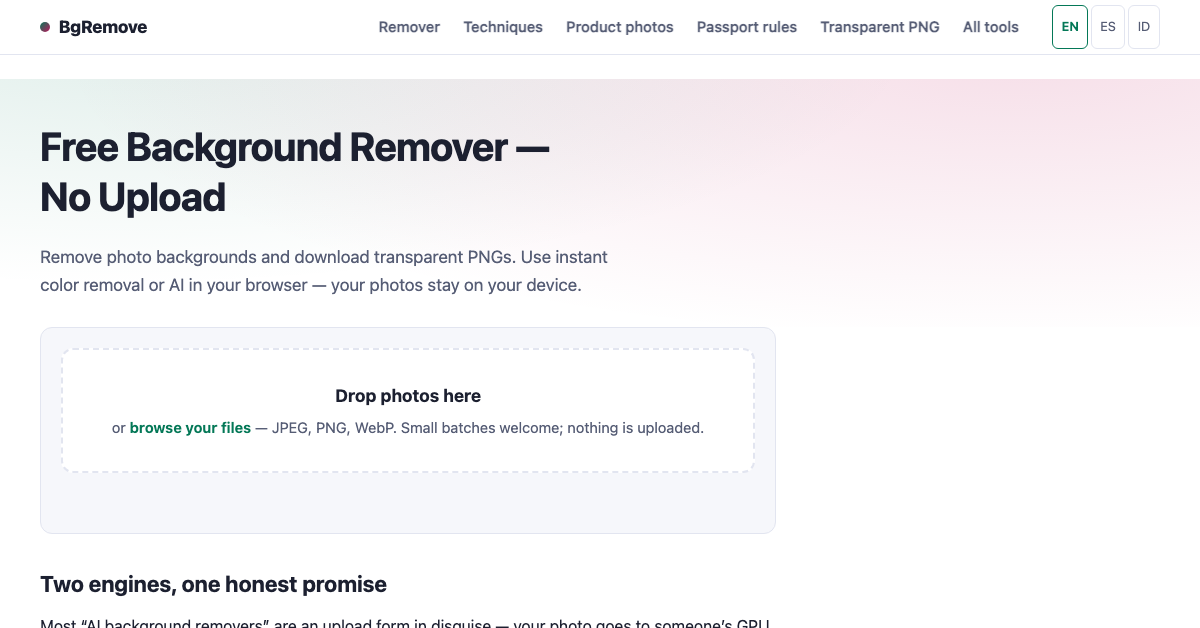
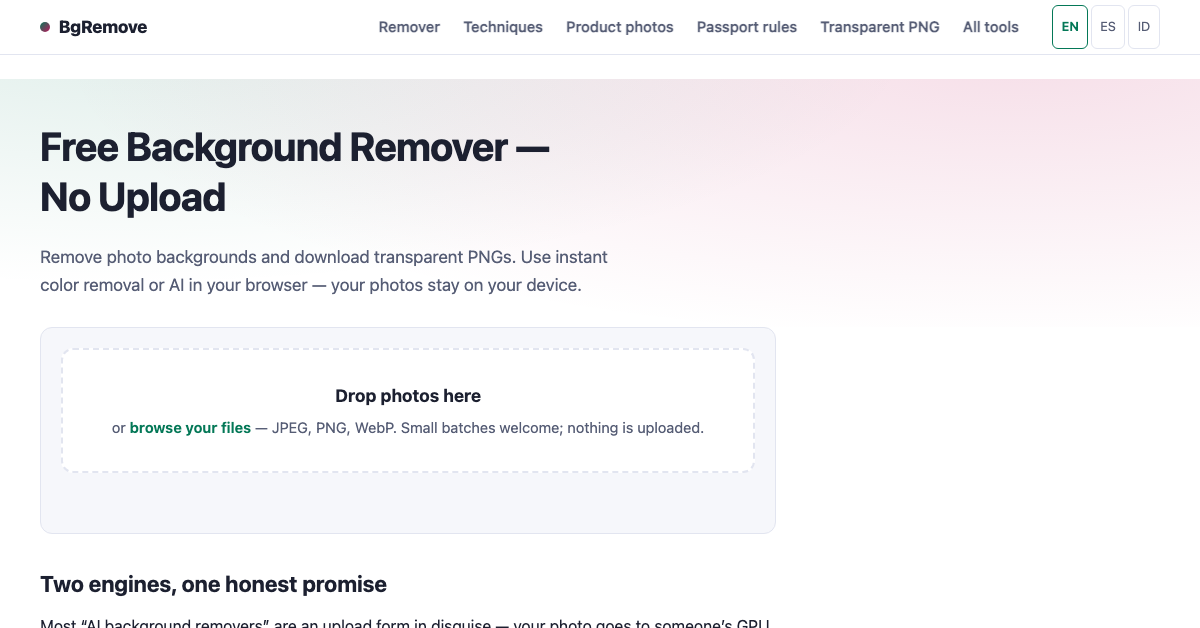
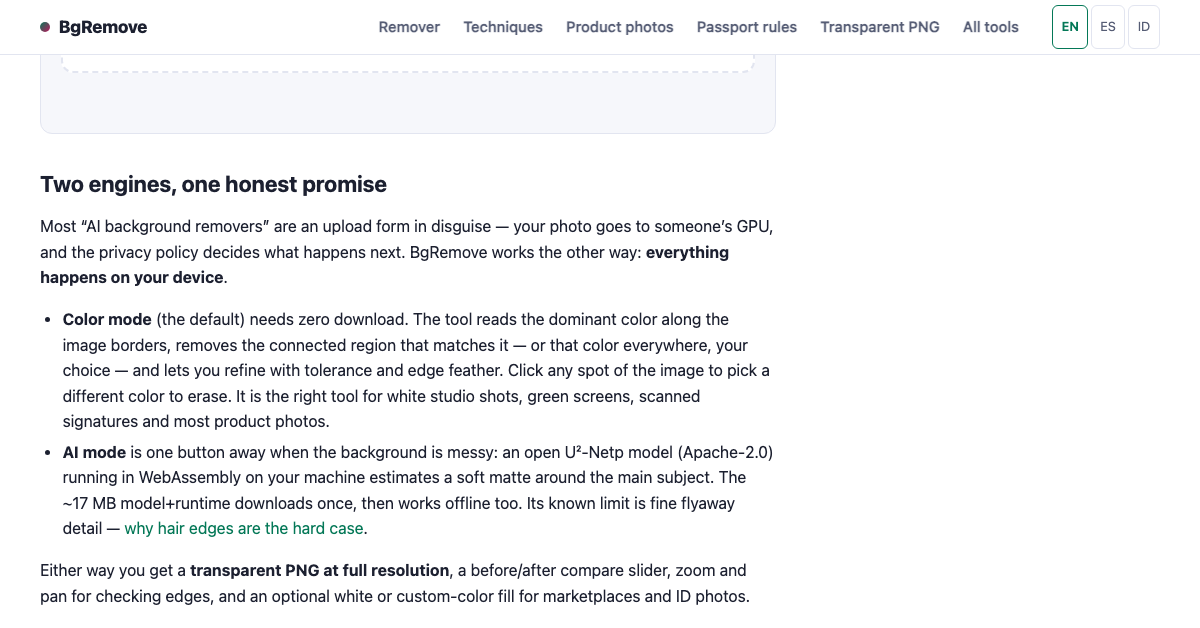
Remove image backgrounds right in your browser: instant color-range eraser plus an optional on-device AI model. Adjust edge feathering, pick a new background, export transparent PNG. English, Spanish and Indonesian. No upload, no account.
Features
- Click-to-erase color-range remover
- Optional ~17MB on-device AI model
- Edge feathering and refinement
- Solid or transparent background fill
- Transparent PNG export
- EN / ES / ID locales
- Free, no account, nothing uploaded
Use Cases
- Cut out products for listings
- Make transparent avatars and stickers
- Prep passport/ID photos on a solid background
- Remove backgrounds where upload is not allowed
- Quick edits without installing an editor

Comments


Doing the cut-out on-device is a real advantage for passport and ID photos, where uploading to a random server is the last thing people want. Is the ~17MB model cached after the first load, so the second visit works offline? And does the color-range eraser handle hair edges well enough on its own, or is the AI model the better default for portraits?

I uploaded an image and the background was removed, but I could only see the button "Remove with AI". It lead to confusion because I could clearly see that the background was already gone. Maybe move the download button up and have "remove with AI" as an option when the user is not pleased with the first result.


Two engines with clear trade-offs is honest positioning — the instant color-range eraser for clean studio shots and the on-device AI model for hair and messy edges. How does the AI model handle fine hair against a busy background, and can you run a batch of product photos through with the same settings?
Congrats on the launch! The passport and ID photo angle is what caught my eye — the use case list even mentions prepping photos on a solid background, which is a genuinely useful niche most background removers ignore. I also like that the AI model is optional and runs on-device rather than forcing an upload. One thing I'd love to know: can it process a small batch of product photos in one go, or is it one image at a time? And how does the edge feathering hold up on fine hair against a busy background? Free with no account and nothing uploaded is a strong combo.

Two engines with clear trade-offs is honest positioning — the instant color-range eraser for clean studio backgrounds, and the on-device AI for hair and tricky edges. The passport/ID photo angle is what caught my eye, since uploading an ID photo to a random server is a non-starter. Does the AI model stay cached in the browser after the first download, or does it re-download on each visit?
Premium Products







































Sponsors
Buy
Makers
Makers
Comments
Doing the cut-out on-device is a real advantage for passport and ID photos, where uploading to a random server is the last thing people want. Is the ~17MB model cached after the first load, so the second visit works offline? And does the color-range eraser handle hair edges well enough on its own, or is the AI model the better default for portraits?
I uploaded an image and the background was removed, but I could only see the button "Remove with AI". It lead to confusion because I could clearly see that the background was already gone. Maybe move the download button up and have "remove with AI" as an option when the user is not pleased with the first result.
Two engines with clear trade-offs is honest positioning — the instant color-range eraser for clean studio shots and the on-device AI model for hair and messy edges. How does the AI model handle fine hair against a busy background, and can you run a batch of product photos through with the same settings?
Congrats on the launch! The passport and ID photo angle is what caught my eye — the use case list even mentions prepping photos on a solid background, which is a genuinely useful niche most background removers ignore. I also like that the AI model is optional and runs on-device rather than forcing an upload. One thing I'd love to know: can it process a small batch of product photos in one go, or is it one image at a time? And how does the edge feathering hold up on fine hair against a busy background? Free with no account and nothing uploaded is a strong combo.
Two engines with clear trade-offs is honest positioning — the instant color-range eraser for clean studio backgrounds, and the on-device AI for hair and tricky edges. The passport/ID photo angle is what caught my eye, since uploading an ID photo to a random server is a non-starter. Does the AI model stay cached in the browser after the first download, or does it re-download on each visit?
Premium Products
New to Fazier?

Find your next favorite product or submit your own. Made by @FalakDigital.
Copyright ©2026. All Rights Reserved