
BG removal
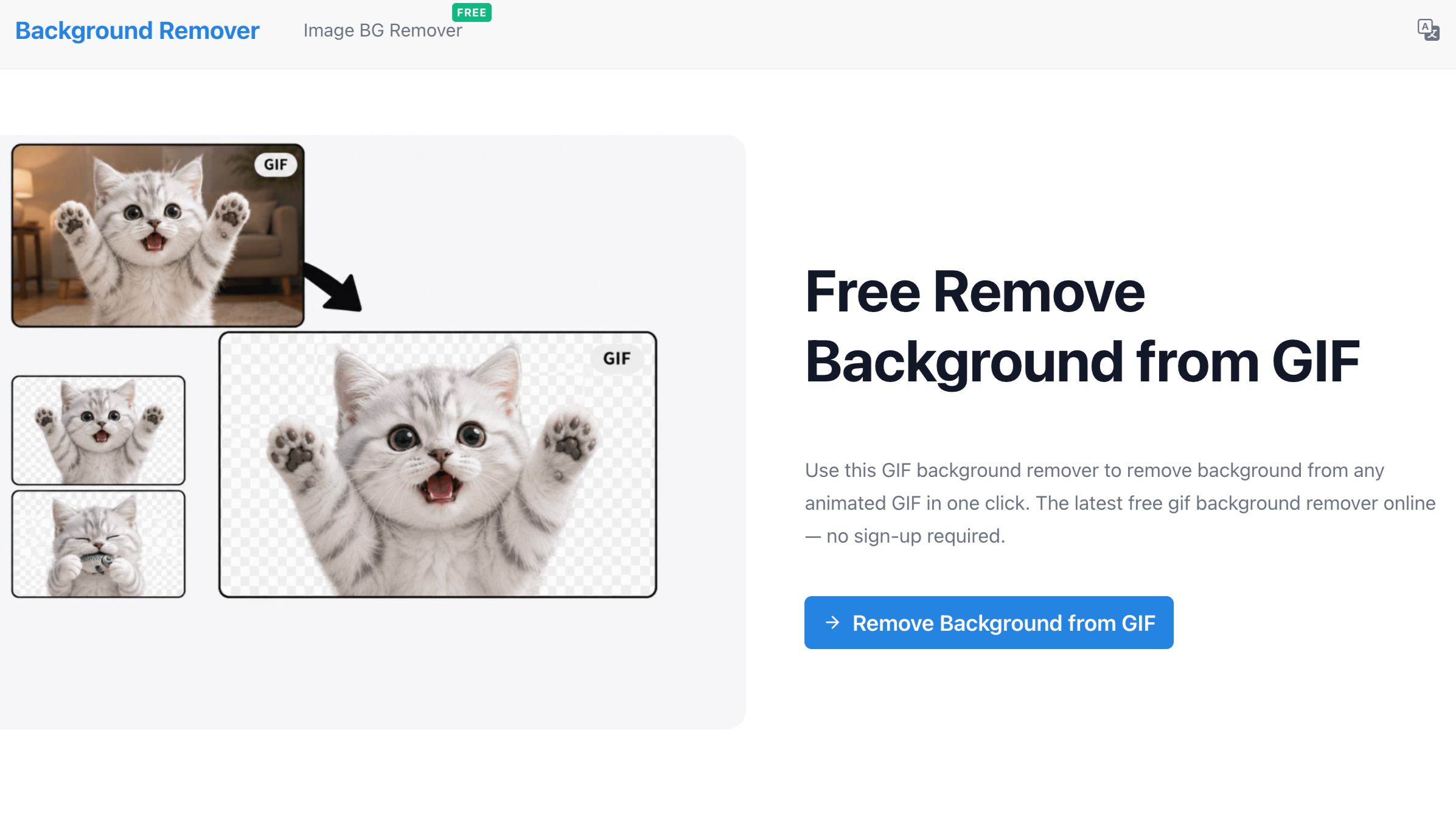
Effortless AI-powered GIF background removal.
Features
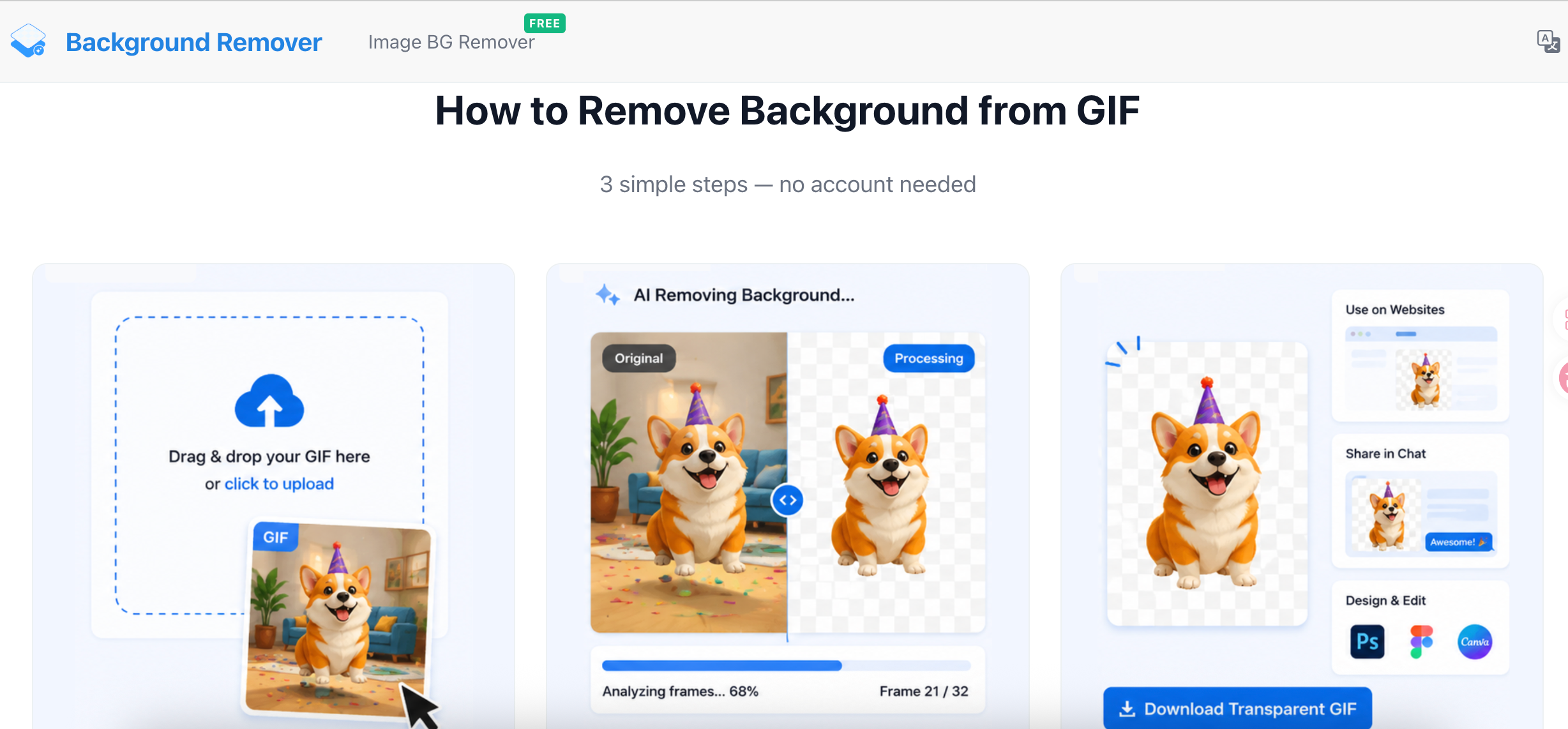
One-Click AI Removal: Instantly detect and remove backgrounds without manual masking.
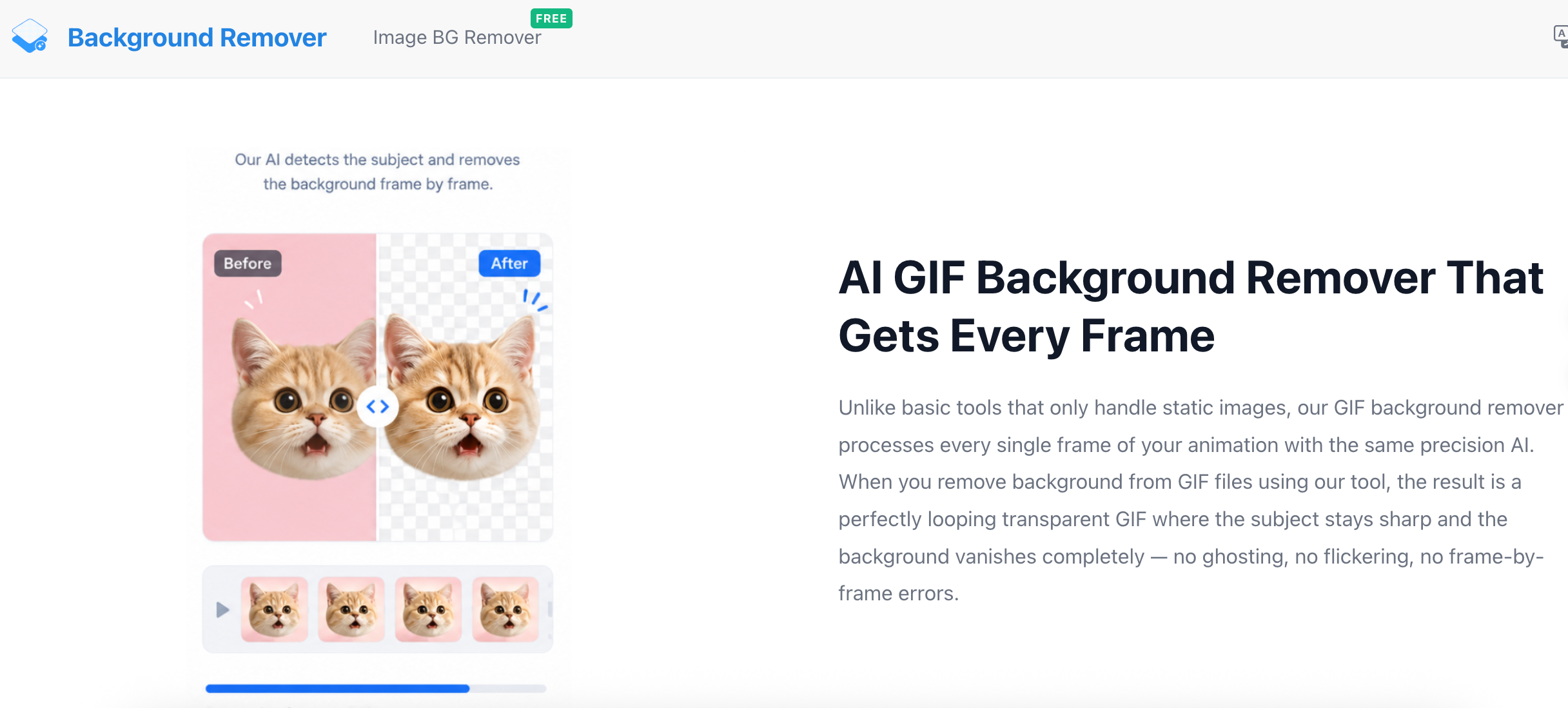
Frame-by-Frame Precision: High-speed AI processing ensures consistency across every frame of the animation.
Edge Smoothing: Advanced edge detection to handle complex details like hair or transparent effects.
Multiple Export Options: Export as high-quality transparent GIFs or MP4s with custom backgrounds.
Batch Processing: Upload and process multiple GIFs simultaneously to save time.
Use Cases
Meme Creation: Quickly turn your favorite video clips into transparent stickers for social media.
E-commerce: Create clean, background-free product animations for shopify or landing pages.
UI/UX Design: Integrate animated icons and elements into web or app prototypes seamlessly.
Social Media Marketing: Enhance Instagram Stories or Twitter posts with professional-looking overlay GIFs.
Content Creation: Easily add character animations to video projects without green screens.

Comments


"As someone who spends hours building Google Slides, GIFs are a lifesaver for storytelling—but messy backgrounds always ruin the professional look. This AI tool is a game-changer! It literally saves me from the 'Photoshop frame-by-frame' nightmare. Now I can drop transparent, clean animations directly into my decks in seconds. Total productivity hack for presenters!"——lucy

GIF background removal is a genuinely underserved use case — most tools handle static images well but struggle with animated frames. The edge handling on complex GIFs with semi-transparent elements must be tricky. Does it maintain frame-by-frame consistency when the subject moves significantly between frames?


GIF background removal is genuinely harder than static image removal — most tools fall apart when there's motion blur or semi-transparent elements across frames. The frame-by-frame consistency you mention is the real technical challenge here. Two questions: how does it handle GIFs where the subject overlaps with a similarly-coloured background? And does the exported transparent GIF preserve the original frame timing and loop count, or does that get reset during processing?

Premium Products










































Sponsors
Buy

Awards
View all
Awards
View allComments
"As someone who spends hours building Google Slides, GIFs are a lifesaver for storytelling—but messy backgrounds always ruin the professional look. This AI tool is a game-changer! It literally saves me from the 'Photoshop frame-by-frame' nightmare. Now I can drop transparent, clean animations directly into my decks in seconds. Total productivity hack for presenters!"——lucy
GIF background removal is a genuinely underserved use case — most tools handle static images well but struggle with animated frames. The edge handling on complex GIFs with semi-transparent elements must be tricky. Does it maintain frame-by-frame consistency when the subject moves significantly between frames?
GIF background removal is genuinely harder than static image removal — most tools fall apart when there's motion blur or semi-transparent elements across frames. The frame-by-frame consistency you mention is the real technical challenge here. Two questions: how does it handle GIFs where the subject overlaps with a similarly-coloured background? And does the exported transparent GIF preserve the original frame timing and loop count, or does that get reset during processing?
Premium Products
New to Fazier?

Find your next favorite product or submit your own. Made by @FalakDigital.
Copyright ©2026. All Rights Reserved