
BatchCrunch
Compress & resize media in your browser — nothing uploaded.
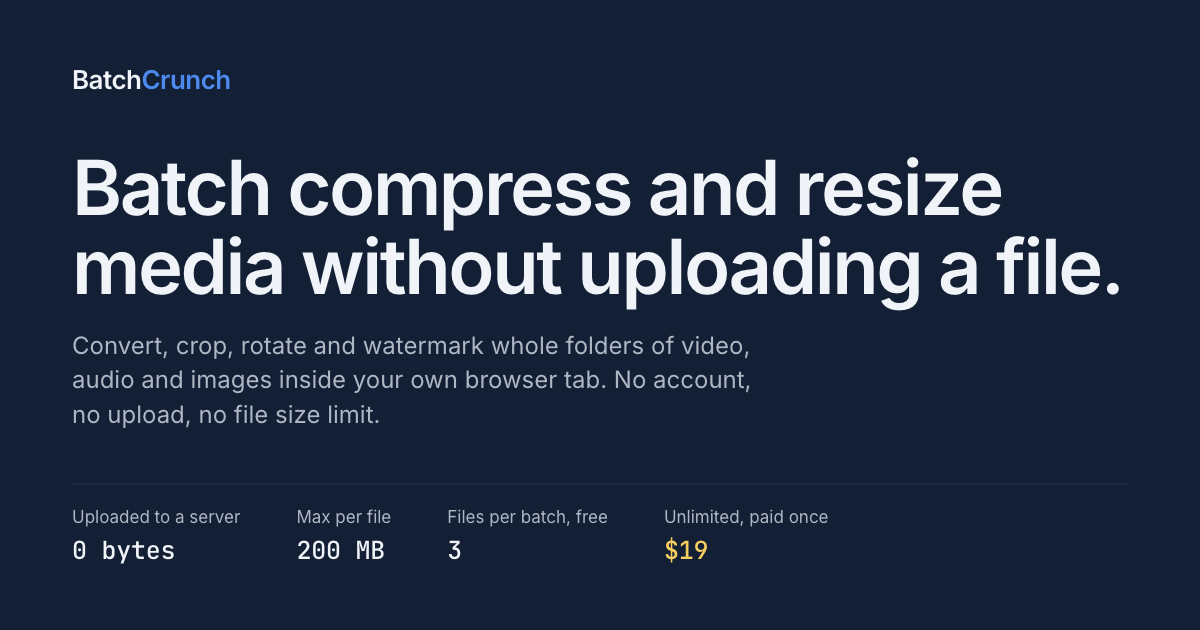
BatchCrunch processes folders of video, audio and image files entirely inside your browser tab. It is ffmpeg compiled to WebAssembly, running on your own CPU, so files are never uploaded to a server — no upload size cap and no queue.
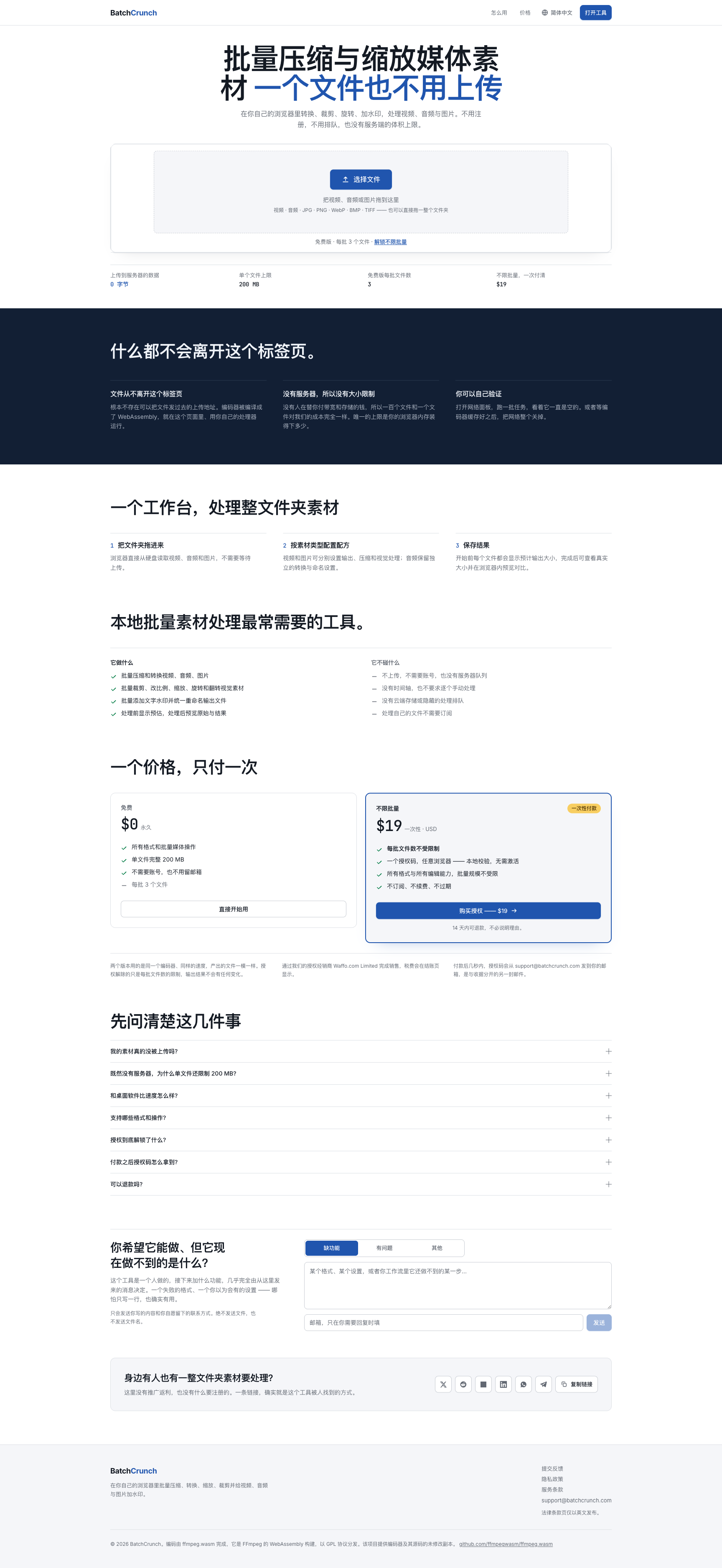
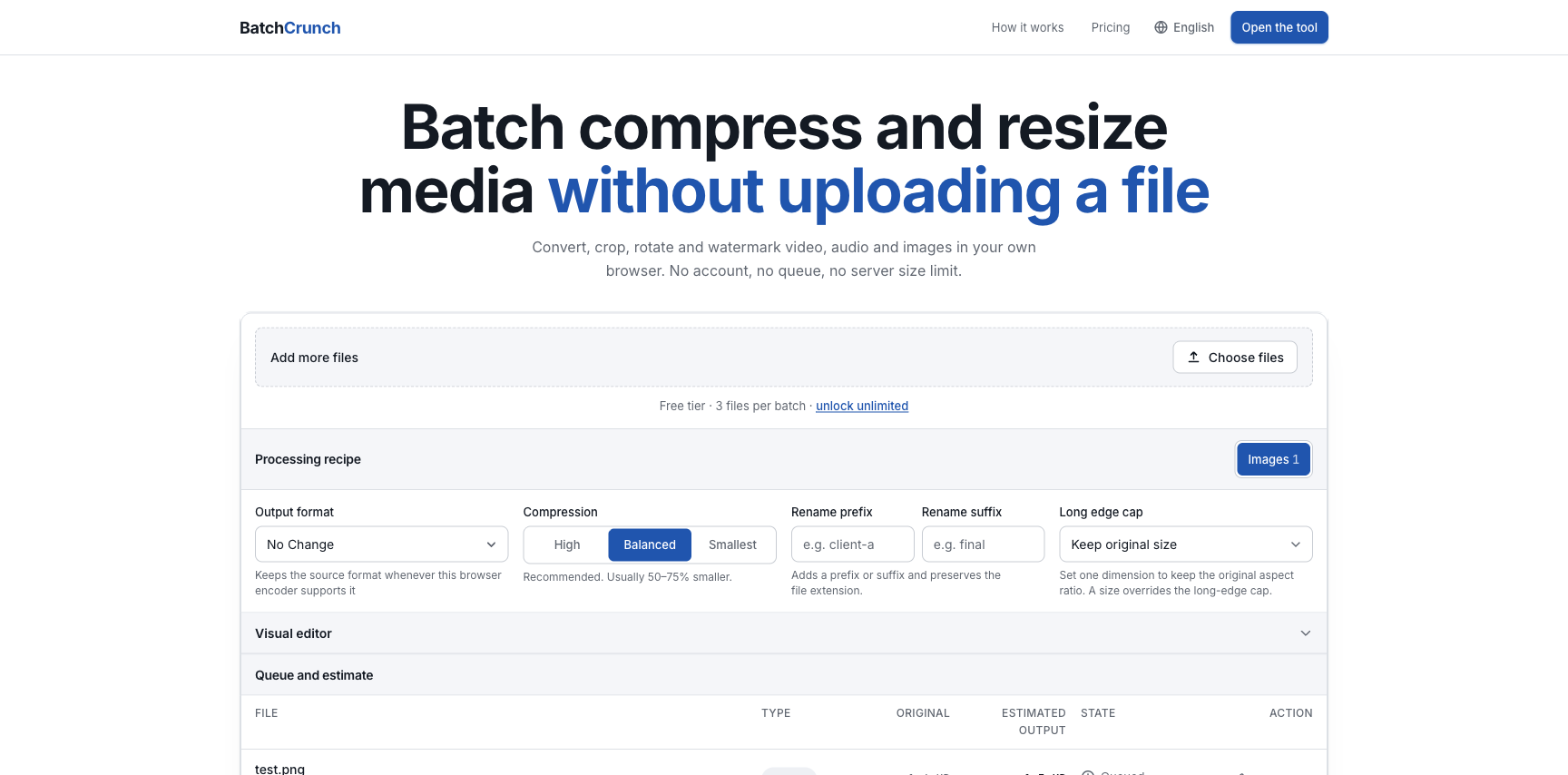
Drop a whole folder and set one recipe per media type: compress, convert, crop, resize, rotate, flip and watermark video, audio and images, then rename outputs. Every file shows an estimated output size before it runs and a side-by-side preview after.
Free for 3 files per batch, no account and no email required. A one-time $19 licence removes the batch limit and changes nothing else.

Features
Compress, convert, resize, crop, rotate, flip and watermark video, audio and images in one batch
No upload size cap and no queue — files never leave the tab
Per-file size estimate before the run and a side-by-side preview after
Runs offline once the encoder is cached
Free for 3 files per batch; one-time $19 unlocks unlimited batches
Use Cases
Video creators compressing a week of exports before sending them anywhere
Ecommerce teams resizing, cropping and watermarking product photos to one spec
Developers shrinking screen recordings for docs and issues
Anyone whose material cannot be uploaded to a third party — NDA, medical, legal

Comments


Built this because every online converter capped the upload, put the job in a queue, or wanted a subscription — for a folder of client screen recordings none of them worked. ffmpeg now compiles to WebAssembly and runs multithreaded in a tab, so BatchCrunch processes the whole folder on your own CPU. No upload, no account, one-time $19.





The "nothing uploaded" angle is the right call for this category — I went the same route with calculate.at (client-side calculators, no server round-trip for anything). The 3-files-free / $19-unlock split is a clean way to gate batch size without touching the no-upload promise. Curious how big a folder people actually throw at it before hitting the WASM/CPU ceiling on an average laptop?

The "nothing uploaded" angle is the right call for this category — I went the same route with calculate.at (client-side calculators, no server round-trip for anything). The 3-files-free / $19-unlock split is a clean way to gate batch size without touching the no-upload promise. Curious how big a folder people actually throw at it before hitting the WASM/CPU ceiling on an average laptop?

The "estimated output size before it runs" is the detail that stands out — normally you don't know the compressed size until you've actually encoded, so I'm curious whether that's a bitrate heuristic or a quick sample-encode under the hood. Also smart that it runs offline once the encoder is cached; for the NDA/medical use case you list, does it strip EXIF/location metadata from image exports by default, or is that a separate toggle?

Processing everything directly in the browser with zero uploads is a huge privacy win. No file size limits because nothing ever leaves your device—that kind of restriction-free approach makes you wonder why more tools aren’t built this way. And the one-time $19 payment instead of another subscription? Honestly, that’s refreshing.
Processing everything directly in the browser with zero uploads is a huge privacy win. No file size limits because nothing ever leaves your device—that kind of restriction-free approach makes you wonder why more tools aren’t built this way. And the one-time $19 payment instead of another subscription? Honestly, that’s refreshing.


https://indihunt.in/ try thia also it have more fetureswith 1 month off free campains

The per-media recipe plus an output-size estimate before processing stands out for creator workflows. Keeping large client footage local also removes a real upload bottleneck. Can recipes be saved and reused across folders, and if a long WebAssembly encode is interrupted, is there any way to resume the remaining queue without reprocessing completed files?


Keeping ffmpeg in the tab is the same constraint as other browser-only media tools: no upload queue, but you pay for WASM warm-up and RAM. The per-file size estimate before the run is the piece most compressors skip — without it people just hammer quality until the file looks wrong. For an ecommerce watermark plus resize recipe, does the side-by-side preview show the watermark at output resolution, or at source size? That's usually where "looks fine in the tab" diverges from the exported JPEG.

BatchCrunch Your product has strong potential, but I found a few key improvements that could make it even better. I'd love to share my feedback and suggestions—please contact me at [email protected].

Same price and roughly the same model as the thing I sell, which is why I am nosy. One-time 19 works because there is no per-use cost to cover, and with ffmpeg running on the user's own CPU you genuinely have none. The part I have not solved is that a one-time licence turns every future release into unpaid work, and there is no natural moment to charge again that does not feel like a bait and switch. Have you decided where your line is, as in does the licence cover BatchCrunch forever or BatchCrunch 1.x? Also the 3 files free tier is the right call. Enough to prove it works on your own files before paying, which at this price is the only objection that matters.
The per-file size estimate before running is a practical touch: it lets a team decide whether a recipe is worth the CPU time before processing a full folder. One useful addition would be a downloadable recipe preset, so a consistent ecommerce or documentation workflow can be shared without recreating resize, watermark, and naming options by hand.

The recipe-per-media-type idea is what makes this batch-grade instead of another single-file converter. One thing worth documenting: browsers throttle background tabs aggressively — does a long encode keep full speed when the user switches tabs mid-batch, or do you use a worker/wake-lock to keep the pipeline hot?

The per-file size estimate before the run is the detail that sells this — it's what stops you doing a 40-file batch twice. One preset suggestion from our own numbers: we moved a set of marketing stills from PNG to WebP q92 and went from 13.8 MB to 968 KB with no visible difference. That's probably the recipe most people would leave selected for images. The counterpart trap is that a few upload targets still reject WebP outright, so a one-click "same recipe, JPEG out" would save redoing the whole batch when you hit one.


The per-file size estimate before the run is the feature that sold me — most compressors make you run the whole batch to find out it wasn't worth it. I render batches of app store screenshots client-side, so genuine question: how do you handle memory on big video batches? Safari in particular has bitten me with canvas/ArrayBuffer limits long before Chrome complains. Is the encoder wasm ffmpeg under the hood, and does "runs offline once cached" mean the whole codec set ships up front, or lazily per format?
Premium Products

































Sponsors
Buy

Awards
View all
Awards
View allMakers
Makers
Comments
Built this because every online converter capped the upload, put the job in a queue, or wanted a subscription — for a folder of client screen recordings none of them worked. ffmpeg now compiles to WebAssembly and runs multithreaded in a tab, so BatchCrunch processes the whole folder on your own CPU. No upload, no account, one-time $19.
The "nothing uploaded" angle is the right call for this category — I went the same route with calculate.at (client-side calculators, no server round-trip for anything). The 3-files-free / $19-unlock split is a clean way to gate batch size without touching the no-upload promise. Curious how big a folder people actually throw at it before hitting the WASM/CPU ceiling on an average laptop?
The "nothing uploaded" angle is the right call for this category — I went the same route with calculate.at (client-side calculators, no server round-trip for anything). The 3-files-free / $19-unlock split is a clean way to gate batch size without touching the no-upload promise. Curious how big a folder people actually throw at it before hitting the WASM/CPU ceiling on an average laptop?
The "estimated output size before it runs" is the detail that stands out — normally you don't know the compressed size until you've actually encoded, so I'm curious whether that's a bitrate heuristic or a quick sample-encode under the hood. Also smart that it runs offline once the encoder is cached; for the NDA/medical use case you list, does it strip EXIF/location metadata from image exports by default, or is that a separate toggle?
Processing everything directly in the browser with zero uploads is a huge privacy win. No file size limits because nothing ever leaves your device—that kind of restriction-free approach makes you wonder why more tools aren’t built this way. And the one-time $19 payment instead of another subscription? Honestly, that’s refreshing.
Processing everything directly in the browser with zero uploads is a huge privacy win. No file size limits because nothing ever leaves your device—that kind of restriction-free approach makes you wonder why more tools aren’t built this way. And the one-time $19 payment instead of another subscription? Honestly, that’s refreshing.
https://indihunt.in/ try thia also it have more fetureswith 1 month off free campains
The per-media recipe plus an output-size estimate before processing stands out for creator workflows. Keeping large client footage local also removes a real upload bottleneck. Can recipes be saved and reused across folders, and if a long WebAssembly encode is interrupted, is there any way to resume the remaining queue without reprocessing completed files?
Keeping ffmpeg in the tab is the same constraint as other browser-only media tools: no upload queue, but you pay for WASM warm-up and RAM. The per-file size estimate before the run is the piece most compressors skip — without it people just hammer quality until the file looks wrong. For an ecommerce watermark plus resize recipe, does the side-by-side preview show the watermark at output resolution, or at source size? That's usually where "looks fine in the tab" diverges from the exported JPEG.
BatchCrunch Your product has strong potential, but I found a few key improvements that could make it even better. I'd love to share my feedback and suggestions—please contact me at [email protected].
Same price and roughly the same model as the thing I sell, which is why I am nosy. One-time 19 works because there is no per-use cost to cover, and with ffmpeg running on the user's own CPU you genuinely have none. The part I have not solved is that a one-time licence turns every future release into unpaid work, and there is no natural moment to charge again that does not feel like a bait and switch. Have you decided where your line is, as in does the licence cover BatchCrunch forever or BatchCrunch 1.x? Also the 3 files free tier is the right call. Enough to prove it works on your own files before paying, which at this price is the only objection that matters.
The per-file size estimate before running is a practical touch: it lets a team decide whether a recipe is worth the CPU time before processing a full folder. One useful addition would be a downloadable recipe preset, so a consistent ecommerce or documentation workflow can be shared without recreating resize, watermark, and naming options by hand.
The recipe-per-media-type idea is what makes this batch-grade instead of another single-file converter. One thing worth documenting: browsers throttle background tabs aggressively — does a long encode keep full speed when the user switches tabs mid-batch, or do you use a worker/wake-lock to keep the pipeline hot?
The per-file size estimate before the run is the detail that sells this — it's what stops you doing a 40-file batch twice. One preset suggestion from our own numbers: we moved a set of marketing stills from PNG to WebP q92 and went from 13.8 MB to 968 KB with no visible difference. That's probably the recipe most people would leave selected for images. The counterpart trap is that a few upload targets still reject WebP outright, so a one-click "same recipe, JPEG out" would save redoing the whole batch when you hit one.
The per-file size estimate before the run is the feature that sold me — most compressors make you run the whole batch to find out it wasn't worth it. I render batches of app store screenshots client-side, so genuine question: how do you handle memory on big video batches? Safari in particular has bitten me with canvas/ArrayBuffer limits long before Chrome complains. Is the encoder wasm ffmpeg under the hood, and does "runs offline once cached" mean the whole codec set ships up front, or lazily per format?
Premium Products
New to Fazier?

Find your next favorite product or submit your own. Made by @FalakDigital.
Copyright ©2026. All Rights Reserved