
Banana Editor
Gemini 3.0 Pro AI photo editor with granular inpainting
Banana Editor — Nano Banana Pro Image Editor (Gemini 3.0 Pro)
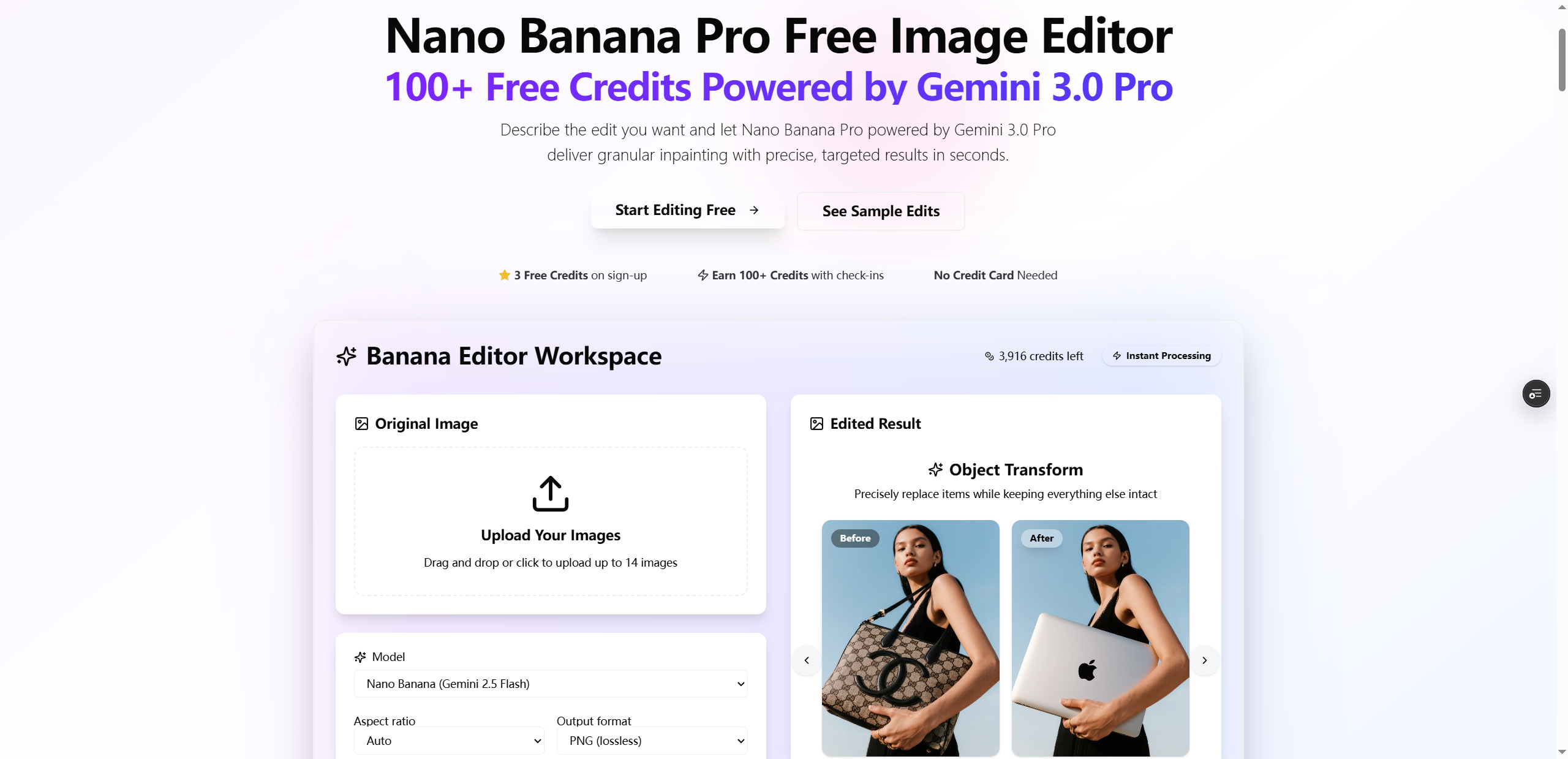
Banana Editor is a professional AI-powered photo editor built for granular, pixel-level edits using Gemini 3.0 Pro (Nano Banana Pro). Upload a portrait, product shot, or interior scene, describe what to change (and what to preserve), and get photoreal results in seconds—no complex software required.
Features
- Background / scene swaps with lighting-aware results
- Object, prop & wardrobe edits while keeping identity consistent
- Lighting direction and realistic relighting
- Prompt templates for repeatable, production-ready workflows
- Batch-friendly editing for faster iteration
Use Cases
- Faster campaign refreshes and catalog updates
- Consistent faces/products/logos across iterations
- Great for content teams, ecommerce, interiors, and film/VFX previz

Comments


I built Banana Editor because I wanted “Photoshop‑level results” without the Photoshop learning curve. I was prototyping campaigns and product shots and kept bouncing between heavy tools, messy prompts, and inconsistent outputs, so I turned the workflow into one simple loop: upload an image, describe what to change (and what to keep), then iterate until it’s production‑ready. Behind the scenes, Banana Editor is designed around granular inpainting and repeatable prompt templates so creators and small teams can refresh backgrounds, swap props/wardrobe, relight scenes, and export high‑res edits fast — without reshoots. If you try it, I’d love feedback on two things: 1.Which edits do you need most (ecommerce, social, interiors, VFX)? 2.What would make results feel more “locked” and reliable for your workflow?


Premium Products







































Sponsors
Buy
Awards
View all
Awards
View allMakers
Makers
Comments
I built Banana Editor because I wanted “Photoshop‑level results” without the Photoshop learning curve. I was prototyping campaigns and product shots and kept bouncing between heavy tools, messy prompts, and inconsistent outputs, so I turned the workflow into one simple loop: upload an image, describe what to change (and what to keep), then iterate until it’s production‑ready. Behind the scenes, Banana Editor is designed around granular inpainting and repeatable prompt templates so creators and small teams can refresh backgrounds, swap props/wardrobe, relight scenes, and export high‑res edits fast — without reshoots. If you try it, I’d love feedback on two things: 1.Which edits do you need most (ecommerce, social, interiors, VFX)? 2.What would make results feel more “locked” and reliable for your workflow?
Premium Products
New to Fazier?

Find your next favorite product or submit your own. Made by @FalakDigital.
Copyright ©2026. All Rights Reserved