
Balanced
Bank statement PDFs → balance-checked Excel + insights
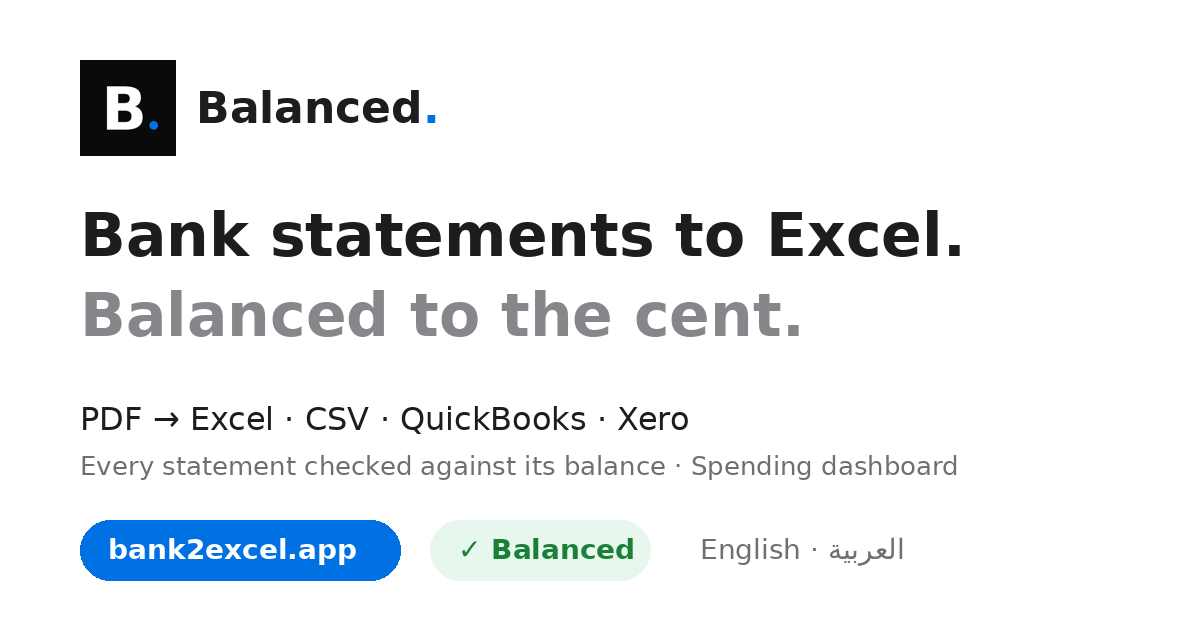
Balanced converts bank statement PDFs into clean Excel, CSV, QuickBooks and Xero files. Every statement is reconciled to its opening and closing balance, or flagged for review. Merge many statements, get a spending dashboard (merchants, categories, monthly cash flow), English and Arabic. Files auto-delete after 24h.
Comments


As a freelancer I spend too long turning bank PDFs into something my accountant can actually use, so the balance-checked reconciliation is the part that stands out — flagging statements that don't tie to the opening and closing balance would save real back-and-forth. Two questions: does the spending dashboard let you split a single merchant across categories, and do the QuickBooks/Xero exports keep the original transaction dates intact? The 24-hour auto-delete is a smart trust feature for financial files.

The 24-hour auto-delete is a clear trust feature for bank-statement PDFs. For the opening/closing-balance check and spending dashboard, do those files have to be uploaded to complete reconciliation, or can that run locally — and if a file is uploaded, is any derived insight retained after the original PDF is deleted?
Checking opening and closing balances is the part I'd trust most, since that's where converted statements usually go wrong without anyone noticing. How does it deal with scanned PDFs, or statements that carry balances forward across pages? Does a discrepancy point to the page where the totals stopped matching?

Reconciling every statement against its opening and closing balance is the right trust signal for a converter, since silent parsing errors are what people fear most. How do you handle a statement with a missing page: does it flag the gap before showing any totals? The 24-hour auto-delete is also a strong privacy point that I would surface higher on the page.
Premium Products

















































Makers

Makers
Comments
As a freelancer I spend too long turning bank PDFs into something my accountant can actually use, so the balance-checked reconciliation is the part that stands out — flagging statements that don't tie to the opening and closing balance would save real back-and-forth. Two questions: does the spending dashboard let you split a single merchant across categories, and do the QuickBooks/Xero exports keep the original transaction dates intact? The 24-hour auto-delete is a smart trust feature for financial files.
The 24-hour auto-delete is a clear trust feature for bank-statement PDFs. For the opening/closing-balance check and spending dashboard, do those files have to be uploaded to complete reconciliation, or can that run locally — and if a file is uploaded, is any derived insight retained after the original PDF is deleted?
Checking opening and closing balances is the part I'd trust most, since that's where converted statements usually go wrong without anyone noticing. How does it deal with scanned PDFs, or statements that carry balances forward across pages? Does a discrepancy point to the page where the totals stopped matching?
Reconciling every statement against its opening and closing balance is the right trust signal for a converter, since silent parsing errors are what people fear most. How do you handle a statement with a missing page: does it flag the gap before showing any totals? The 24-hour auto-delete is also a strong privacy point that I would surface higher on the page.
Premium Products
New to Fazier?

Find your next favorite product or submit your own. Made by @FalakDigital.
Copyright ©2026. All Rights Reserved