Launch
Bad Quality Image Maker
Visit
Example Image

Bad Quality Image Maker

low quality image maker

Visit

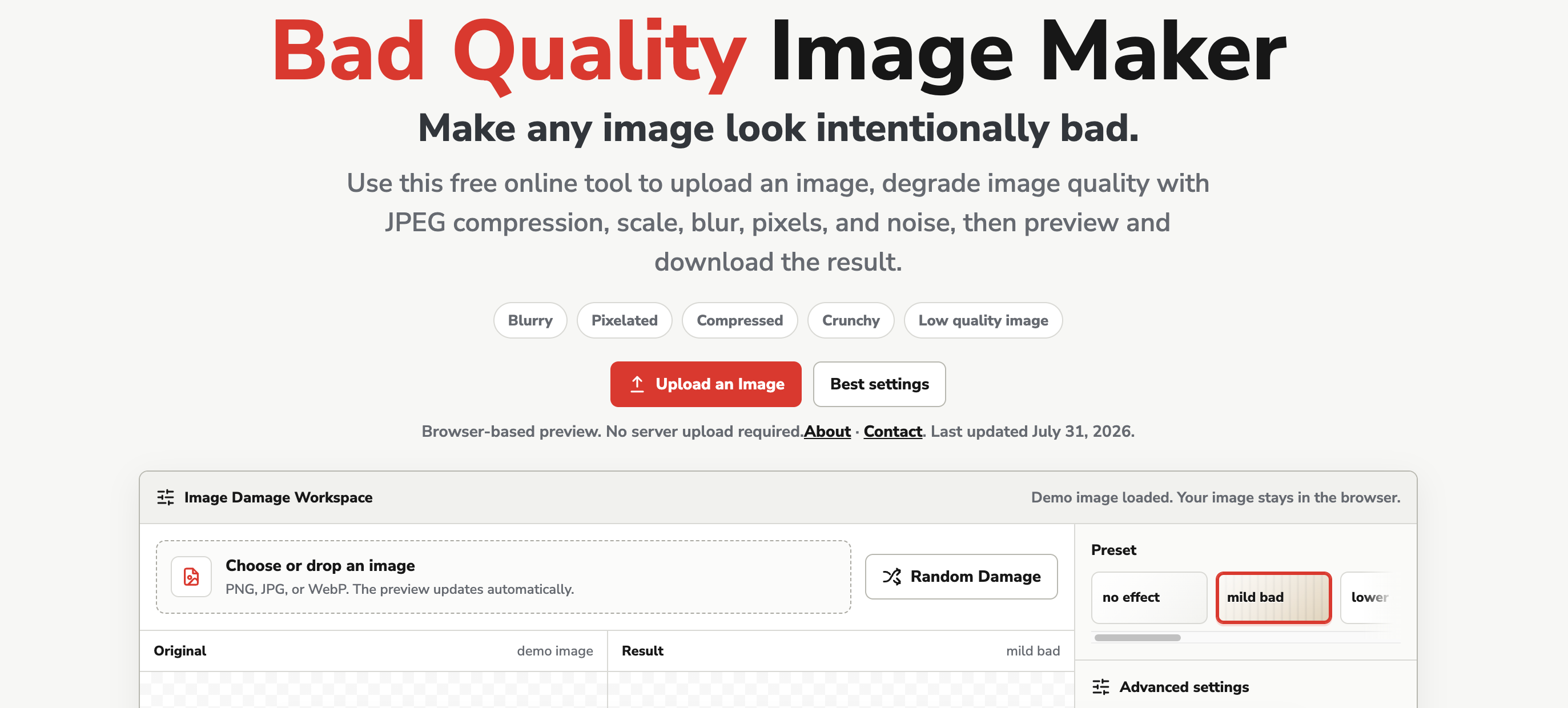
Bad Quality Image Maker is a free browser tool for making high-quality images look deliberately worse. Most image tools try to sharpen, upscale, or clean up — this one does the opposite.


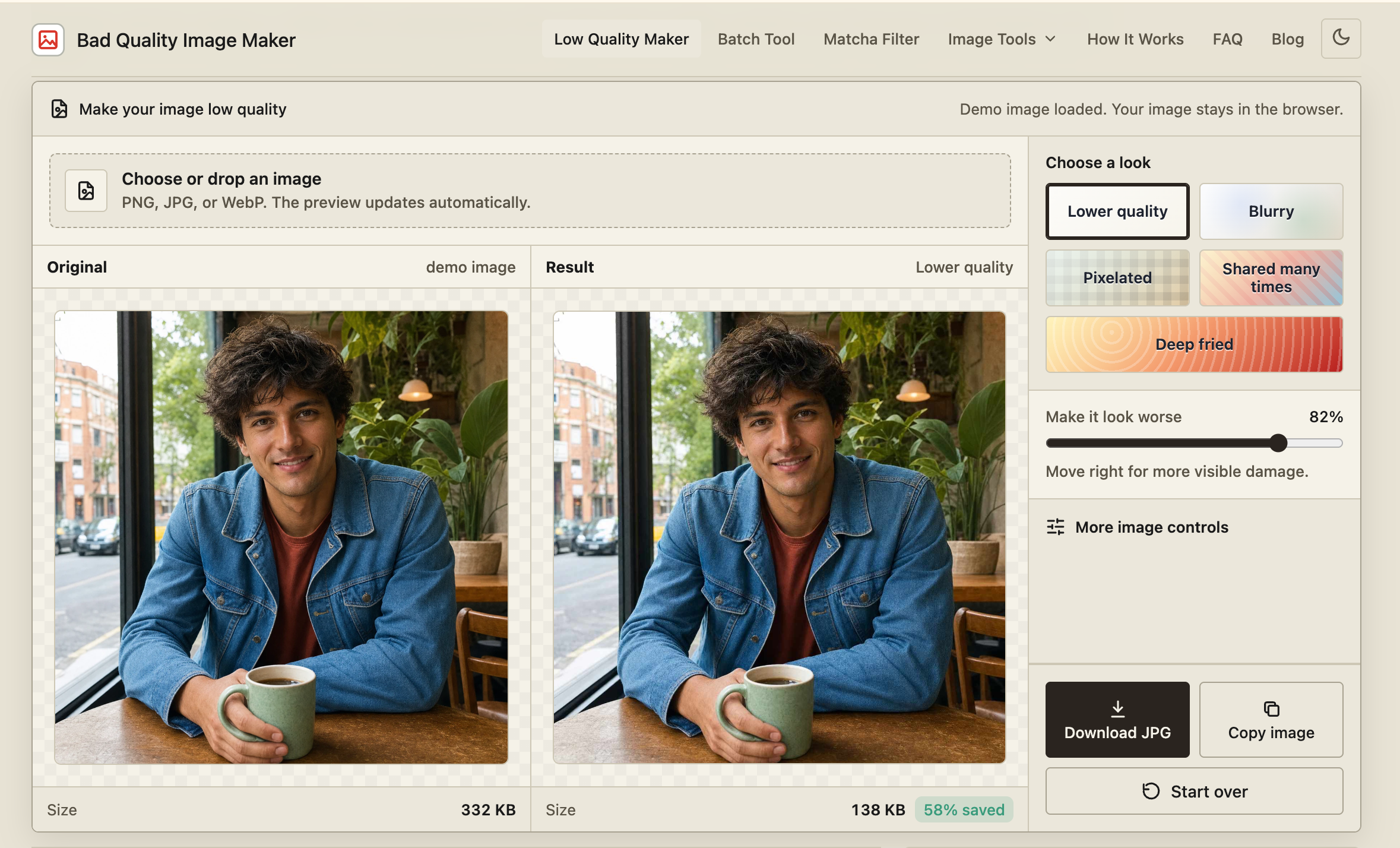
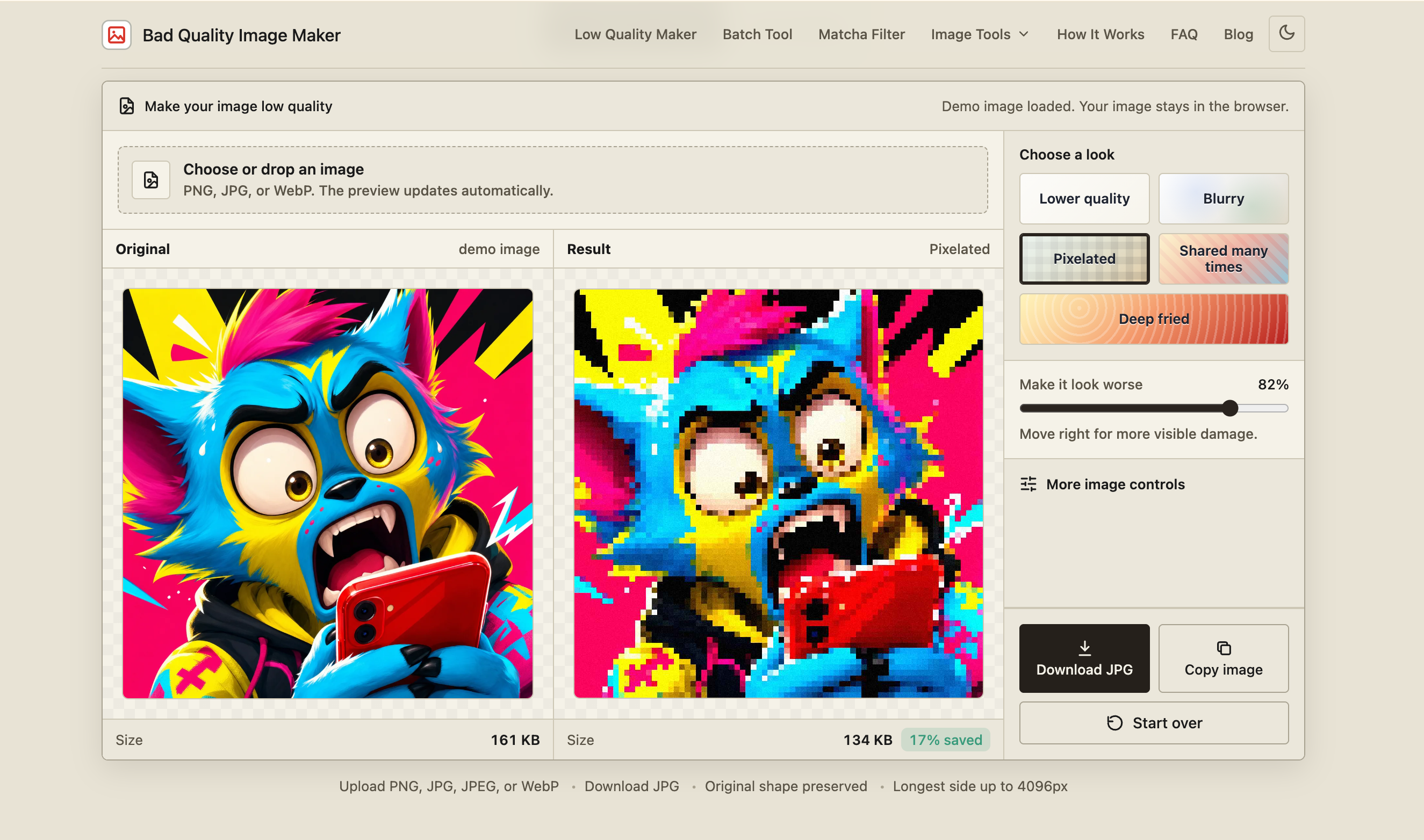
Upload a JPG, PNG, or WebP, choose one of five looks — Lower quality, Blurry, Pixelated, Shared many times, or Deep fried — then adjust a single strength slider until the effect is where you want it. Open the detailed controls when you need to fine-tune JPEG quality, pixel size, blur, saturation, contrast, noise, or output scale.


The tool runs entirely in your browser. There is no account, no watermark, and no upload to a processing server. Close the tab and the image is gone.
Example Image
Example Image
Example Image
Example Image
Example Image

Features

- **Five named looks** — Lower quality, Blurry, Pixelated, Shared many times, Deep fried. Pick a look by name instead of guessing at numbers.

- **One strength slider** — Most images need one control, not ten. Drag it until the damage reads correctly, then stop.

- **Seven detailed controls** — JPEG quality, pixel size, output scale, blur, saturation, contrast, and noise, for when one part of the result is still off.

- **Before-and-after preview** — Original and result side by side, with the file size under each. Stop before the face, caption, or product disappears.

- **Download as JPG** — Straight to a file. No watermark, no account, no "sign up to remove watermark."

Use Cases

A sharp export in a meme thread looks like showing up with a lighting kit.

Comments

well, looks artificial

custom-img
Maker of YesRemoteJobs: Remote job board...

The per-image preview with file size under each version is a useful touch for judging how much damage a look does before downloading. Does the strength slider apply the same way across all five looks, or does each look scale differently?

custom-img
Founder of NexAEO

Making images worse on purpose is a funny niche, and the “Shared many times” preset is a clever one since that exact look is what people try to fake for memes. Did the idea start from a specific meme format, or did you notice people searching for this?

The five named looks are a nice shortcut, since most people don't know what JPEG quality 23 actually looks like. I'd love a 'repeat N times' option for the Shared many times look so the recompression artifacts could be pushed further. Having it all run locally with no watermark is a big plus.

The five named looks are a nice shortcut, since most people don't know what JPEG quality 23 actually looks like. I'd love a 'repeat N times' option for the Shared many times look so the recompression artifacts could be pushed further. Having it all run locally with no watermark is a big plus.

Pixel art is a better term than bad image quality

custom-img
Founder of pleaseopen.me & fanfor.me, sm...

Love that it runs entirely in the browser with no upload. For a throwaway meme edit, that's exactly what I want. The "Deep fried" preset alone will get used a lot. One idea: a few one-click export sizes for common social formats, so the degraded look survives without the platform recompressing it again in some unexpected way. Nice launch!
Video, image and music in one place without a subscription is a smart model. Pay-as-you-go makes it much easier to try. Congrats on the launch!

Premium Products

Comments

well, looks artificial

custom-img
Maker of YesRemoteJobs: Remote job board...

The per-image preview with file size under each version is a useful touch for judging how much damage a look does before downloading. Does the strength slider apply the same way across all five looks, or does each look scale differently?

custom-img
Founder of NexAEO

Making images worse on purpose is a funny niche, and the “Shared many times” preset is a clever one since that exact look is what people try to fake for memes. Did the idea start from a specific meme format, or did you notice people searching for this?

The five named looks are a nice shortcut, since most people don't know what JPEG quality 23 actually looks like. I'd love a 'repeat N times' option for the Shared many times look so the recompression artifacts could be pushed further. Having it all run locally with no watermark is a big plus.

The five named looks are a nice shortcut, since most people don't know what JPEG quality 23 actually looks like. I'd love a 'repeat N times' option for the Shared many times look so the recompression artifacts could be pushed further. Having it all run locally with no watermark is a big plus.


Pixel art is a better term than bad image quality

custom-img
Founder of pleaseopen.me & fanfor.me, sm...

Love that it runs entirely in the browser with no upload. For a throwaway meme edit, that's exactly what I want. The "Deep fried" preset alone will get used a lot. One idea: a few one-click export sizes for common social formats, so the degraded look survives without the platform recompressing it again in some unexpected way. Nice launch!

Video, image and music in one place without a subscription is a smart model. Pay-as-you-go makes it much easier to try. Congrats on the launch!

Premium Products