
Awnsy
Press ⌘C twice to translate. Runs on your Mac, offline
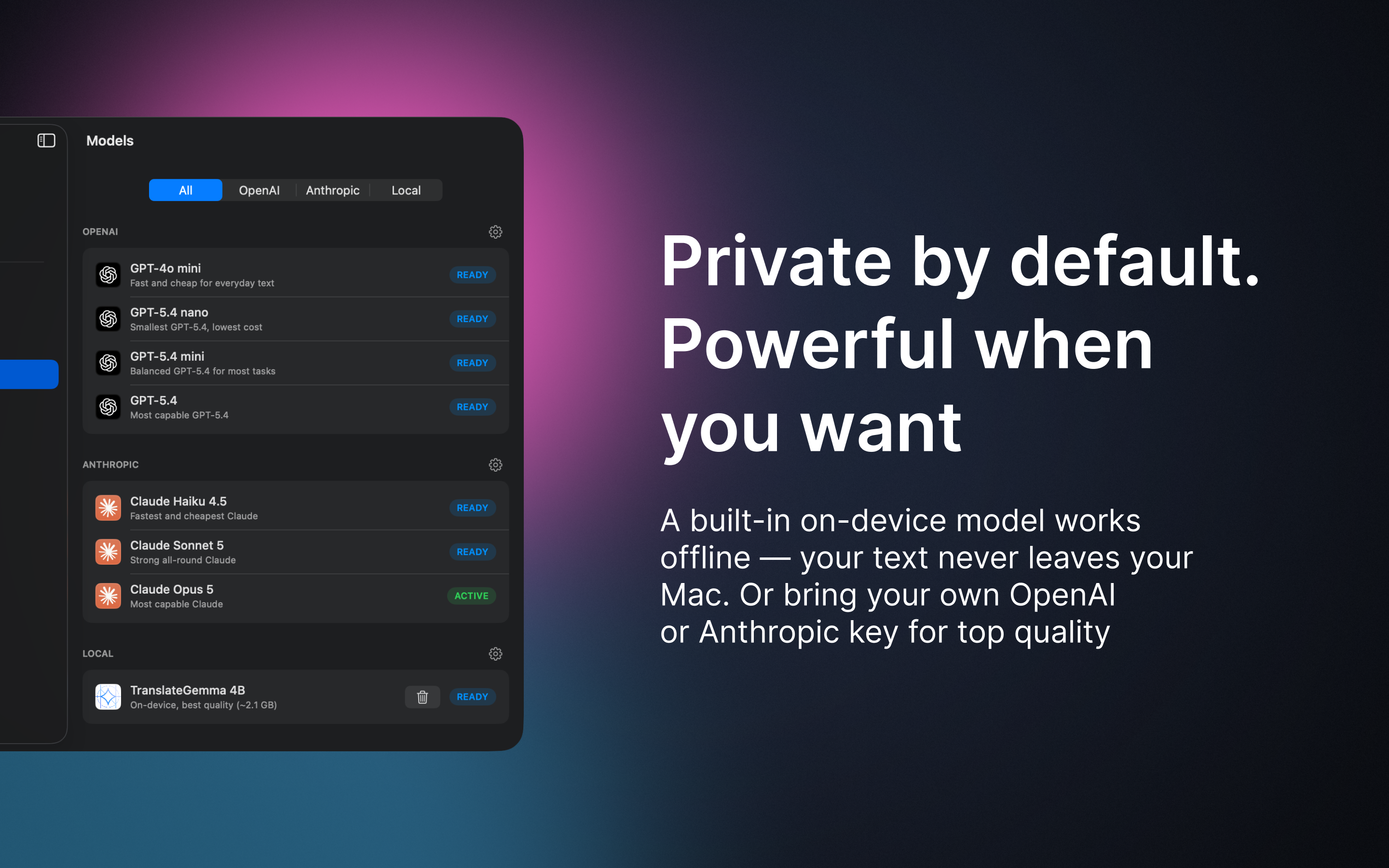
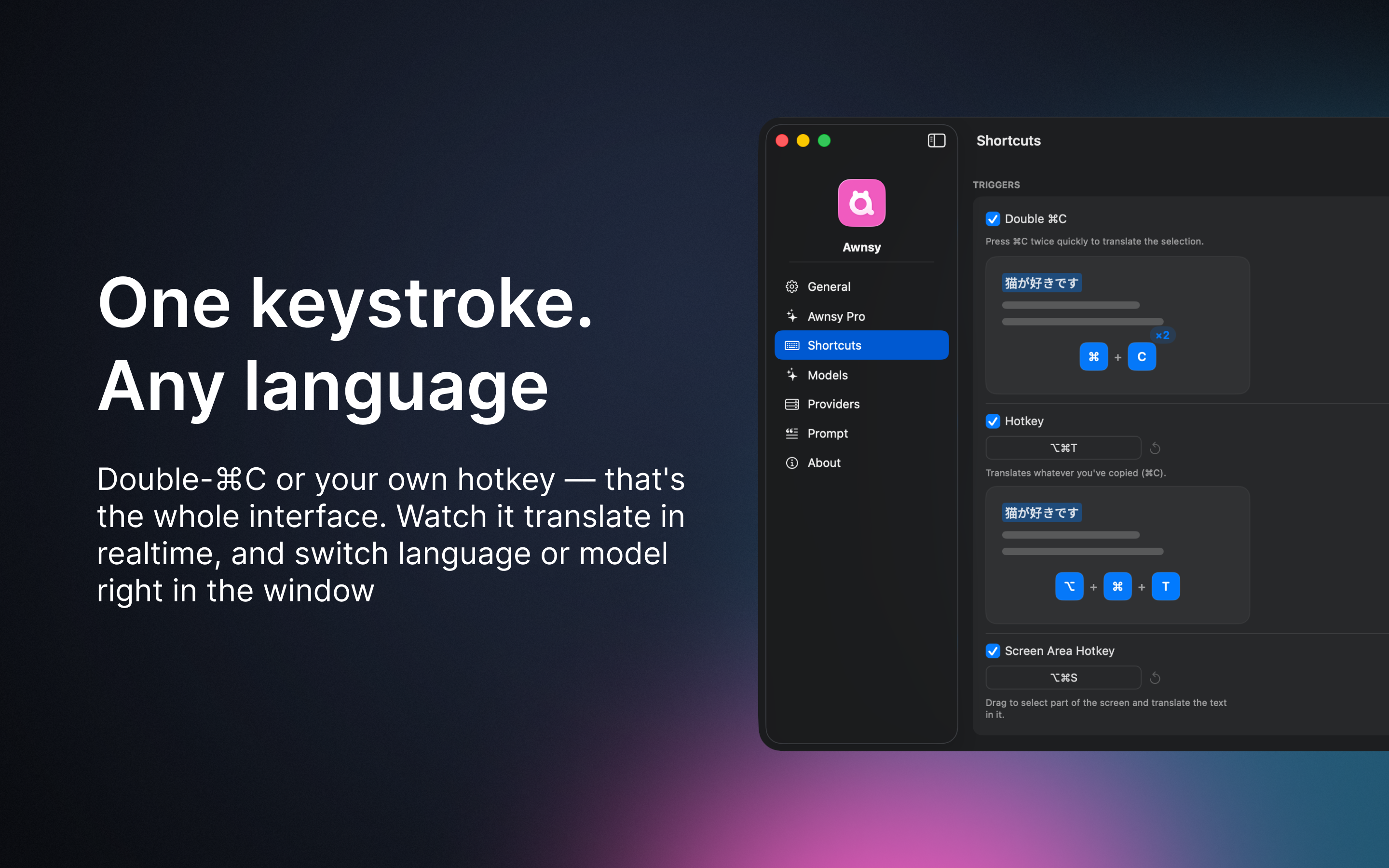
Most translators send your text to a server. Awnsy downloads a translation model inside the app and runs it on your Mac: no account, no key, works offline, nothing leaves the machine. It lives in the menu bar and works in any app: select text, press ⌘C twice, and the translation streams into a popup right there.
Unlike the built-in macOS translation, it also handles text you can't select. Drag a box around an image, a scanned PDF or a video and it translates it. Or bring your own OpenAI key.
Features
- Double ⌘C or a hotkey translates the selection in any app; the result streams in as it is generated
- Screen area translation for images, scanned PDFs and video, with on-device OCR
- On-device translation through MLX: no account, no key, offline, private
- 78 target languages; language and model switchable right in the popup
- Bring your own OpenAI or Anthropic key, or point it at any OpenAI-compatible server
- Reads translations aloud; interface localized into 14 languages
Use Cases
- Reading documentation or PDFs in a language that isn't your native one, without switching to a browser
- Translating text you can't select: images, scanned PDFs, app menus or video
- Translating private or work text that shouldn't leave your Mac
- Translating offline, on a plane or without a network

Comments


I'm Alexey, 15 years in software, first Mac app. I built it because translating meant copy, browser, paste, back, many times a day. Select text in any app, press ⌘C twice, and the translation streams into a popup over it. Can't select it (image, PDF scan)? Drag a box around it. The model runs on your Mac: no account, no key, offline, about a second a sentence on an M1 Air. Or use your own OpenAI key. Text is free, screen area is Pro after 10 tries. Which language do you translate most?
Premium Products






















































Sponsors
Buy

Makers
Makers
Comments
I'm Alexey, 15 years in software, first Mac app. I built it because translating meant copy, browser, paste, back, many times a day. Select text in any app, press ⌘C twice, and the translation streams into a popup over it. Can't select it (image, PDF scan)? Drag a box around it. The model runs on your Mac: no account, no key, offline, about a second a sentence on an M1 Air. Or use your own OpenAI key. Text is free, screen area is Pro after 10 tries. Which language do you translate most?
Premium Products
New to Fazier?

Find your next favorite product or submit your own. Made by @FalakDigital.
Copyright ©2026. All Rights Reserved