
Autokeyworder
AI stock photo keywording that fills your forms too
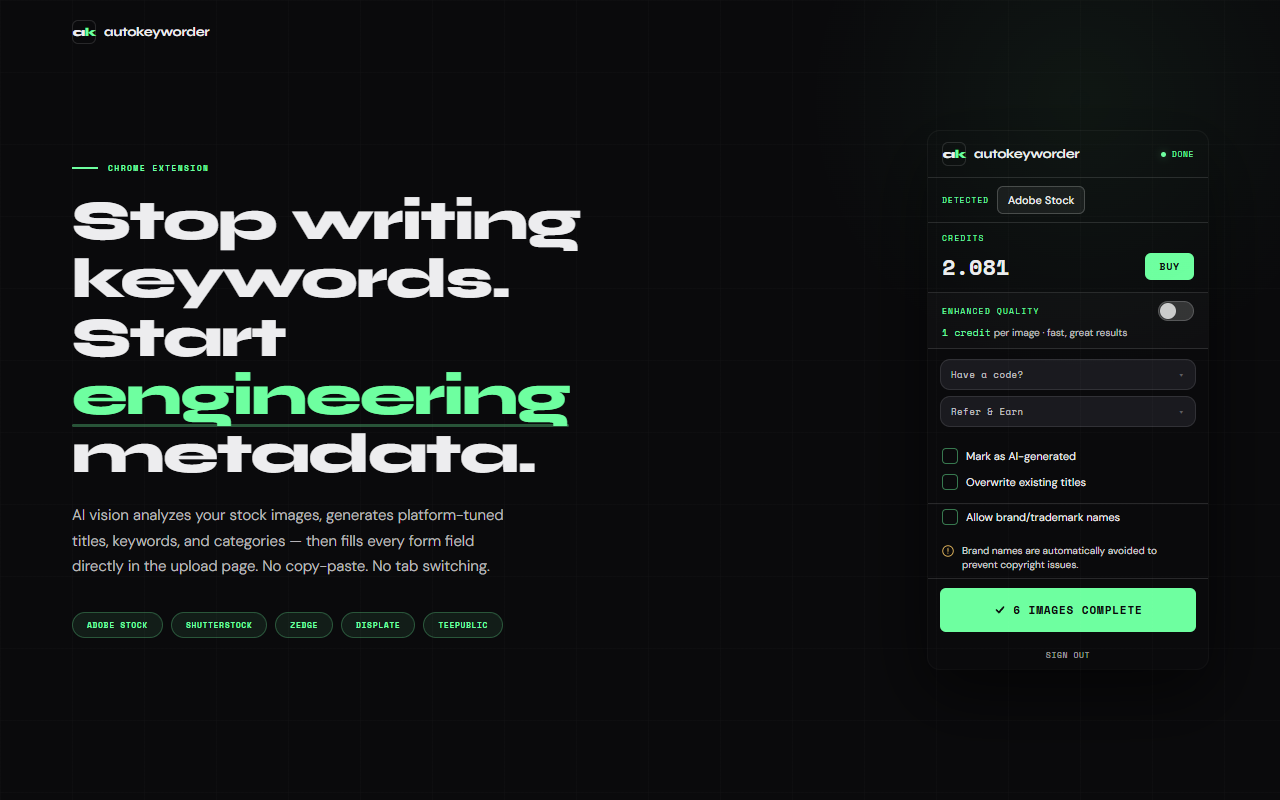
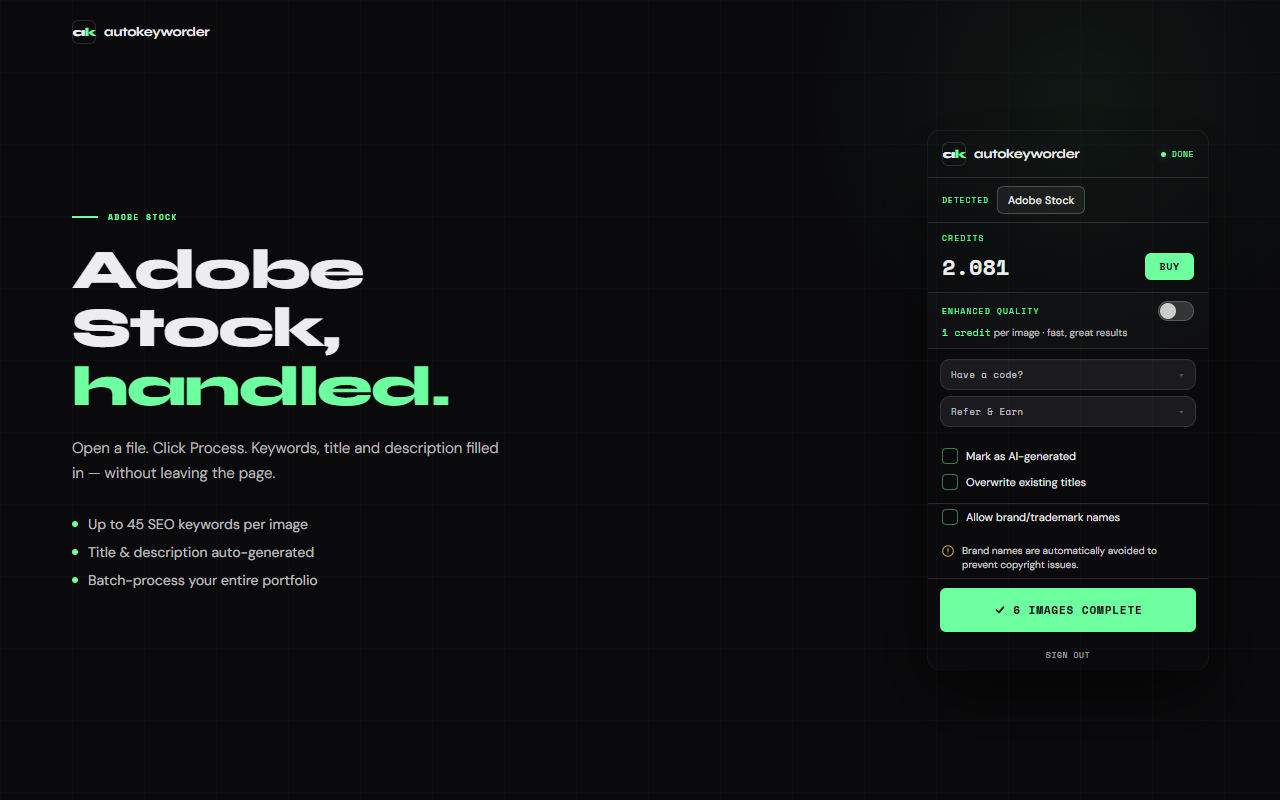
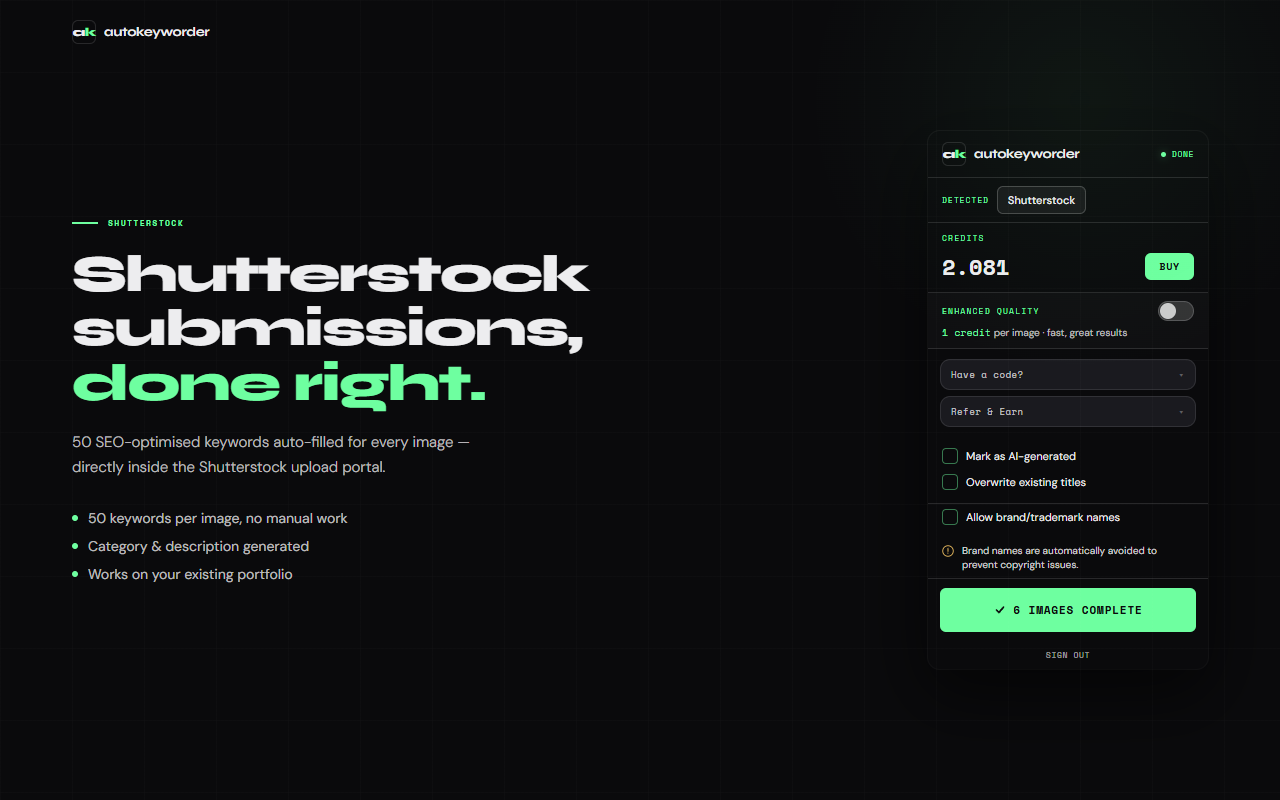
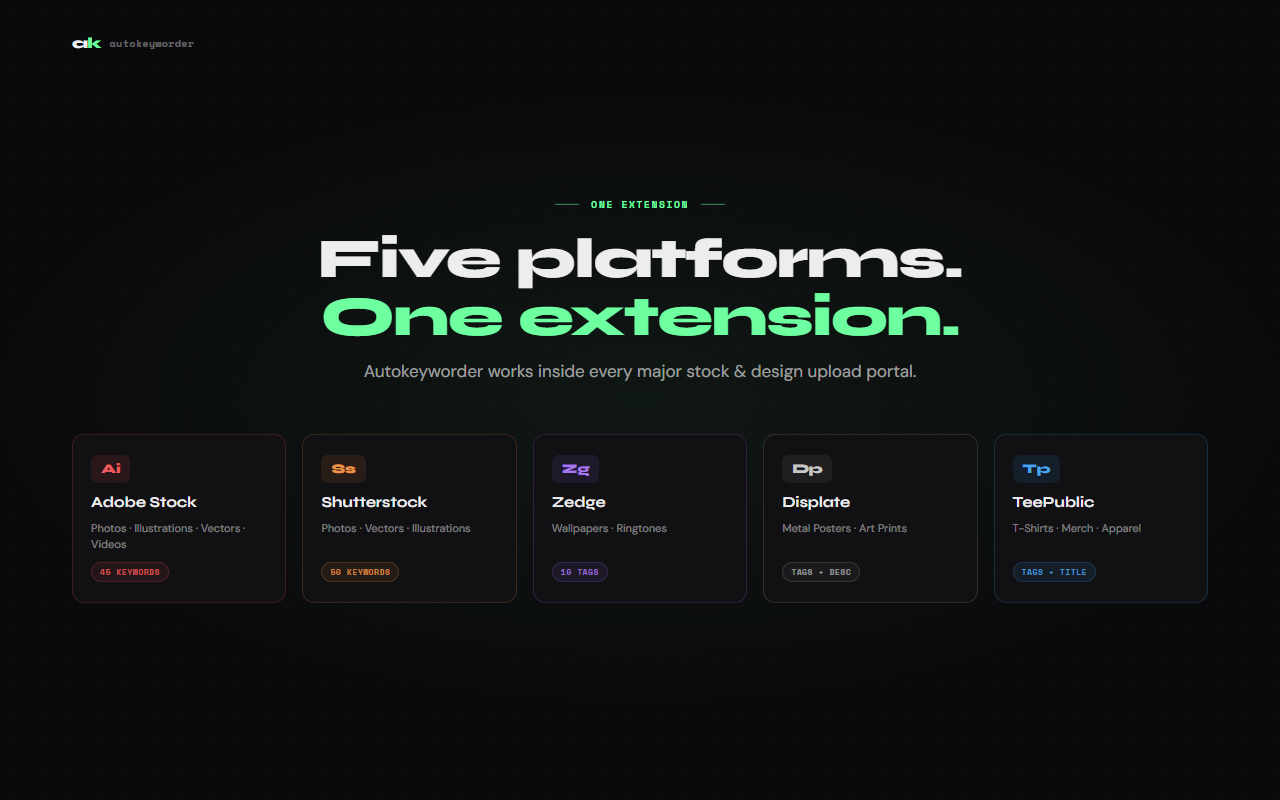
AutoKeyWorder is a Chrome extension that generates titles, keywords, categories, and descriptions for stock images and videos, then types them into every form field on the upload page and saves. Works inside Adobe Stock, Shutterstock, Zedge, Displate, and TeePublic. Other tools hand you a CSV or a clipboard. This one does the entire job: AI analysis to form fill to save, 5 seconds per image, no manual steps.

Features
- End-to-end form automation across 5 stock platforms
- AI vision generates titles, keywords, categories, and descriptions
- Parallel prefetch analyzes 10 images ahead while you watch the first one fill
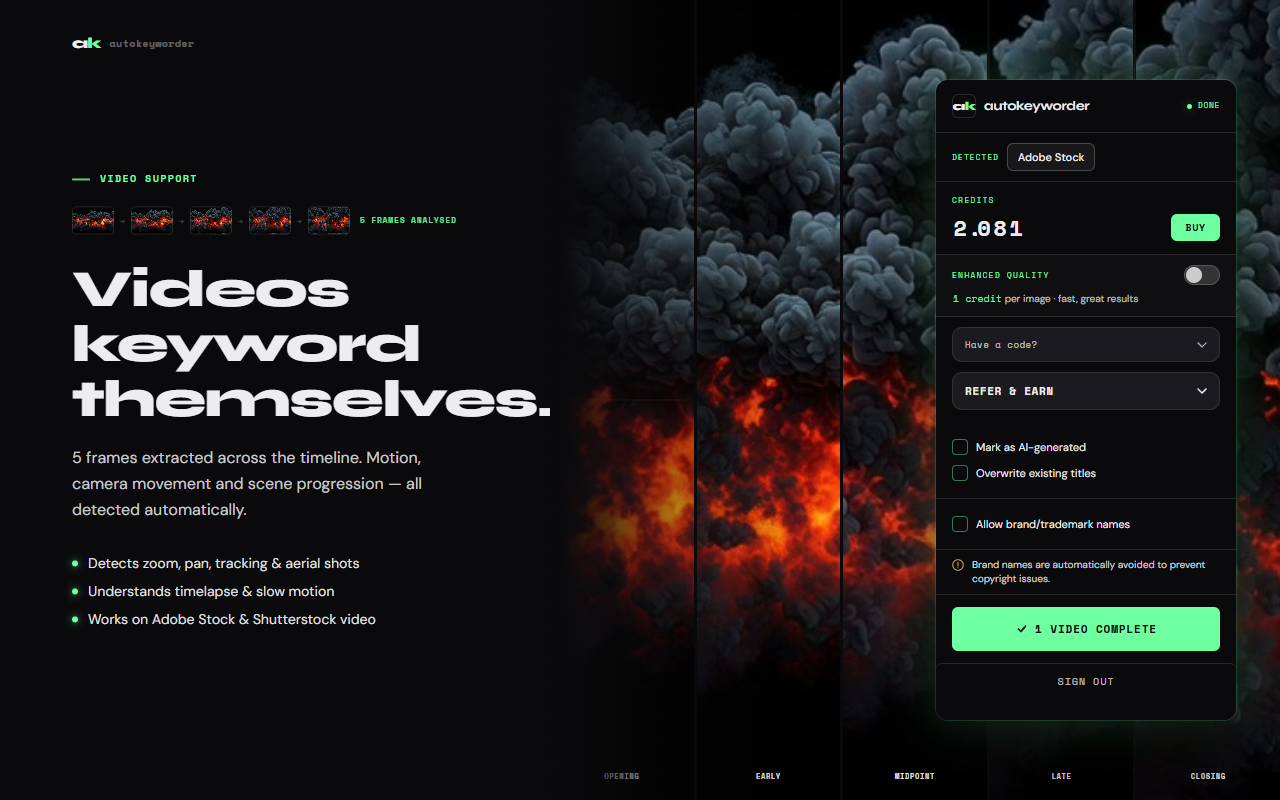
- Stock video keywording with 5-frame temporal analysis
- 34 platform-tuned prompts matching each marketplace's taxonomy
- Automatic category selection from full platform category trees
- Editorial mode for brand names and trademarks in editorial content
- 25 free credits on signup, no credit card required
- Credit packs from $4.99 or subscriptions from $7.99/mo
Use Cases
- Bulk keywording 100+ stock photos across Adobe Stock and Shutterstock in minutes instead of hours
- Uploading AI-generated images to multiple platforms with metadata tailored to each marketplace
- Keywording stock video footage with motion and scene detection
- Tagging phone wallpapers on Zedge with single-word tags and correct categories
- Filling Displate's 3-page submission form with art type, description, and keywords automatically
- Processing a mixed batch of photos, vectors, and videos without switching tools

Comments


AutoKeyWorder solves a very specific workflow problem, and that’s exactly why it feels useful. A lot of AI metadata tools stop halfway — they generate titles or keywords, then leave the creator to copy, paste, select categories, and submit everything manually. This product seems to understand that the real frustration is not just writing metadata, but repeating the same upload steps over and over. What makes it compelling is the end-to-end promise: analyze the image or video, generate the metadata, fill the form fields, and save. For people uploading to stock platforms at scale, that kind of automation could remove a huge amount of repetitive work. The support for sites like Adobe Stock and Shutterstock also makes it feel grounded in actual creator workflows rather than being a generic AI wrapper. The biggest test for a tool like this is accuracy and reliability. If the keywords are strong and the autofill works consistently across platforms, then saving that process to five seconds per image is genuinely meaningful. For stock contributors and digital creators, AutoKeyWorder sounds like the kind of niche productivity tool that can make a daily workflow much less tedious.
The end-to-end automation is the real differentiator here. Most AI metadata tools stop at generation and leave the tedious form-filling to the creator. The parallel prefetch feature — analyzing 10 images ahead while one fills — shows genuine engineering thoughtfulness for high-volume workflows. The 34 platform-tuned prompts per marketplace taxonomy is particularly impressive; generic keywording rarely matches what each platform actually rewards. For stock contributors uploading hundreds of images weekly, this could save hours of repetitive work. Would be curious to see how it handles edge cases like seasonal or trend-based keywords that might need human judgment.

Premium Products







































Sponsors
Buy

Awards
View all
Awards
View allMakers

Makers
Comments
AutoKeyWorder solves a very specific workflow problem, and that’s exactly why it feels useful. A lot of AI metadata tools stop halfway — they generate titles or keywords, then leave the creator to copy, paste, select categories, and submit everything manually. This product seems to understand that the real frustration is not just writing metadata, but repeating the same upload steps over and over. What makes it compelling is the end-to-end promise: analyze the image or video, generate the metadata, fill the form fields, and save. For people uploading to stock platforms at scale, that kind of automation could remove a huge amount of repetitive work. The support for sites like Adobe Stock and Shutterstock also makes it feel grounded in actual creator workflows rather than being a generic AI wrapper. The biggest test for a tool like this is accuracy and reliability. If the keywords are strong and the autofill works consistently across platforms, then saving that process to five seconds per image is genuinely meaningful. For stock contributors and digital creators, AutoKeyWorder sounds like the kind of niche productivity tool that can make a daily workflow much less tedious.
The end-to-end automation is the real differentiator here. Most AI metadata tools stop at generation and leave the tedious form-filling to the creator. The parallel prefetch feature — analyzing 10 images ahead while one fills — shows genuine engineering thoughtfulness for high-volume workflows. The 34 platform-tuned prompts per marketplace taxonomy is particularly impressive; generic keywording rarely matches what each platform actually rewards. For stock contributors uploading hundreds of images weekly, this could save hours of repetitive work. Would be curious to see how it handles edge cases like seasonal or trend-based keywords that might need human judgment.
Premium Products
New to Fazier?

Find your next favorite product or submit your own. Made by @FalakDigital.
Copyright ©2026. All Rights Reserved