
AudioForges
Split any song into stems, MIDI and sheet music
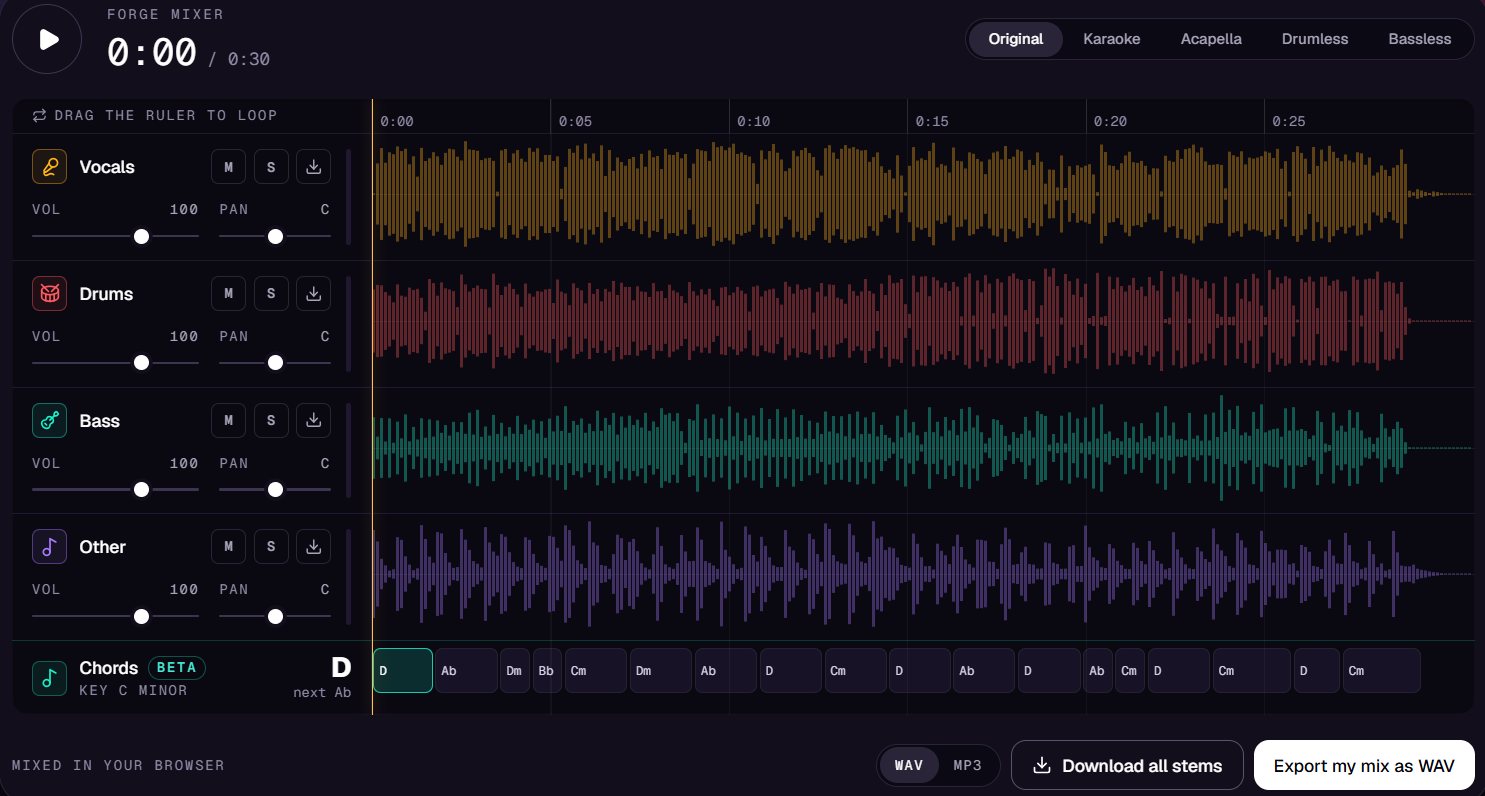
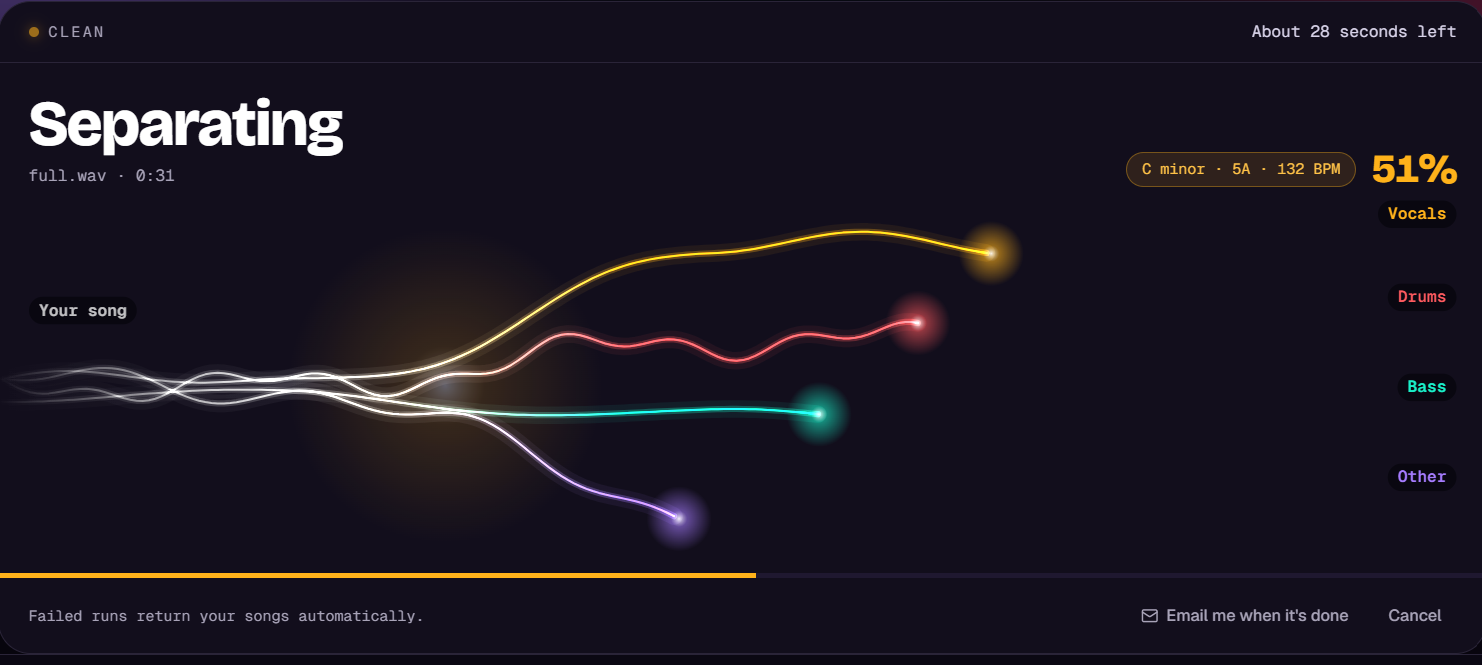
AudioForges is a browser studio for taking songs apart. Drop a song and get clean vocals, an instrumental, or separate drums, bass, guitar, piano and other stems in about a minute. Listen to every stem in Forge Mixer before you download, then turn the result into a backing track, a karaoke version, MIDI or engraved sheet music.
It’s built by a solo music producer for singers, cover bands, worship teams, DJs and producers. No install and no plugins. You can start free, pay per song, or get the Studio Pass for regular use.
Features
- Vocal remover and acapella extractor with clean, low-bleed results
- 4 and 6 stem separation: vocals, drums, bass, guitar, piano, other
- Lead vs backing vocal split and reverb removal
- Forge Mixer: play, mute, solo and mix stems in the browser before downloading
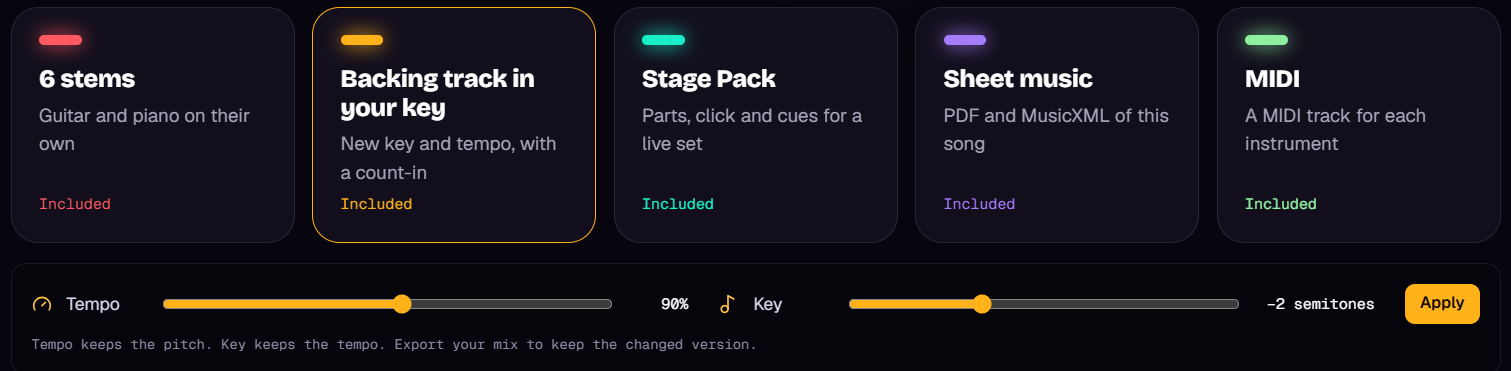
- Backing track maker: remove any part, change key and tempo, add a count-in
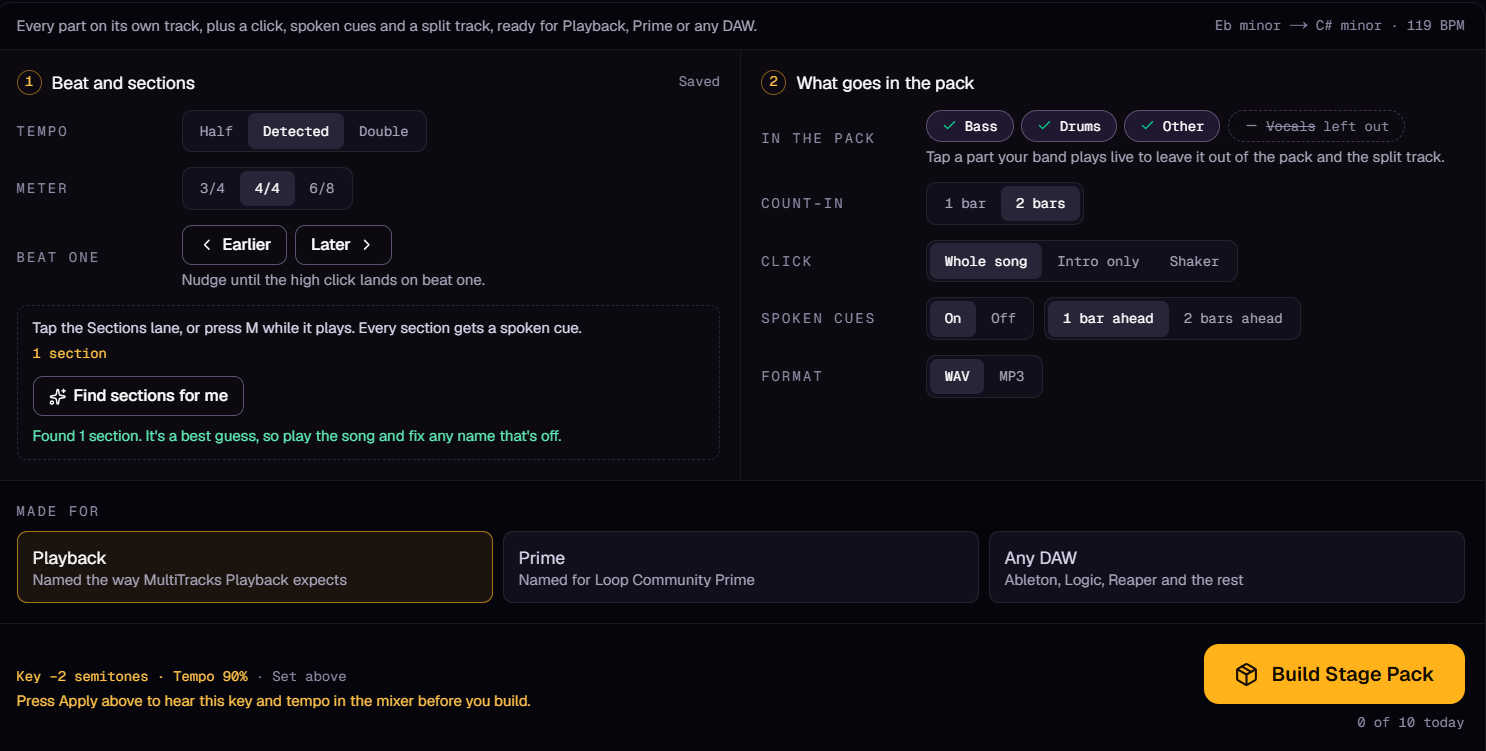
- Stage Pack: click, spoken cues and separate tracks for live playback
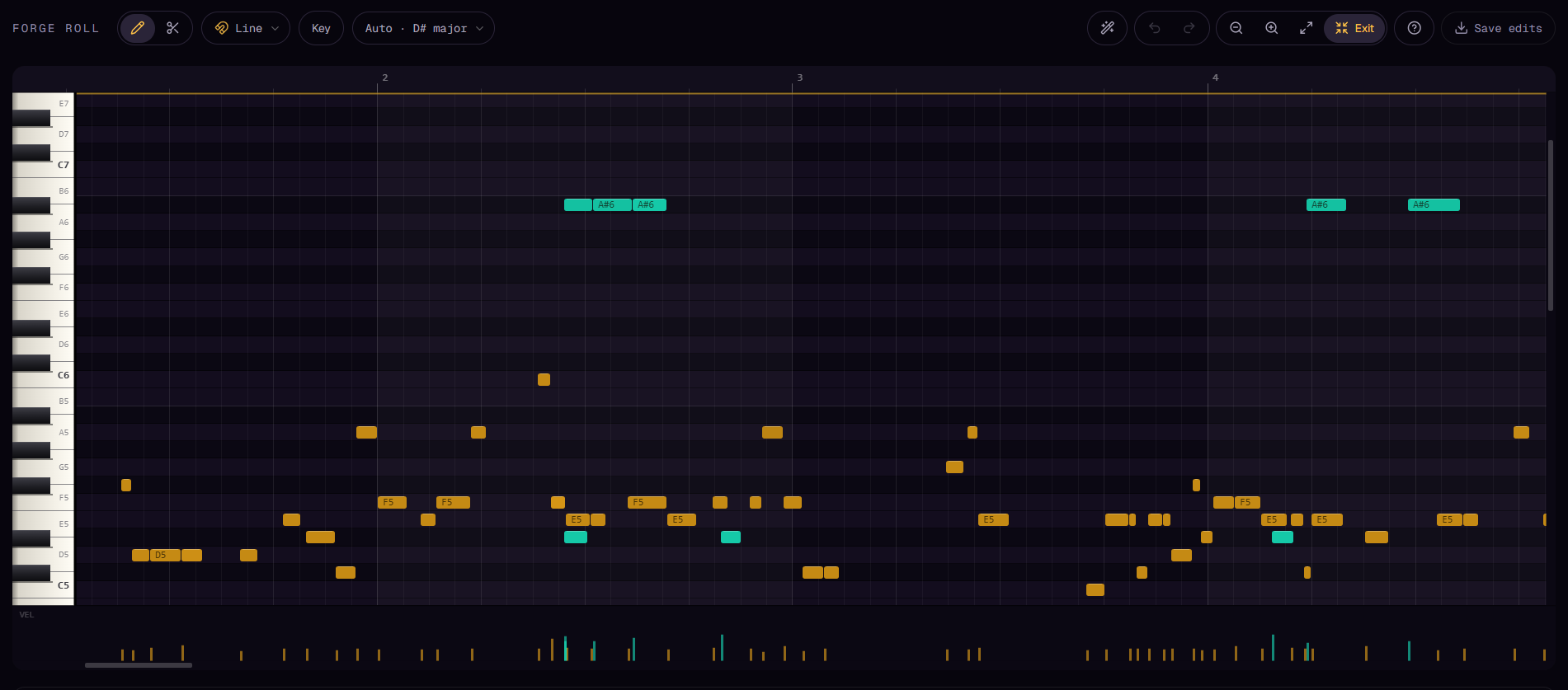
- Audio to MIDI with an in-browser piano roll editor
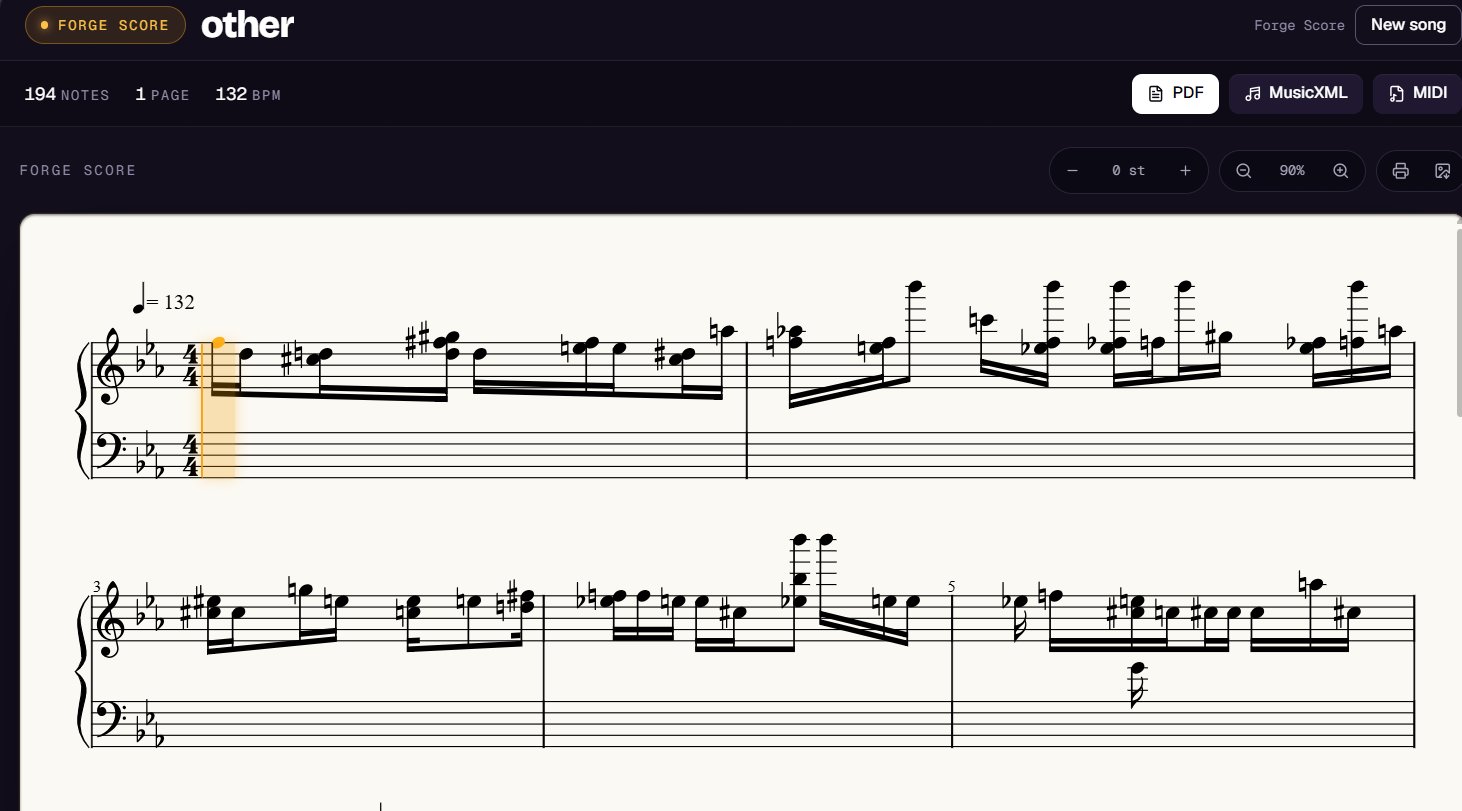
- Audio to sheet music (PDF, MusicXML, MIDI) with a playable score
- Key and BPM finder with Camelot codes
- Song library, share links, WAV, MP3 and FLAC downloads
Use Cases
- Singers making karaoke or backing tracks in their own key
- Worship teams and cover bands preparing multitracks for live sets
- Producers pulling acapellas and stems for remixes and samples
- DJs grabbing stems, key and BPM for mashups and harmonic mixing
- Musicians learning parts by soloing a stem or reading the MIDI and sheet music
- Teachers and students transcribing songs into notation

Comments


Hey Fazier 👋 I’m Dipak, a music producer from Kathmandu. AudioForges started as a small tool I built for my own sessions. I kept needing to pull an acapella, find the key of a sample, or make a backing track to practice over, and every tool I tried either wanted a subscription before I could hear anything or gave me muddy stems. So I built my own. Today it’s a full browser studio: drop a song and you get vocals, instrumental or up to 6 stems, and you can play them all in Forge Mixer before downloading. From there you can turn the song into a backing track in your own key, a Stage Pack for live shows, MIDI you can edit in the piano roll, or sheet music you can play along with. It’s built and run by just me, so every bit of feedback reaches the person writing the code. I’d love to hear: How the separation sounds on your own songs What’s missing for your workflow (singing, DJing, producing, live) You can try it free, no install needed. Thanks for checking it out!
Premium Products



















































Sponsors
Buy

Makers
Makers
Comments
Hey Fazier 👋 I’m Dipak, a music producer from Kathmandu. AudioForges started as a small tool I built for my own sessions. I kept needing to pull an acapella, find the key of a sample, or make a backing track to practice over, and every tool I tried either wanted a subscription before I could hear anything or gave me muddy stems. So I built my own. Today it’s a full browser studio: drop a song and you get vocals, instrumental or up to 6 stems, and you can play them all in Forge Mixer before downloading. From there you can turn the song into a backing track in your own key, a Stage Pack for live shows, MIDI you can edit in the piano roll, or sheet music you can play along with. It’s built and run by just me, so every bit of feedback reaches the person writing the code. I’d love to hear: How the separation sounds on your own songs What’s missing for your workflow (singing, DJing, producing, live) You can try it free, no install needed. Thanks for checking it out!
Premium Products
New to Fazier?

Find your next favorite product or submit your own. Made by @FalakDigital.
Copyright ©2026. All Rights Reserved