AudioCraft
Separate any song into vocals, drums, bass, and instruments
I built AudioCraft — an AI stem splitter for vocals, drums, bass, and instruments
I’ve been building AudioCraft, a focused AI music tool that turns a mixed song into separate, usable stems.
Try it:
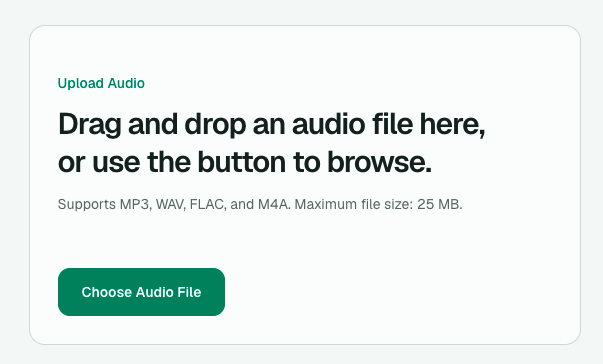
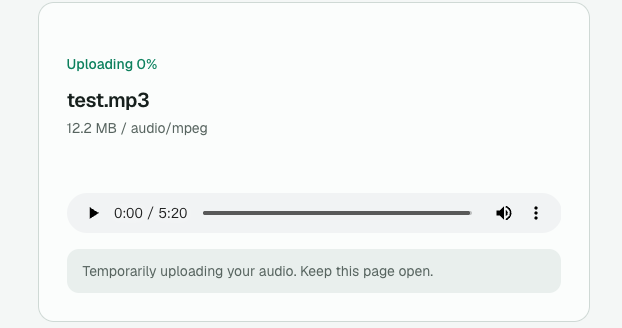
Upload an MP3, WAV, FLAC, or M4A file and AudioCraft separates it into:
- Vocals
- Drums
- Bass
- Other instruments
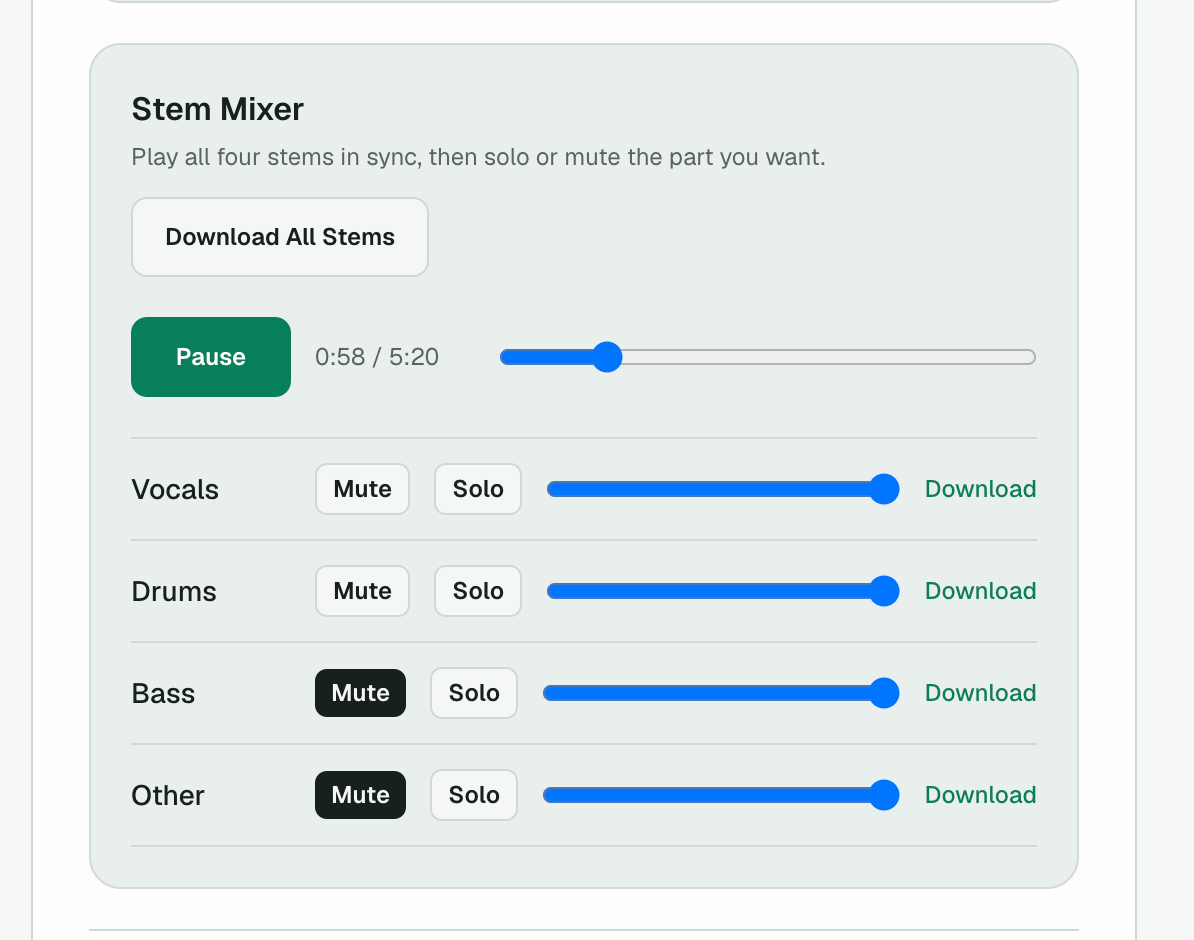
Once processing is complete, you can preview every stem in a synchronized mixer, mute or solo individual parts, adjust their volume, create an instrumental version, and download individual tracks or all stems together.
More than a basic vocal remover
AudioCraft uses AI source separation instead of simple frequency filtering.
That makes it useful for:
- instrument practice
- karaoke and backing tracks
- remixing
- studying song arrangements
- isolating vocals
- analyzing bass and drum parts
One feature I particularly wanted was a synchronized stem mixer. You can solo the bass, remove the vocals, or compare different parts of a song directly in the browser without opening a DAW.
Temporary audio processing
Uploaded source audio is stored temporarily so it can be processed, and AudioCraft automatically attempts to delete the original file after processing finishes.
Generated stem links are temporary, so anything you want to keep should be downloaded.
Privacy details:
https://audiocraft.app/privacy
What I’m building next
I don’t want AudioCraft to stop at stem separation.
The next direction is AI music transcription and analysis.
The idea is to first separate a cleaner vocal, bass, or instrument track, then use that stem for:
- audio to MIDI
- sheet music generation
- melody transcription
- chord detection
- BPM detection
- key analysis
The longer-term goal is to turn AudioCraft into a small AI music-analysis toolkit, rather than just another vocal remover.
More about the project:
Try AudioCraft:
Features
- Separate audio into vocals, drums, bass, and other instruments
- Create a vocal-free instrumental version
- Preview stems in a synchronized mixer
- Mute, solo, and adjust individual stem volumes
- Download individual stems or all stems as a ZIP
- Supports MP3, WAV, FLAC, and M4A
- No account required
Use Cases
- Practice vocals, bass, drums, or other instruments
- Create karaoke and backing tracks
- Isolate vocals for remixing or analysis
- Study song arrangements and instrument parts
- Prepare stems for music production and remix workflows
- Analyze bass lines, drum patterns, and vocal parts

Comments



AudioCraft is a useful tool for creating and experimenting with audio content. The platform is easy to explore and offers a convenient way to work with different audio ideas without making the process feel complicated. It’s a good option for creators and anyone interested in working with AI-powered audio tools.


The synchronized mixer is the useful part, not just the four downloads. Soloing the vocal, muting it for an instrumental, and downloading that mix is what a video edit actually needs. The page does not say the maximum file length, or what happens when the vocal is buried in a dense mix. Those two limits decide whether this is usable on a real track or only on a clean demo.



The auto-delete-after-processing detail is a nice touch most stem separators skip entirely. Since you mentioned audio-to-MIDI and chord detection on the roadmap, are you planning to run that on the separated stems directly, or does it need a second pass on the original mix? Asking because pitch and chord detection tends to get noisy once you are working from a stem that still has some bleed from other instruments.
Premium Products










































Sponsors
Buy


Comments
AudioCraft is a useful tool for creating and experimenting with audio content. The platform is easy to explore and offers a convenient way to work with different audio ideas without making the process feel complicated. It’s a good option for creators and anyone interested in working with AI-powered audio tools.
The synchronized mixer is the useful part, not just the four downloads. Soloing the vocal, muting it for an instrumental, and downloading that mix is what a video edit actually needs. The page does not say the maximum file length, or what happens when the vocal is buried in a dense mix. Those two limits decide whether this is usable on a real track or only on a clean demo.
The auto-delete-after-processing detail is a nice touch most stem separators skip entirely. Since you mentioned audio-to-MIDI and chord detection on the roadmap, are you planning to run that on the separated stems directly, or does it need a second pass on the original mix? Asking because pitch and chord detection tends to get noisy once you are working from a stem that still has some bleed from other instruments.
Premium Products
New to Fazier?

Find your next favorite product or submit your own. Made by @FalakDigital.
Copyright ©2026. All Rights Reserved