
Artwork Camera: Studio Archive
Photograph the work. Keep the record.
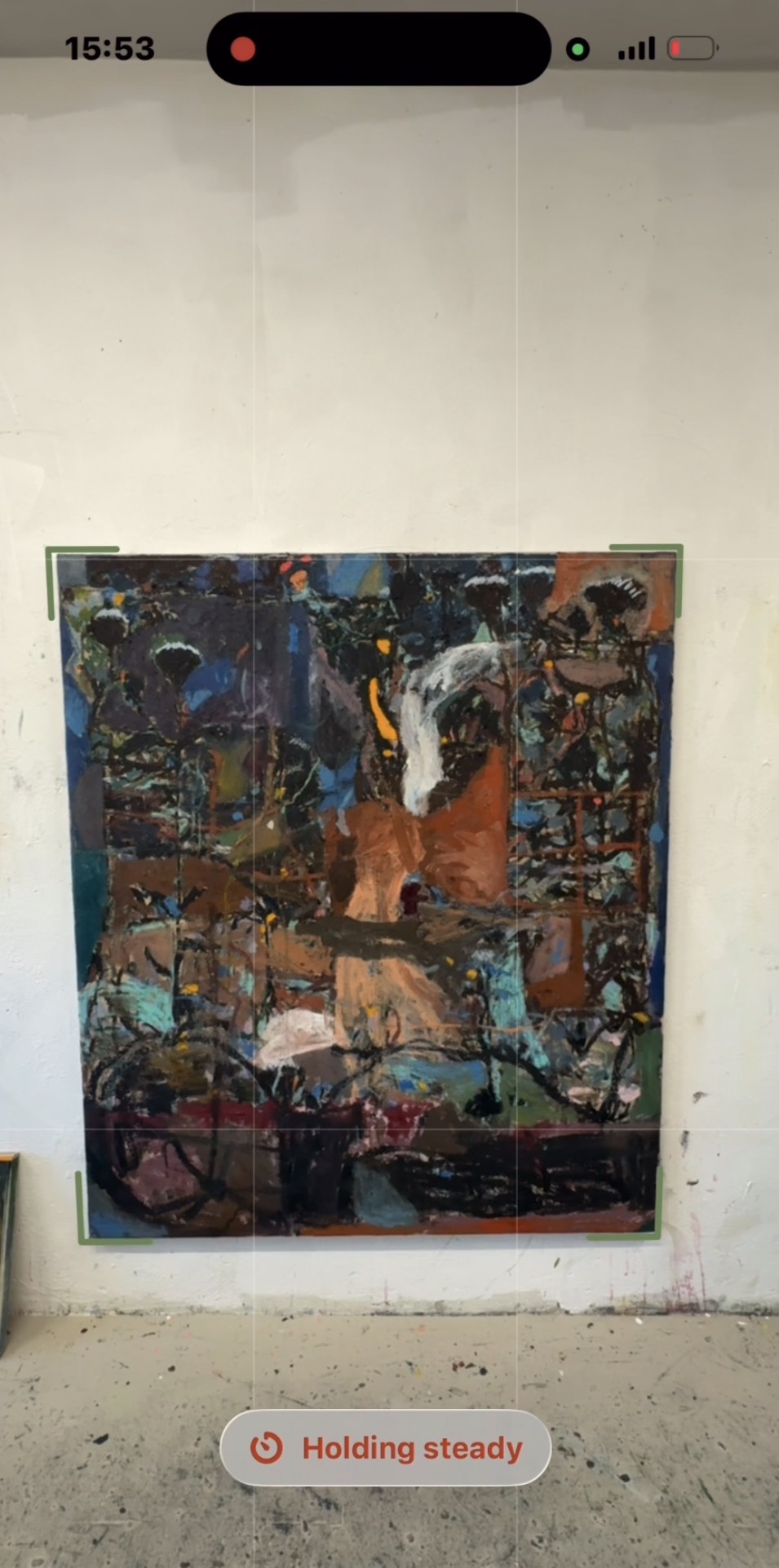
An art scanner and studio archive built for painters, illustrators, printmakers, art students, and galleries. Find the edges, keep the phone level, avoid glare, correct perspective, and leave the studio with a file you can actually use.
Features
Features
- Photograph paintings, drawings, prints and other flat artwork
- Automatically detect artwork corners and straighten perspective
- Get guidance for level framing and glare
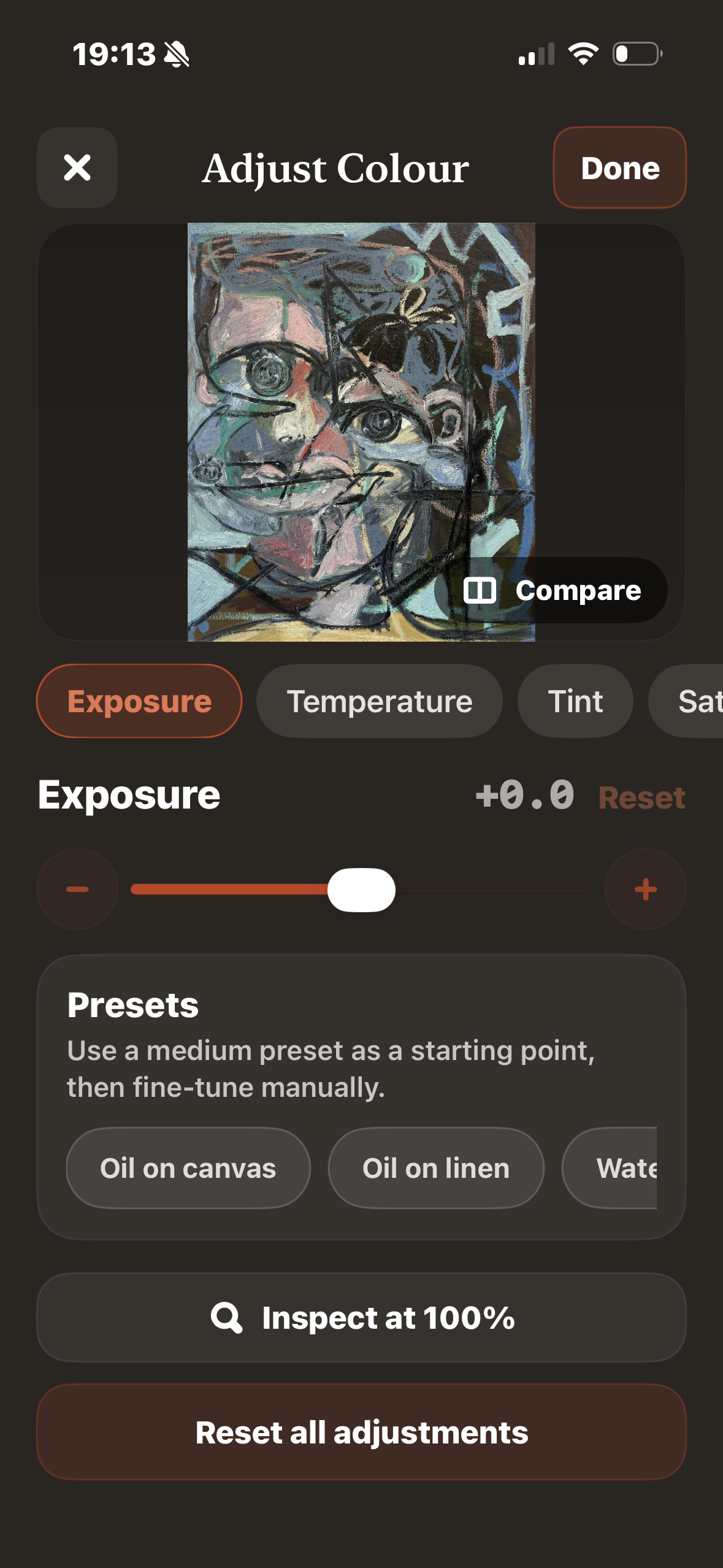
- Adjust exposure, contrast, saturation and white point
- Add titles, dimensions, medium, notes, tags and inventory numbers
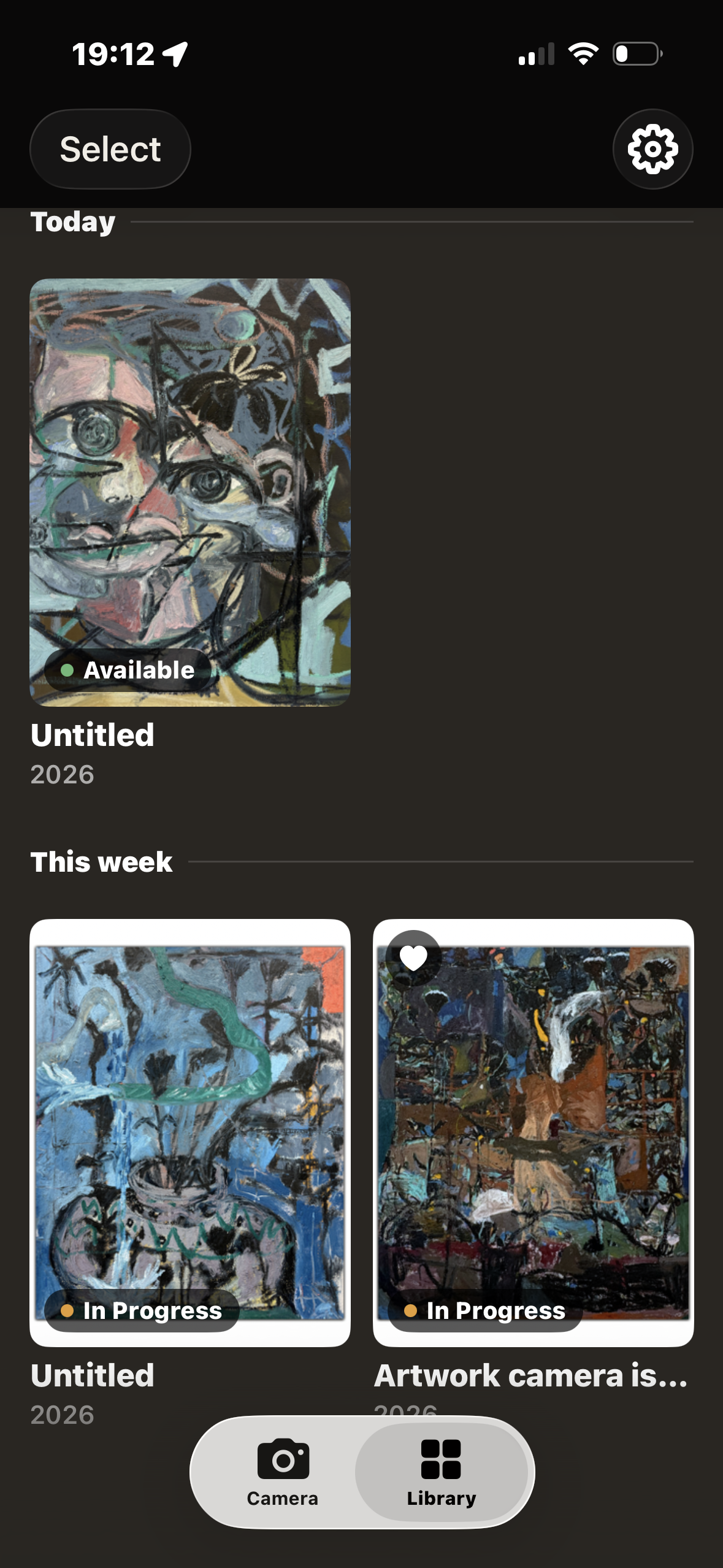
- Organize work into searchable collections and track works in progress
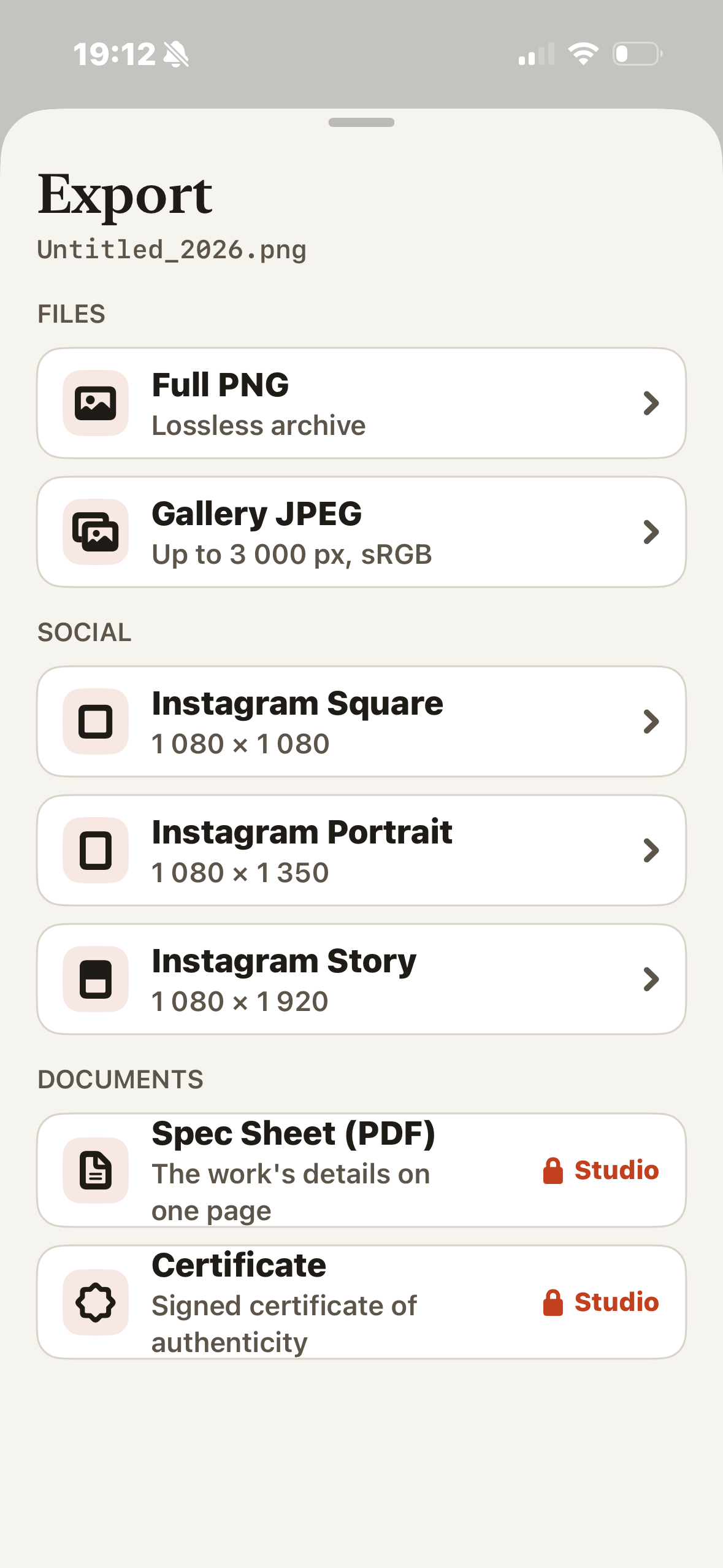
- Save archive images and shareable JPEGs
- Keep your archive on your device, with optional iCloud sync
- Create PDF spec sheets, Certificates of Authenticity, QR labels and portfolio booklets with Studio tools
Use Cases
- Photograph and document finished artwork for your studio archive
- Prepare clean images for portfolios, galleries and online sharing
- Keep track of titles, sizes, materials, inventory and artwork status
- Record a painting’s progress over time
- Preserve children’s drawings and other family artwork
- Catalog prints, cards, stamps and other flat collections

Comments


Glare and a slightly tilted phone are the usual reasons photos of paintings look wrong, so building the level and glare guidance into the capture step is a good call. The Certificate of Authenticity and QR labels are a nice touch for artists who sell. Does the archive keep the original photo next to the corrected one, in case the automatic corner detection crops a little too much?
The corner detection with perspective correction and the level and glare guidance solve the real problem with photographing flat artwork on a phone. I like that each piece can carry title, dimensions, medium and an inventory number, so the photo doubles as a catalog record. Keeping the archive on-device with optional iCloud sync is a thoughtful privacy choice too.




Pairing the capture guidance with catalogue fields makes the photo a real record. When you export a work for a gallery or portfolio, does the file keep the full camera resolution and carry the title, dimensions and medium in its metadata (EXIF/IPTC), so the details travel with the image outside the app?
Premium Products














































Sponsors
Buy
Awards
View all
Awards
View all
Comments
Glare and a slightly tilted phone are the usual reasons photos of paintings look wrong, so building the level and glare guidance into the capture step is a good call. The Certificate of Authenticity and QR labels are a nice touch for artists who sell. Does the archive keep the original photo next to the corrected one, in case the automatic corner detection crops a little too much?
The corner detection with perspective correction and the level and glare guidance solve the real problem with photographing flat artwork on a phone. I like that each piece can carry title, dimensions, medium and an inventory number, so the photo doubles as a catalog record. Keeping the archive on-device with optional iCloud sync is a thoughtful privacy choice too.
Pairing the capture guidance with catalogue fields makes the photo a real record. When you export a work for a gallery or portfolio, does the file keep the full camera resolution and carry the title, dimensions and medium in its metadata (EXIF/IPTC), so the details travel with the image outside the app?
Premium Products
New to Fazier?

Find your next favorite product or submit your own. Made by @FalakDigital.
Copyright ©2026. All Rights Reserved