
ArkWarden
Hide and encrypt files on iPhone.
ArkWarden is an encrypted vault for iPhone, built for privacy. Your photos, videos, documents and audio stay on your device, and you open the vault by drawing a pattern, so unlocking your phone doesn't open it. It's zero-knowledge: there's no account and no ArkWarden server, so what you keep inside stays yours.
Features
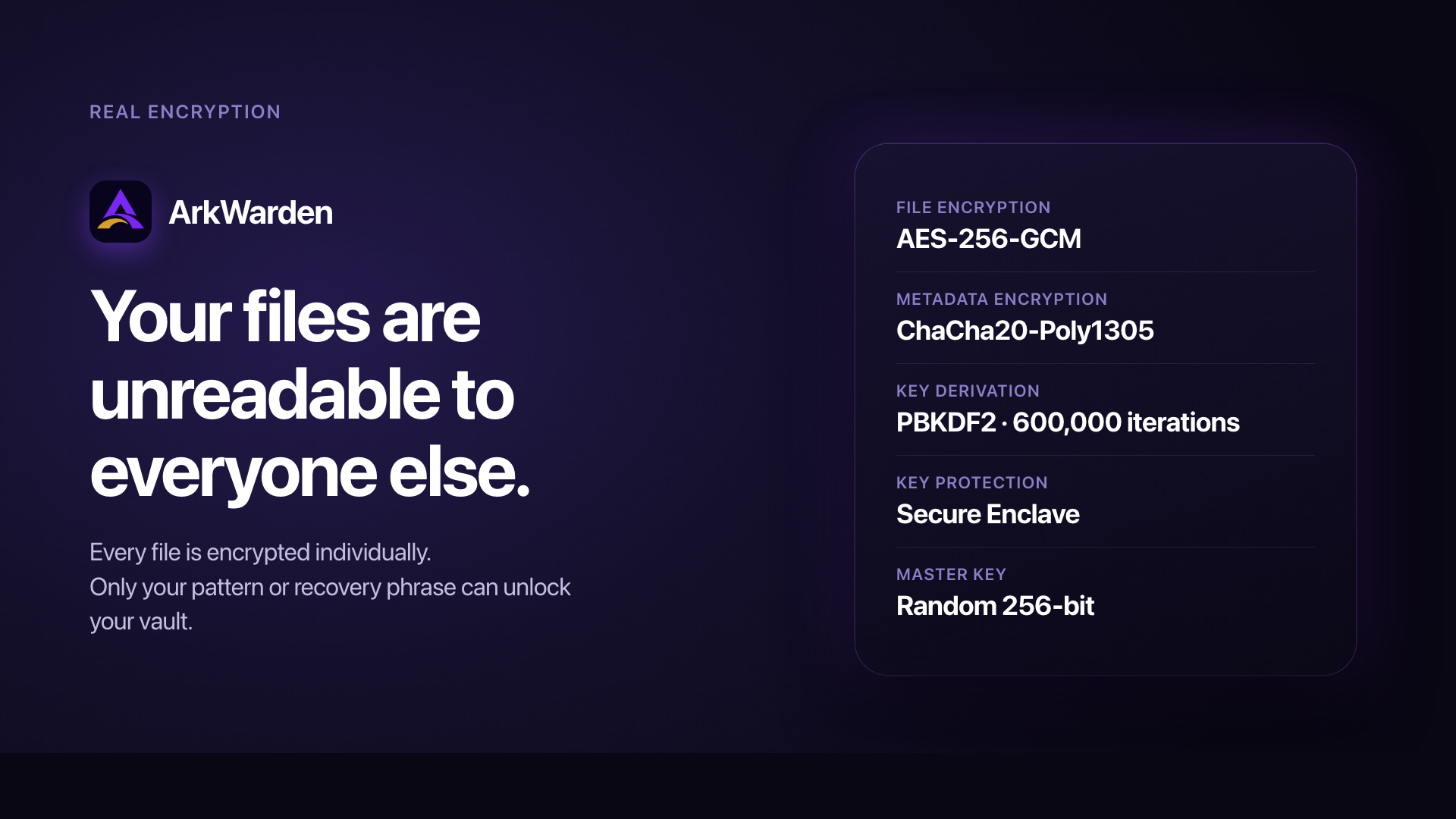
- Real encryption: Every file is encrypted individually with AES-256-GCM through Apple's CryptoKit. Without your pattern or recovery phrase, your files can't be read.
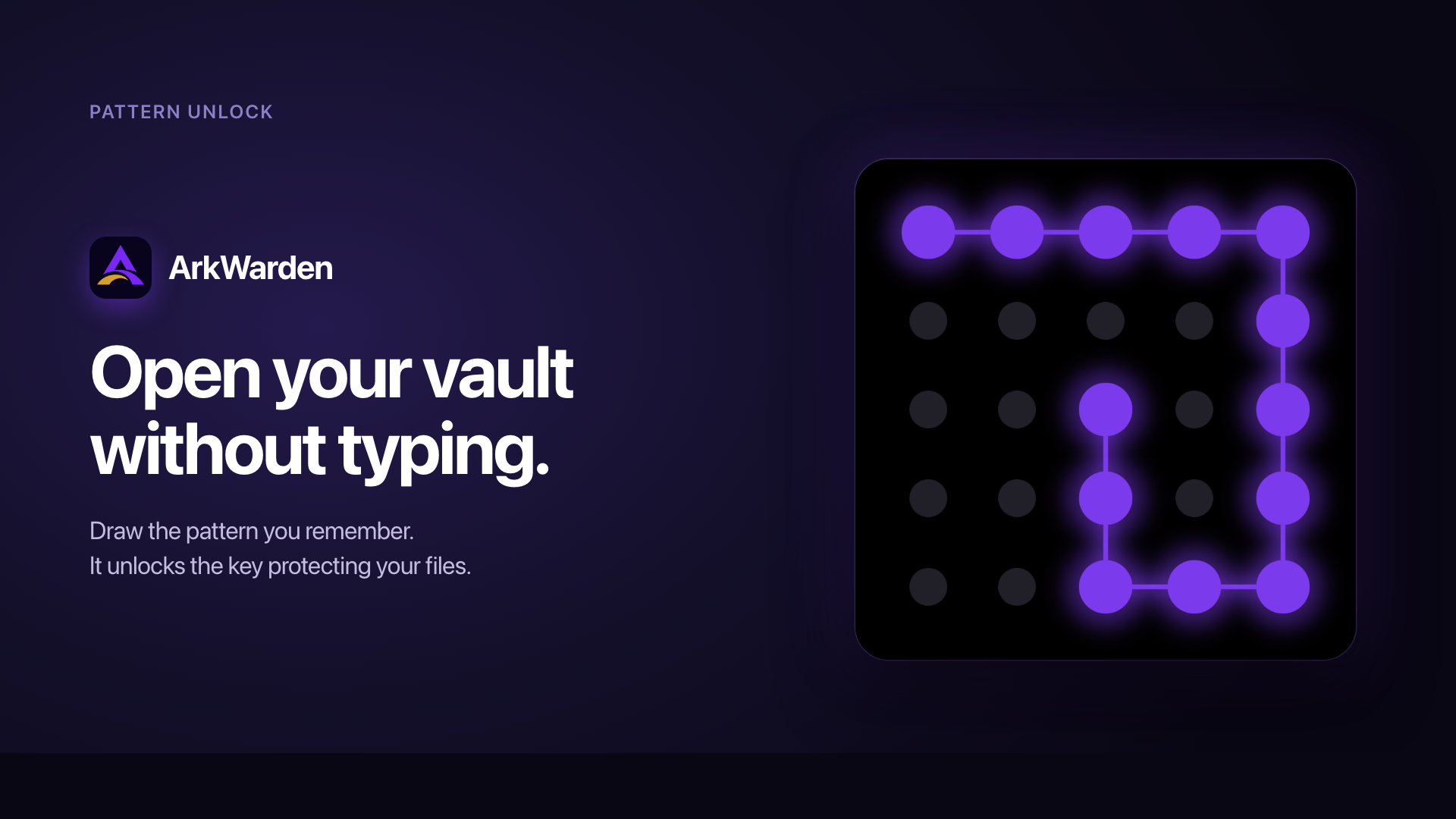
- Pattern unlock: Draw a pattern on a 5×5 grid instead of typing a password. Your pattern works with your iPhone's Secure Enclave to unlock your vault, so a copied vault cannot be opened on another device.
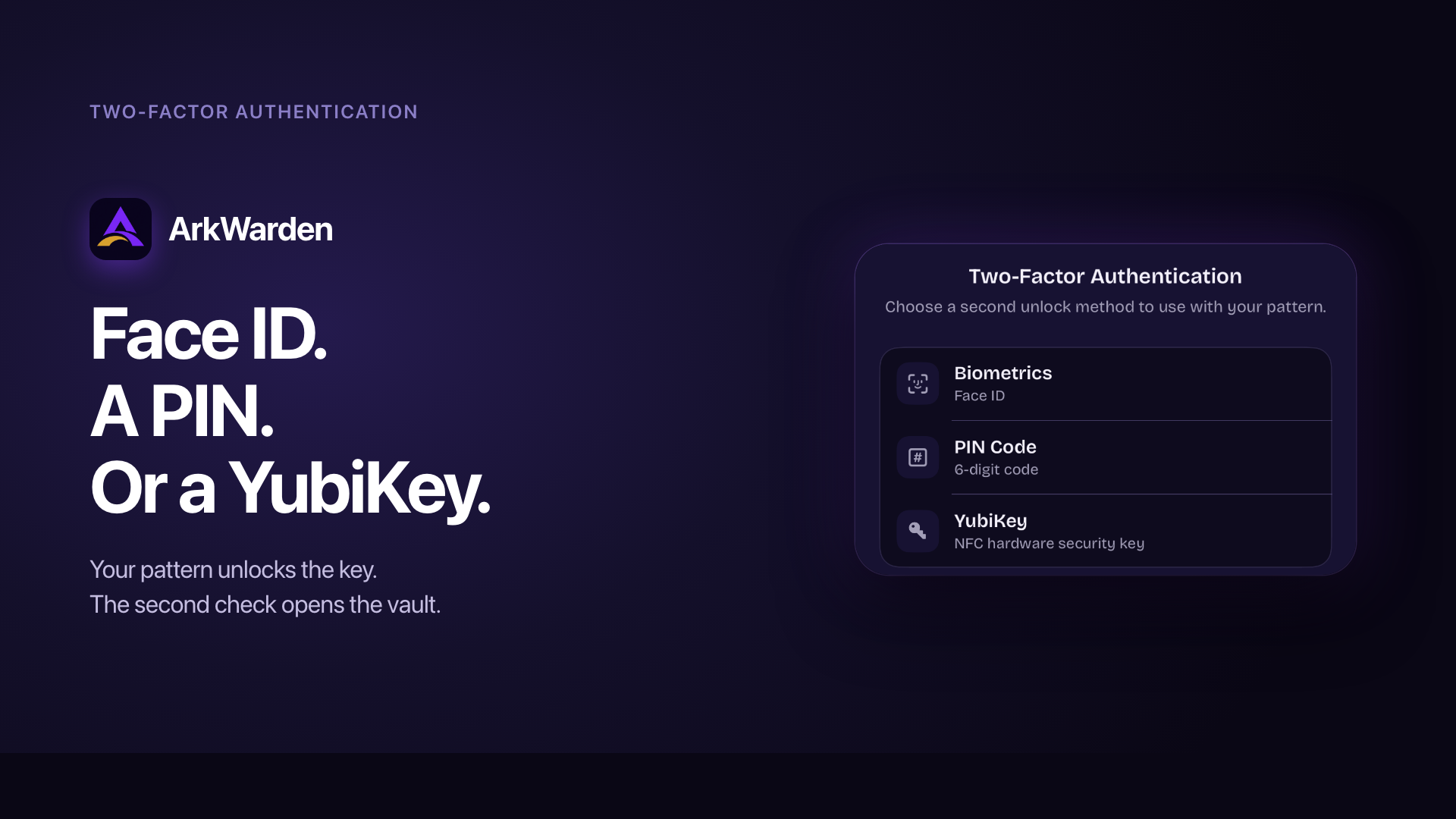
- Two-factor authentication: Add Face ID, a 6-digit PIN, or a YubiKey over NFC. ArkWarden is listed in Yubico's Works with YubiKey catalog.
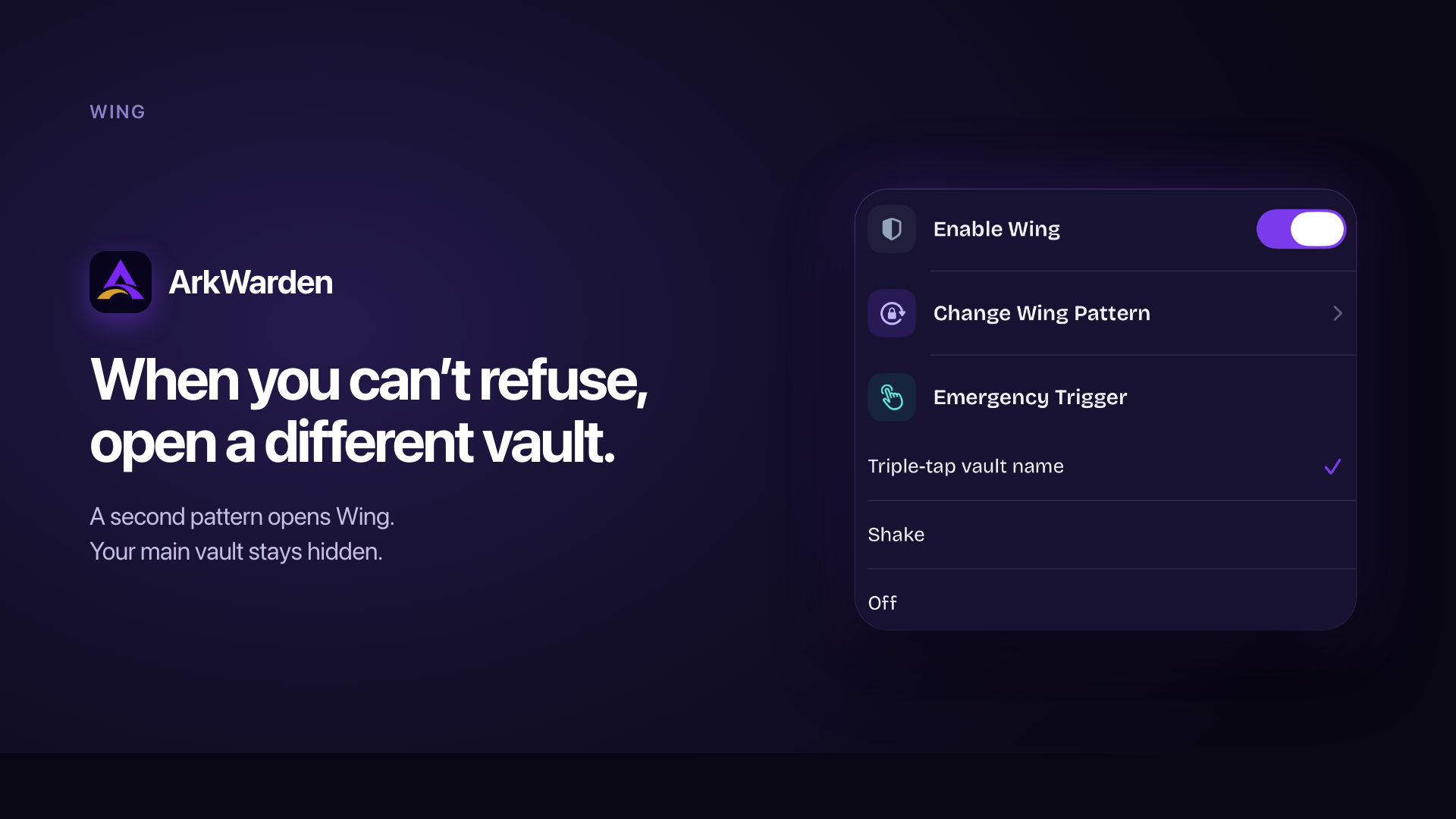
- Wing, a second vault: A different pattern opens a separate vault with its own files and look. Keep your main vault hidden when you hand someone your unlocked phone.
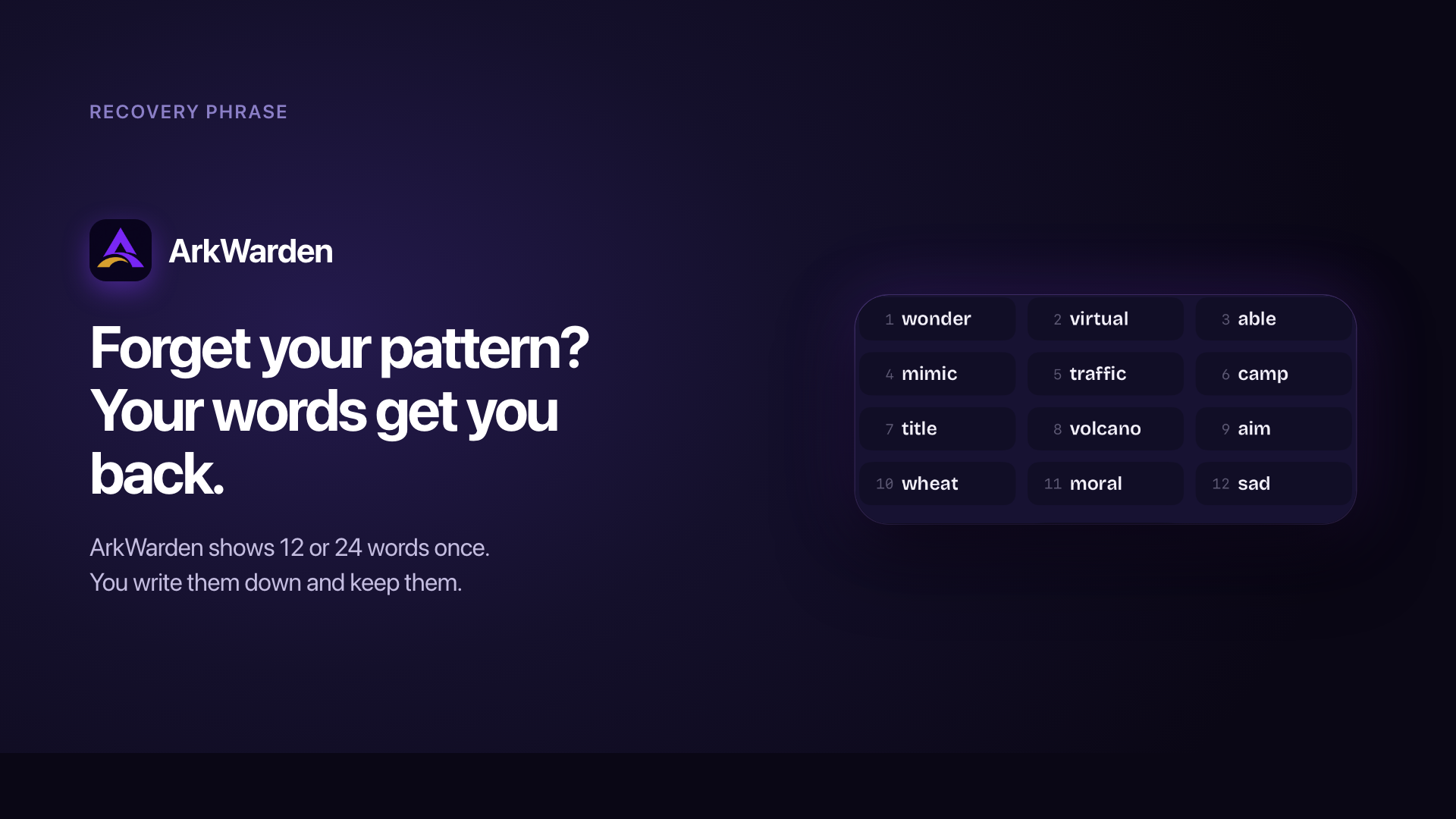
- Recovery phrase: A 12 or 24-word phrase restores access if you forget your pattern. It's shown once and kept only by you.
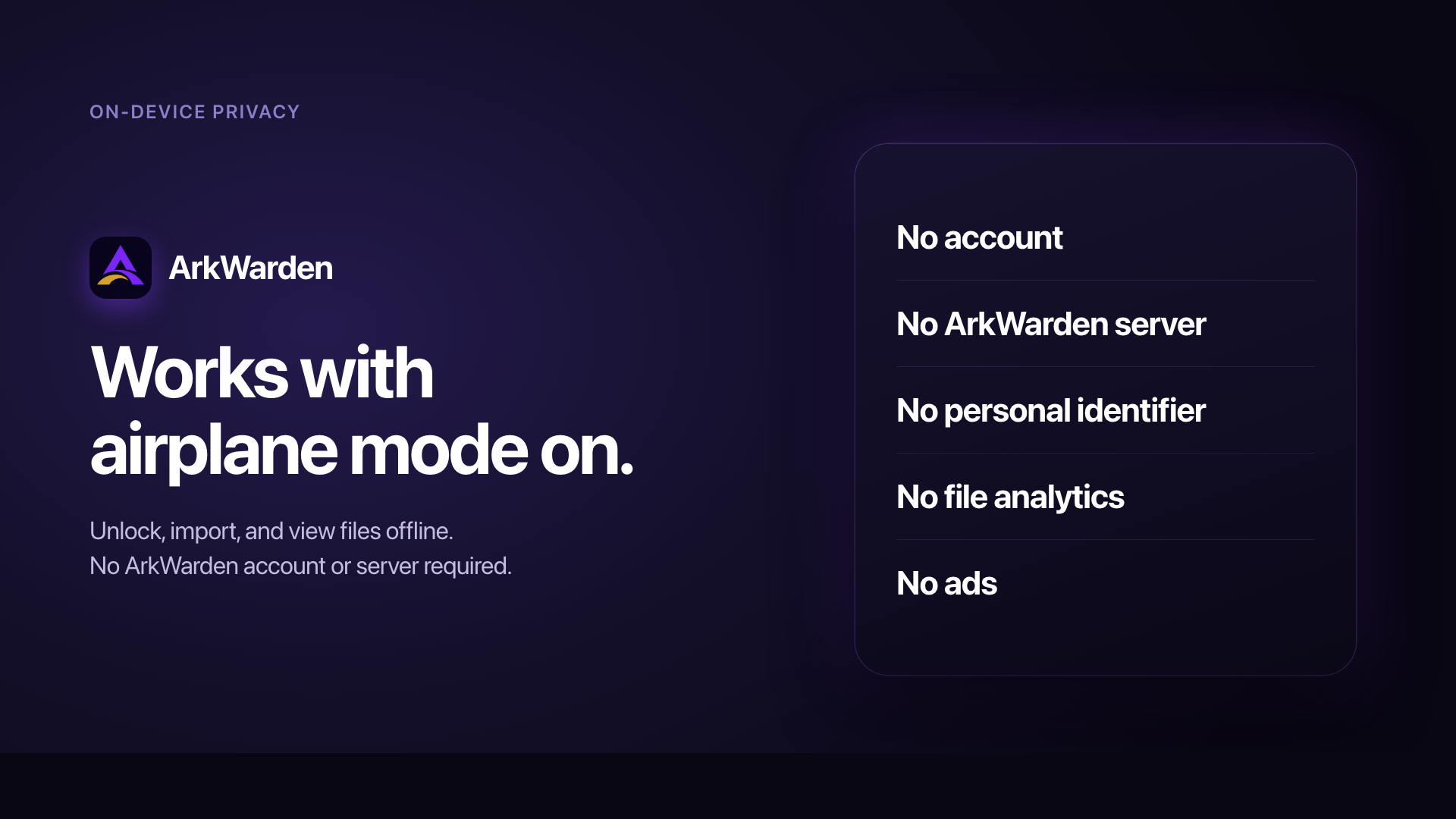
- On-device privacy: No account, no ArkWarden server, no file analytics. Your files stay encrypted on your iPhone.
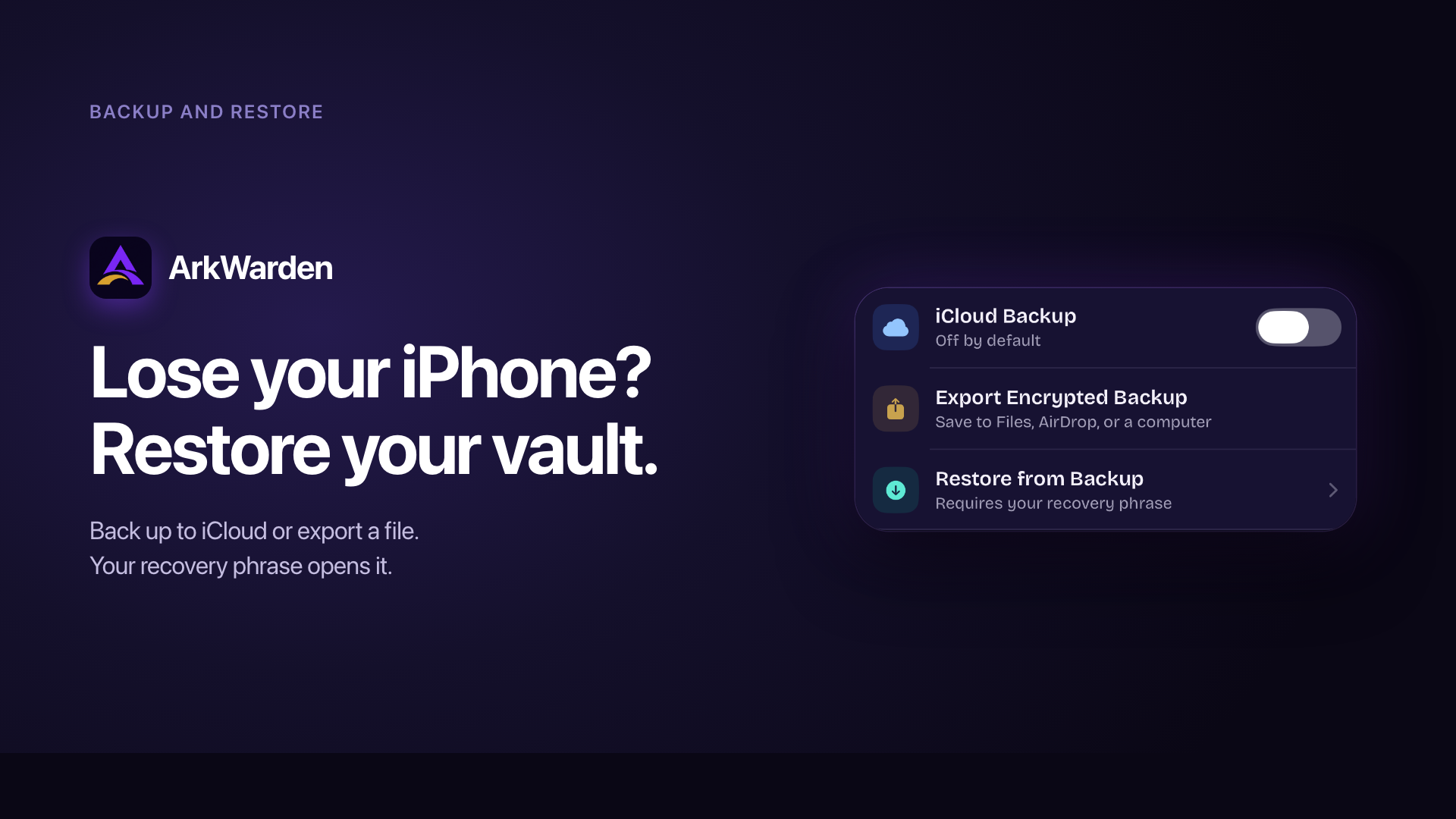
- Backup and restore: Back up to iCloud or export your vault as a file. Each backup is encrypted with your recovery phrase before it leaves your phone. Off by default.
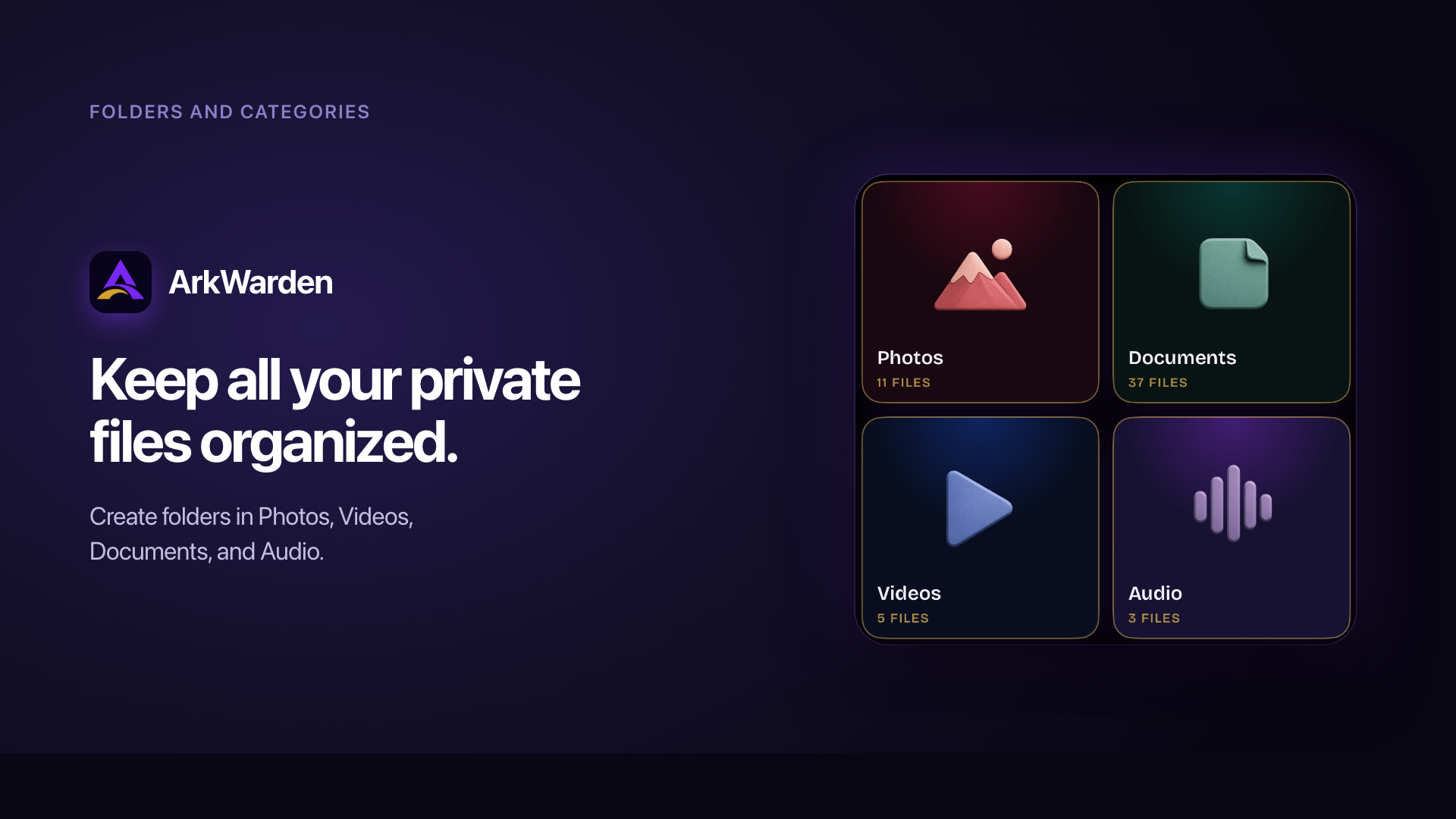
- Folders and categories: Organise photos, videos, documents and audio into folders, and import files straight into the folder you want.
- Intruder Detection: Optional and off by default. After 3, 5 or 10 wrong attempts, ArkWarden takes an encrypted front-camera photo you can review later.
- Open source: The encryption core is public on GitHub, so anyone can check how it works.
Use Cases
- Handing your phone to someone: A friend wants to see one photo, a child wants to play a game, a colleague needs to scan a QR code. Your private files stay in a separate space that doesn't open just because the phone is unlocked.
- Sharing a phone at home: A phone the kids borrow for YouTube, or a partner who checks the weather. Sharing the device doesn't have to mean sharing everything on it.
- Storing sensitive documents: Passports, IDs, tax returns, medical records and contracts belong somewhere safer than your camera roll, encrypted and kept on your device.
- Being pressured to unlock: A second pattern opens Wing, a separate vault with its own files, and nothing on screen shows that another vault exists.
- Travelling or crossing a border: If you're asked to unlock your phone, your private files stay out of sight without deleting anything.
- Not trusting the cloud: Cloud services can be breached or change their terms. If you choose to back up, only encrypted data leaves your phone, and your key never does.
- Journalists, activists and researchers: Interview notes, protest photos and documents from sources need a tool designed on the assumption that the device may one day be inspected.
- A lost or stolen phone: Finding your phone isn't the same as reading your files. Without your pattern, they stay encrypted, and a second factor makes it harder still.

Comments







Really like the local-first approach here, especially the open-source encryption core and the Wing second vault concept. One thing I’m curious about: how do you prevent sensitive data from leaking outside the encrypted vault through things like thumbnails, temporary files, iOS backups, or app switcher snapshots? I think covering this clearly could make the privacy story even stronger.



Hi Fazier, I'm the developer of ArkWarden. I built it because I didn't want my private photos and documents sitting in a cloud, tied to an account, readable by a company. And on my iPhone, anyone who could unlock the phone could see them. So I built the vault I wanted to use: files encrypted on the device, opened with a pattern only I know, with no account and no server behind it. I'm launching it because I think many people feel the same way, and a privacy app should earn trust in public. That's why the encryption code is open source, and why I'm here to answer questions.





The Wing second-vault concept with its own pattern is the feature that sold me — it's the only design I've seen that handles the "pressured to unlock" scenario without requiring you to delete anything. The open-source encryption core is a big trust signal too. One question: since backups are encrypted with the recovery phrase, is there a way to rotate the phrase if it ever gets exposed?


This looks really interesting, especially the fact that the files stay on-device and there’s no account/server involved. The pattern-based vault unlocking is also a nice touch since it separates the vault from the phone’s normal unlock. Curious how you handle backups or moving the vault to a new iPhone without compromising the zero-knowledge approach.
This looks really interesting, especially the fact that the files stay on-device and there’s no account/server involved. The pattern-based vault unlocking is also a nice touch since it separates the vault from the phone’s normal unlock. Curious how you handle backups or moving the vault to a new iPhone without compromising the zero-knowledge approach.

ArkWarden feels like a thoughtfully built privacy app, especially for keeping sensitive photos, documents, and files securely separated on your iPhone. The on-device encryption, pattern unlock, and optional extra security features make it simple to use while still giving you strong control over your private data.

Really interesting approach to privacy, especially the local-first architecture and the separate Wing vault. I also appreciate the focus on keeping sensitive data on-device rather than relying on external servers. The open-source encryption core is a nice touch for transparency as well. I’m also interested in how privacy and security are handled in mobile applications, especially when dealing with unofficial app versions and downloaded files. This resource may be useful for anyone researching CapCut APK information: https://caputproapk.com.in/ Overall, ArkWarden looks like a thoughtful approach to protecting sensitive files on iPhone.
This is really impressive; the security features like the pattern unlock and intruder detection are quite thoughtful. I especially appreciate the Wing feature for those moments when you hand your phone to someone. It's like a secret compartment, perfect for anyone who values their privacy, even a digital snow rider https://snowridergame.io needing to secure their tracks.

Premium Products












































Sponsors
Buy



Makers
Makers
Comments
Really like the local-first approach here, especially the open-source encryption core and the Wing second vault concept. One thing I’m curious about: how do you prevent sensitive data from leaking outside the encrypted vault through things like thumbnails, temporary files, iOS backups, or app switcher snapshots? I think covering this clearly could make the privacy story even stronger.
Hi Fazier, I'm the developer of ArkWarden. I built it because I didn't want my private photos and documents sitting in a cloud, tied to an account, readable by a company. And on my iPhone, anyone who could unlock the phone could see them. So I built the vault I wanted to use: files encrypted on the device, opened with a pattern only I know, with no account and no server behind it. I'm launching it because I think many people feel the same way, and a privacy app should earn trust in public. That's why the encryption code is open source, and why I'm here to answer questions.
The Wing second-vault concept with its own pattern is the feature that sold me — it's the only design I've seen that handles the "pressured to unlock" scenario without requiring you to delete anything. The open-source encryption core is a big trust signal too. One question: since backups are encrypted with the recovery phrase, is there a way to rotate the phrase if it ever gets exposed?
This looks really interesting, especially the fact that the files stay on-device and there’s no account/server involved. The pattern-based vault unlocking is also a nice touch since it separates the vault from the phone’s normal unlock. Curious how you handle backups or moving the vault to a new iPhone without compromising the zero-knowledge approach.
This looks really interesting, especially the fact that the files stay on-device and there’s no account/server involved. The pattern-based vault unlocking is also a nice touch since it separates the vault from the phone’s normal unlock. Curious how you handle backups or moving the vault to a new iPhone without compromising the zero-knowledge approach.
ArkWarden feels like a thoughtfully built privacy app, especially for keeping sensitive photos, documents, and files securely separated on your iPhone. The on-device encryption, pattern unlock, and optional extra security features make it simple to use while still giving you strong control over your private data.
Really interesting approach to privacy, especially the local-first architecture and the separate Wing vault. I also appreciate the focus on keeping sensitive data on-device rather than relying on external servers. The open-source encryption core is a nice touch for transparency as well. I’m also interested in how privacy and security are handled in mobile applications, especially when dealing with unofficial app versions and downloaded files. This resource may be useful for anyone researching CapCut APK information: https://caputproapk.com.in/ Overall, ArkWarden looks like a thoughtful approach to protecting sensitive files on iPhone.
This is really impressive; the security features like the pattern unlock and intruder detection are quite thoughtful. I especially appreciate the Wing feature for those moments when you hand your phone to someone. It's like a secret compartment, perfect for anyone who values their privacy, even a digital snow rider https://snowridergame.io needing to secure their tracks.
Premium Products
New to Fazier?

Find your next favorite product or submit your own. Made by @FalakDigital.
Copyright ©2026. All Rights Reserved